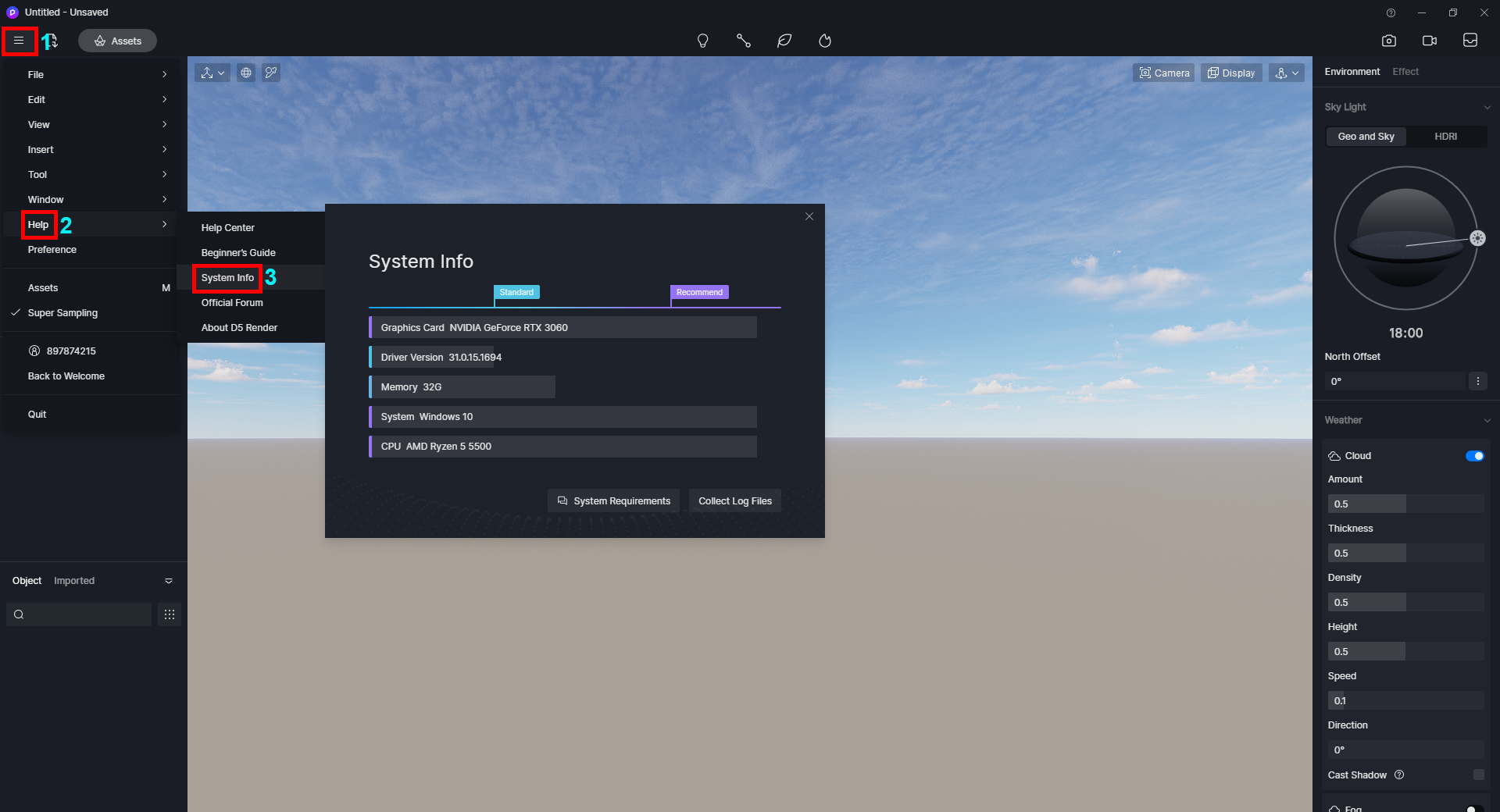
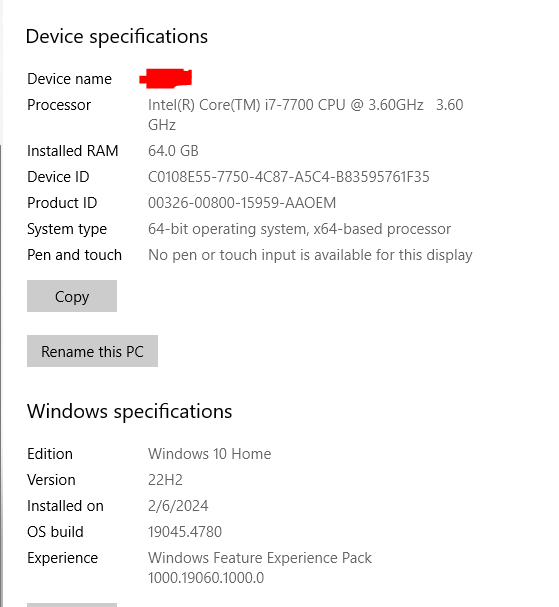
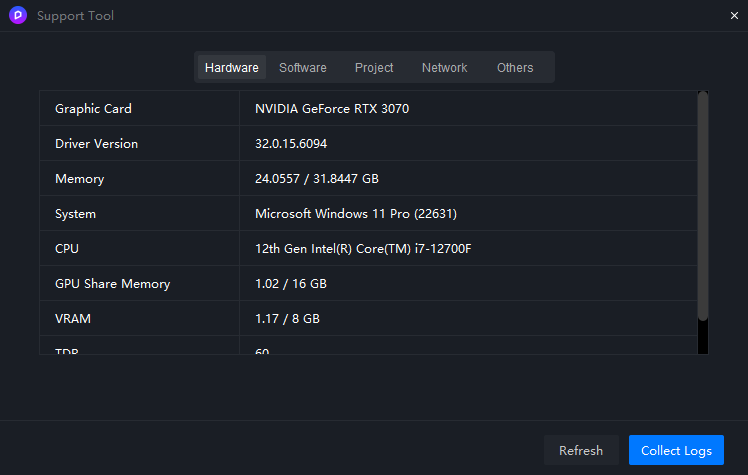
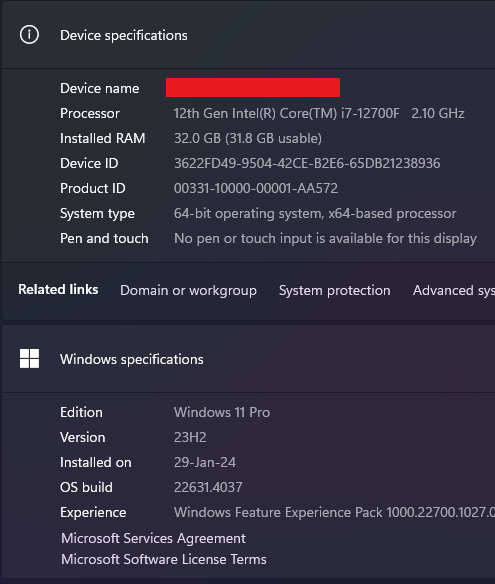
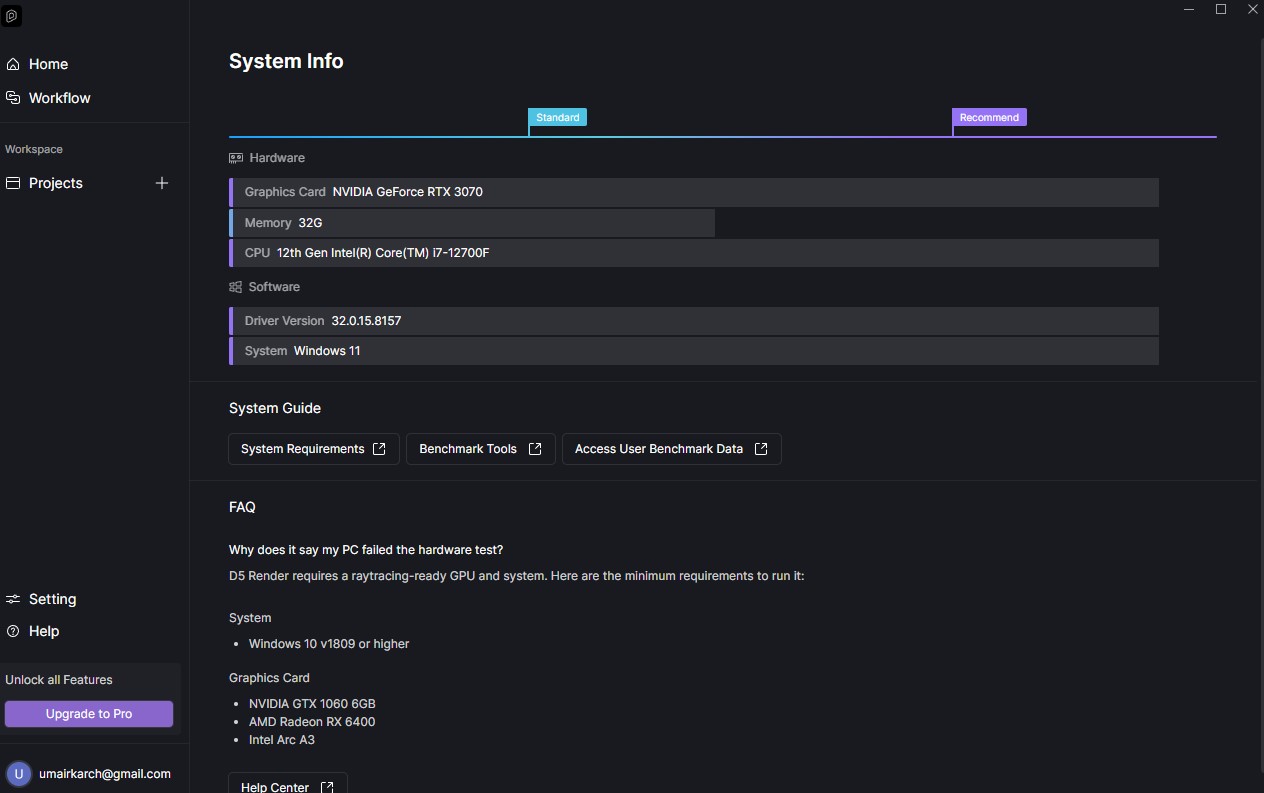
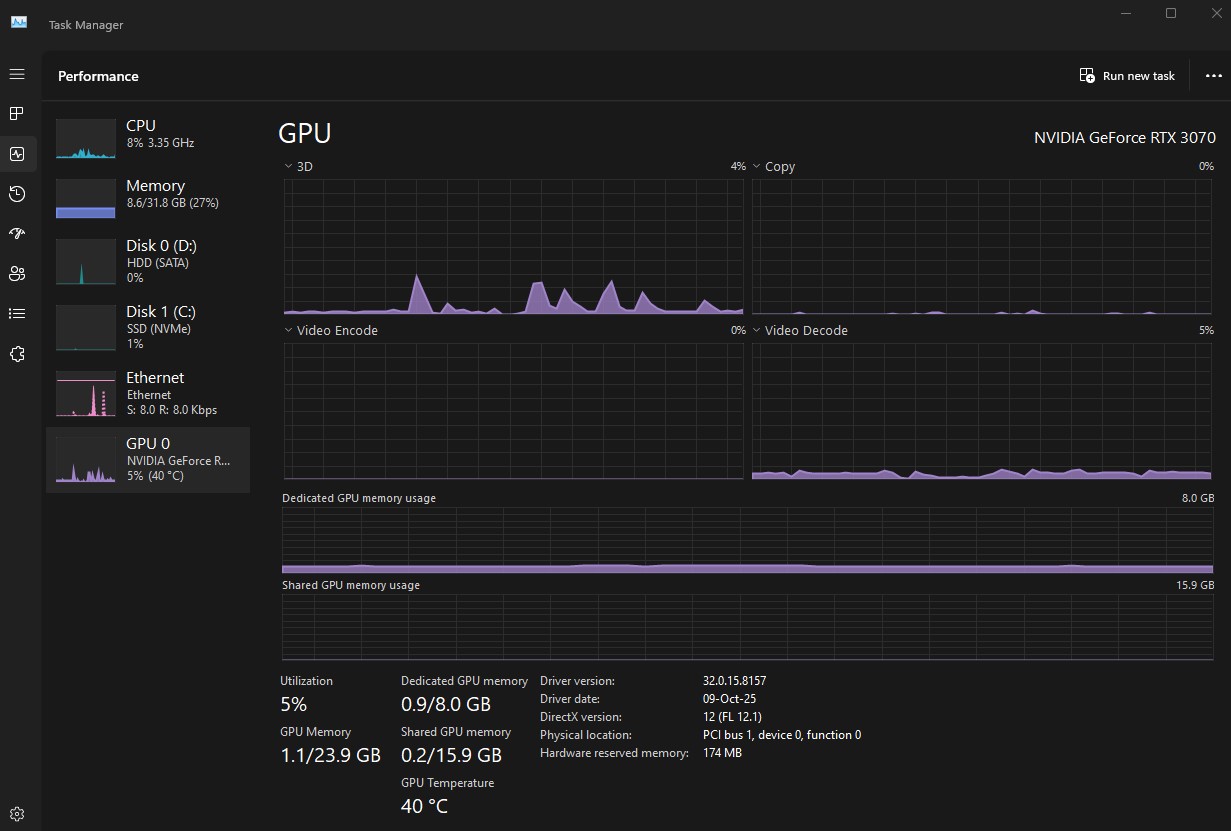
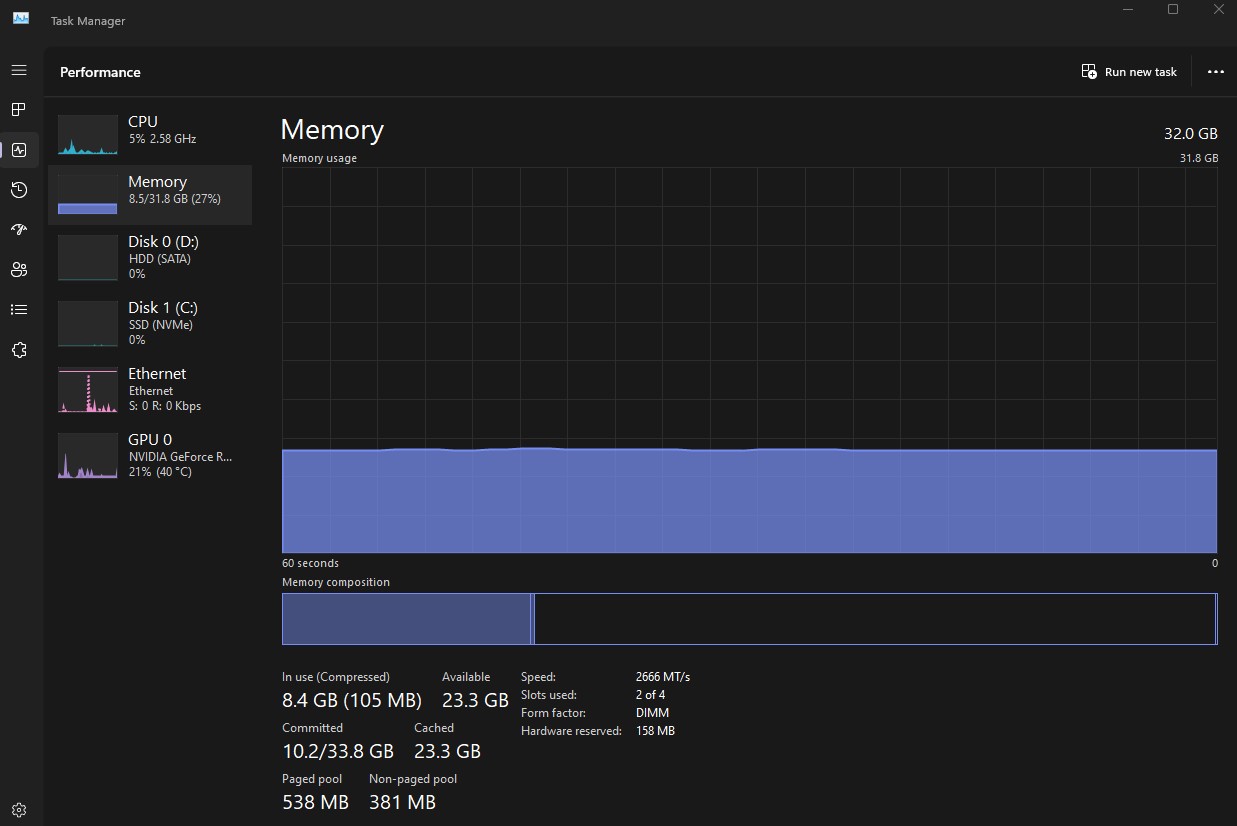
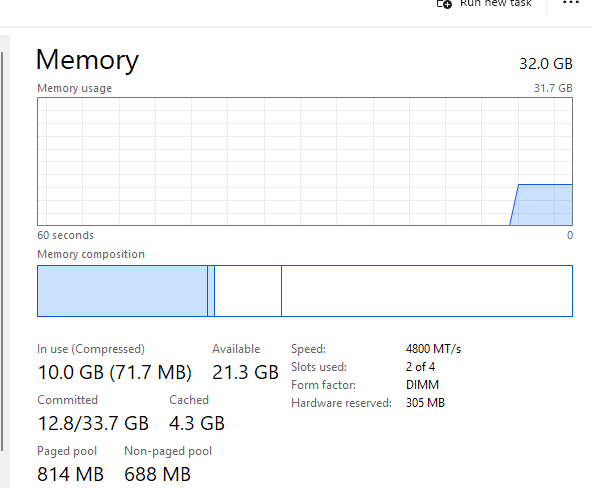
Apologies for running into this issue, is this the first time you have encountered this issue? Could you provide me your system info? You can refer to this guide for instructions.
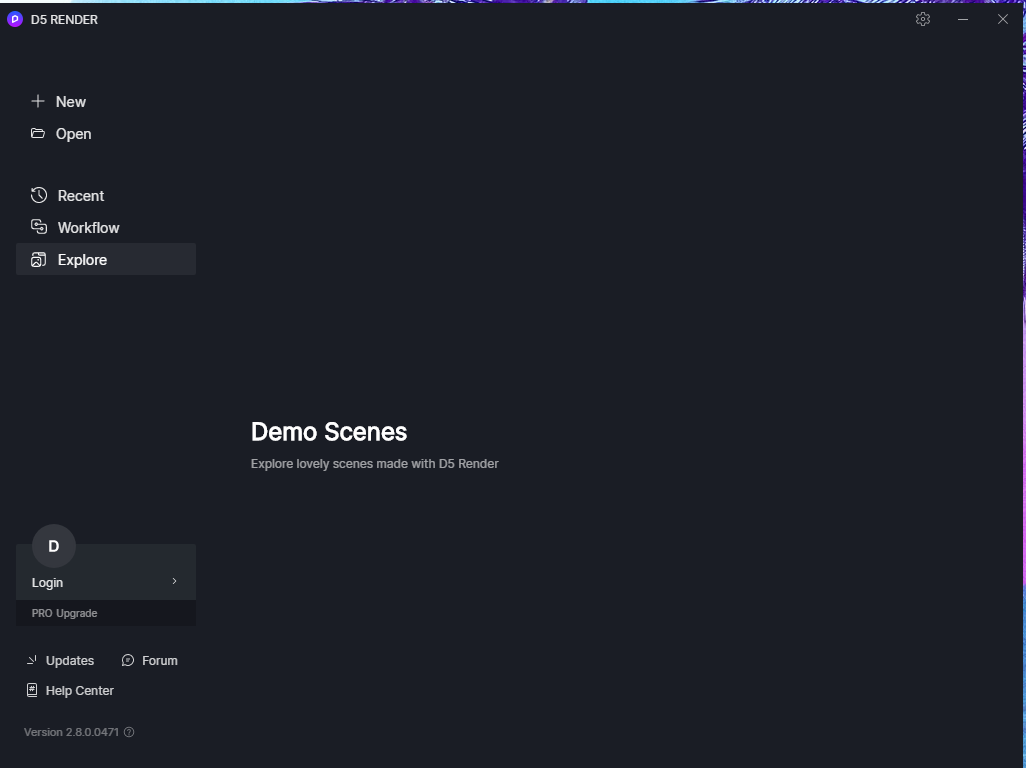
@maslu Yes this is the first time. i want to inform you that the first image you have attached is not accessible by me as the program quits as soon as i launch D5.
I’ve noticed that your D5 version is outdated. You can download the updated version from the official D5 website at https://www.d5render.com/. I have two possible solutions for you:
Hello @maslu. i have updated all drivers i.e. graphics and intel. Also downloaded D5 as a complete package to ensure their is no problem in the installation file. i have made sure no firewall or antivirus software is hindering the software. Over clocking is also turned off. Despite our efforts the issue persists. I am sending you the log file at your given email address along with the forum link. Thankyou.
Apologies for causing this kind of inconvenience to you, your log file has been forwarded to our dev team for thorough review. While we await their feedback, I would like to confirm whether you have completed the following troubleshooting steps:
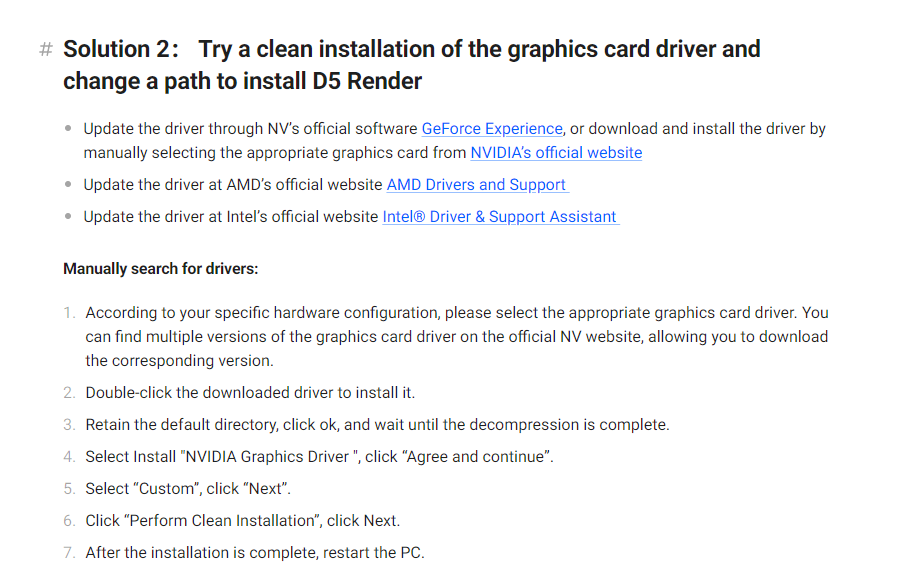
Have you performed a clean installation of the graphics card driver and changed the installation path for D5 Render?
Have you verified that the power supply being used is sufficient for your device?
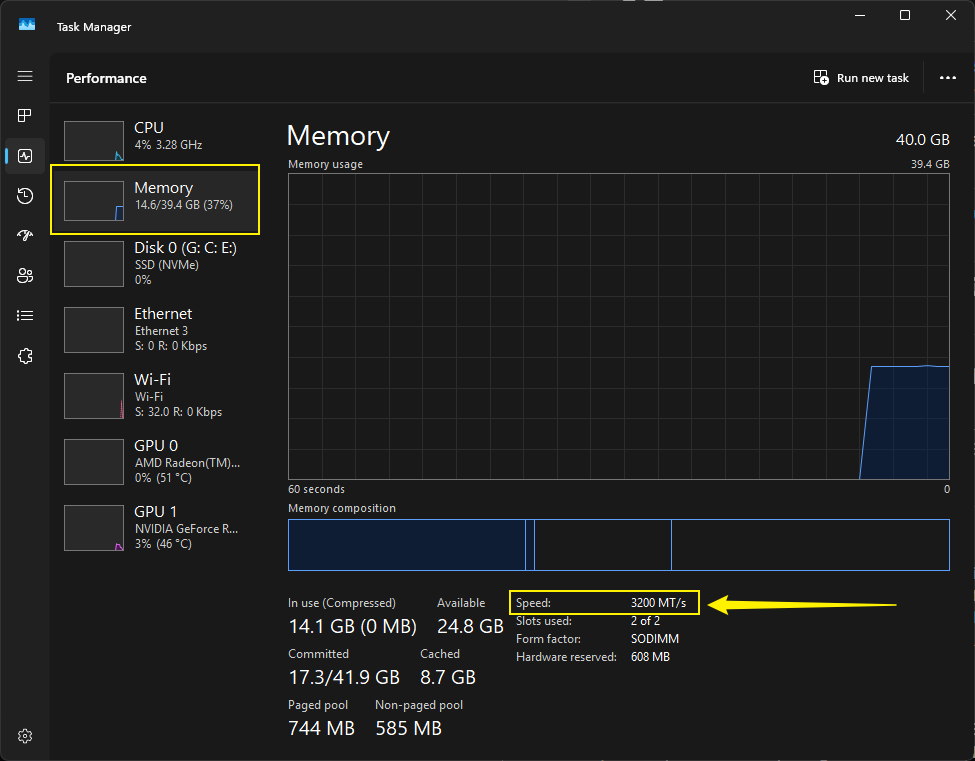
Have you checked the memory frequency to ensure it is not over 4000?
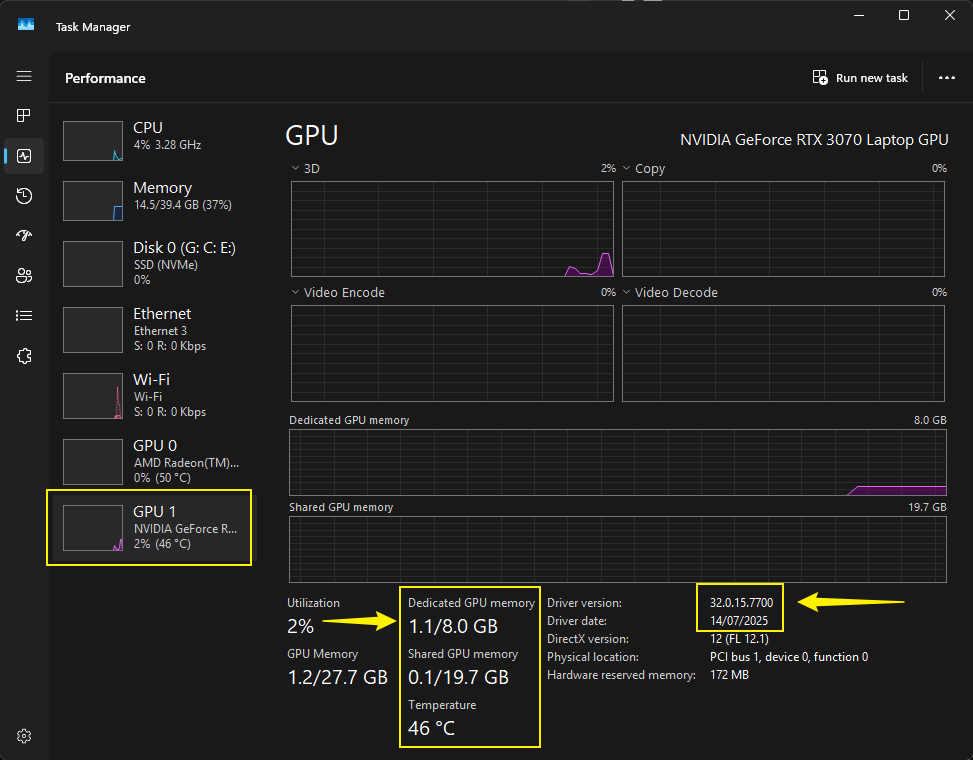
Have you checked the device temperature to see if it is too high?
Hey,
D5 crashed immediately after I open up a project. It doesn’t send any error. I can open a new project only if I run it as administrator but importing any file (sketchup model in this case) causes it to crash.
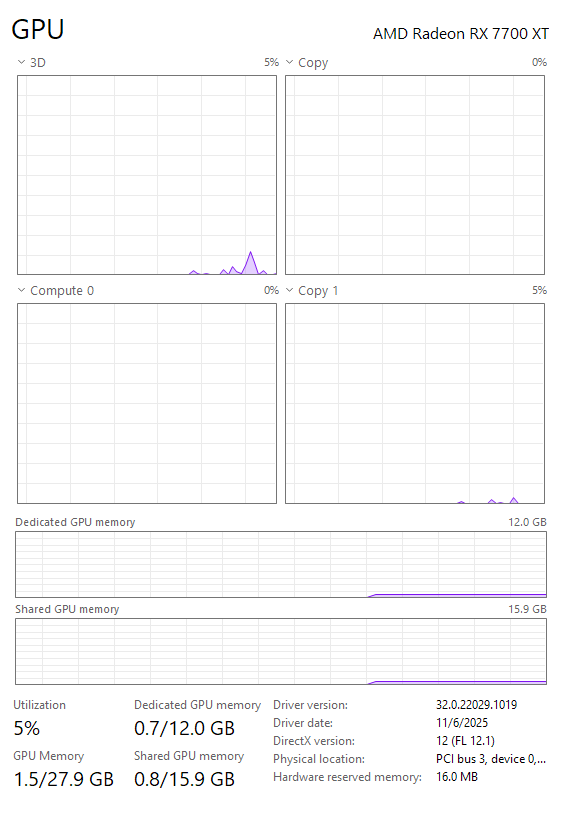
Thanks for the details. I see you are using AMD Radeon RX 7700 XT. It sounds like your crash issue is related to recent AMD driver compatibility.
The most reliable workaround currently is to roll back your AMD driver to the previous stable version. The newest driver is known to cause loading failures, crashes, and usability issues in D5 Render 2.11.
Once the driver is rolled back, your projects in version 2.11 should open normally. Please try this and let us know if the issue persists. Hope this helps. Thanks!
Nevermind, it now crashes when I try to open a saved file. I got it working on a new file but as soon as I saved it I cannot open the file back up again
Sorry to hear about this. Just to clarify — this happens even with a new file that you saved by Ctrl + S, or only with older projects? What version of D5 client are you using?
In general, D5 crashes when opening saved files often happen because the scene is too heavy or some assets/files are missing or corrupted. To try resolving it:
Make sure your project folder is on a local drive (not cloud or network storage).
Try removing or simplifying heavy assets like scatter objects, vegetation, or large imported models.
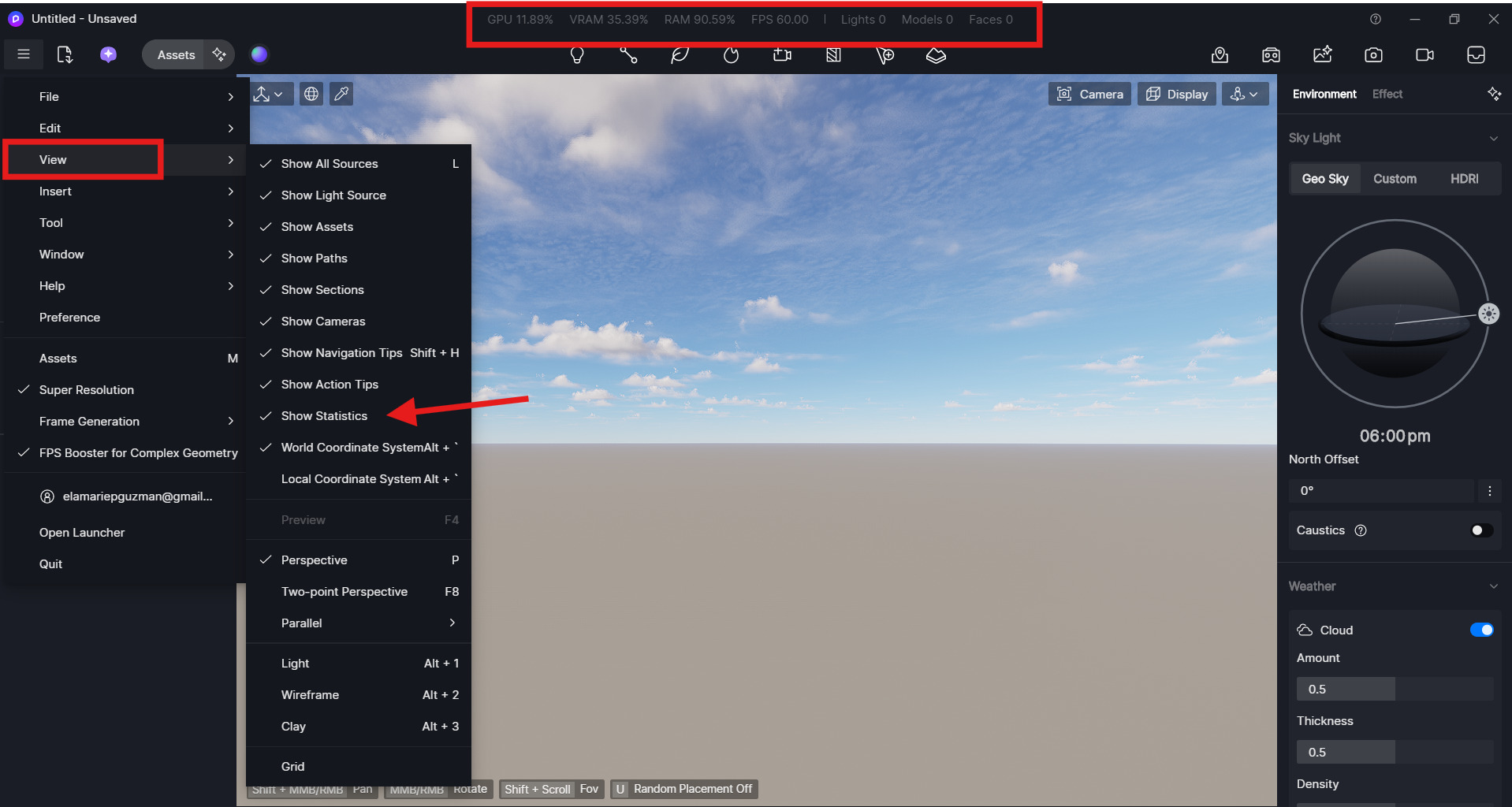
Monitor VRAM usage when opening the file — if it peaks near maximum (80%), the scene may be too complex.