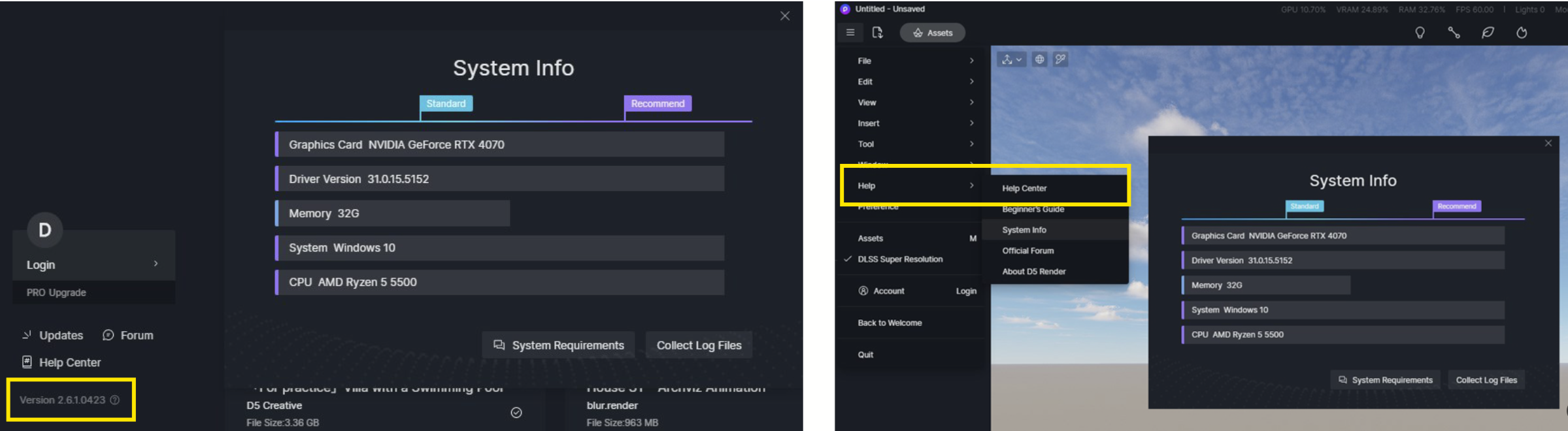
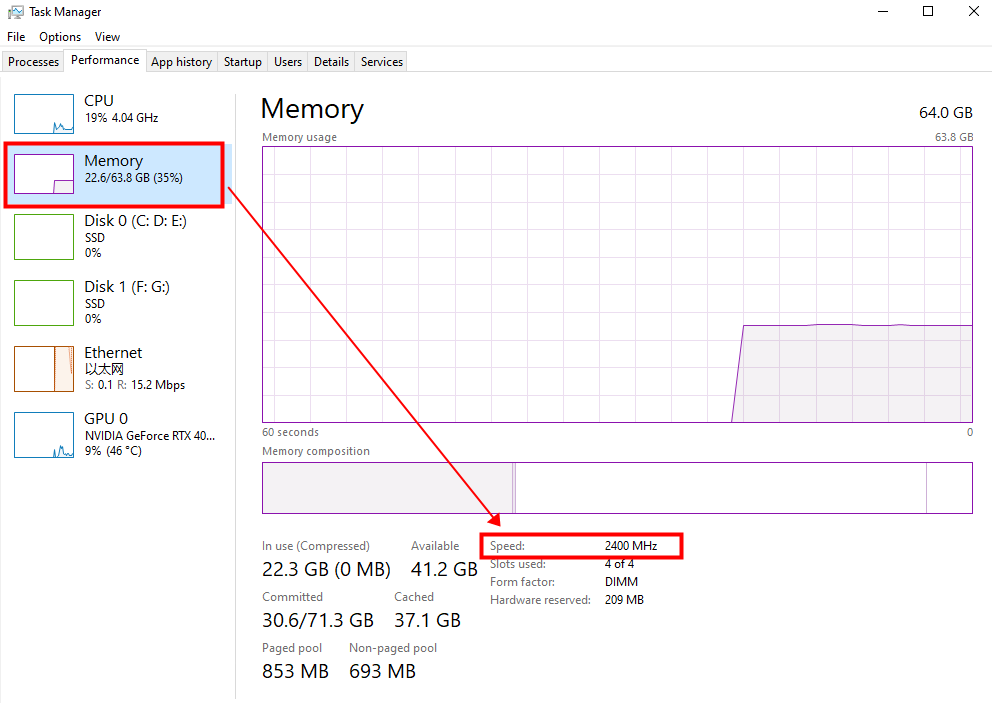
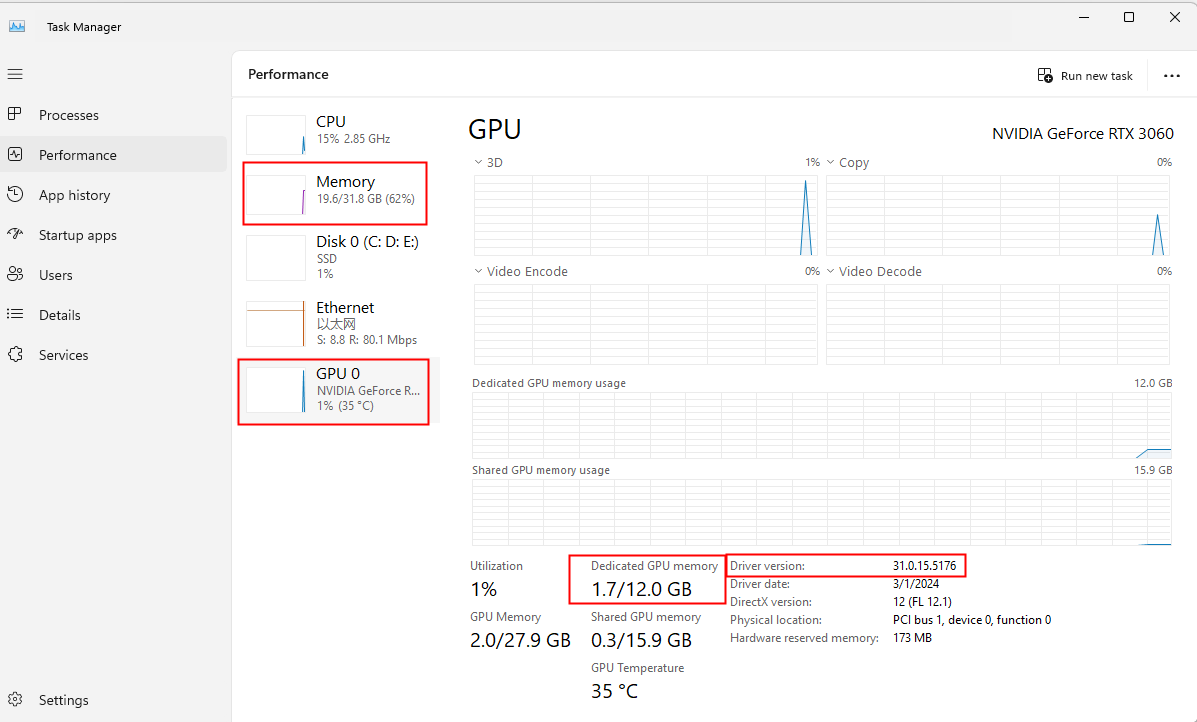
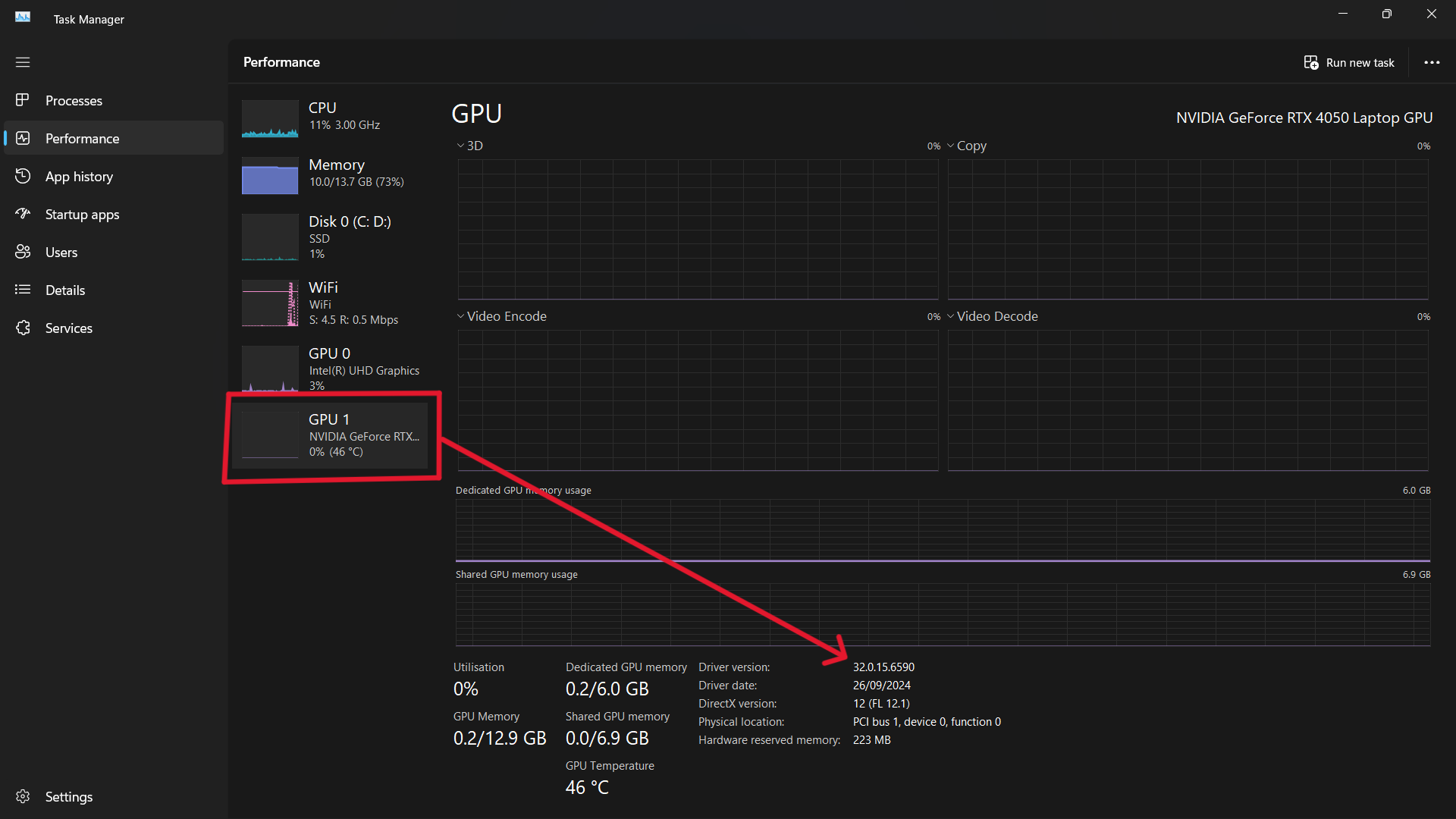
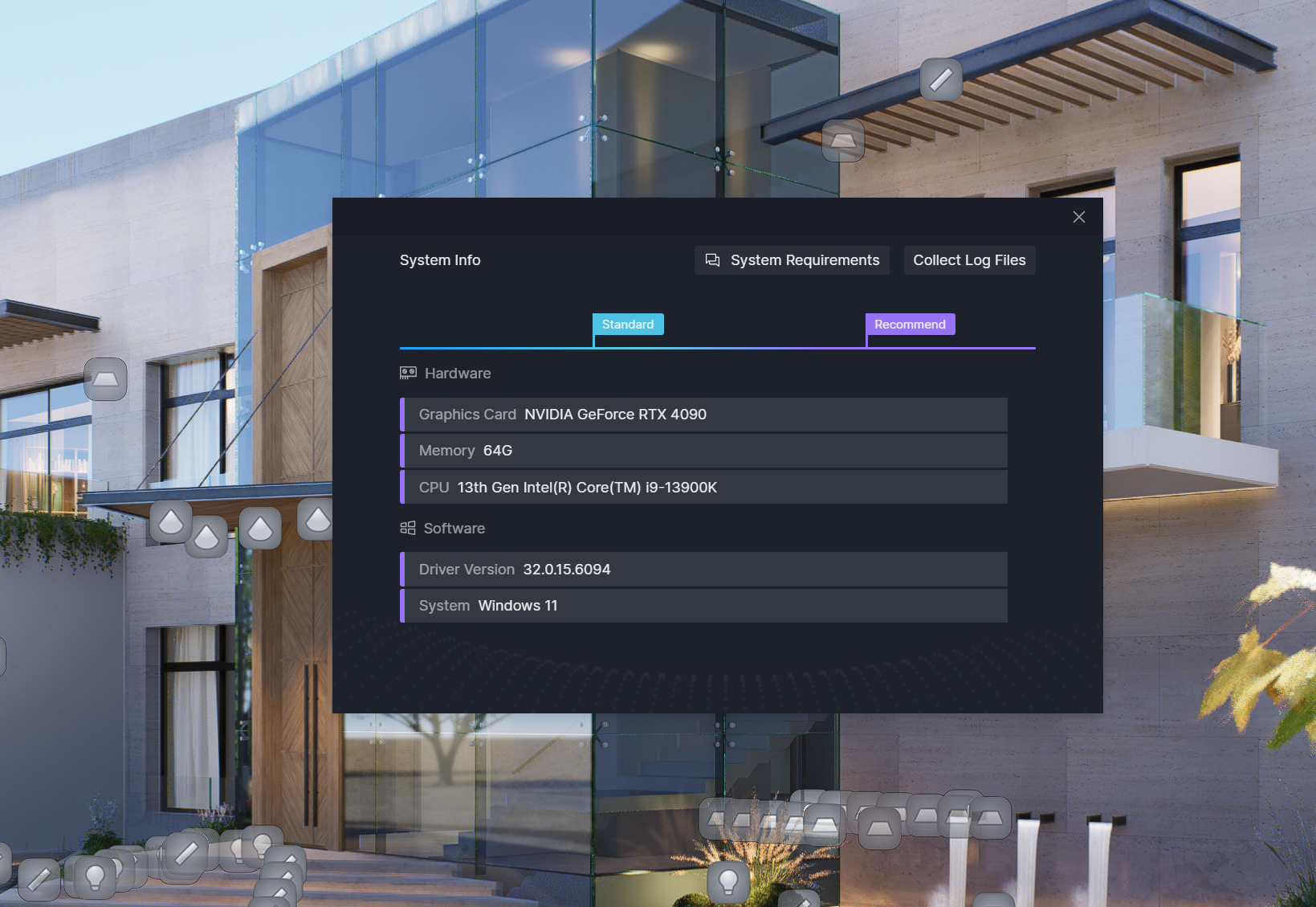
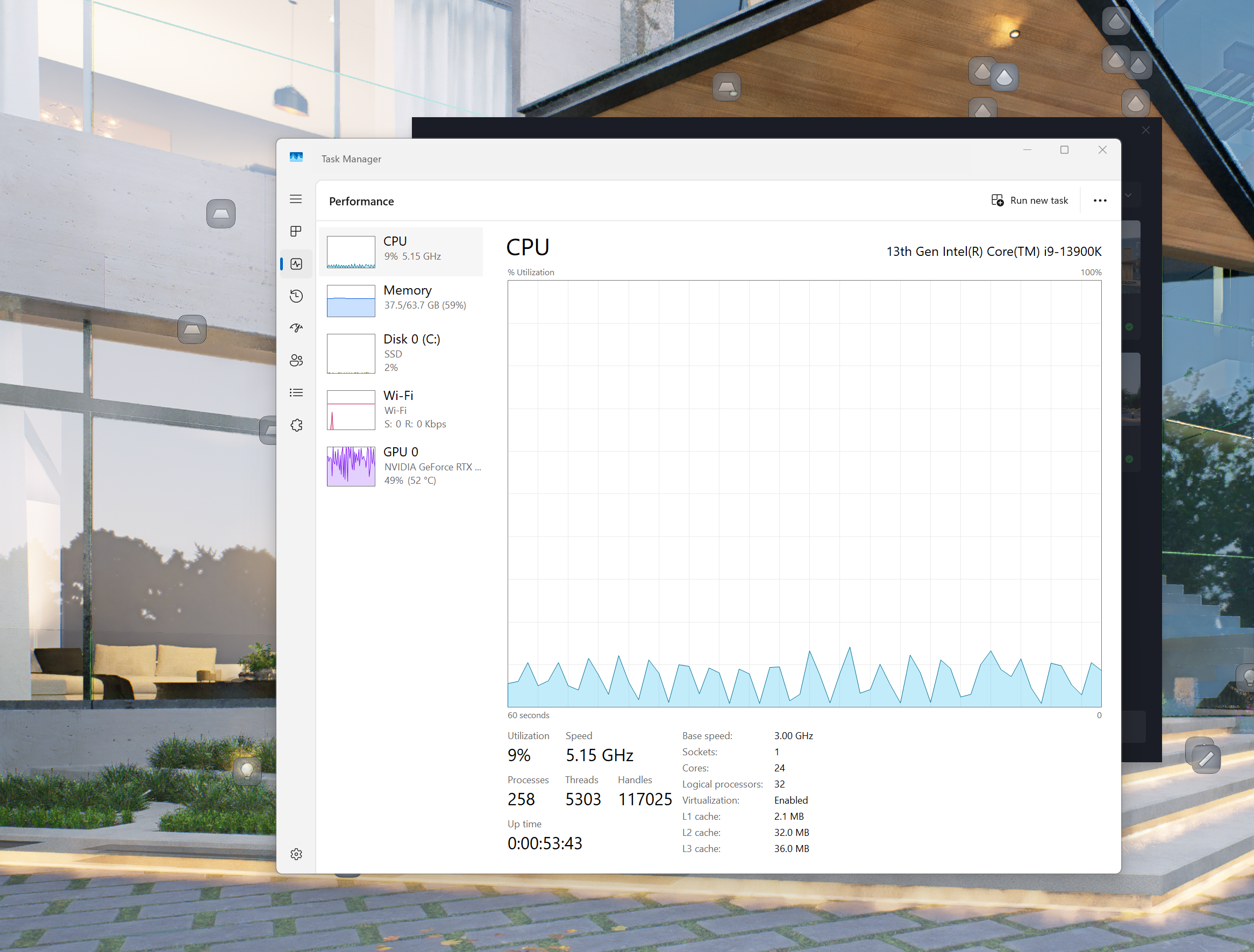
Hi @samrafey apologies for the inconvenience. I’ll like to collect some system information to enable us to troubleshoot the problem properly. Please did you use the render queue
option for these renders? Ensure you maintain a stable network throughout the rendering process.
Hi @Anthony_D5 thank you for your swift reply, answering your question; yes i’m using queue option for these renders, it’s the only way to be able to finish such project, because i’m rendering short clips from different angles to view my architectural design, it’s common practice for better use of time, we can’t possibly sit infront of the PC while rendering clip by clip waiting for it to be done.
please see attached the info that you requested.
i’m using D5 Version 2.9 (latest update)
Hi @samrafey thank you for providing these details. I believe the issue is caused by your CPU model (i9-13900k) which is known to cause software crashes and freezing of D5 Render.
I recommend updating your BIOS as well as turning off CPU overclocking to resolve this issue. I sincerely apologise for this experience.
i mean sequence render of frame , not mp4 render clip. with seq. render u can make video in any video editor. u can do queue render in seq. render too.
Hi there, apologies for the delayed response. You can update your BIOS from the manufacturer’s website.
It is recommended to download the latest BIOS file for your motherboard model from the official website of the motherboard manufacturer and perform the BIOS update.
Note: You will need a USB flash drive with a capacity of 1GB or more and save all the downloaded BIOS files from the motherboard manufacturer’s website to this drive.
ok! so according to your feedback my CPU is not good, but how about the the videos that finish render and they are corrupted and don’t open??? i’m certain that this is not a hardware issue!
Hi @samrafey, please I strongly recommend updating your BIOS first and try rendering the scenes again. If the issue persists then we’ll have to collect your scene file and log file for further examination. Thank you for your patience and understanding.
@Anthony_D5
hello Anthony, i have updated the BIOS and the graphic card as well according your advice, however once i render a video it is still corrupt unable to open! any advice? this occasionally happened to me before in the past but it got impossible after updating to the latest D5 version, so your software it malfunctioning and it has nothing to do with my 6000 dollars PC machine.
Despite the similar configurations
there are many variables that do not depend on D5,
otherwise the same thing would happen to all of us and we would
be facing a reported bug.
If you have the patience to find the problem
together with D5 support, or someone from your IT staff,
or whoever set up and configured the equipment,
and you manage to get D5 working, it will be worth the effort.
If you don’t, good luck with Lumion, I left there
since version 12.5 because of the price and the subscription,
and I had already been working with d5 SINCE VERSION 1.3,
and I don’t think I’ll go back.
@JoeLouis
Hi Joe, the computer doesn’t crash it’s the software that suddenly closes, i have a powerful machine it runs D5 like a piece of cake, i never faced any issue before the recent update of D5, hence it’s not a computer issue!
on the other hand if the video file renders and completes its task but the file produced corrupt, i don’t understand how it is a computer issue when the file produced by the software is unusable.
Hi @samrafey, we would like to test your scene on our end to better understand the issue with the corrupt render output. Please send your log file and scene file to our email at support@d5techs.com, using the tag Anthony_Forum.
We apologize for the inconvenience. Thank you for your cooperation.