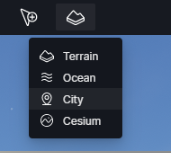
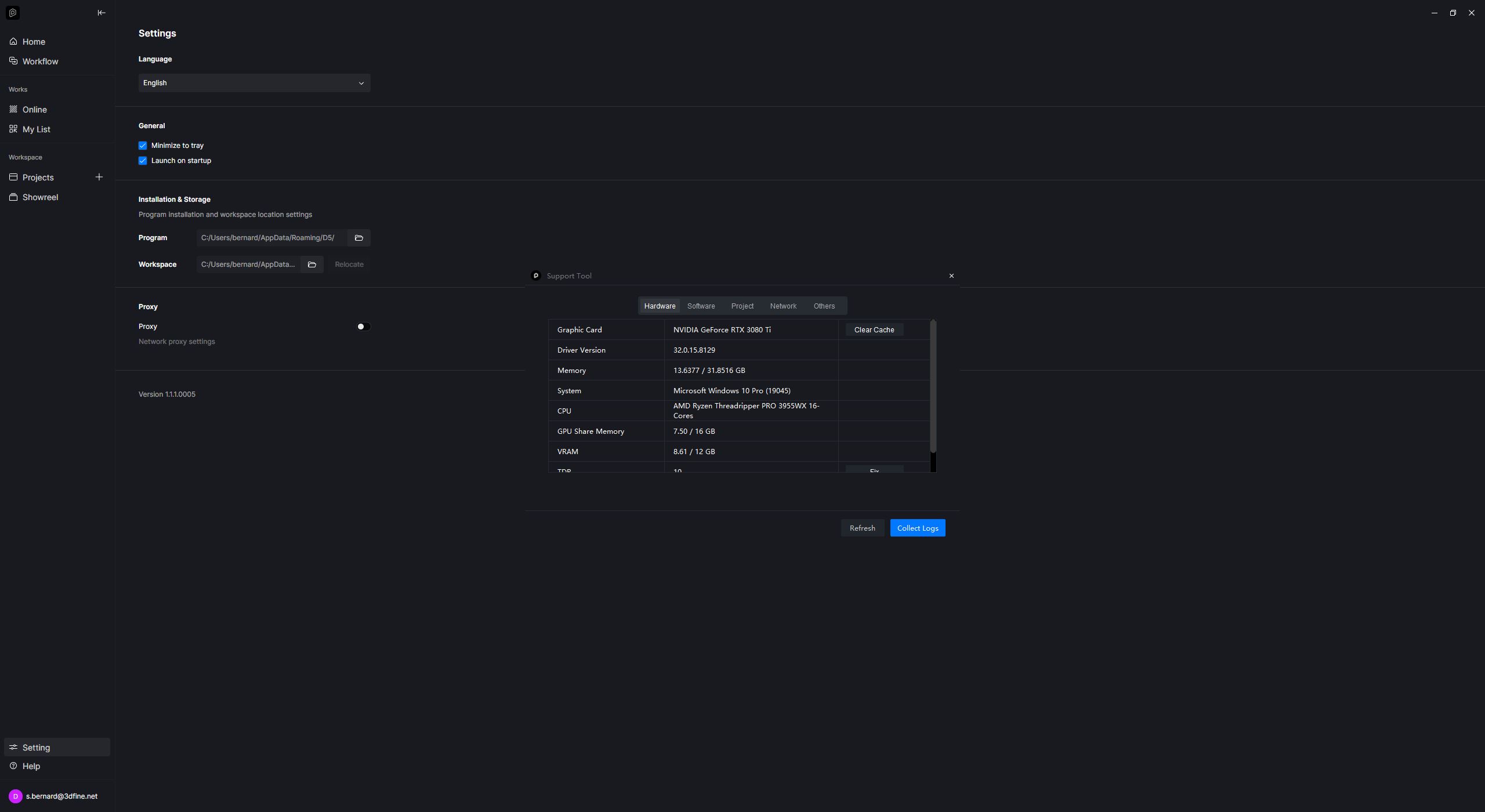
Hi, today I tried to activate City, but I’m getting this error. In previous days it was working. Could you help me?
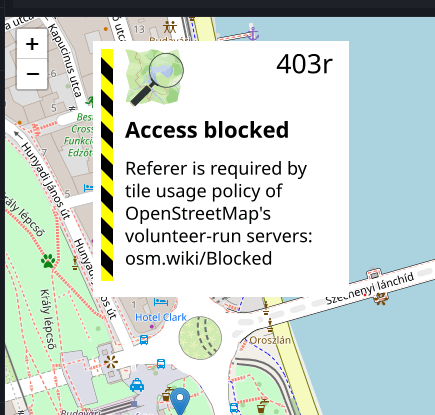
“Am I the only one getting this error, or has it happened to someone else as well?
I just installed Cesium created a Token pasted it in my D5 account and got the same error…
I also have no idea what it means and how to correct it.
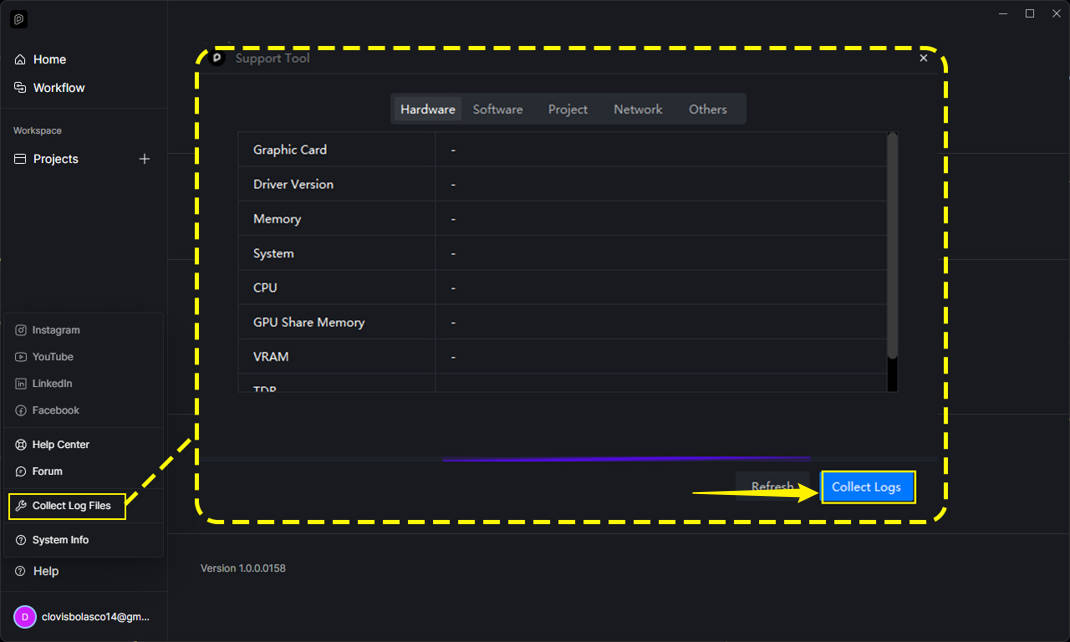
Thank you for your response, I am attaching a screenshot since the ZIP file is too large.
I noticed that the “Access blocked” error appears when I zoom in on the map; if I don’t zoom in, the building models in D5 are imported correctly.
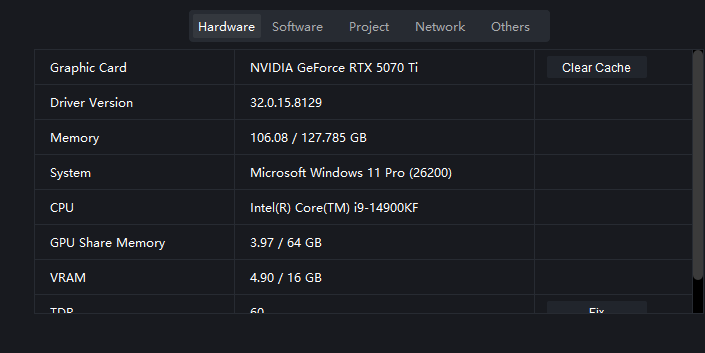
We were able to identify the issue. Can you please try to zoom out slowly/fast? The error prompt should appear. Or if you enable the city feature a few more times, you should be able to reproduce it.
- This might be related to OSM tightening its policy enforcement; anyway, we’re working on how to resolve this issue.
Thank you.
That’s exactly what I mentioned in my previous message. If I don’t zoom in much on the map, the error does not appear.
Thanks for your confirmation, that was intended for other users to confirm if doing such action will result in the same error prompts 
Greetings, whilst entering Cesium feature I have the following error message:
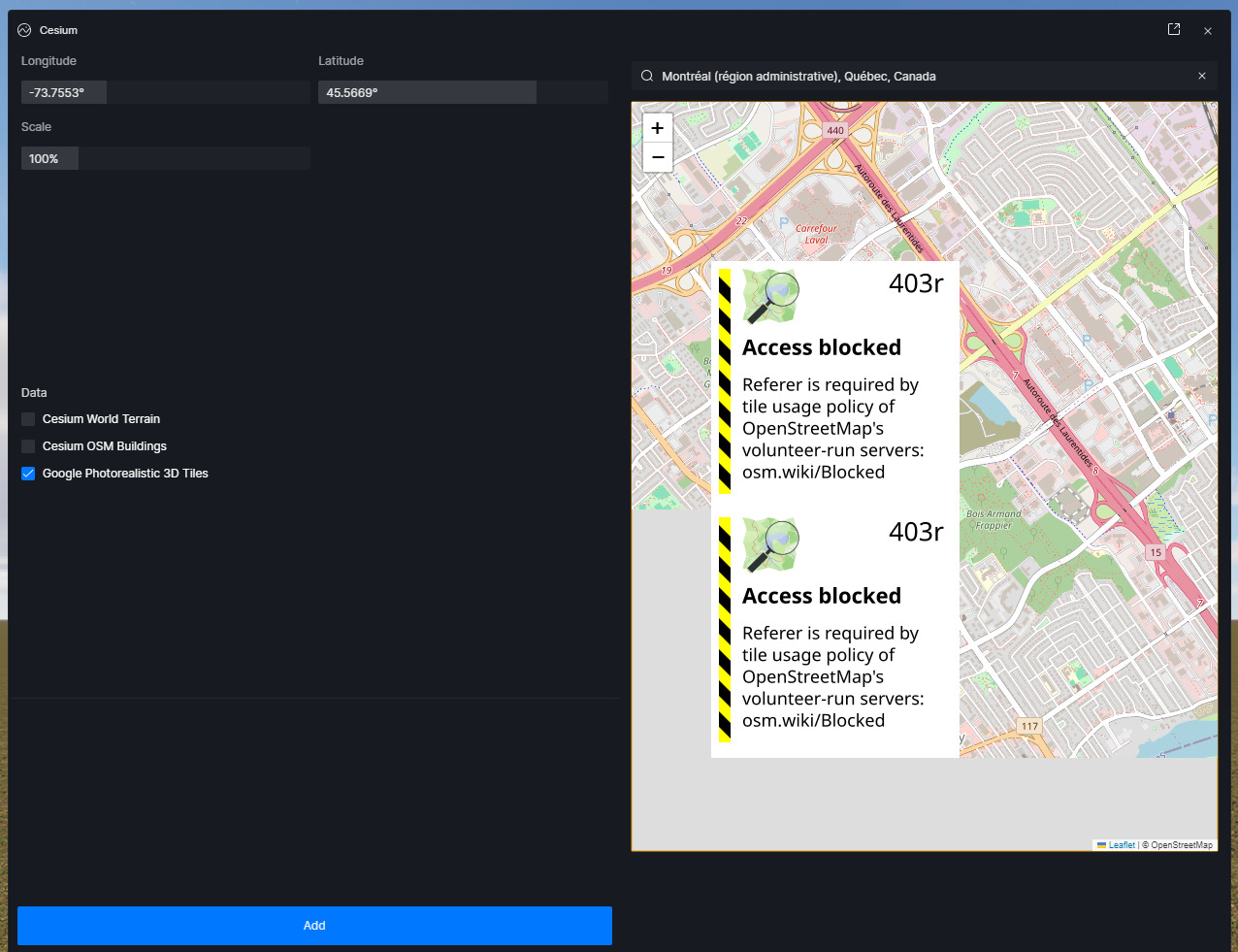
Access blocked Referer is requires by title usage policy of OpenStreetMaps volunteer-run-servers osm.wiki/blocked…
Please advise.
Could this be due to some internal company blockage as part of security policies, or something else?
Thank you in advance
I have the same problem generating cities
Hi @agonzalesh @ac1
This is currently a known issue.
Nonetheless, users will still be able to download 3D models. During testing, we observed the error prompt appearing, but it does not prevent us from successfully downloading the selected area.
1 Like
I do thank you very much.
I’m somewhat relieved that it’s not a fault with D5 Render.
I hope the error will be fixed.
Yes, OSM works, but the error message – and sometimes the fact that it appears twice – makes it difficult to select a location with any degree of precision.
1 Like
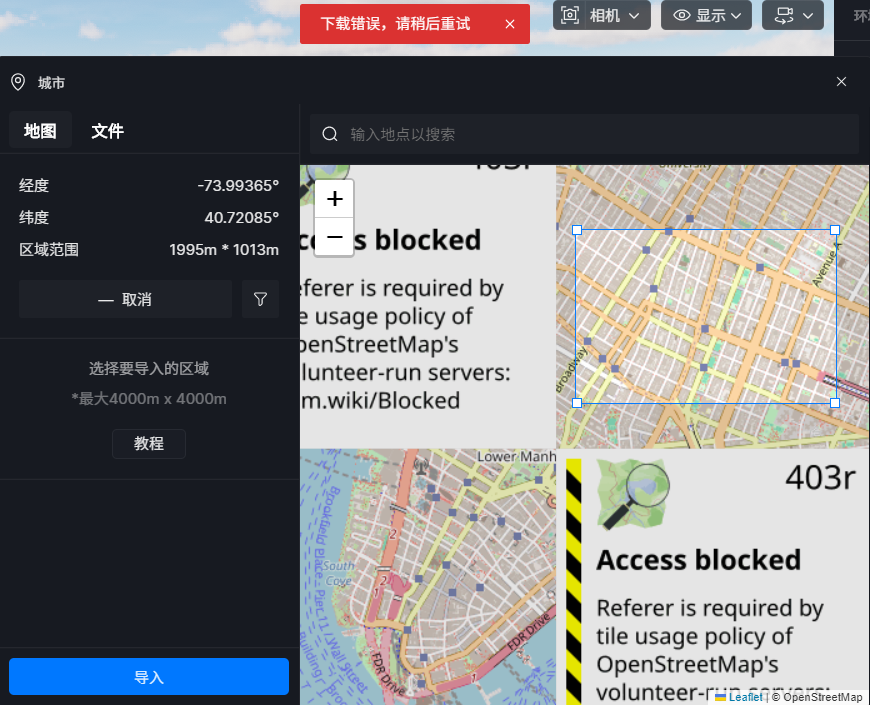
Hello, I’m also encountering the same problem. This function isn’t working properly; it keeps showing “Download error, please try again later.”
Hi @te1650699
The “Cesium download error, please try again” issue is primarily caused by network instability, especially for users in mainland China (CN), as Cesium services rely on overseas servers.
- Can you confirm if you’re in CN using Cesium?
If so,
- Use a stable overseas network (via VPN) when downloading Cesium data.
- Restart D5 Render: this can sometimes clear temporary cache errors caused by corrupted tile downloads.
- For persistent issues:
– Clear local Cesium cache (stored in%LOCALAPPDATA%\D5 Render).
– Ensure your Launcher and D5 Render are updated to the latest version.
Thank you so much for replying to my question.
The above is my answer to your inquiry.
I am using Cesium in Taiwan.
I am not using the mainland China version; I am using the overseas version.
I am only using Traditional Chinese.
D5 Render has been updated to the latest version 3.0.1.
I would like to ask where the Cesium cache is located?
Thank you very much for your reply. Grateful.
Hi @te1650699
I apologize, please disregard my suggestion regarding the cesium cache. Just to be sure, were you able to set up your Cesium Token correctly?
- We have an in-depth guide at this link: How to use Cesium? | User Manual
Let me know of the results once you have remodified your cesium token.
Thank you very much for your professional solution.
It worked.
However, there’s a problem.
With this method,
will I only be able to use the Cesium function and not the City function?
Hi @te1650699
What do you mean? Can you clarify?
- Cesium and City Generator belong to different categories. The link I sent you provides instructions for making Cesium work. There’s no need for a token in City Generator since it is directly based on OpenStreetMap (OSM).