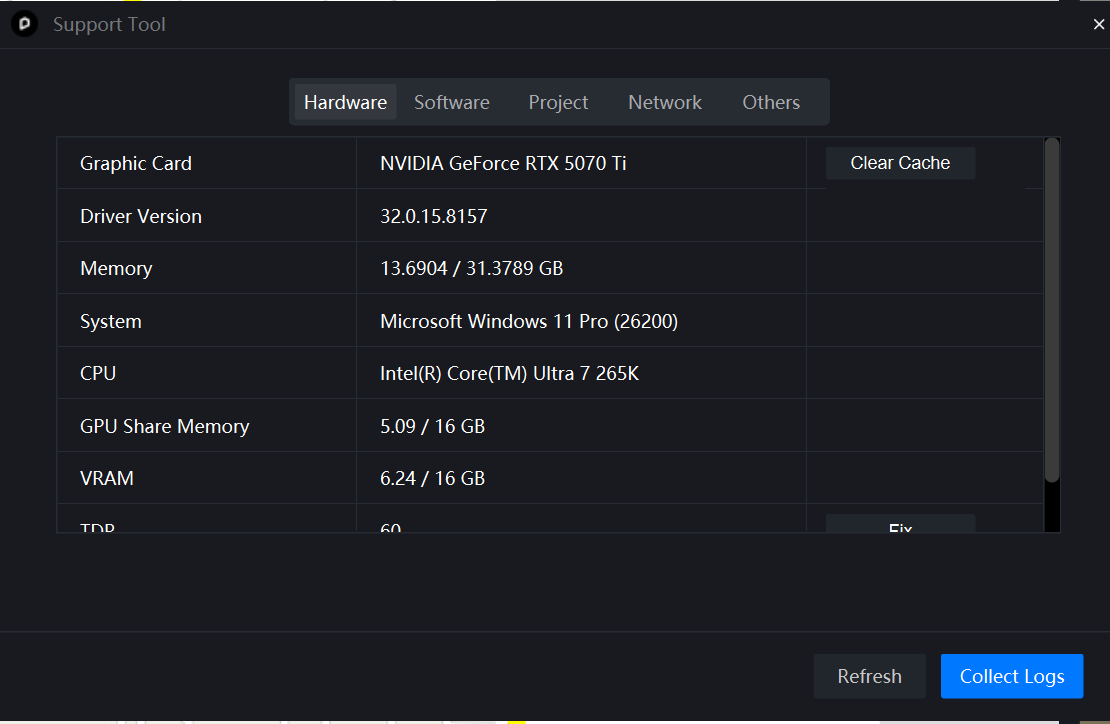
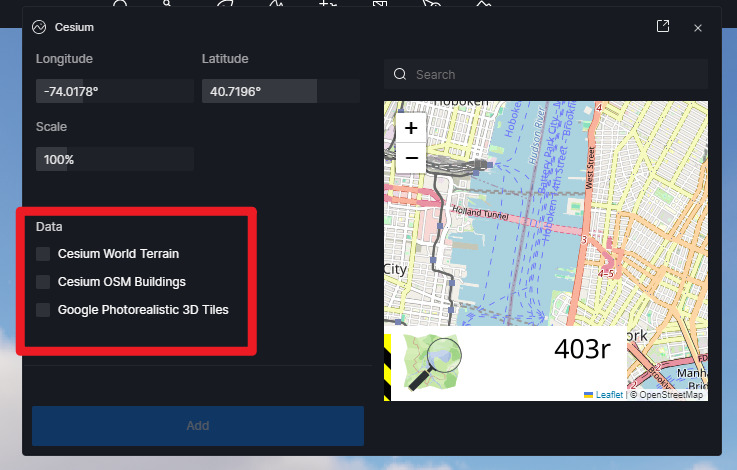
D5 Render Version: Latest public version (Clean install on 2026-04-13) Graphics Card: NVIDIA GeForce RTX 5070 Ti Driver Version: 32.0.15.8157 Issue Description: I am consistently encountering the “403r: Referer is required” error on the Cesium map. More importantly, the ‘Add’ button at the bottom of the UI is completely disabled (greyed out/inactive), so I cannot generate any models or even test the feature. This issue persists regardless of the zoom level. I have already tried disabling Norton AntiVirus and the Windows system firewall, but the ‘Add’ button remains unclickable and the error message stays on the screen.
Screenshots/Videos Description:
Screenshot of the Cesium dialog showing the 403r “Access blocked” error and the inactive ‘Add’ button.
I understand that this is a known issue and that, in most cases, 3D models should still be downloadable despite the error message. However, the problem I am facing is that the ‘Add’ button is completely inactive (disabled) in my interface.
As you can see in the screenshot I previously attached, the button is greyed out, so I cannot click it to initiate the download at all. It seems my situation is slightly different from users who can still proceed despite the error.
I look forward to your further guidance. Best regards.
Thank you for updating us. Could you please let us know which solution worked? Was it whitelisting the domains, or did modifying your Cesium token resolve the issue?
I followed the instructions in the link you sent and tried running Cesium again from the beginning, but the problem was that I had entered an arbitrary token name. It works normally now that I have copied and pasted the token generated in my Cesium account exactly as it is.
error messages still appear, but just like others, loading the model itself is no longer an issue!