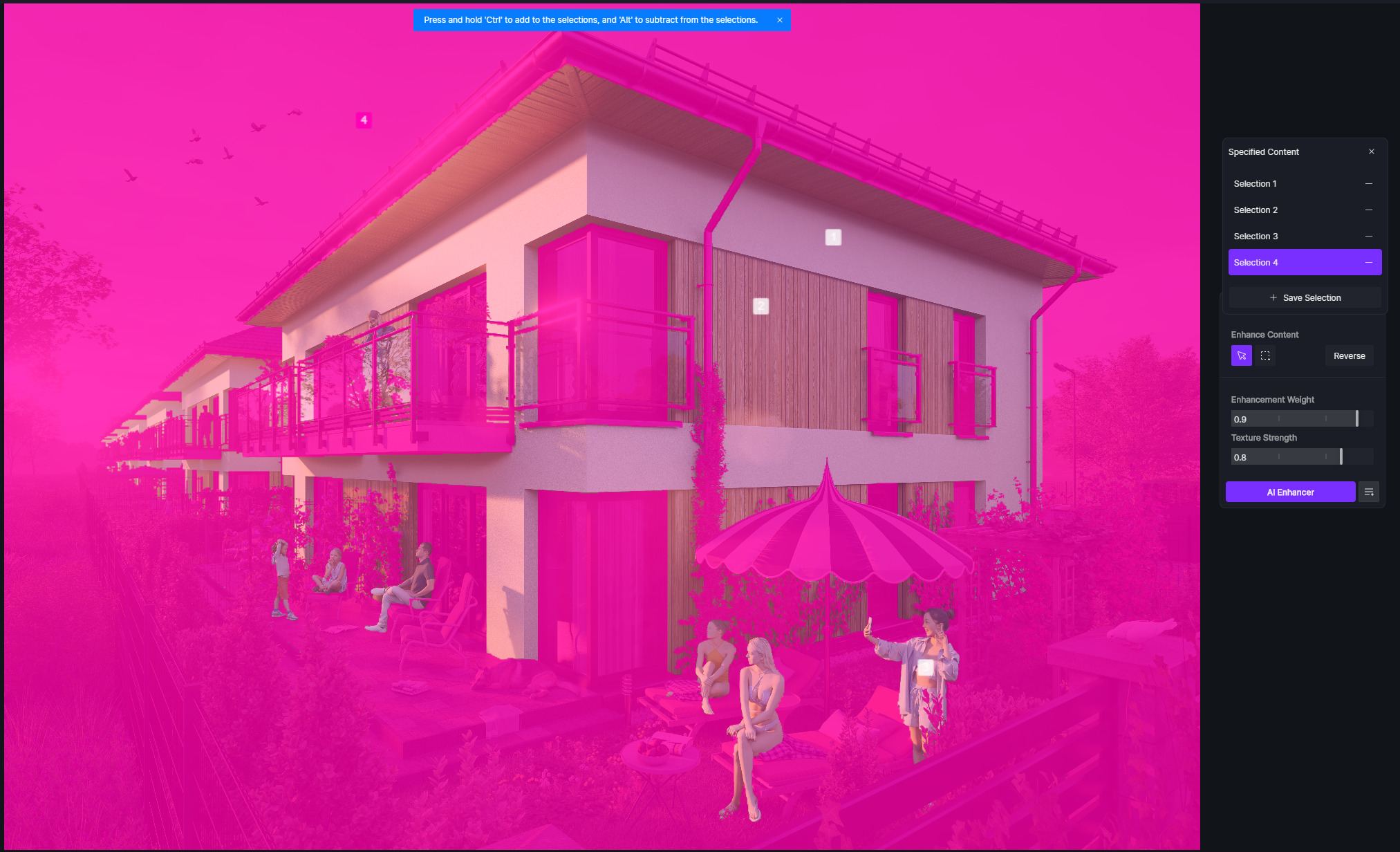
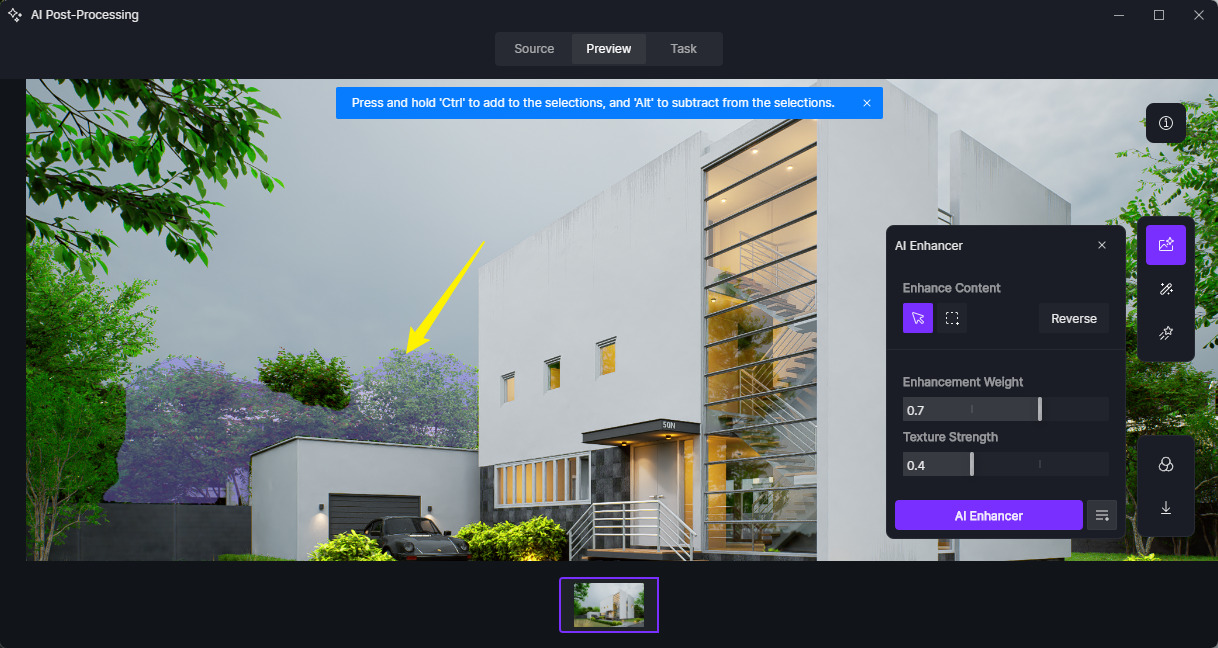
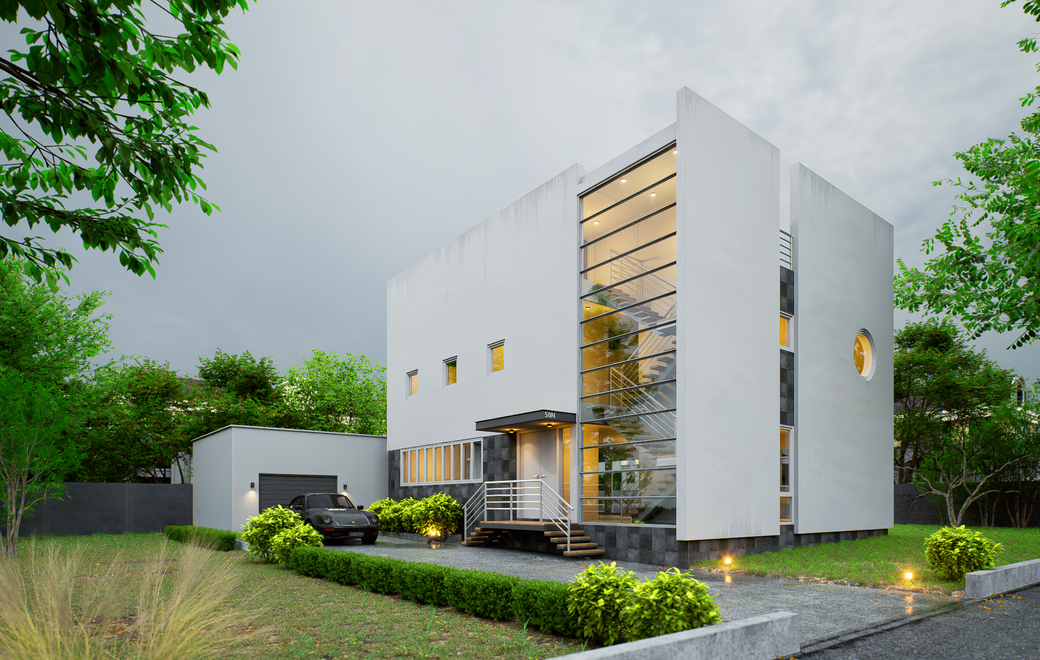
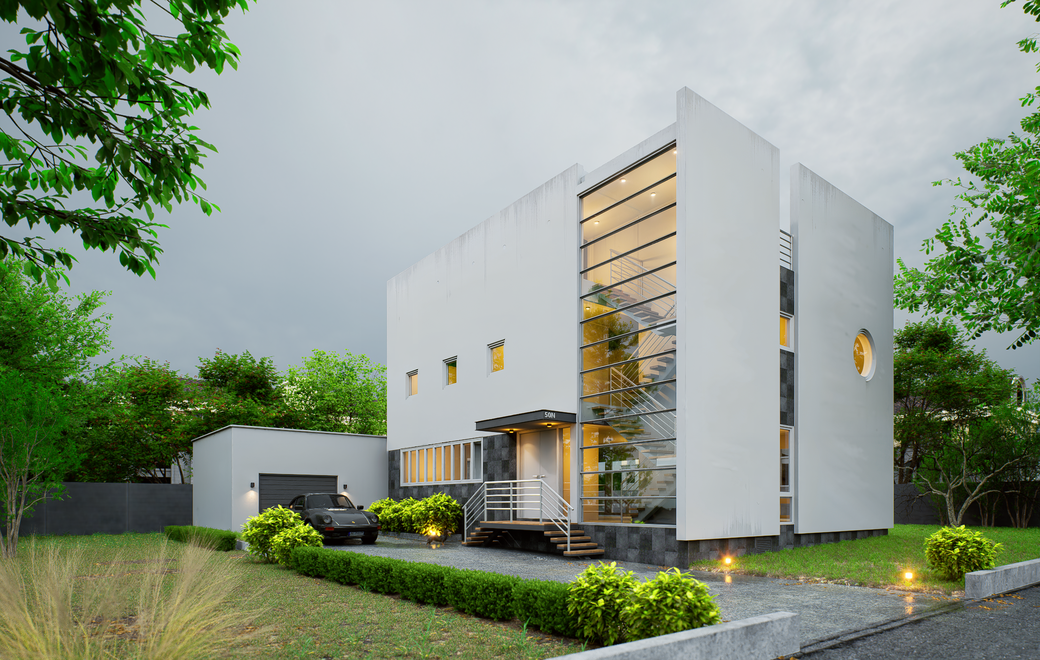
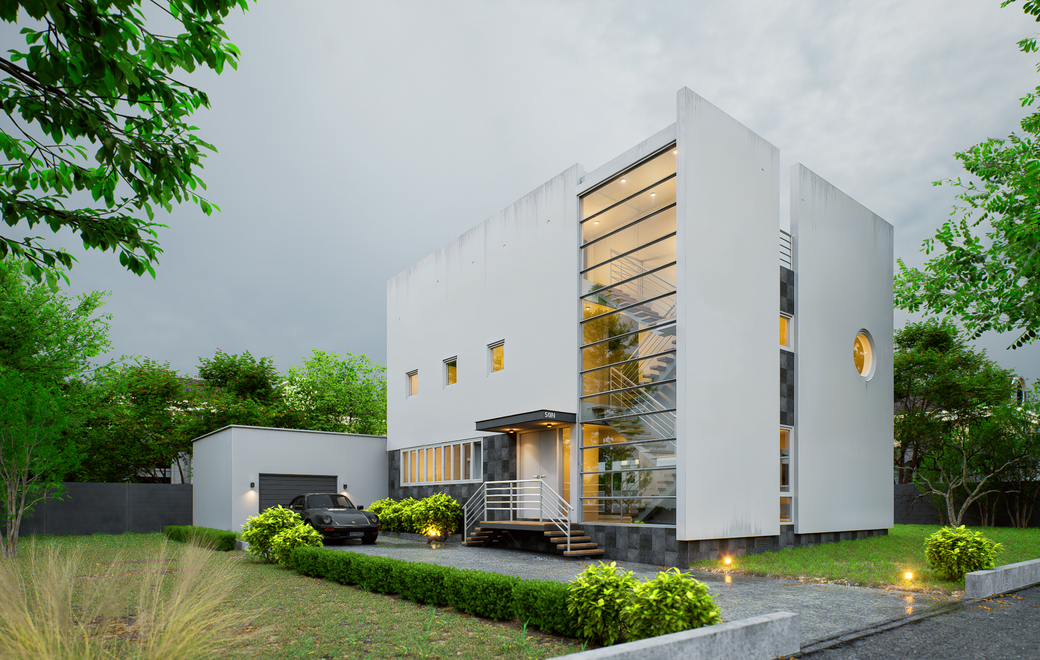
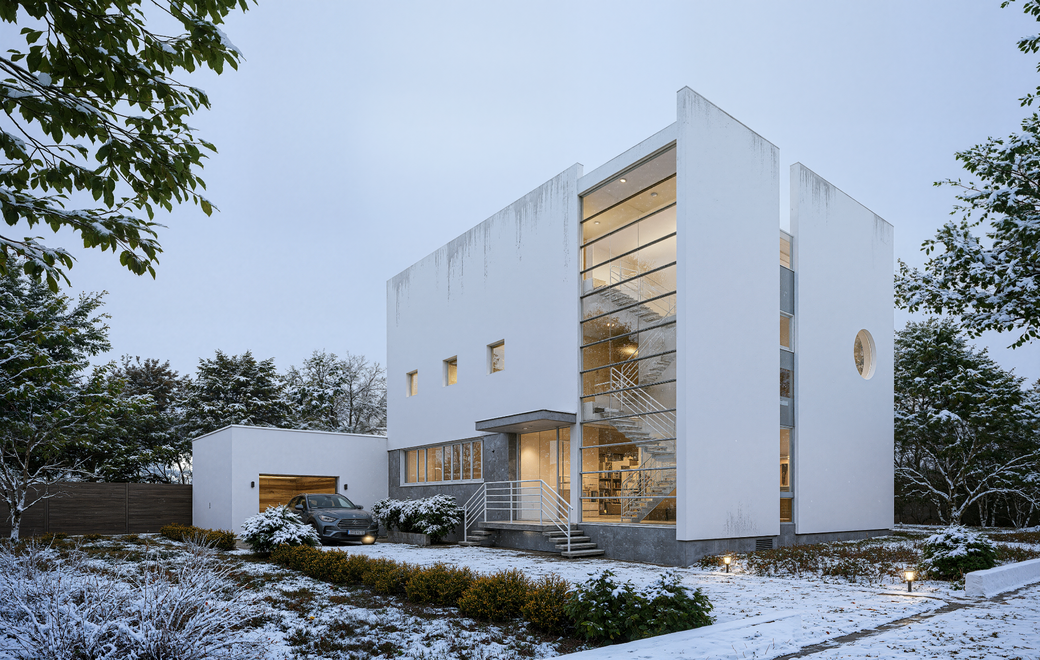
Selections doesn’t work at all even without using reverse layer. This is why I did mixing in Photoshop before. I was scared that this is another feature that didn’t work as expected.
Do you know why selections doesn’t work ? Because you have again totally buggy interface that is locked while something is selected ! Interface team works like saboteur here…
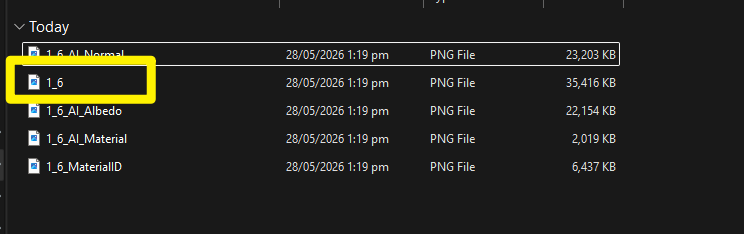
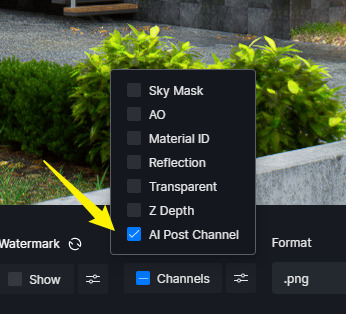
Render the AI Channel Map for more accurate/precise selection.
Please show the final output images for each strength level instead of only adjusting the slider preview. At the moment, the changes do not appear to update in true real time, making it difficult to properly evaluate the differences between strength values.
Preferably, please also provide both the ORIGINAL rendered image and the AI-enhanced result image for comparison. Having both versions would greatly help our team analyze the behavior, quality changes, and consistency of the AI enhancement output.
That’s quite a strong statement. If you have specific concerns about the AI user interface, please elaborate further by annotating the exact areas you believe need improvement and explaining what changes you would like to see.
You’ve raised concerns about the UI multiple times already, so providing detailed and constructive feedback would help make the discussion more productive for both the team and other users.
For proper tracking and visibility, UI/UX suggestions should be posted in the Ideas & Requests section, similar to the examples below:
I lost many hours for playing with it. Selections completely doesn’t work. I can mix AI with original image in Photoshop within 3 minutes with better results. In D5 mixing, selecting completely doesn’t work most probably because interface is not correctly connected to internal engine. Not only here.
It works fine without selections but walls are too much changed by AI even on lowest settings.
Generally it looks like everything which was selected use maxed AI settings - completely ignore sliders. Only these parts which are not included in selections can stay as AI free.
UI improvements suggestions are good but in this particular situation AI Enhancement selections completely doesn’t work. So this is a bug. I tested it near 3 hours in any possible situation.
Selections do good job for creating smooth transition between selections - it is one which I found that works very well. But completely ignore AI sliders strength which works near fine without selections - it depends on structure. As I said - walls, wood panels have still too strong AI visible effect even on lowest settings. This is why I prefer photoshoping at the moment.
Just some minutes I will send it. Yes I had enabled all channels. I didn’t have problem with selecting parts of the scene. They were selected perfectly. Problem is with AI enhancemer selections and UI sliders. Whether you set in AI sliders per selection it doesn’t work - all selections use maxed AI settings.
Big scene loading in D5 is very long too even using fast SSD drive. Near 7 minutes. Strange but most of the time drive and CPU are mostly not fully used.
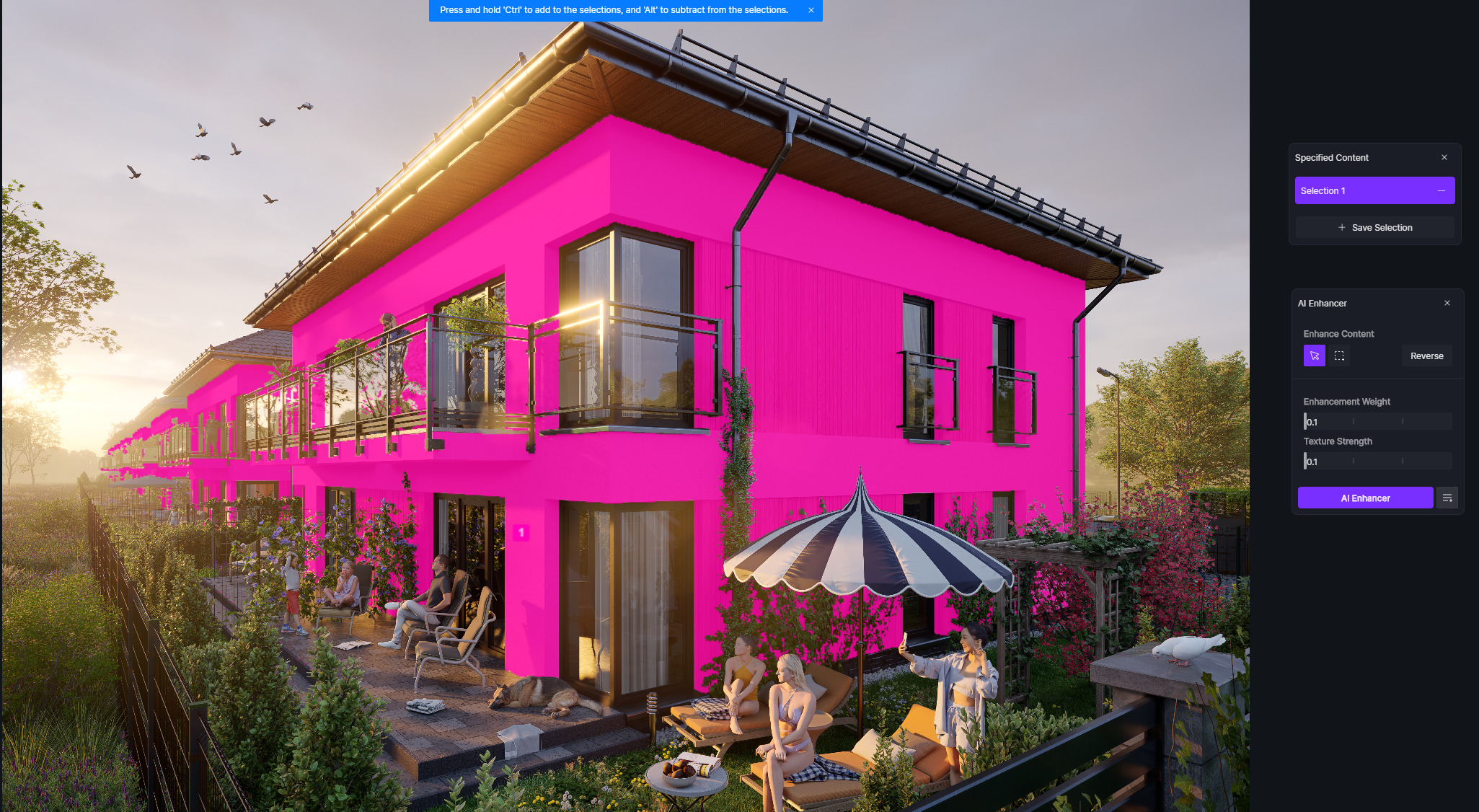
I used selections like 25% for walls and wood panels, 50% for people and reversed 90% for the rest.
Generally it looks like all of the image was generated like 100% AI without taking into account selection strength. It works fine without using selections.
But I tested without reversed selection and it works the same - only one change that all parts without people and walls doesn’t have applied AI at all as it should be.
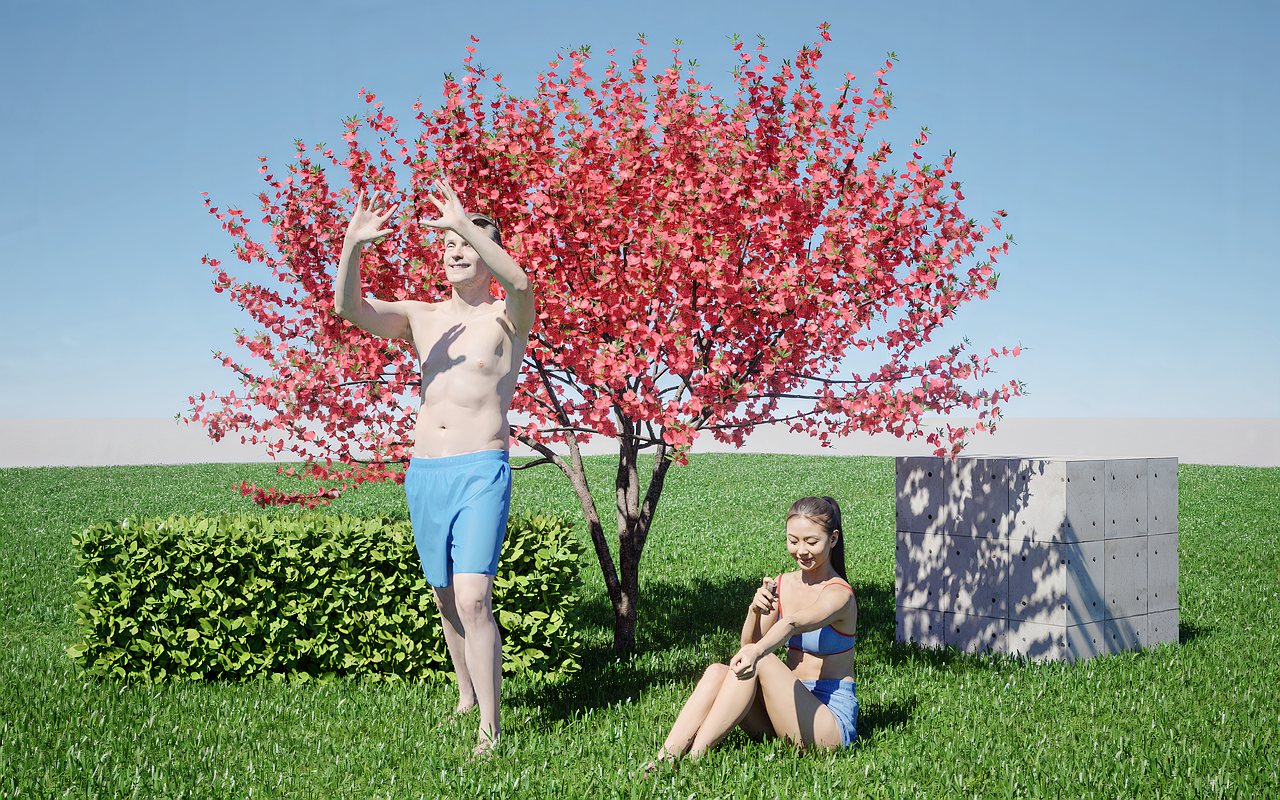
People shouldn’t have the same 100% AI upscale than vegetation and walls/wood panels should have very subtle. They all have have max AI enhancement. Works fine without selections.
Generally it looks super realistic but you know that if client want clear wall there is need to do additional job in Photoshop and if there is many views that cost time. Probably D5 introduced selections for that but doesn’t work. This is why I reported.
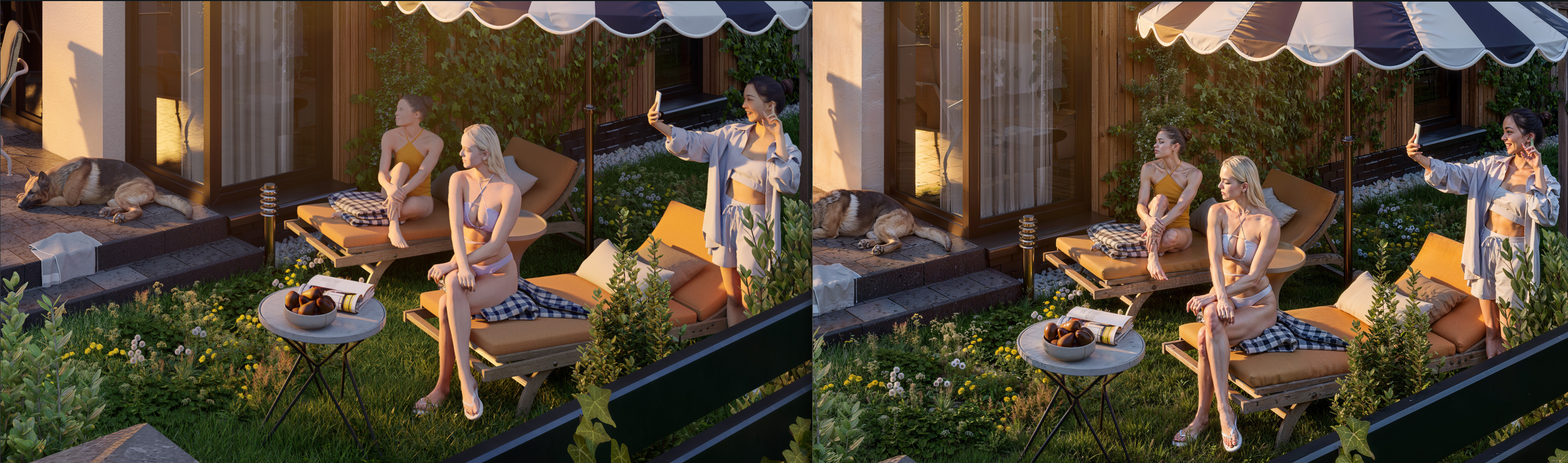
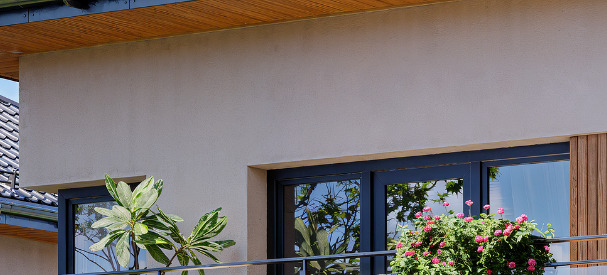
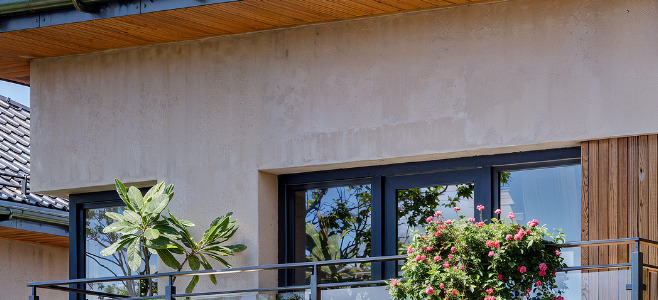
This is AI generated using lowest settings without selections :
This is the same with selections set to lowest settings the same settings as above :
This is another advertised feature introduced near year ago that completely doesn’t work. So I surely that it was not tested. Everyone can see this in renders. I don’t think that it magically stopped to work after months.
As I said it looks like AI Enhancer works fine but interface is wrong implemented so selections doesn’t work.
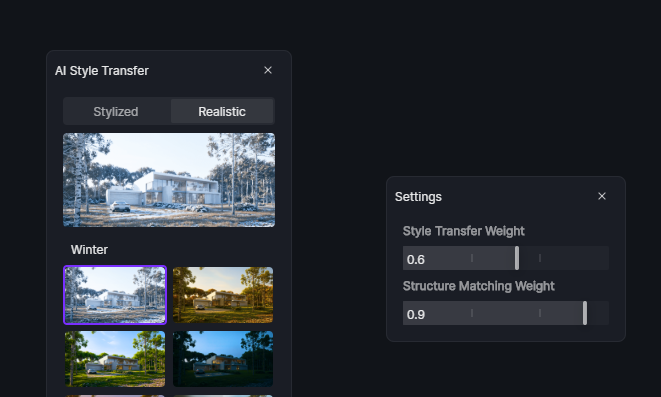
It looks like AI Style Transfer settings doesn’t work too. I don’t see any difference using 0.1 or 0.9
I have tested the issue you reported and found NO replication on my end. Although this has already been reported together with the images that you have sent so this may be specific to certain file/image only.
Results:
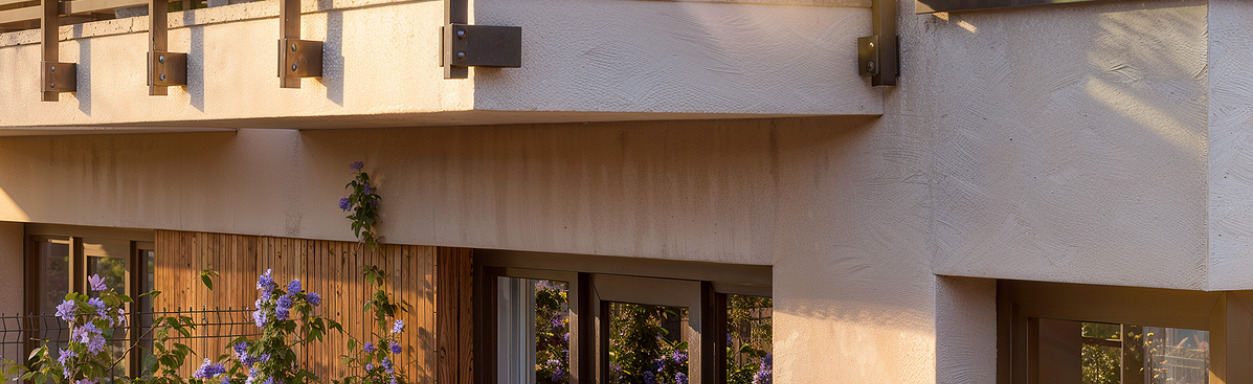
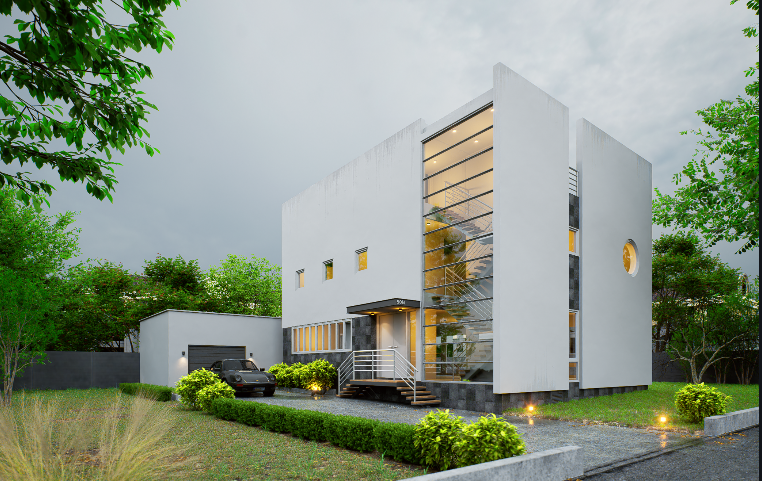
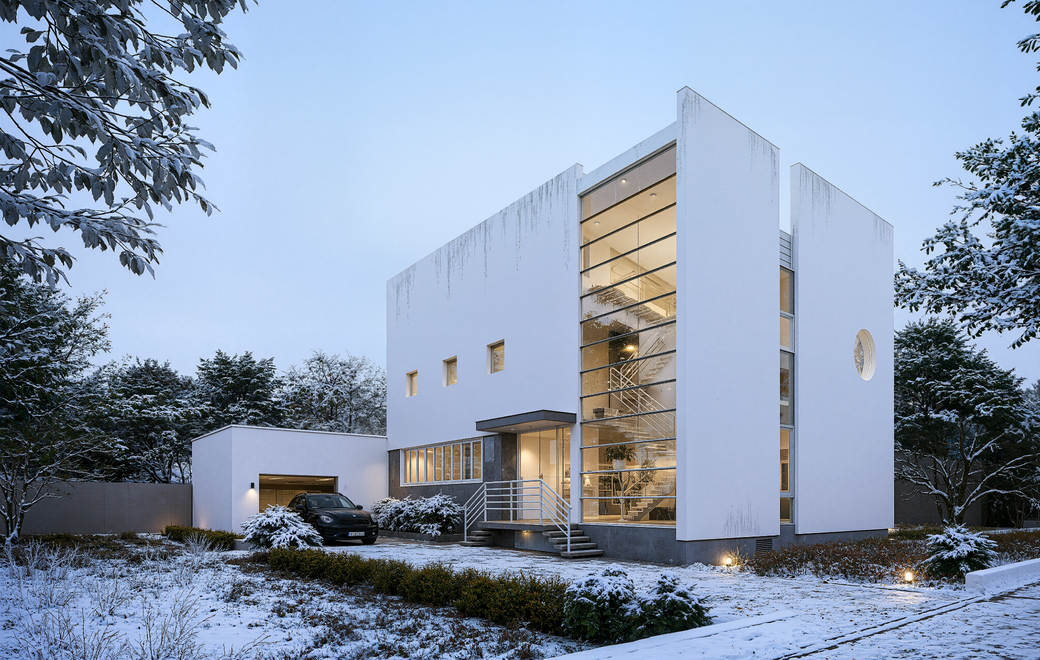
AI Image Enhancer (Selection): The selected surface is the building’s wall. Weathering on the surface is intensified.
Hi @Clov, I see on your images that you have the same issue. Selected surface has the same maxed texture using all settings. Only difference is a sort of randomness pattern but intensity stay the same. Please test more complex wall structure like balconies.
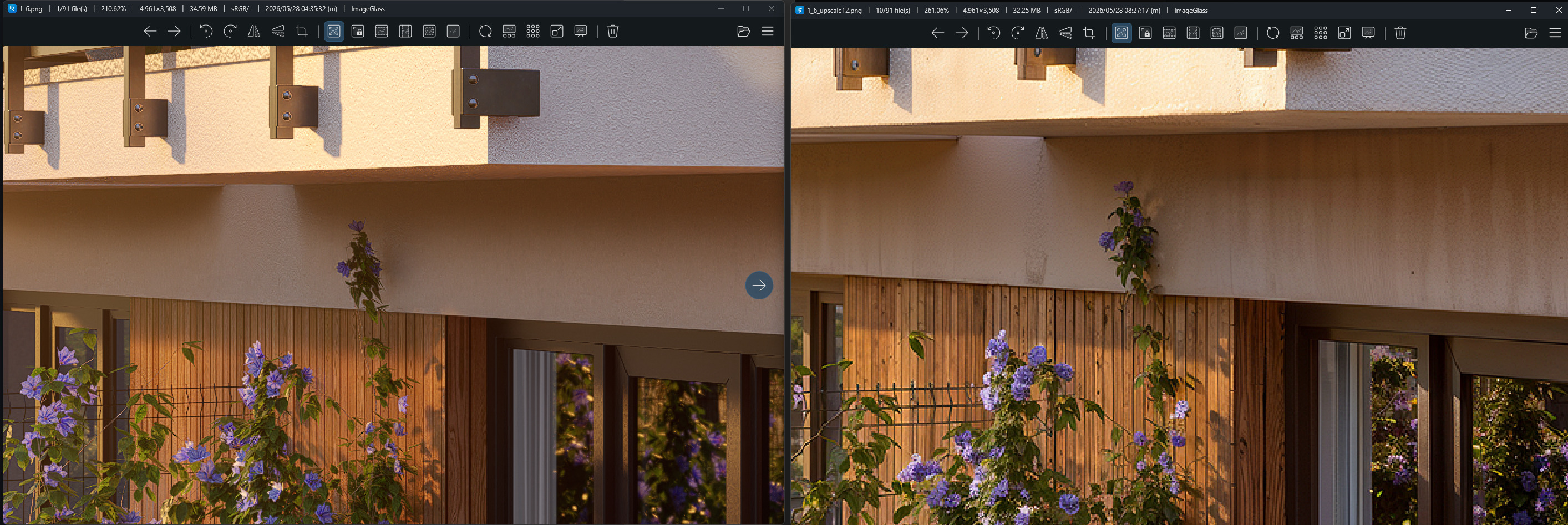
You have interesting form of testing. You tested plain wall which has dirt decal included by default. And you have only one selection - maybe D5 has problem with more than one selections. This is why you didn’t see problem. Here is real testing :
Without using selections - AI power and texture set to minimum 0.1 :