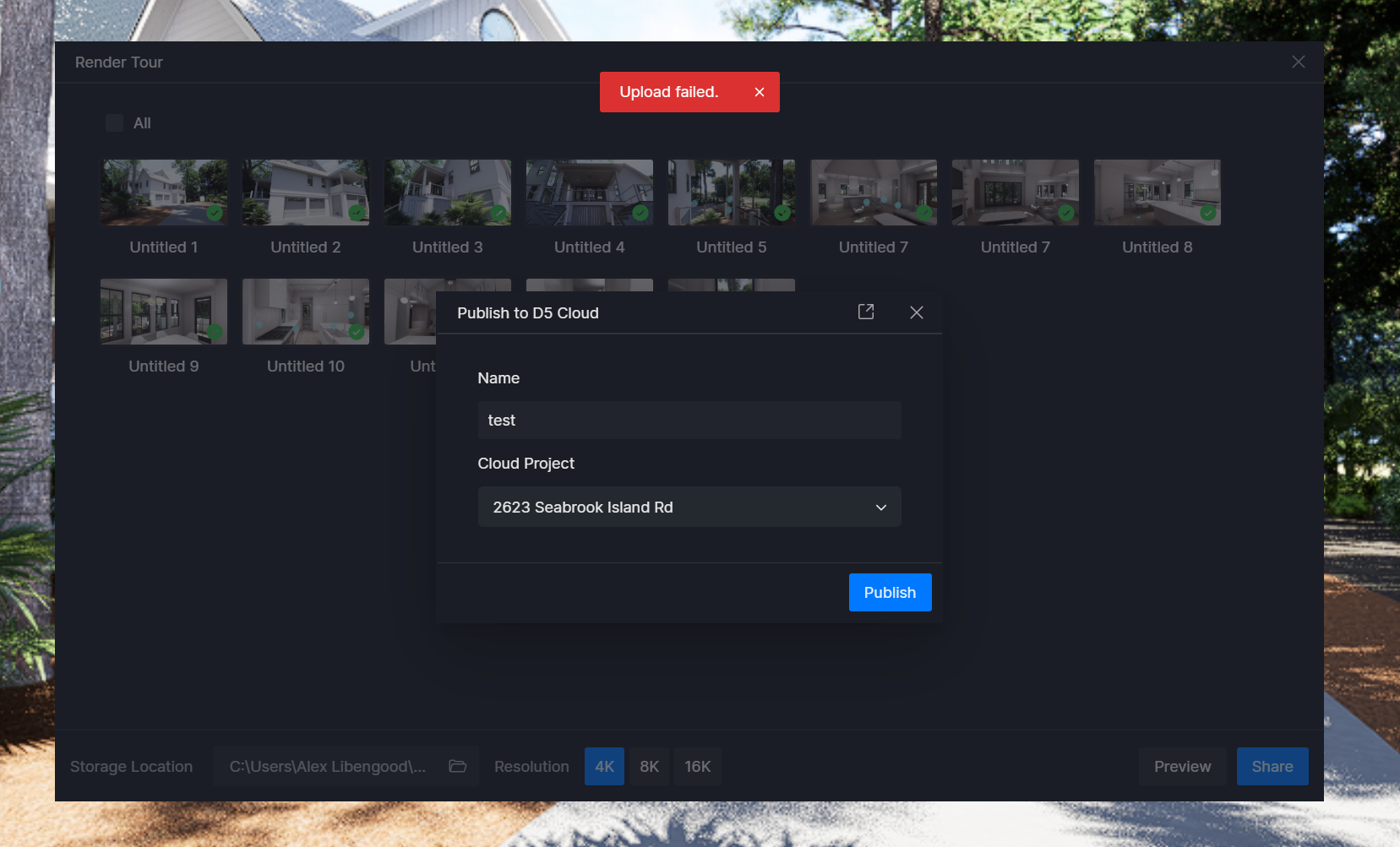
D5 Render Version: 3.0.1.0683 Graphics Card: RTX 5090 Driver Version: 581.57 Issue Description: I’ve rendered a virtual tour, and when I click “Share” button and publish is to the project, the upload gets to 100% and then says “Upload Failed”
**Screenshots/Videos Description:
Thank you for sharing your save path. That looks correct, so we can rule out special characters in the folder location as the cause.
May I ask how your internet connection has been? Is it stable while using D5? An unstable connection can sometimes affect your upload or save behavior.
To further investigate, could you please share your log files with us? You may send them to support@d5techs.com, kindly tag me in the email and include the link to this forum post for reference.
Thank you, I’ve received your email. However, we need the complete set of log files in a single zip file for proper analysis. Could you please re-attach the generated zip file in the email?
Thank you for following up. Our team is still reviewing the case. I will update you as soon as there are any updates. Rest assured that your case is currently being looked into.