After the Update for D5 3.0, the XR Tour and Spatial Tour are now available for D5 Pro users. But I have encountered a setback that after the Spatial Tour finished rendering, it failed to publish to Myspace.
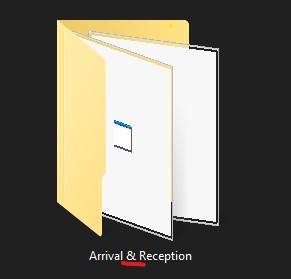
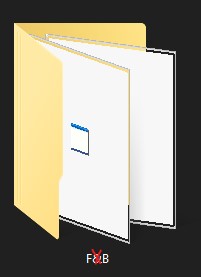
A really simple fix is to never use Special Characters such as symbols like “&” in naming folders where the D5 will be saved. Like the image below.
Here is what D5 help support said:
In general, we do not recommend saving D5 project files or output paths in folders that contain special characters (such as symbols like “&”). This applies not only to rendering, but also to features like AI enhancements, as special characters can interfere with the save path and upload process, leading to unexpected errors or failures.
Hope this helps! Thank you!
It’s a great time to be a D5 User!!
