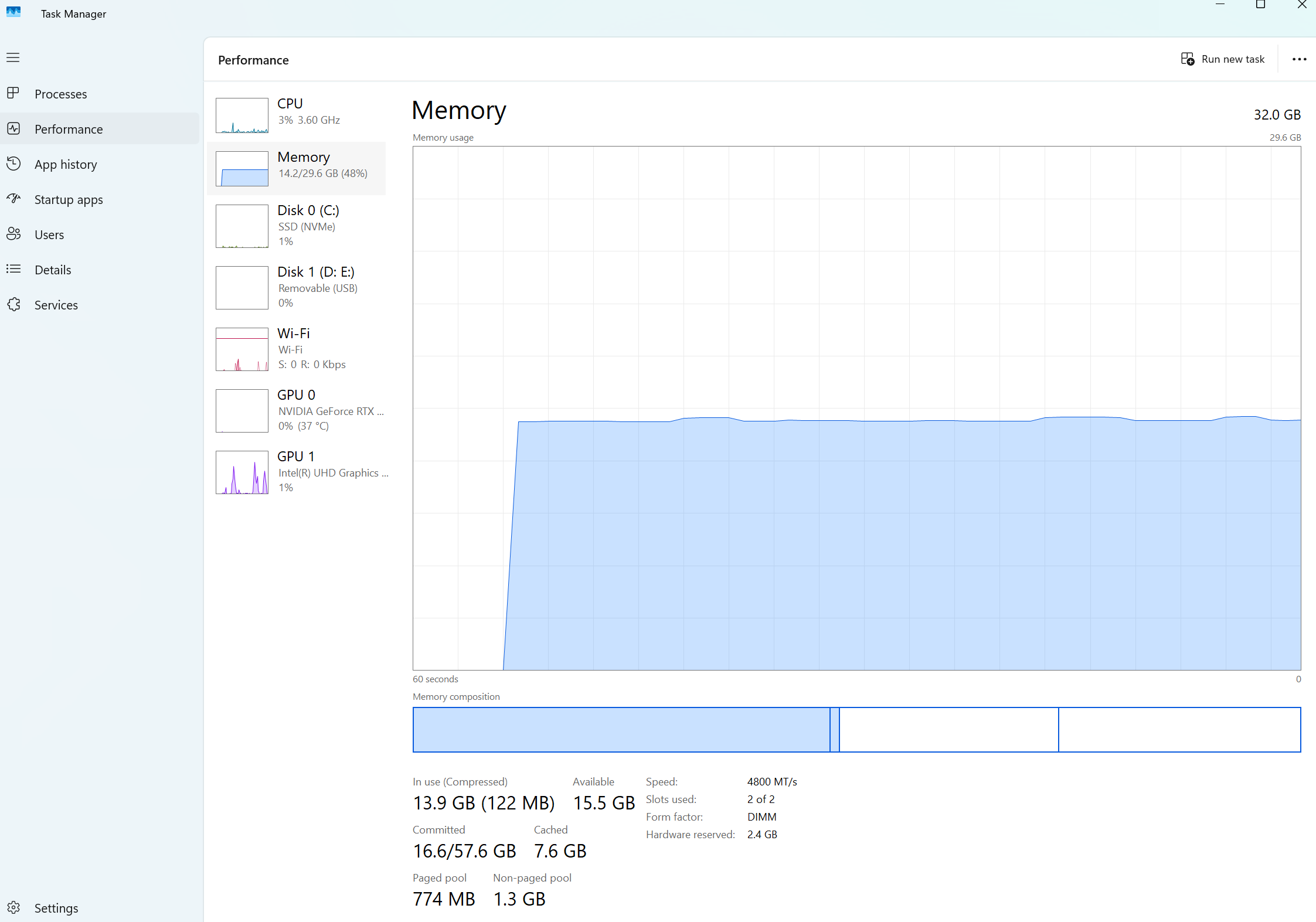
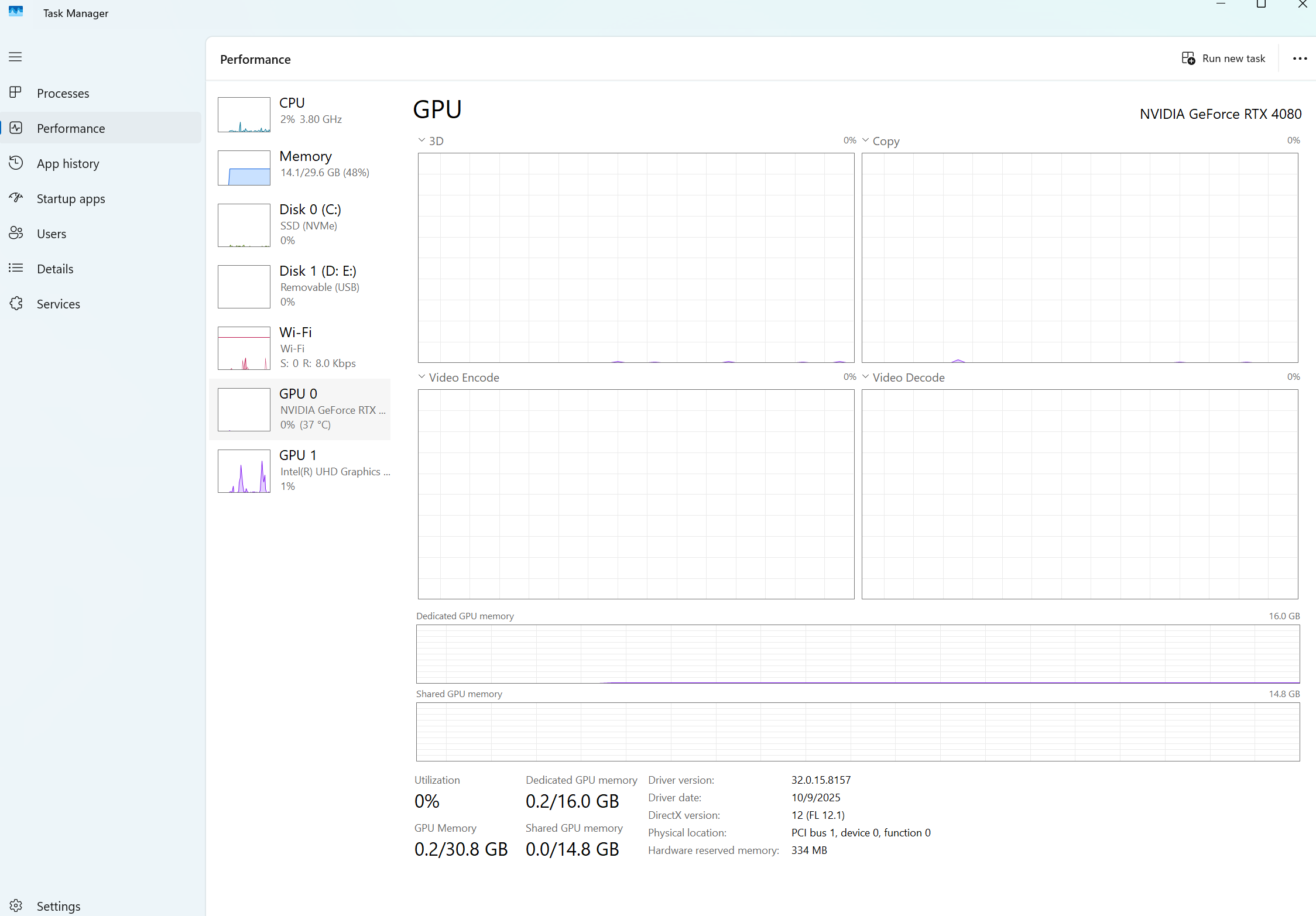
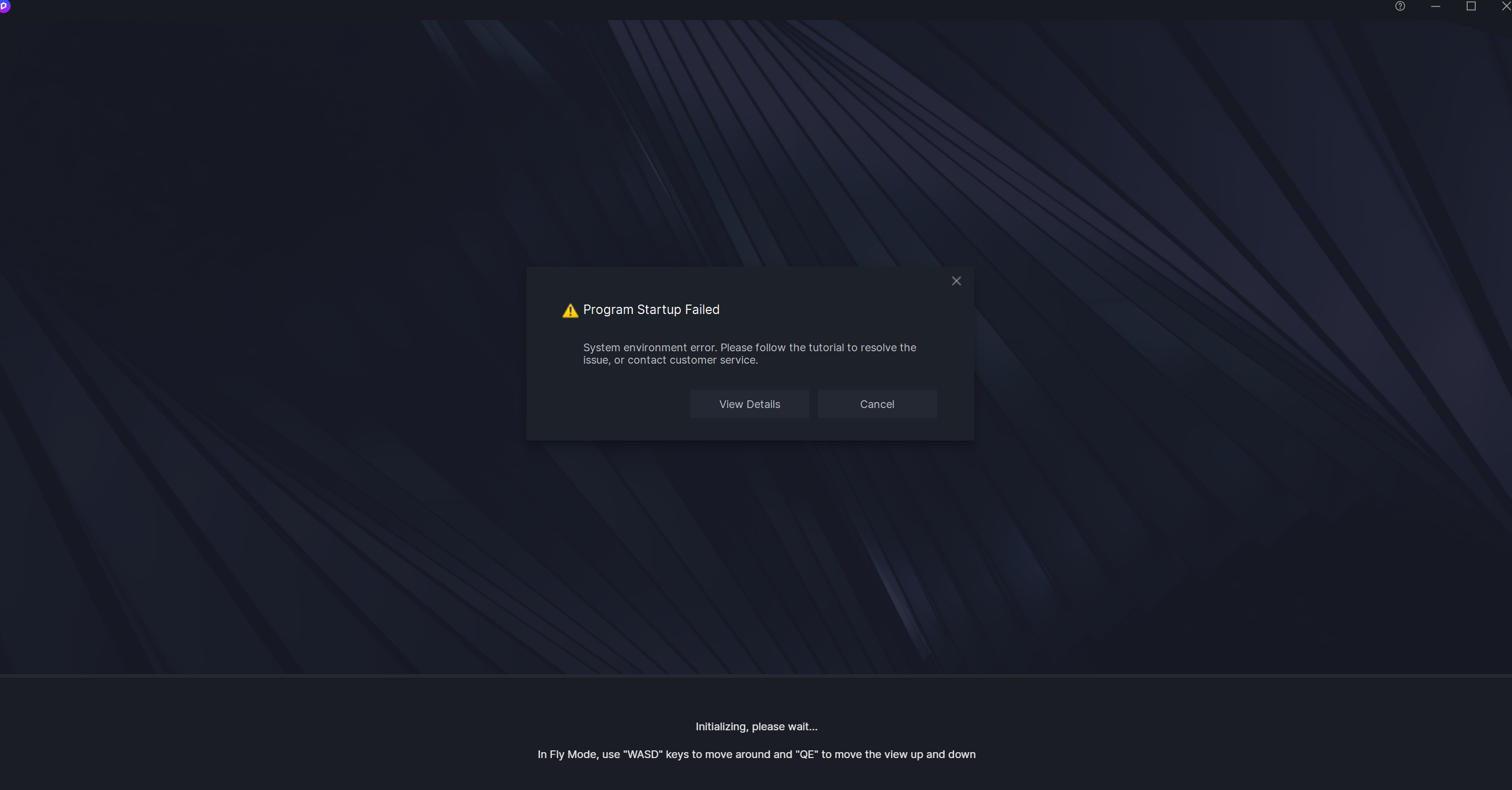
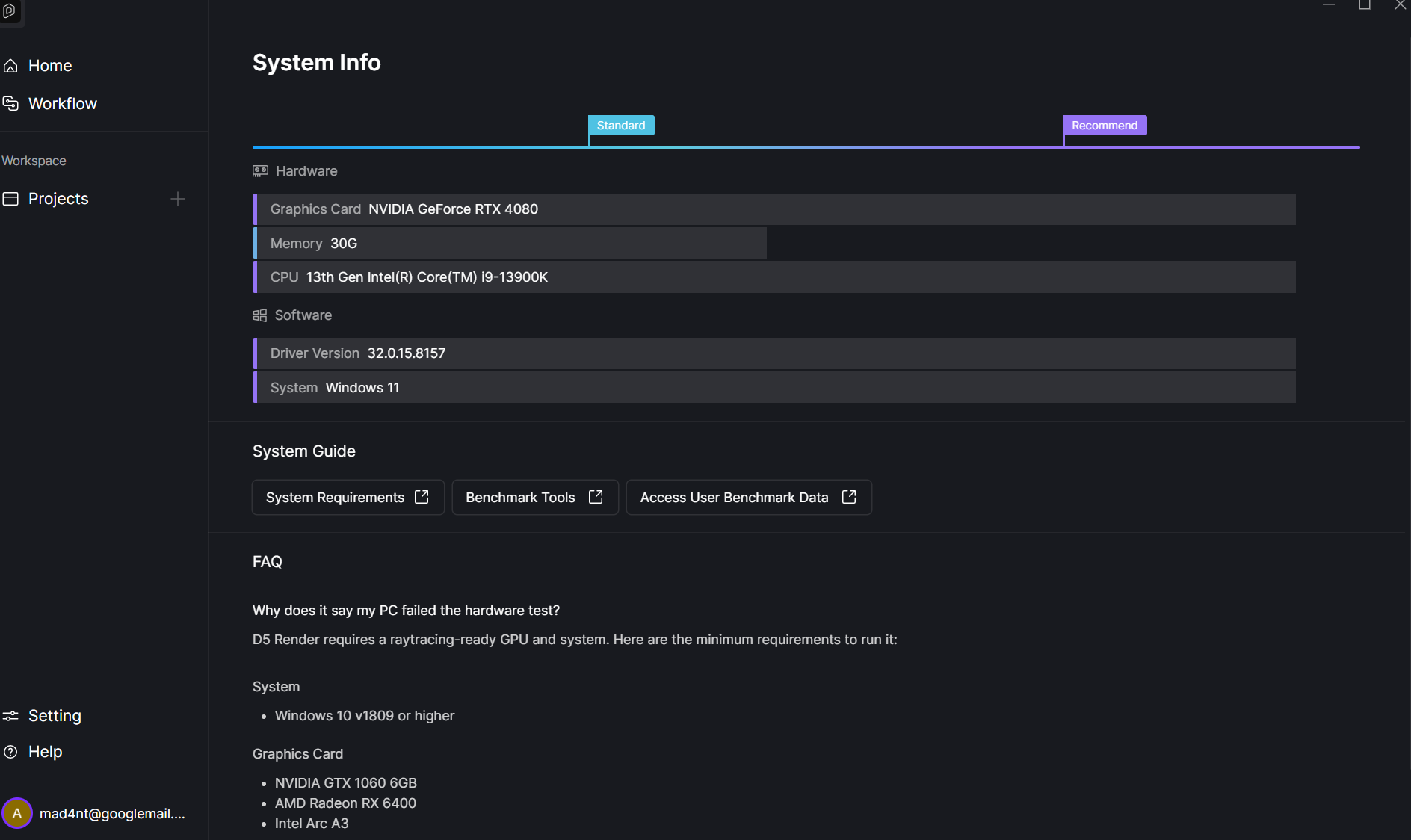
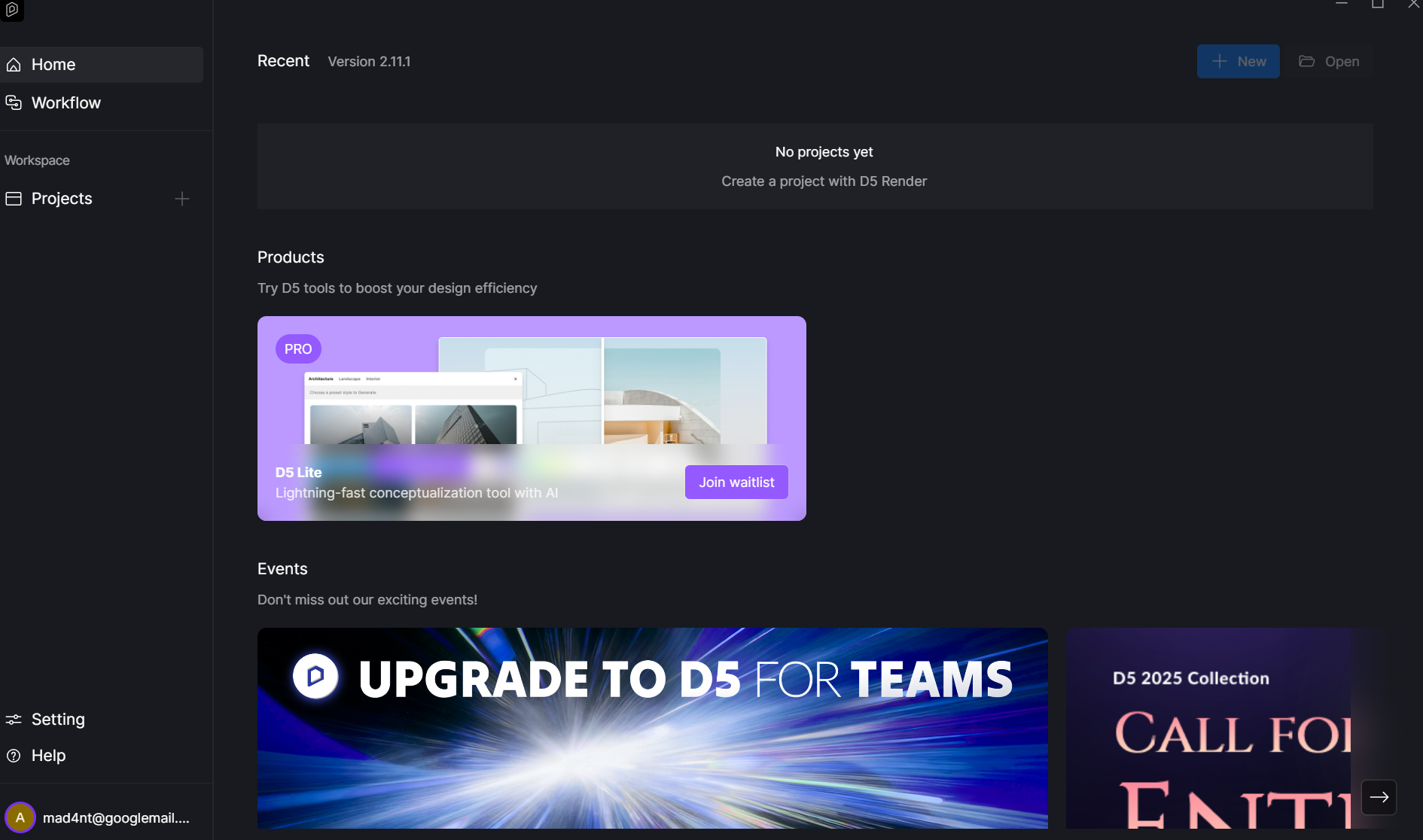
mvidia rtx 4080: latest studio: d5 won’t start, please see screenshots.
i also have tried all forum and help centre recommended solutions, nothing seems to work
i have tried to contact you guys and nobody replied after I’ve sent log files so tech team two months ago. :
**
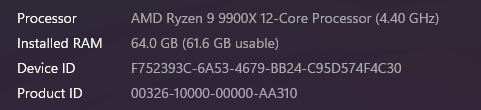
Thank you for attaching your hardware information. I see that you’re using an Intel Core i9-13900K processor.
The Program Startup Failed error pop up is a known issue for Intel Core i9-13900K/KF/KS and i9-14900K/KF/KS CPUs when running D5 or other DX12 applications. This is often caused by environmental/system settings rather than a D5 bug. To resolve the issue, we recommend the following:
Update your BIOS to the latest version (April release or newer).
Disable any CPU overclocking, RAM XMP profiles, and Intel Turbo Boost, or restore them to default values.
After making these adjustments, restart your PC and try launching D5 again.
I am aware that the Core i9-13900K/KF/KS and i9-14900K/KF/KS processors are known to have this issue. A Dell technician previously replaced the processor with an upgraded version, along with the RTX 4080 graphics card and a new power supply. The BIOS was also updated during that visit.
Following these changes, D5 functioned perfectly until the release of version 2.11, after which the same issue reappeared.
I contacted Dell and explained the situation. They verified the hardware and confirmed that the new processor is not faulty, as it belongs to the latest batch.
Additionally, I have noticed that SketchUp defaults to the classic engine instead of the new one. While this may not be directly related to D5, it could provide some insight.
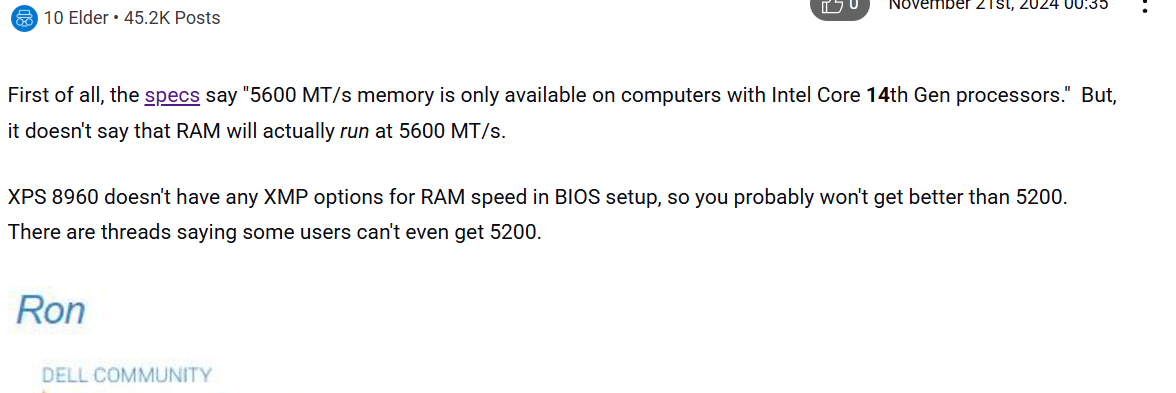
Please note that the XPS 8960 does not offer an option to adjust RAM speeds. I have attached a photo for reference.
So you were able to use the previous version of D5 (2.10 or earlier) without any issues before the problems started in version 2.11? Please try rolling back to the previous stable version of D5 for now. You can find it here: Download Historical Versions of D5 Render
Hi, i tried older versions, and having same issue, also just now downloaded 3.0 version and again same issue.
Also downloaded d5 Lite for sketchup and it works inside sketchup, but as soon as i click sketchup live sync, same issue as mentioned above in photos.
Thank you for the update and for testing multiple versions. Since the issue persists even in D5 3.0, we’ll need to investigate your log files in detail.
Please collect your recent log files and send them to our support email address: support@d5techs.com. Please tag me in your email and include the link to this forum thread for reference.
Once we receive your logs, we can analyze them and get back to you with a solution. Thanks for your cooperation.
I am sorry to hear you are having problems. I am also experiencing the same problem and would appreciate it if you could share the resolution here? Thank you
Just to rule out a known AMD driver-related issue that has been occurring recently, could you please try rolling back your GPU driver to a previous stable version? We’ve seen cases where newer AMD drivers cause crashes, specifically when importing models from Archicad, while empty D5 projects continue to work normally.
You can find the full workaround instructions, along with the recommended driver download link, in the guide below:
After rolling back the driver, please try importing the Archicad model again and let me know if the issue persists.
Hi Ela I’m having somewhat a similar problem, I requested to post a post but waiting on admin approval I think it said.
My problem is similar I also have the same graphics card says the same power being at standard, most updated drivers.
D5 is also updated to 3.0.0 version but my problem is that the application doesn’t even open, it just fails immediately.
It let me open d5 before the 3.0.0 update but here’s my second problem, when I would attempt to try a basic render no modifications D5 would instantly crash with no warning or reason.
I did get the low tdr before 3.0.0 update but my file was basically empty. It’s my first time trying d5 and I can’t even open it anymore. If you have access to confirm my msg from pending that would help, or here helps also
Hi there, I’m writing to ask about an update on this issue. I’ve been having trouble using D5 since version 2.11. Do you have a refund program in place? Or would it be possible to hold off on my payments until this is sorted out? I’d really appreciate your help with this. Thanks!