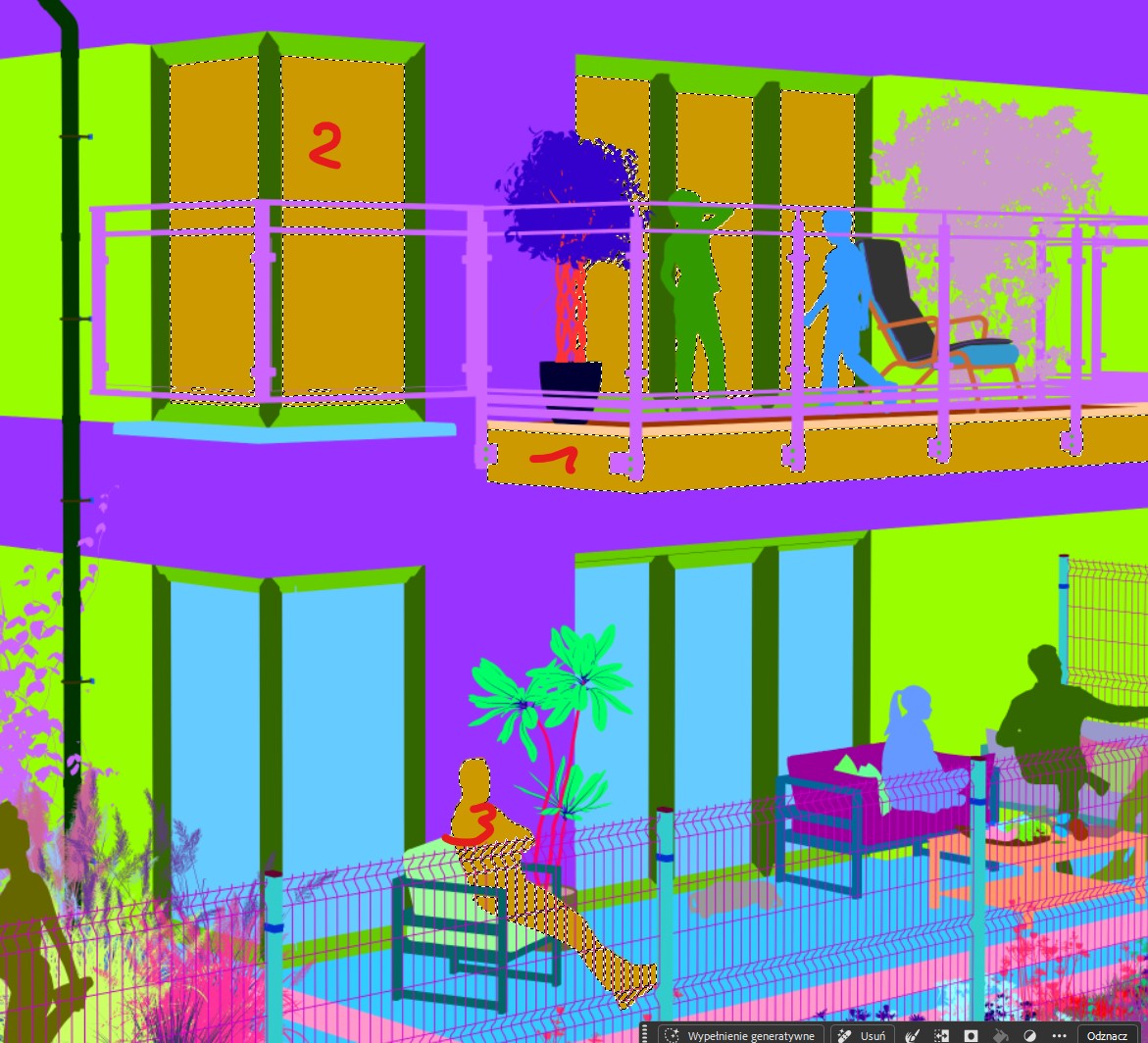
Sometimes different materials have the same Material ID

Hi @Smolak
Thank you for this. If we cannot replicate this on our end, I will reach out if we need this specific file. I will be contacting you if we need this specific file
Hi @Clov,
This is the same scene which I sent you about screen flickering. This is view for house 5-6
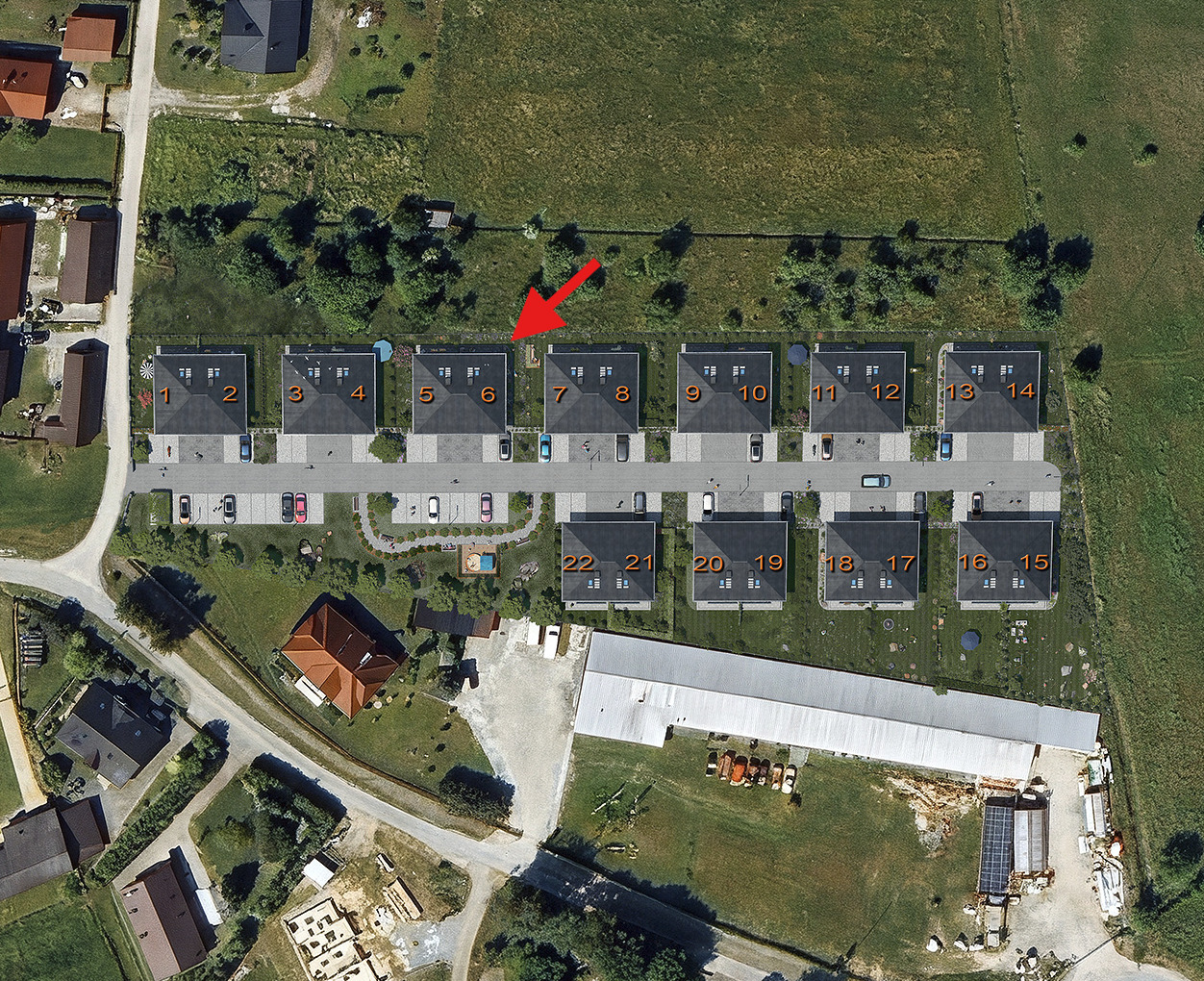
I used updated scene version I don’t remember how it differ from this one which I sent but 85% should be the same.
I think that probably this is related to amount of materials in view.
Hi @Smolak
We were able to locate the problem.This is a known issue because the maximum number of colors is 256. If the material number exceeds 256, the same color will be used.
- This will be further optimized in subsequent D5 Versions.
1 Like
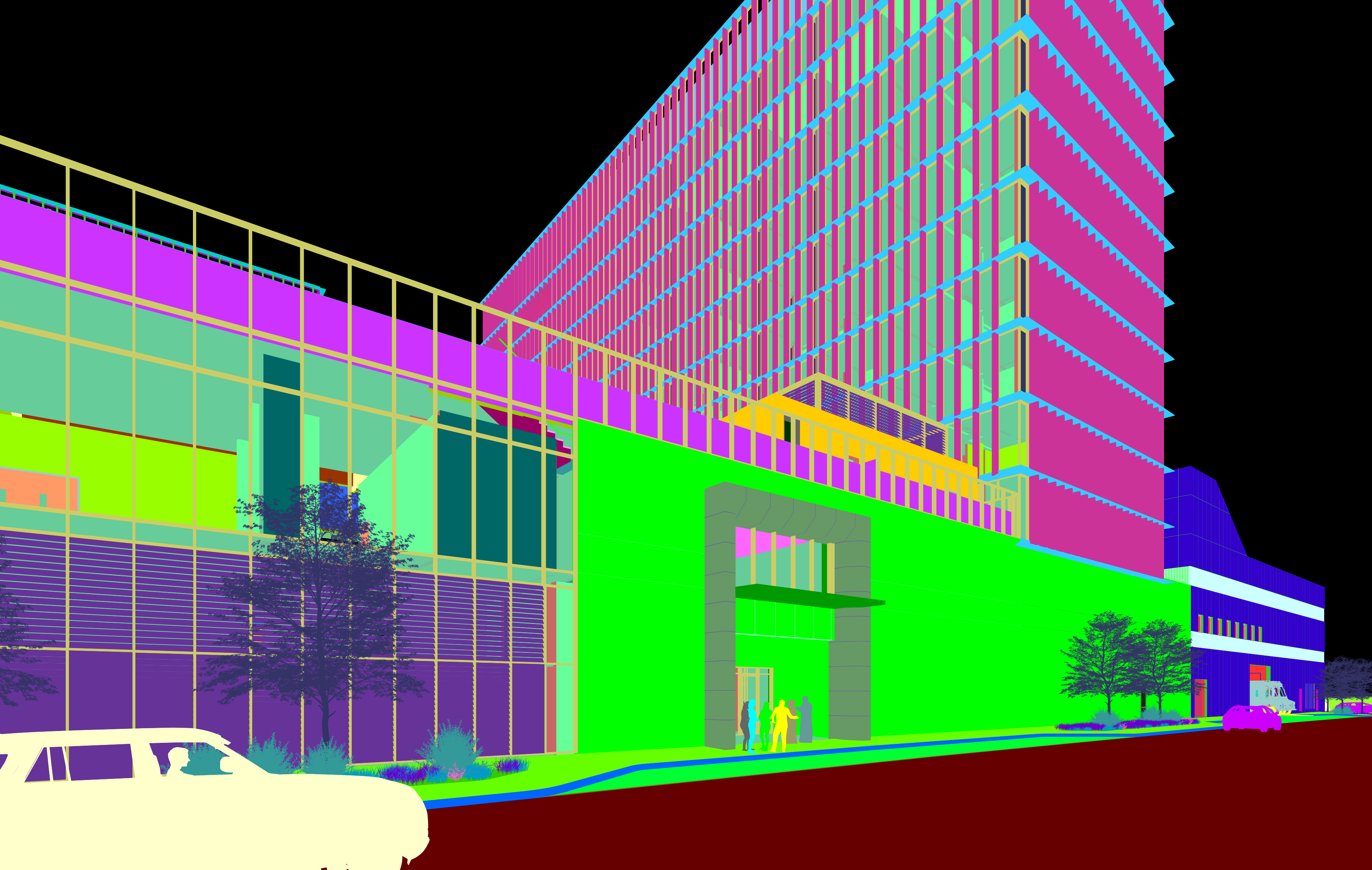
In addition to this request, is there a way of not showing the MATERIAL ID of elements behind the glass material? It seems though that glass material has no MATERIAL ID in this project. Im using the latest version here in the office. Or maybe an option to “include or not to include” material ID behind glass.
There is Transparent Channel for that.
oops yeah you are right, my bad. Thank you!