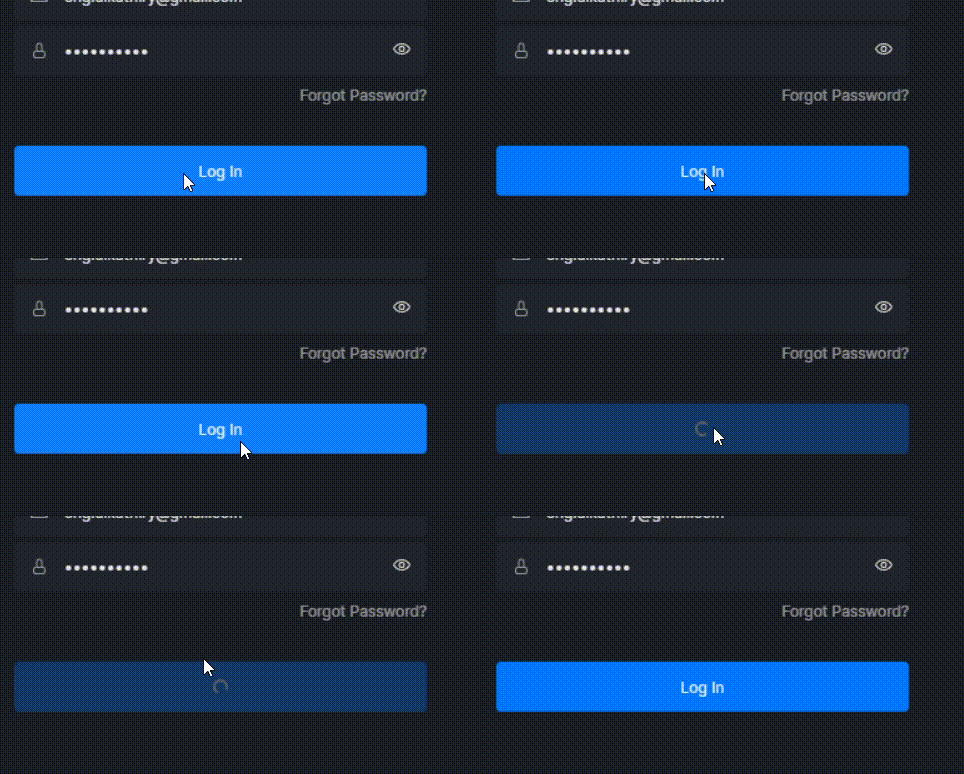
I used to use the program and log in to my account very normally and there were no problems, but today the program has a problem. I try to log in to my account but the program is not responding.
Hello, @eng.alkathiry
firstly, could I ask what region are you currently in?
Then, can you log in on our website D5 Render
If yes, then please check your network condition, this kind of problem is often due to network connection. Please turn off VPN and Windows firewall, antivirus software temporarily if they are on.
We would also like to know if you are using D5 in your office since there could be IP block in companies.
If it still can’t be solved, please send your log to us (support@d5techs.com, and please describe the problem). You can refer to this post to learn how to collect logs: D5 Support Tool
Buen día, me está pasando exactamente lo mismo en la versión 2.11.1, estoy desesperado porque tengo una entrega de renders urgente!!! también me aparece un cartel en los assets que dice “Failed to fetch assets”. Necesito Ayuda!!!
Did this issue start only after updating to version 2.11.1? The “Failed to fetch assets” error usually indicates a network problem. The online asset library requires a stable connection, so firewalls, VPNs, or proxies may prevent it from loading.
Try switching to another network or a mobile hotspot, or temporarily disabling any VPN or proxy.
SOLUTION TO “NO LOG IN” AND “FAILED TO FETCH ASSETS” ISSUE
In my case (I know there are many different situations related to this problem).
TO SAVE TIME… I recommend reading everything first and then following the steps.
This is what I did:
Uninstall D5 Render.
Check if the drive where it is installed has enough free space to load the required assets. If there isn’t enough space, consider deleting or moving files you don’t currently need.
Once you free up space, reinstall the software.
With these steps it should work, but if it still doesn’t…
Uninstall D5 Render again.
Install it on a drive that has plenty of free space, since D5 uses the available disk space to store the asset library and to log in properly.
Thank you for sharing this information and outlining the steps you took. This will definitely be helpful for other users experiencing the same issue.
We appreciate you taking the time to document the workaround. If you encounter anything else or need further assistance, feel free to reach out anytime.