At the moment, there has been no new update or patch released regarding this issue. However, please be assured that our development team is actively looking into it and taking these reports seriously. I’ll keep you posted once there’s any update. Thank you for your patience
Yep, just did it to me again. Went to get more coffee and poof! D5 was shut down when I came back. Maybe we can do a collection of stories around “what were you doing when D5 Render crashed on you?”
I unfortunately have to jump on this band wagon in regards to the constant crashes.
No matter what I do, whether I’m working in a small scene or a heavy scene, eventually the program will just crash and quietly disappear off my screen. before the update to 3.0.1, the crashes, mostly when my memory was overloaded, always did a dignified exit with throwing the “tdr value is too low message” before disappearing. now the windows just closes without any warning.
it’s almost impossible to work with the program for me momentarily.
Hey! Seems like I have the same issue. I don’t get a crash report aswell. I went downstairs to get something and I came back and it was closed. I Have Cesium on and some materials are in True Displacement. Also, it’s loading very slow. This wasn’t the case a few days ago.
I updated 2 weeks ago and I had no crashes until friday. All crashes were in the same project. Yesterday I disabled all the True displacements and nog crashes after that but I only worked for 2 more hours so can’t realy say that solved it (since crashes only appeared now and then)
Would you be available for a remote troubleshooting session with our team between 9:00 AM to 6:00 PM (Beijing Time, GMT/UTC +8)?
If that works for you, I will send you a consent form privately so we can proceed with the arrangement. Please let me know your availability. Thank you for your patience.
First of all, I truly understand your frustration, and we sincerely apologize for the inconvenience this has caused.
We have received your log files from WeTransfer and have already submitted them to our development team for review. However, no clear abnormalities or direct causes have been identified yet. That is why we would like to offer remote assistance so our team can check the issue in real time and investigate further on your machine. This will allow us to better pinpoint what is triggering the crashes.
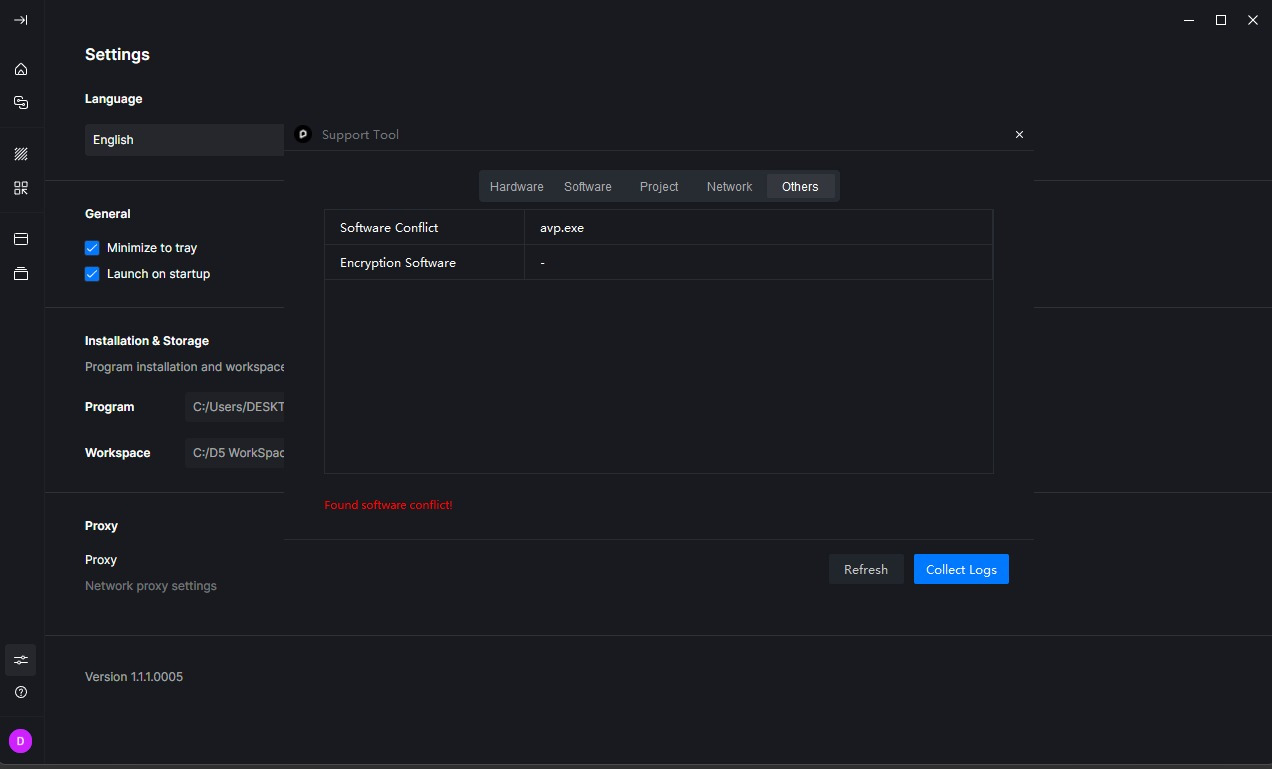
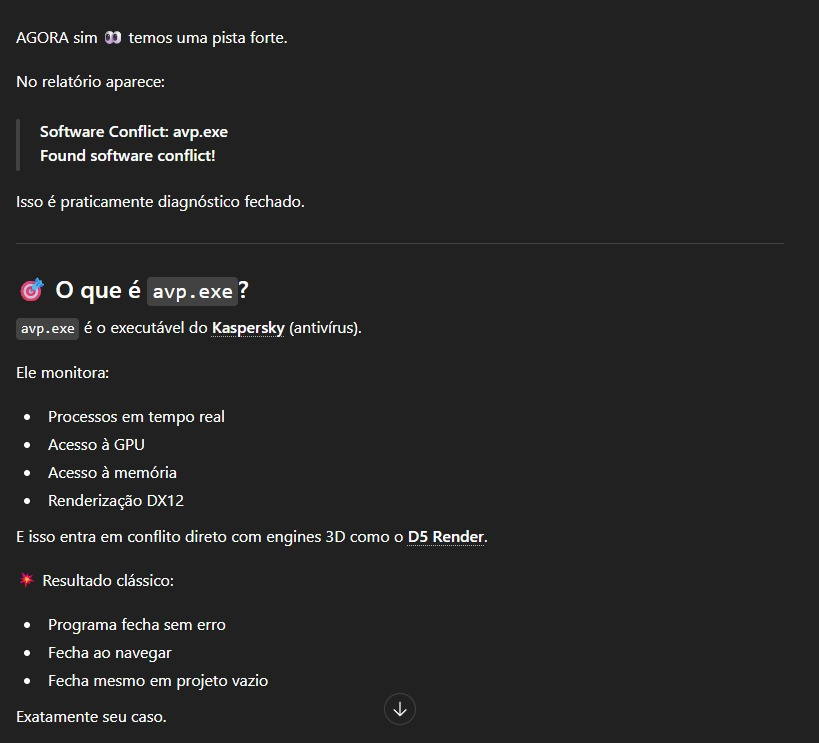
Yes, antivirus software can sometimes cause this issue. In particular, we’ve received reports that Kaspersky may block or interfere with D5.
Could you please try temporarily disabling your antivirus to see if the issue persists? If that resolves the problem, we recommend adding D5 to the antivirus whitelist/exclusion list to prevent it from being blocked.
Please let us know the results after testing. Thank you
Anyway, I went and disabled Turbo Mode in my bios. I’m sure this solved the problem a few years ago. It was enabled when I changed it this afternoon. I went and disabled it. Let’s see if this stops the crashing.
Doesn’t seem to affect performance unless you’re a gamer and counting FPS.
I cant figure out what really affects this, is really random but righ now ccant be used. Its closed within 10 minutes!!! not matter if i turn off pc or anything, keeps closing every 10 minutes