Hello, I’ve been experiencing two issues quite frequently lately.
The first one, which is less serious, is that some materials are not loading correctly and appear in low quality or blurry. However, if I add a new object and apply the same material to it, the material then loads correctly on both objects.
The second issue, which is more serious, is that the program keeps crashing constantly. It does not happen when performing any specific action. At one point, I used Sync with SketchUp to check a few things, but I am no longer working with Sync.
It might be related to attempting to save the file or the backup, although I cannot confirm this with certainty. I have tried moving the file from drive D to drive C, but the problem persists. The crashes are becoming more frequent.
This is currently happening with a file I am actively working on, so I’m not sure whether it would occur with other files. However, the first issue with the materials had already happened before with another file, and I had also experienced crashes previously — although not as frequently as now.
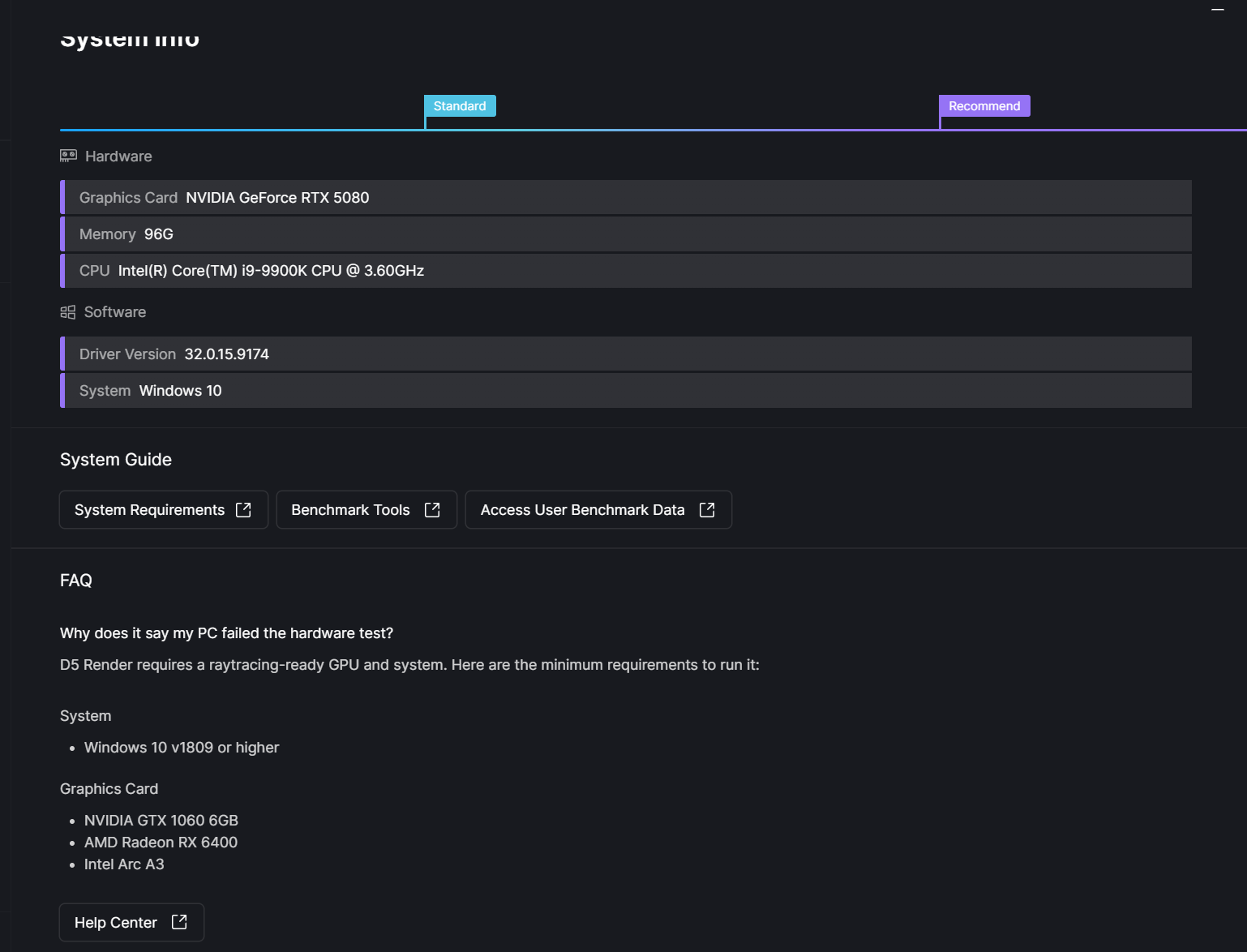
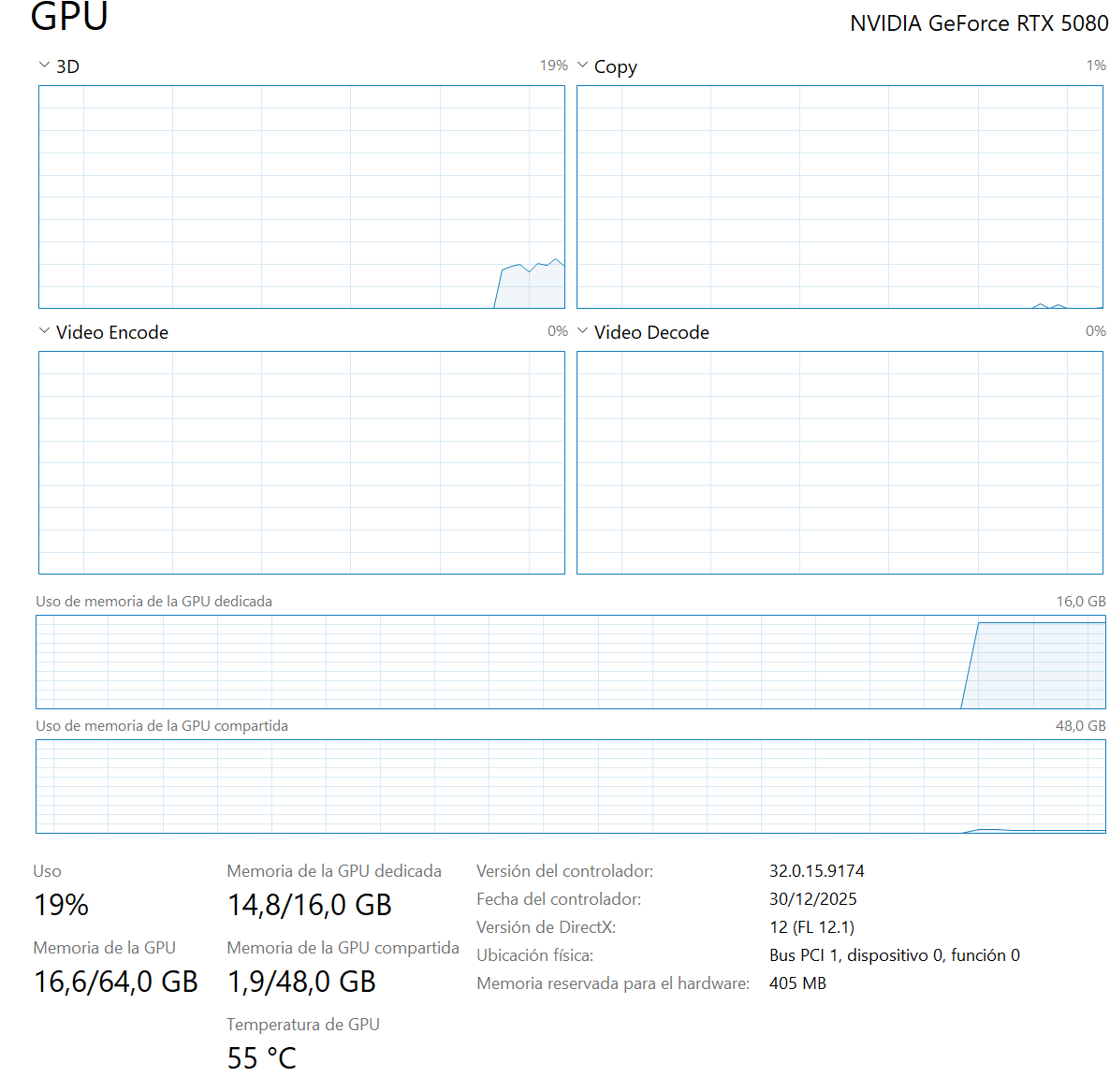
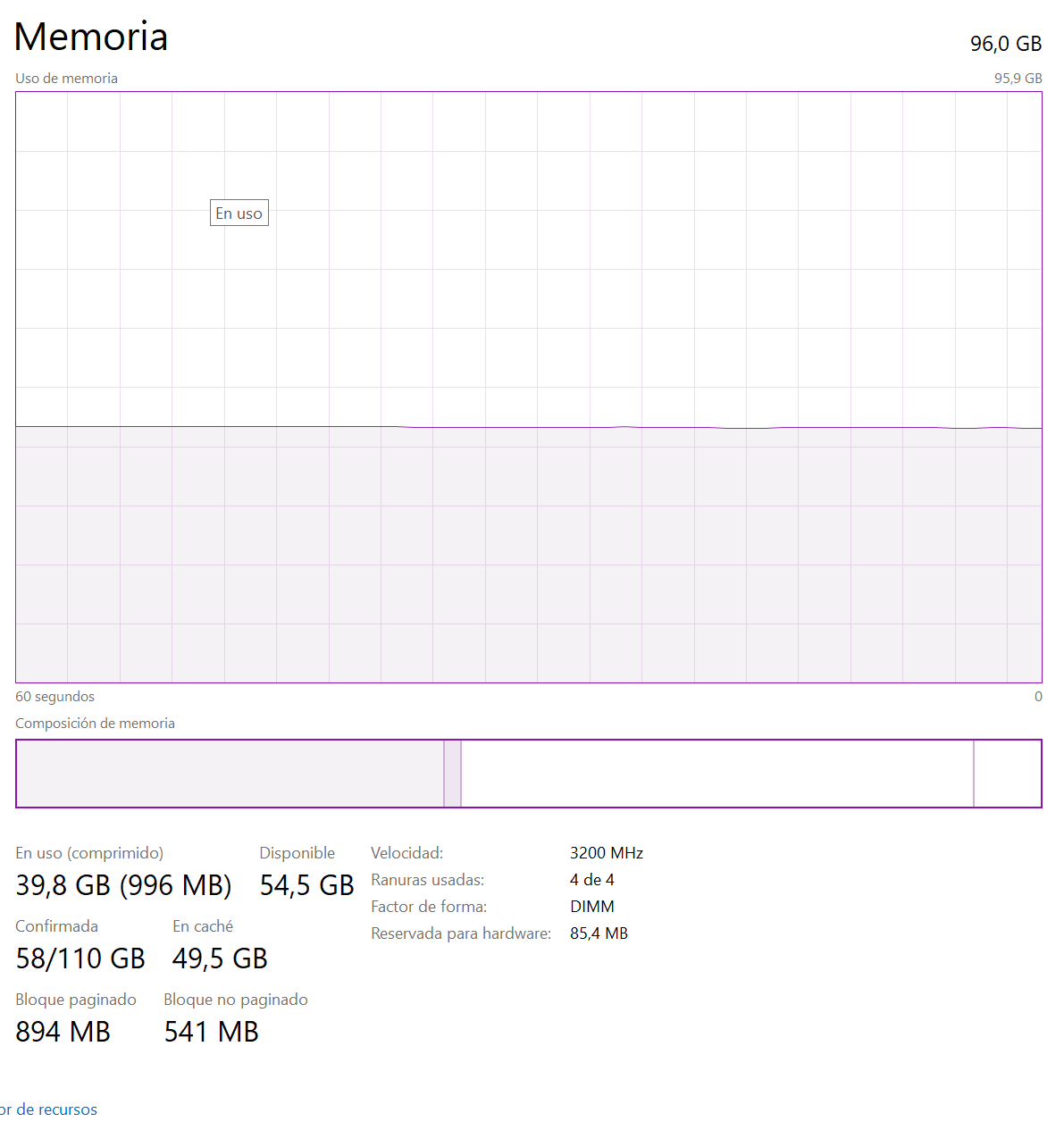
I have the latest drivers installed. I am attaching the screenshots that are usually requested, based on what I saw in the forum.
The materials appear blurry immediately after opening the file.
The project is large (around 7 GB).
This has happened in other files in the past as well — always with large projects — but it has been occurring since approximately the last four D5 versions.
Issue with crashes:
I am currently using version 3.0.1. This also happened with version 3.0, but now it occurs more frequently.
I believe the crashes started with version 3.0.
I believe I may have identified something regarding the crashes.
If I use D5 right after turning on my PC, it takes longer to crash. However, after approximately 30 minutes (or a little more) since the computer has been powered on, it starts crashing constantly.
If I shut down and turn the PC back on, I again have about 30 minutes of use before it starts crashing.
This seems to coincide with a PowerShell process that starts after approximately 30 minutes (a blue Windows window briefly opens and closes).
I’m not sure if it’s just a coincidence or if it’s actually related to the issue, but I’m sharing this information in case it helps clarify the situation.