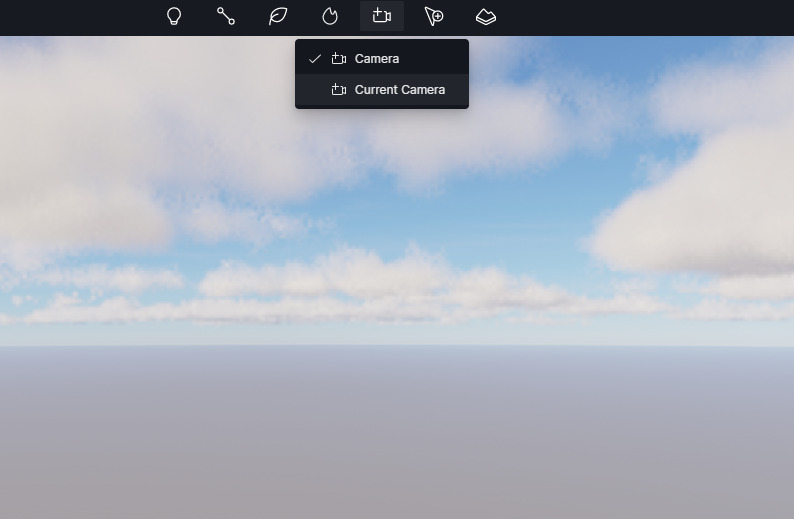
Just clicking on scene edit camera and camera edit path closes D5 render.
Thought it was something to do with my scene set up, but new empty scene acts the same.
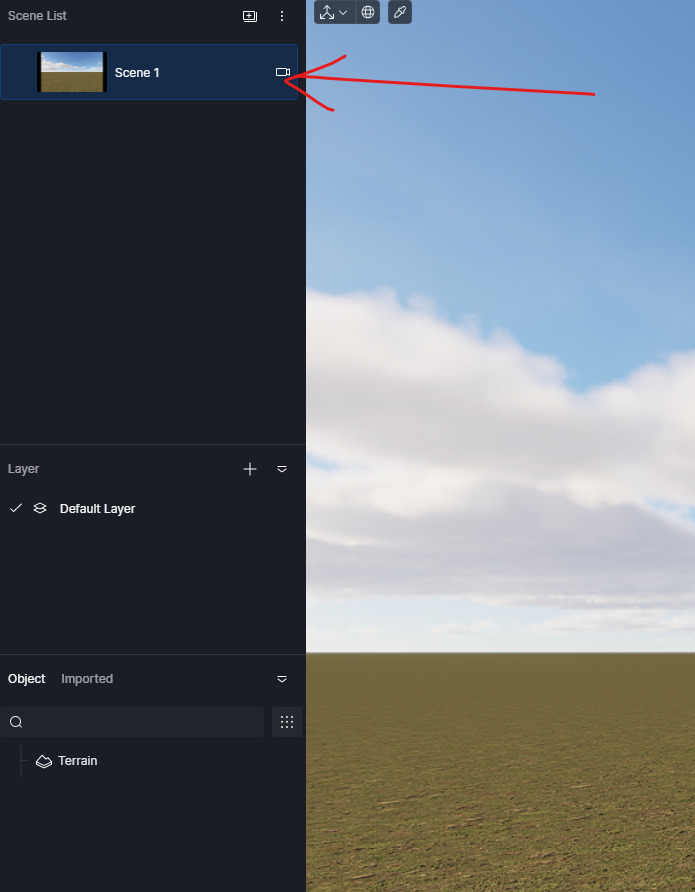
Deleted all items in paks/f2 folder still crashes
Just clicking on scene edit camera and camera edit path closes D5 render.
Thought it was something to do with my scene set up, but new empty scene acts the same.
Hi @rijo_kumar
Apologies for the inconvenience. Could you please provide the following:
Your D5 Render version
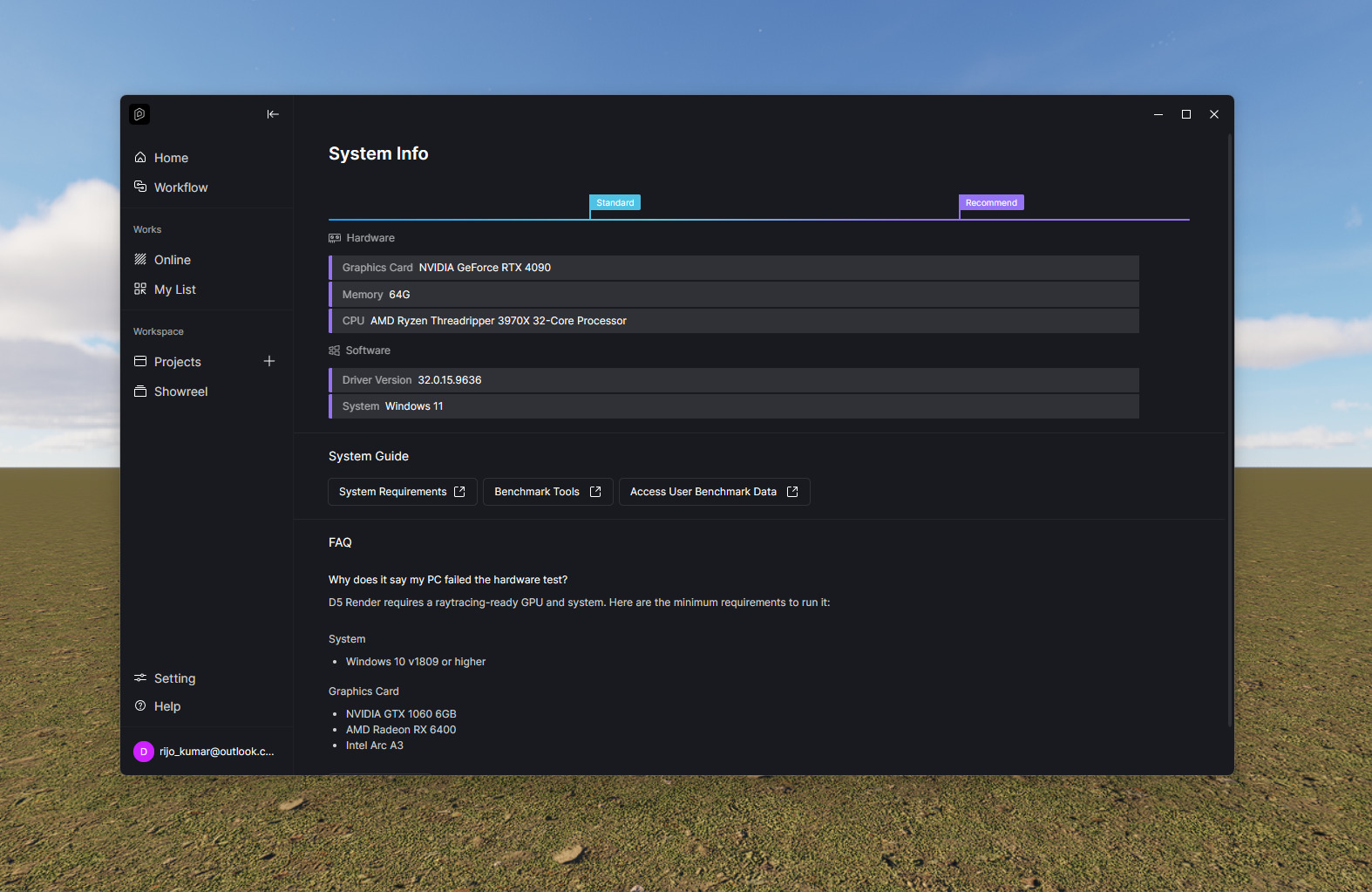
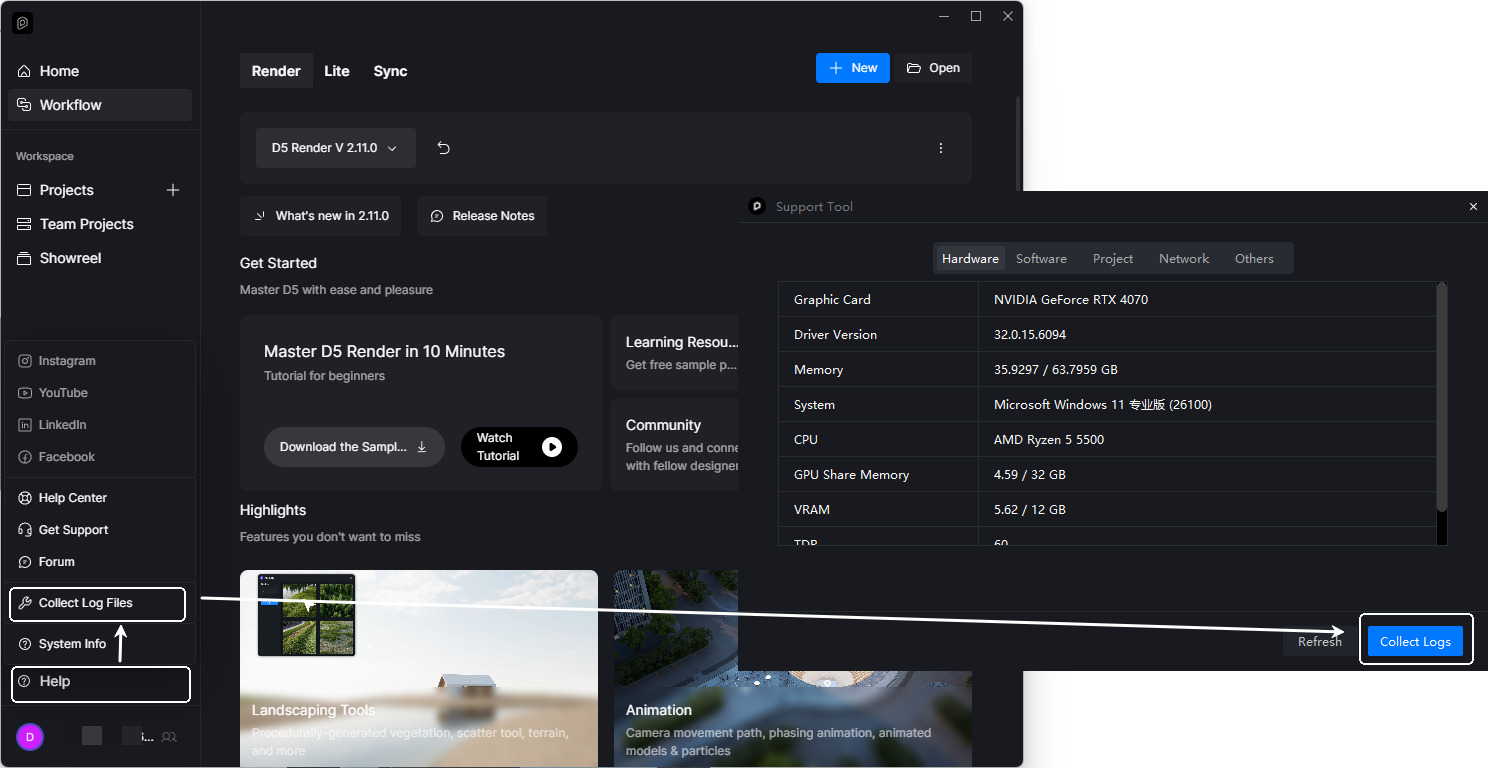
A screenshot of your D5 System Info
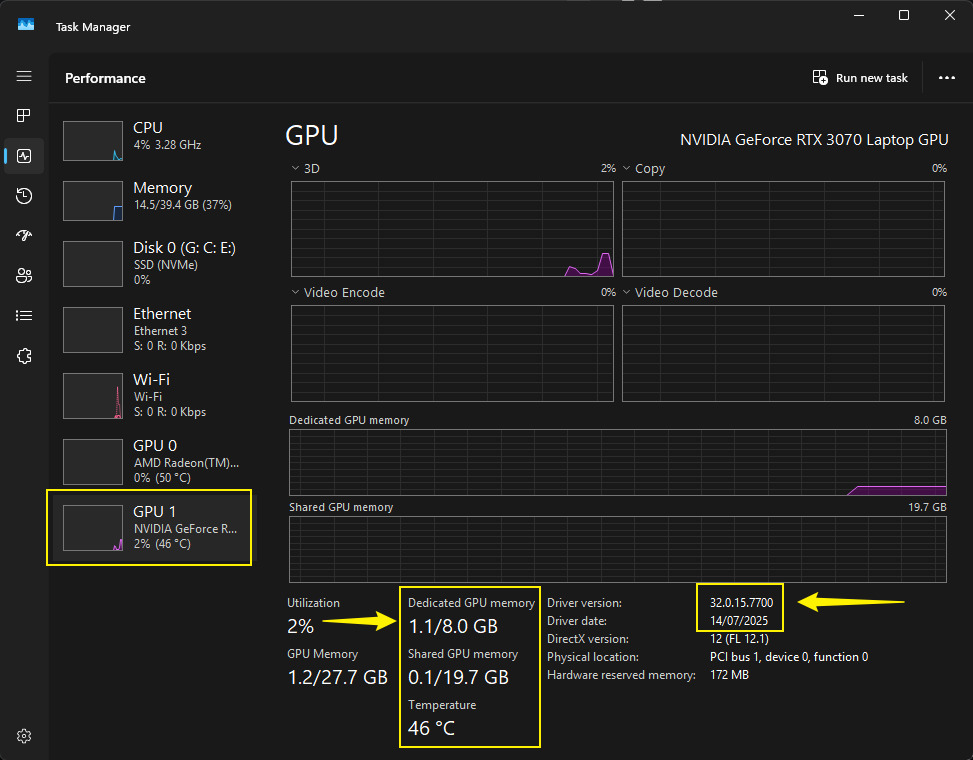
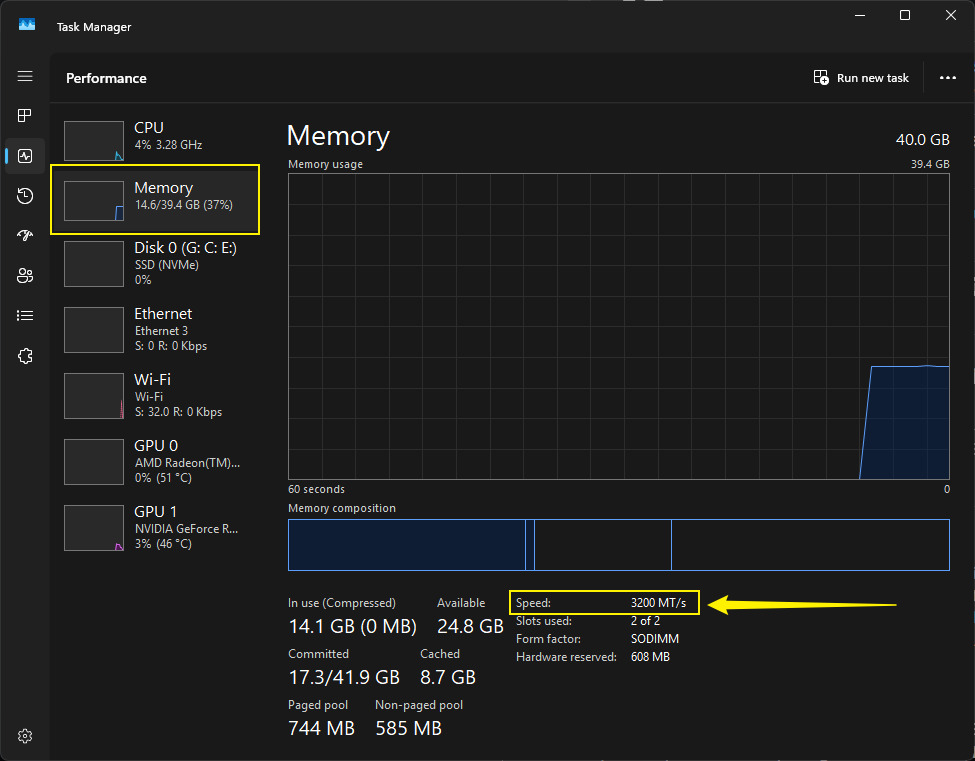
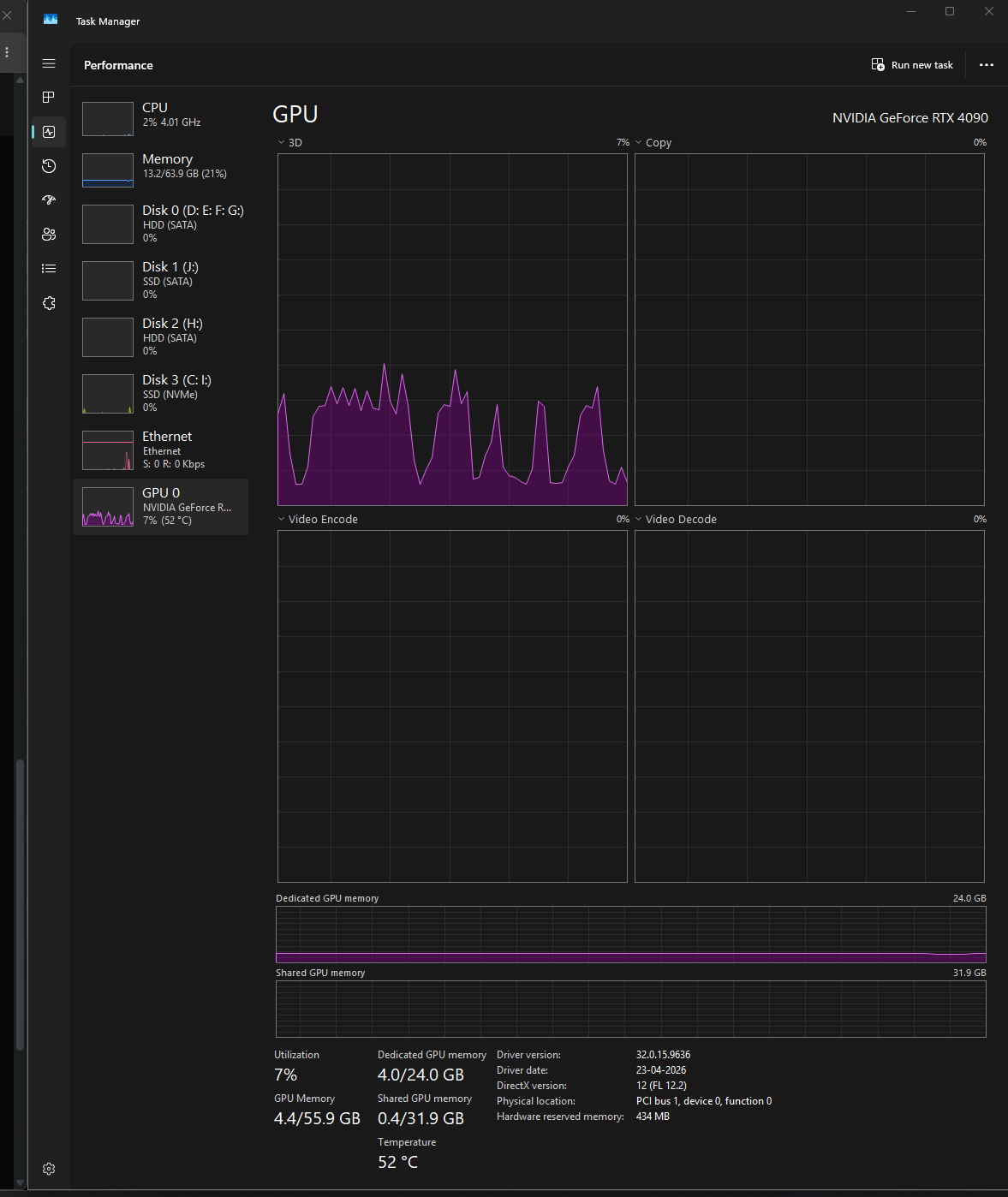
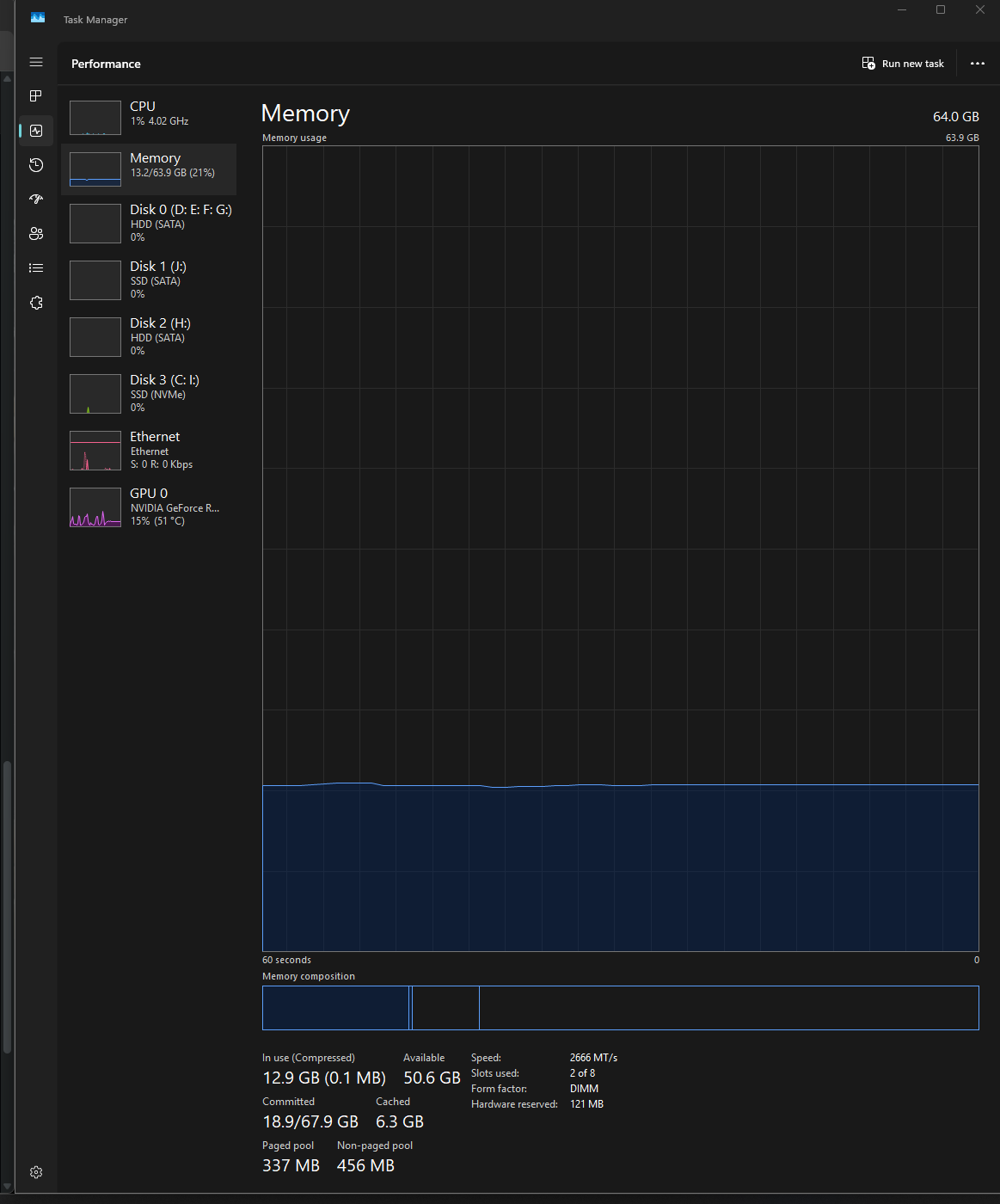
A screenshot of your hardware usage on Task Manager
What exactly happens when it crashes (instant close, freeze, etc.)? Does it show any error prompt?
Did this start after any update (D5, Windows, or GPU driver)
Also, have you tried a clean reinstall of D5?
I should switch back to free version I think , because all the pro features doesn’t work.
Ai material snap and Ai enhancer doesn’t work, but ignore that because I rarely use that.
My models come straight from 3ds max.
Here is my latest work : https://youtu.be/qjbZBLAr7IQ?si=1LC6oZbEOg0m74Zm
because of this camera issue I was not able to add twisting camera movements.
Last time I posted about the Ai features not working.
Your team member " odeyalejames" sent me this:
Overall service-related↓ usa.installer.d5cdn.com usa.api.d5render.com
Asset-related↓ usa.asset.d5cdn.com d5-asset-usa.s3.ca-central-1.amazonaws.com https://usa.works.d5cdn.com/
Plugin download↓ https://usa-plugin.d5cdn.com
AI-related↓ usa.ai.d5render.com usa.ai.d5cdn.com d5-ai-usa.oss-us-west-1.aliyuncs.com 148.153.121.178 ai.api.d5render.com
For human verification↓ google.com https://www.google.com/recaptcha/api.js
Cesium&City: https://tile.openstreetmap.org https://nominatim.openstreetmap.org https://unpkg.com https://overpass-api.de https://atlas.microsoft.com https://api.cesium.com
told me to white list these IPs along with a youtube video that shows how to.
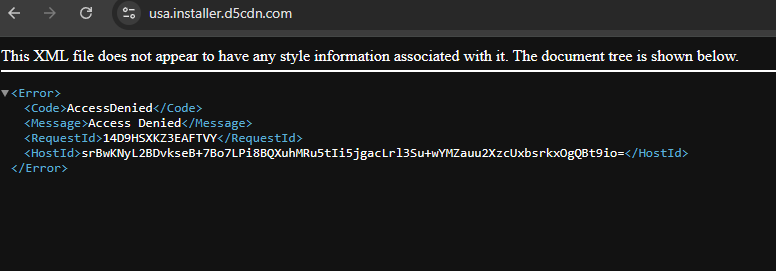
But You can see these are not IPs these are domains, When clicking these domains it takes me to some XML pages
If you could help me with only cesium and camera edit path that would be great.
Thanks!
Hi @rijo_kumar
Did you fully remove residual files when you reinstalled D5? Also, please install the latest Windows update. Even if your GPU driver is a month old, system updates can still fix compatibility issues that cause instant crashes like this.
If the crash persists, please collect your log files, send them to support@d5techs.com. Tag me in your email and include the link to this Forum post for reference.
Regarding the Cesium issue in your other post, I’ve replied there.
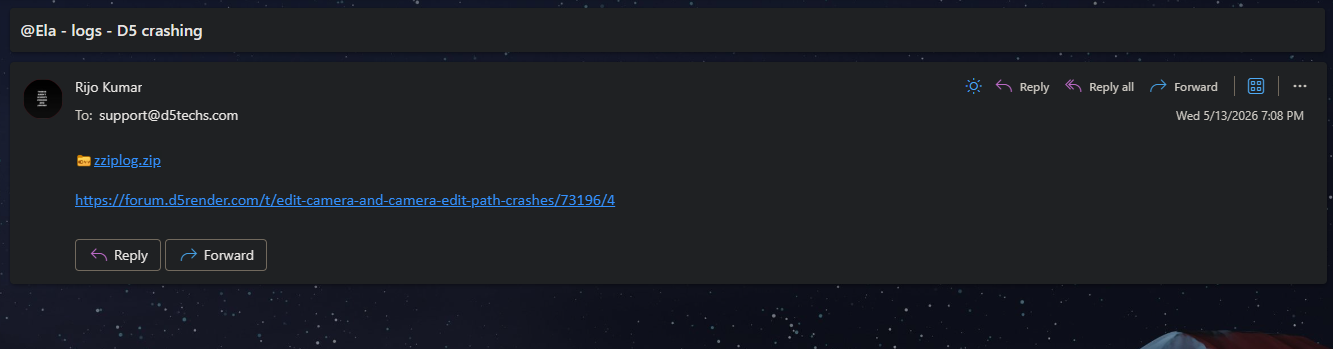
I have sent the log file from my Outlook email account which is linked to my D5 account.
Alright, thanks for letting us know. I’ve notified Ela regarding the log files.
Hi @rijo_kumar
I couldn’t find the email on our end. Could you please confirm which email address you used to send it? Thank you
Hi @rijo_kumar
I’m still unable to find any email sent from this address. Could you please double-check if you’ve sent it to support@d5techs.com?
sent you the log file via my gmail account
Hi @rijo_kumar
I’ve received your email. Thanks for your patience. I’ll let you know once we have any findings regarding your logs.