I am new to D5 Render and am trying to use Cesium Ion for loading in cities. I have loaded the token and cesium is showing but non of the ‘Data Assets’ are showing. How do I fix this?
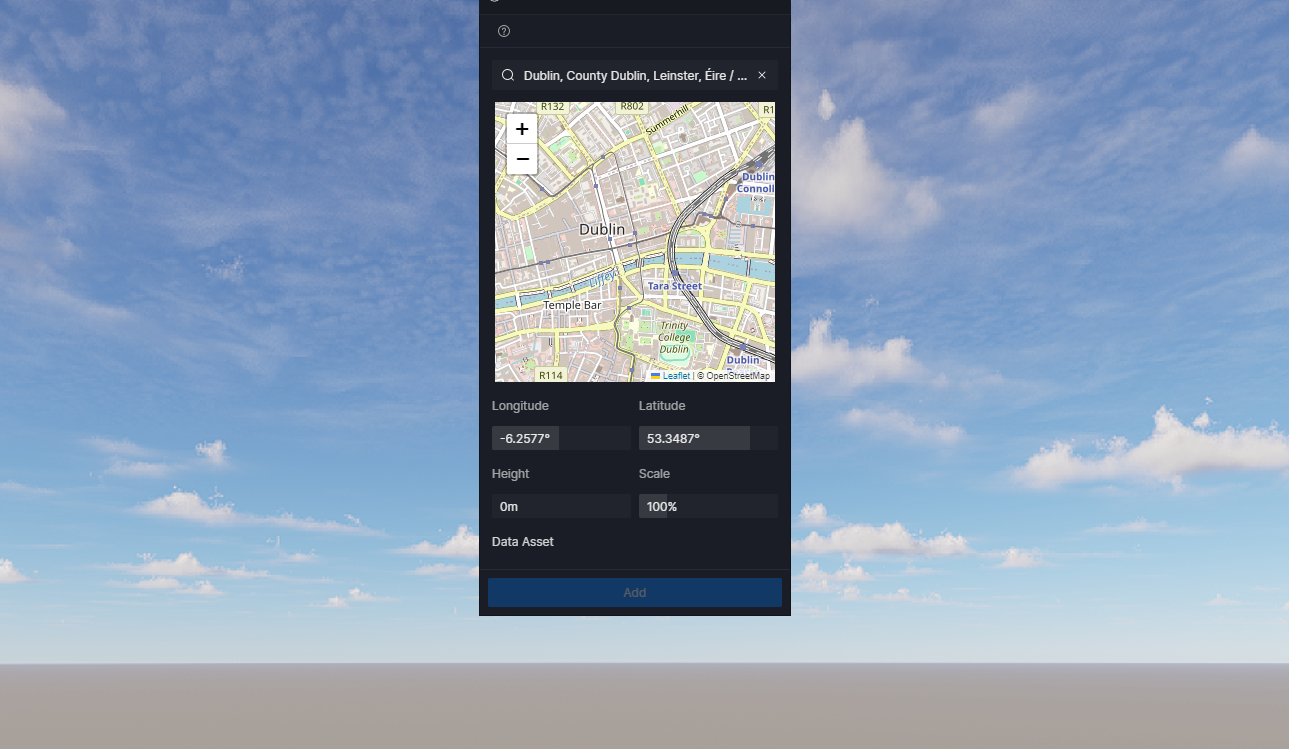
Hi @samuel.owen
Please generate a Custom Cesium Token and check all the boxes. We don’t recommend using the default token.
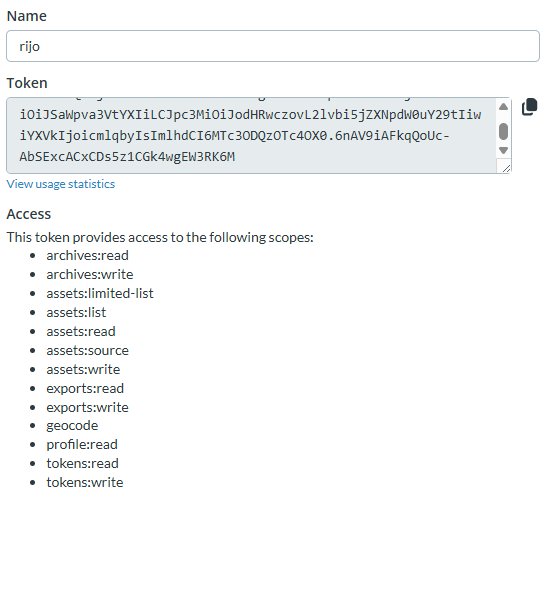
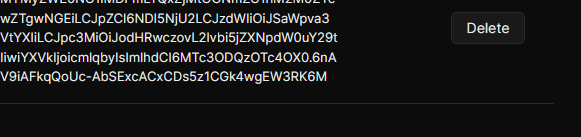
Hi @rijo_kumar
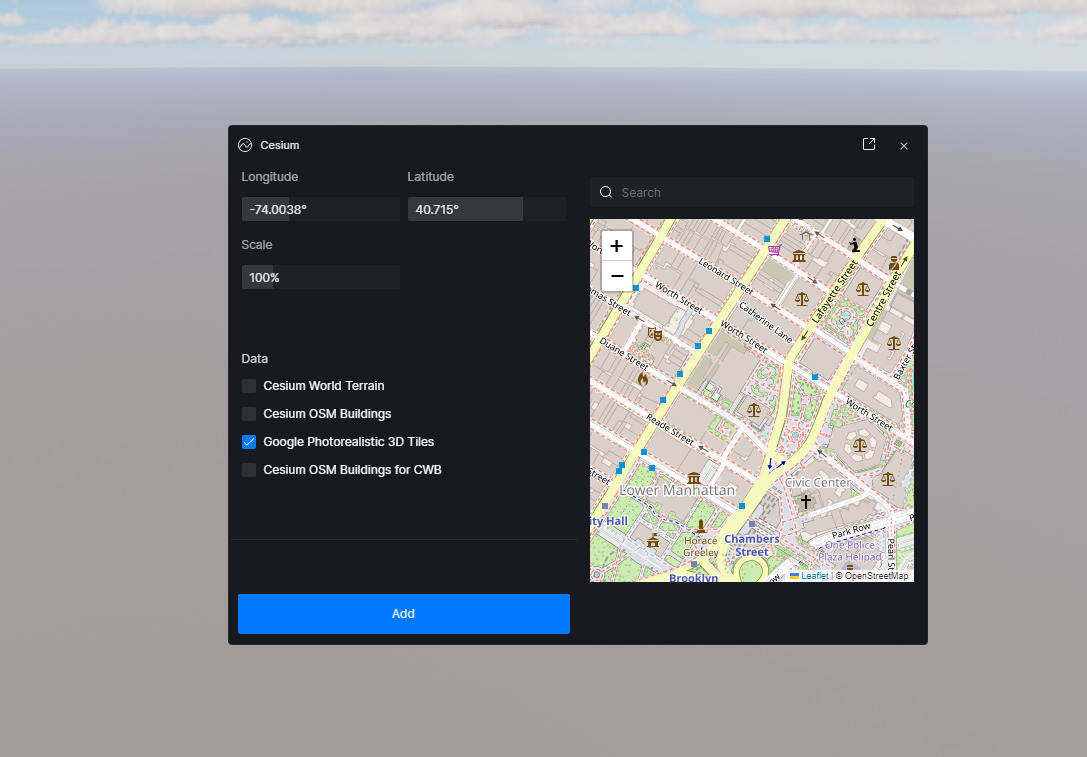
It looks like you have only ticked one box. Please try this suggestion from Clov. Let me know if it helps.
Did you not see the screenshot of the custom token I posted with every access enabled ?
And for the cesium window in D5 I have ticked all the boxes still nothing.
Hi @rijo_kumar
This is a new Cesium Token, right? Not the default one?
- Do you have any new uploaded data that you have included in this portion?
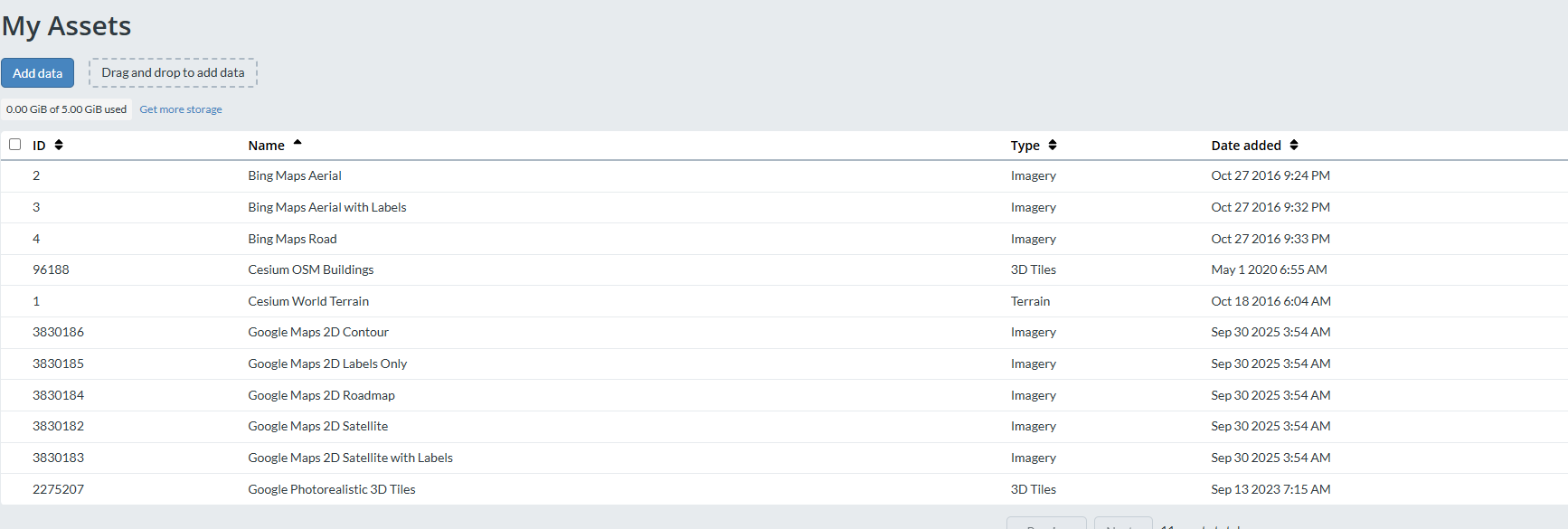
- I can provide you with the IPs and domains for Cesium, just to ensure that there are no blocks. I will be sending it to you privately.
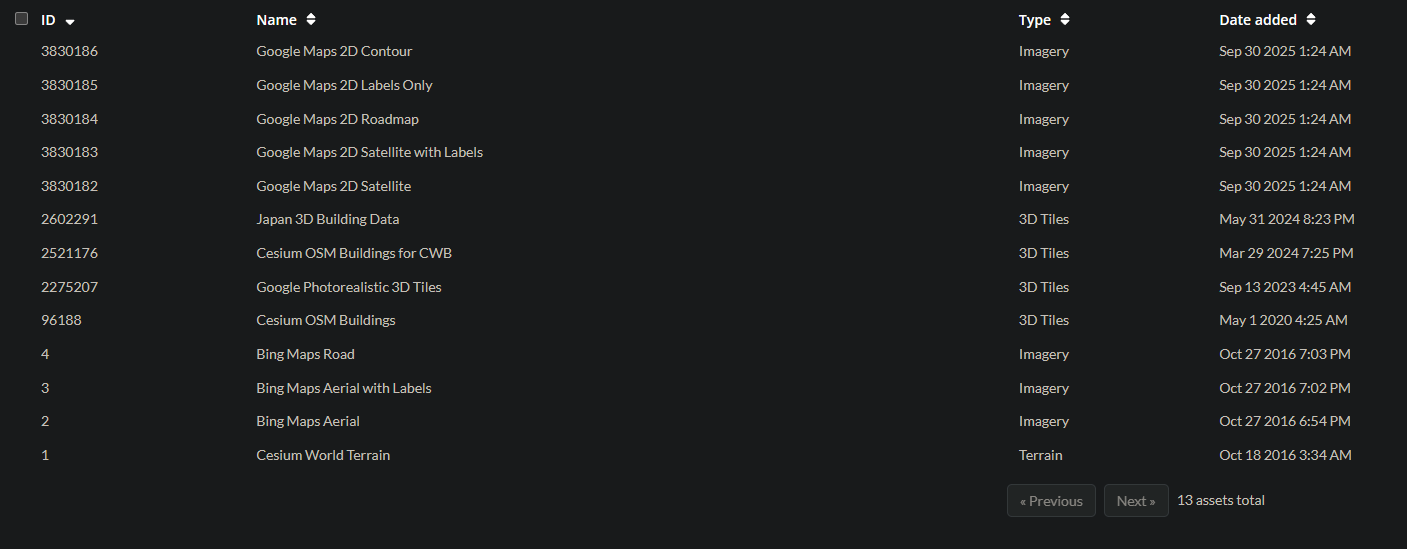

As you can see From asset depot I added two more
Japan 3D Building Data
Cesium OSM Buildings for CWB
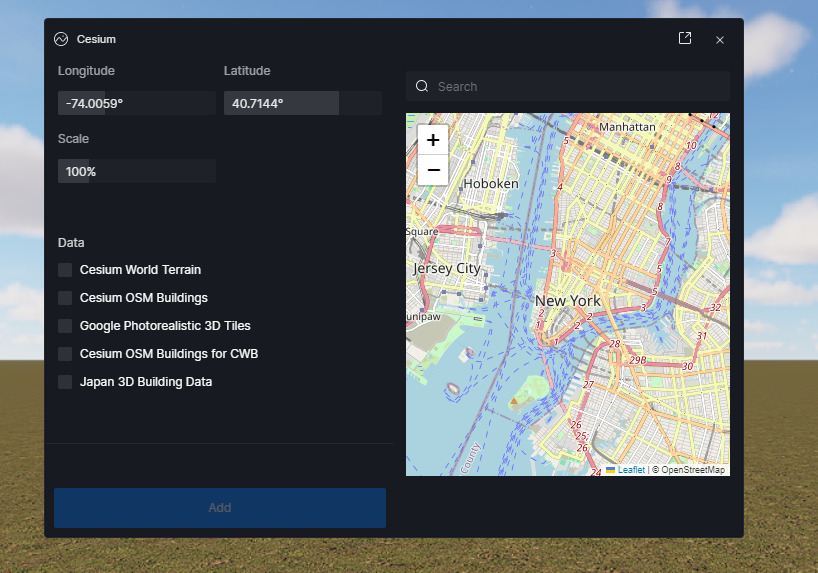
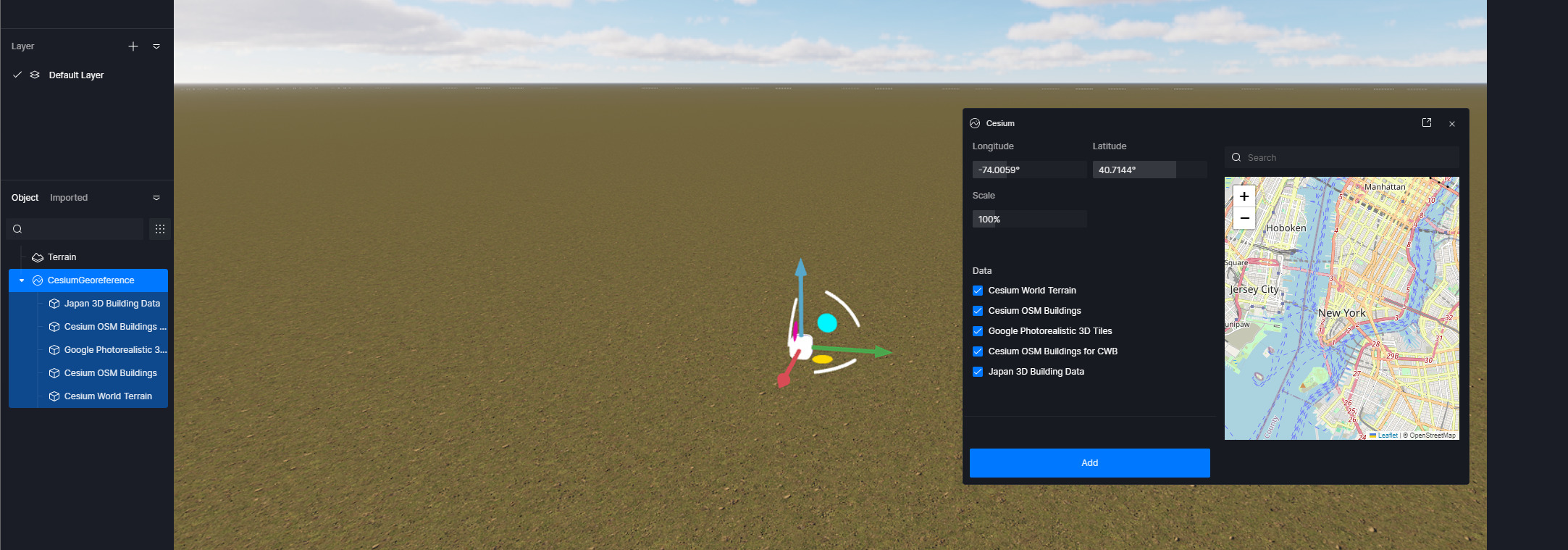
In D5 it only shows 5 data as you can see in the screenshot - No 2D and Bing data.
Nothing showing up
Hi @rijo_kumar
The data are the only ones available for D5 Render, hence, it is expected.
As for the Cesium Data not showing up, there are multiple possible causes:
-
Whitelisting: I’ve sent you the domains related to Cesium; you may try to whitelist them. We don’t have a streamlined instruction on how to whitelist a domain, as it varies depending on the software you’re using, so we suggest searching the web for it.
-
Region Specific: Which Country are you currently using D5 Render?
- Cesium relies on overseas servers; domestic Chinese networks often block or throttle requests.
Suggestions:
- Reinstall D5 Render completely
- You may also share to me the Cesium Token
- If everything fails, then please send us your log files

Using D5 with airtel broadband from india.
Tried reinstalling completely still not working.
Sent you the token through DM
tired turning off the firewall and windows defender, no luck.
dumps_d5_new_launcher.zip (366 Bytes)
logs_AppData_Local.zip (1.1 MB)
logs_d5_deploy.zip (8.3 KB)
logs_d5_immerse.zip (3.3 MB)
logs_d5_newlauncher.zip (242.7 KB)
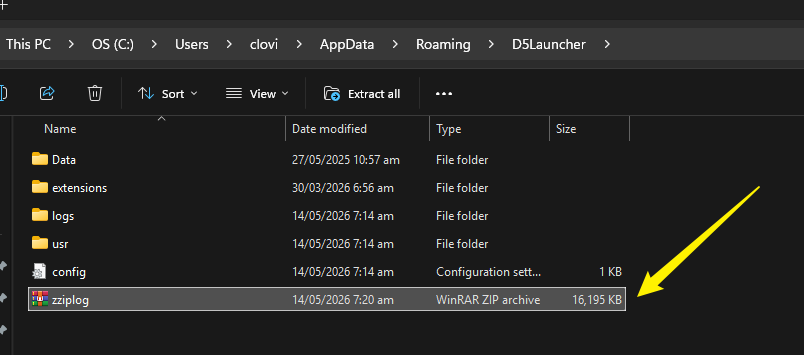
omg do you even have time to read the name of the files ? that is the zip files of all the folder inside the log file because your system is not capable to take single file more than 4 MB.
what I’m supposed to do ?
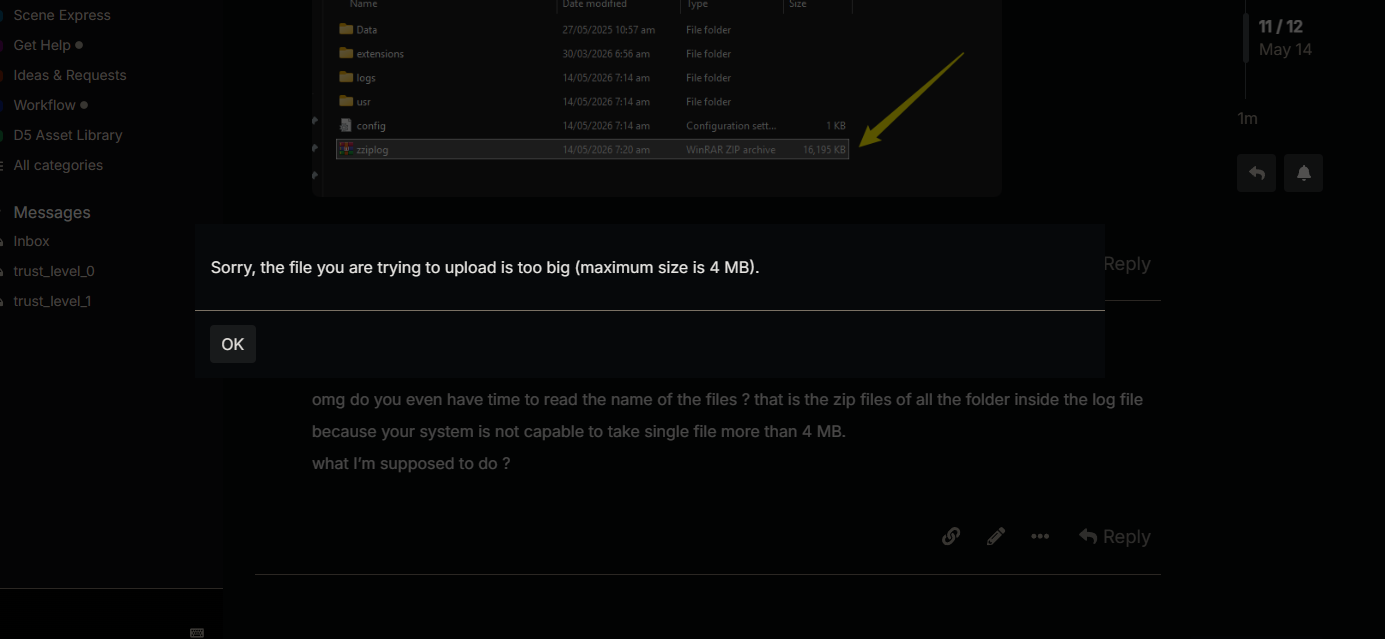
There’s no need to be rude, you just need to generate a link using Google Drive or wetransfer 
- I’m very much aware that’s the contents inside, but we prefer it if you just send the entire ziplogs just to ensure that the contents are intact.
Thanks, we will be inspecting it.
Hi, we’ve investigated the Cesium issue by reviewing your logs and have confirmed it is caused by a network connectivity issue on your end. Your network is unable to reach
which is preventing the 3D tile data and Cesium materials from loading in the scene. The connection is being refused at the transport layer, meaning the TCP connection is rejected before it even reaches Cesium’s servers.
This points to one of the following:
- Regional or ISP-level block — Cesium’s servers run on AWS CloudFront, whose IPs are restricted in some regions or by certain ISPs
- Firewall or proxy interference — A corporate firewall, security software, or proxy is blocking outbound HTTPS traffic to api.cesium.com on port 443
- Local network misconfiguration — Conflicting proxy settings, a hosts file redirect, or VPN interference.
Given that your environment is based in India (IST), regional network policies affecting AWS CloudFront nodes are a likely contributing factor. This is not a bug with the application, the issue is environmental and will need to be resolved at the network level.