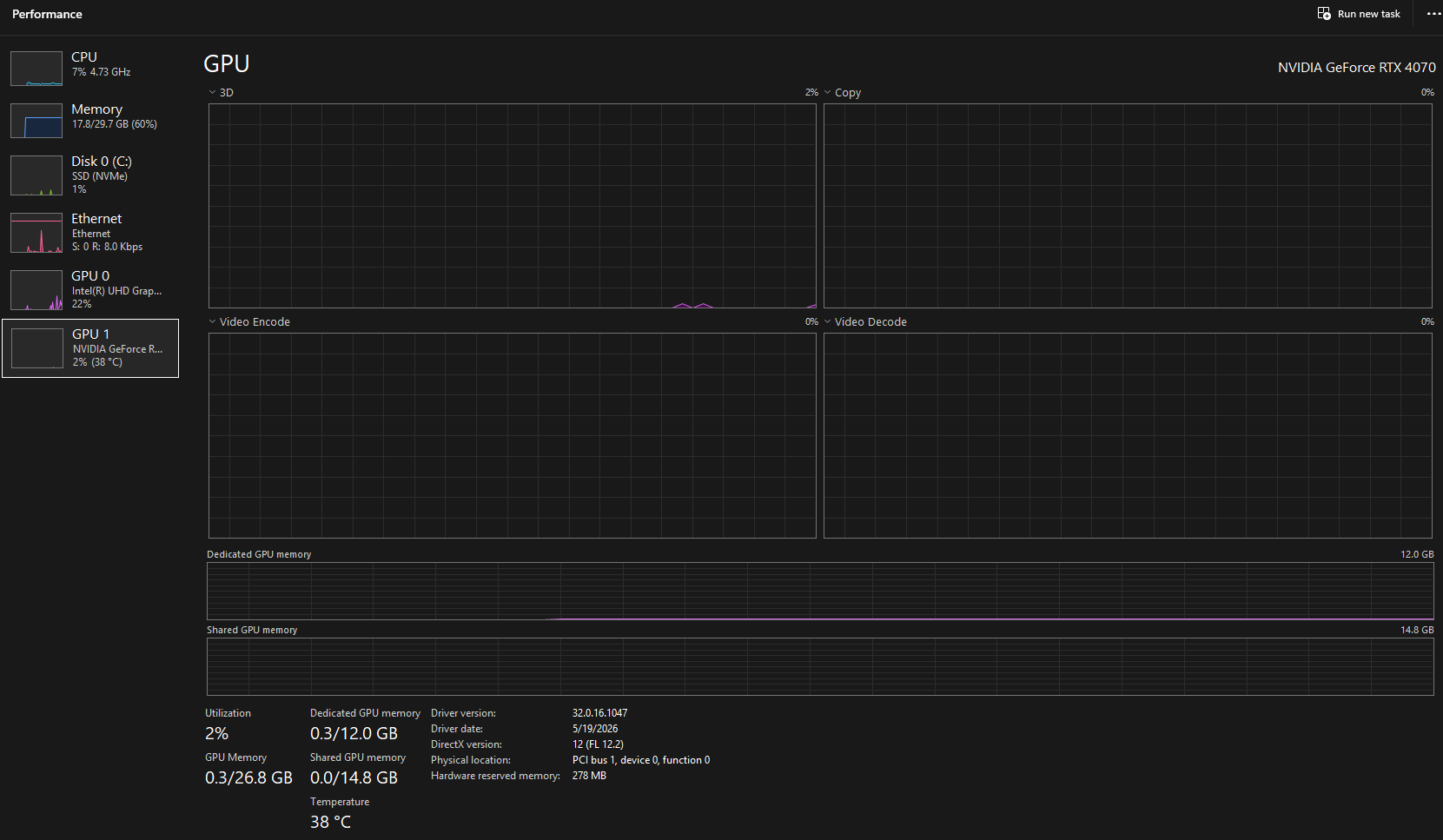
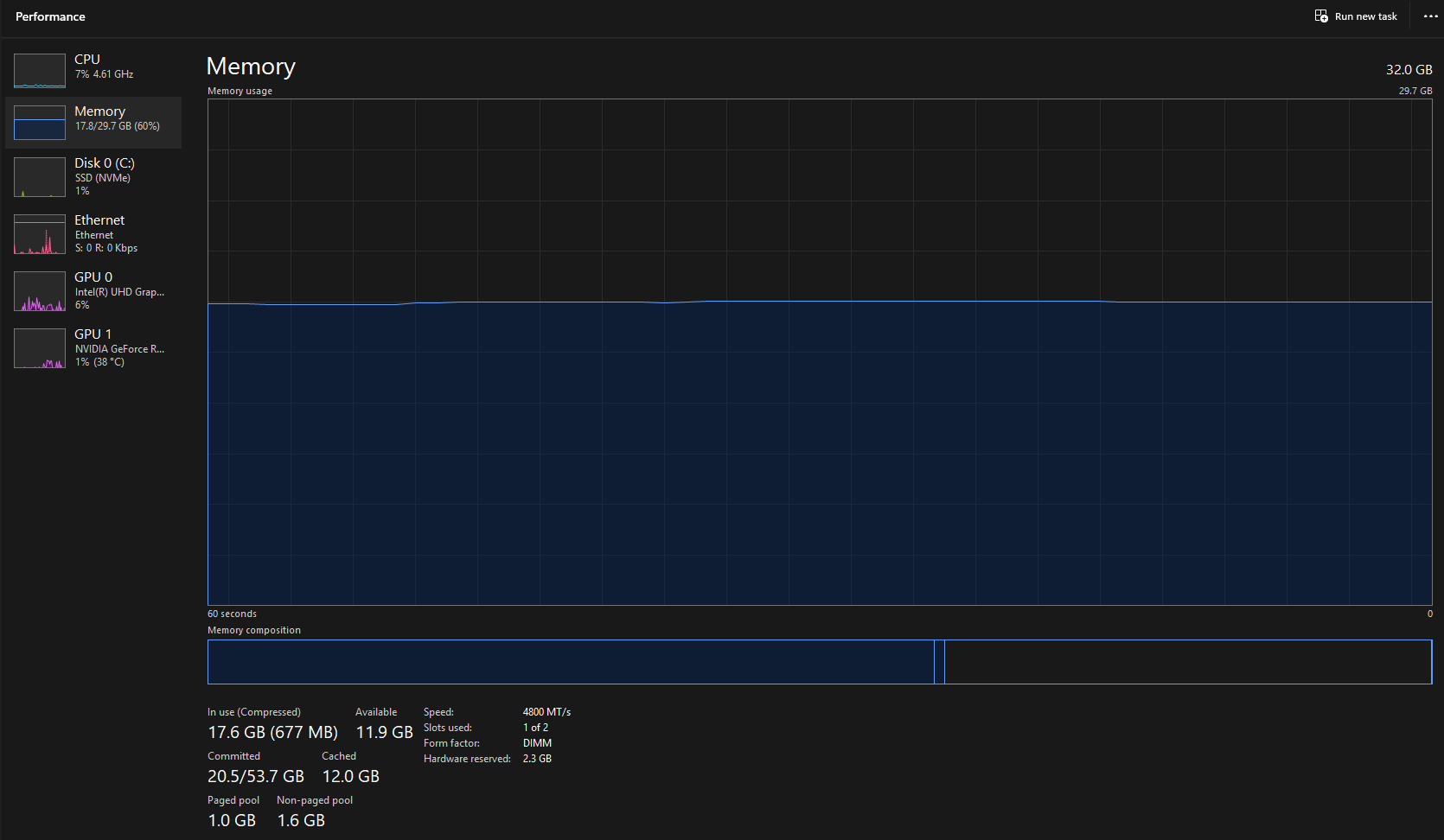
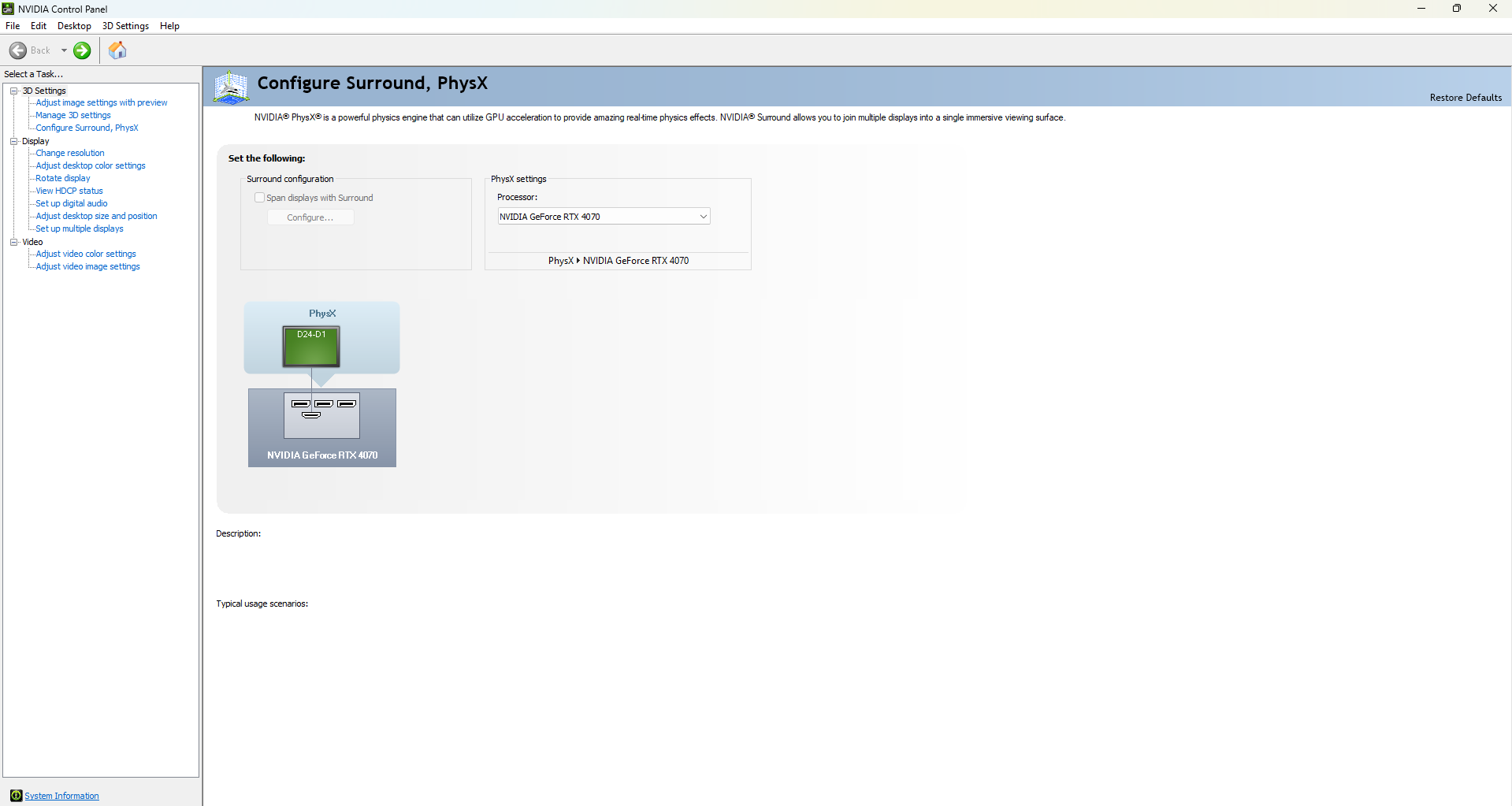
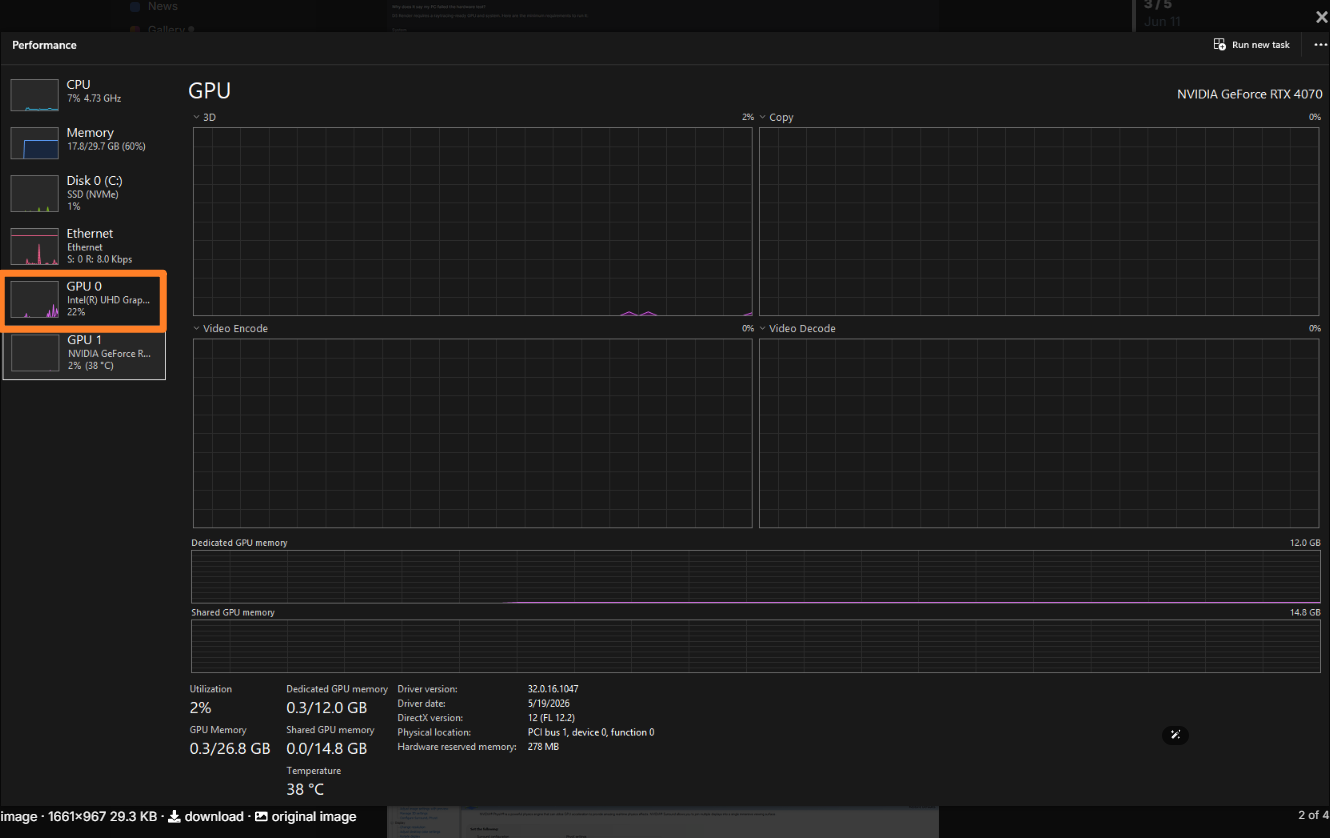
Hi, Thank you for your quick response. I have followed those steps in the past and again yesterday. I also do not see the “Manage Display Mode” in the NVIDIA Control Panel. I will continue to follow these steps more closely in the meantime. Thank you.
Just to clarify, this occurs to all files, right? Were you able to use D5 Render normally before? Were there any actions you have done, such as updates, that may have triggered this issue?
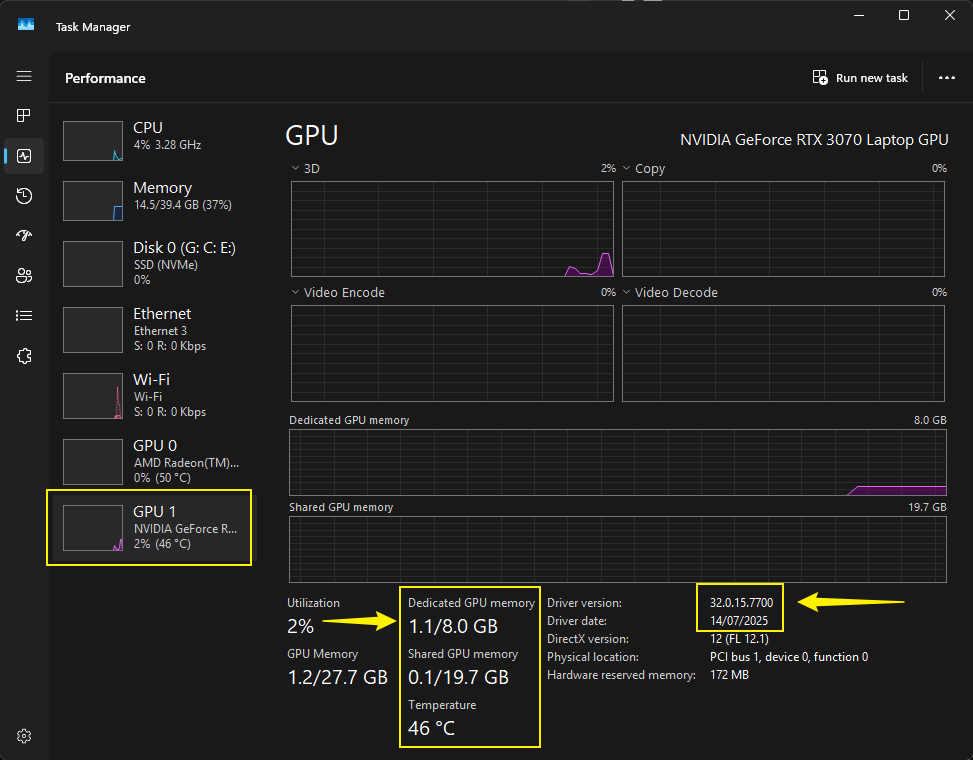
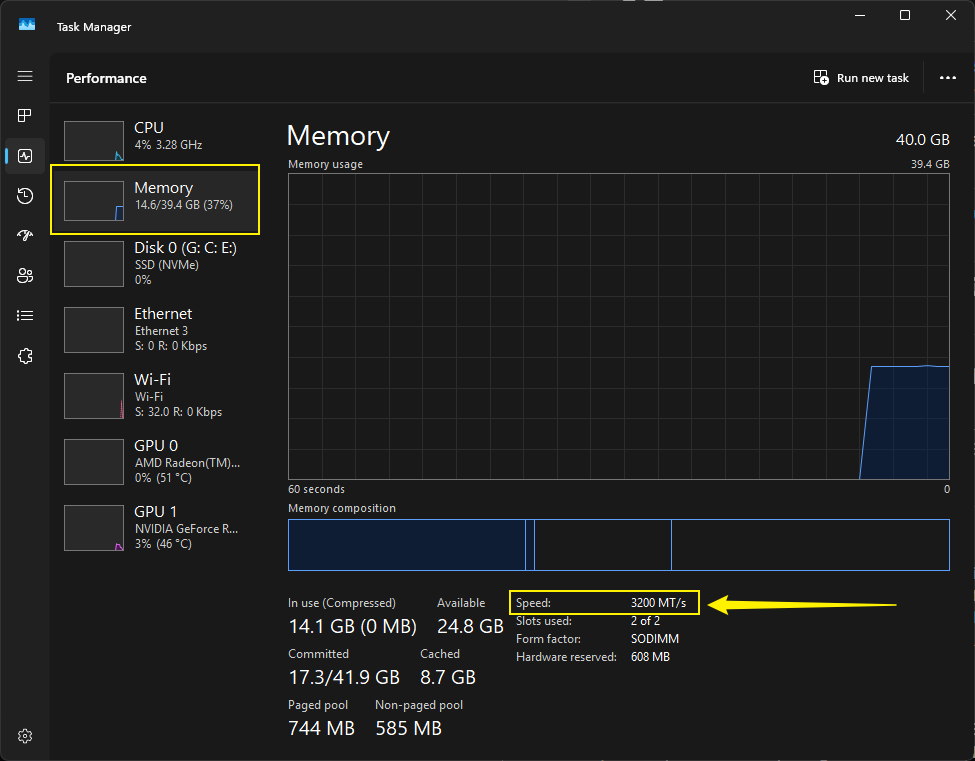
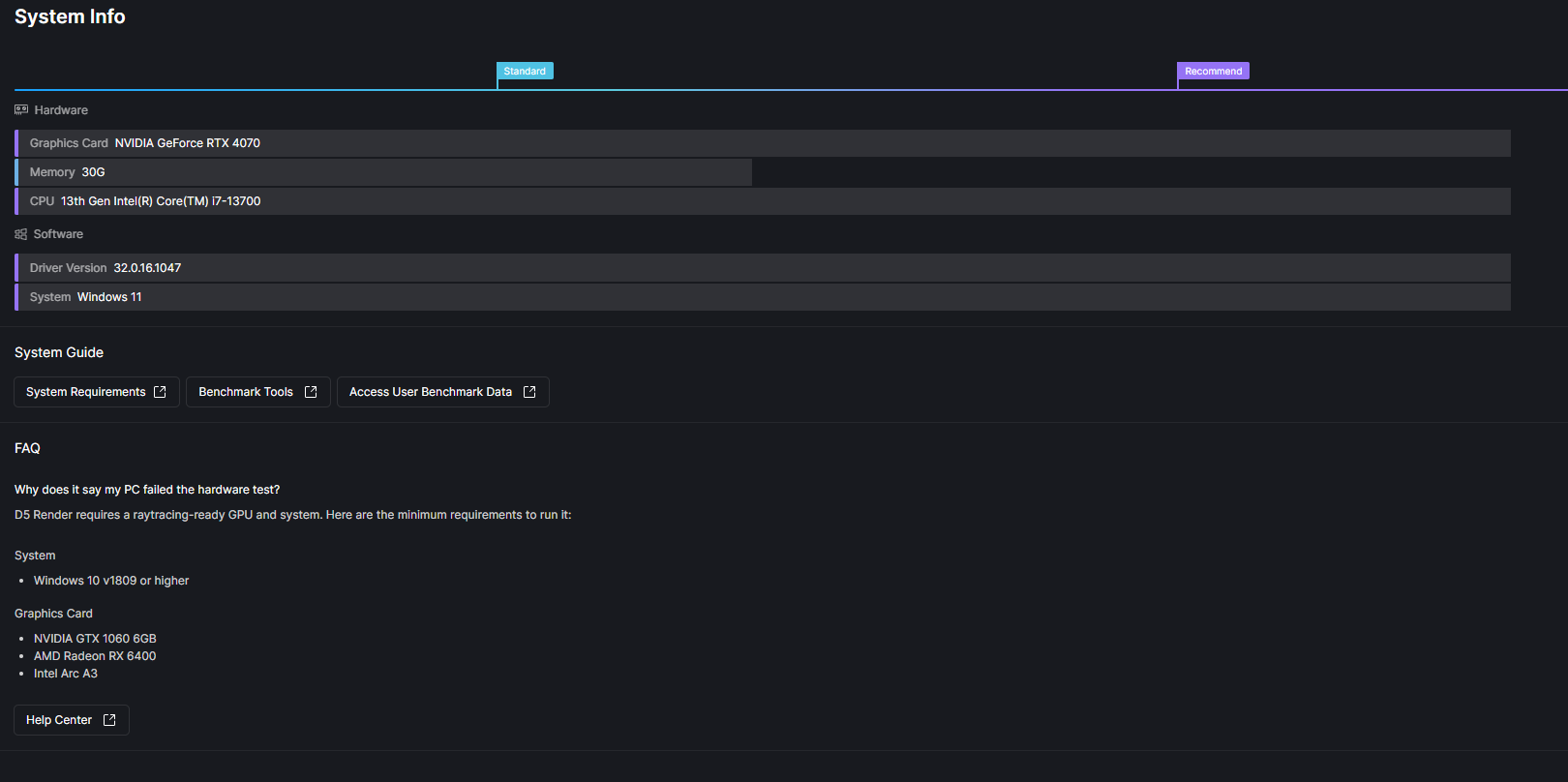
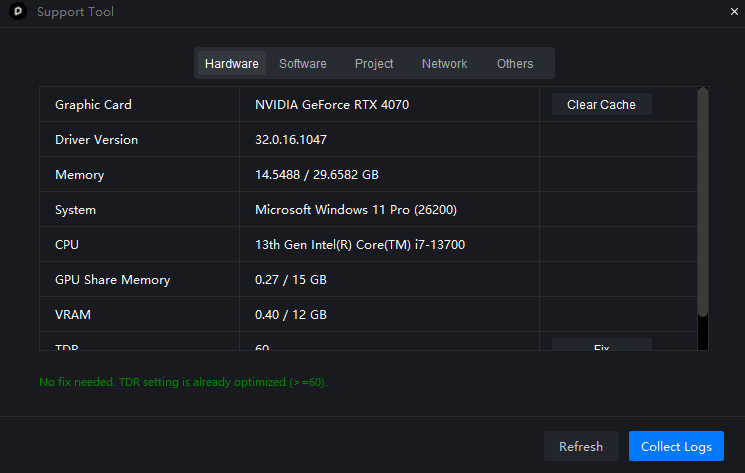
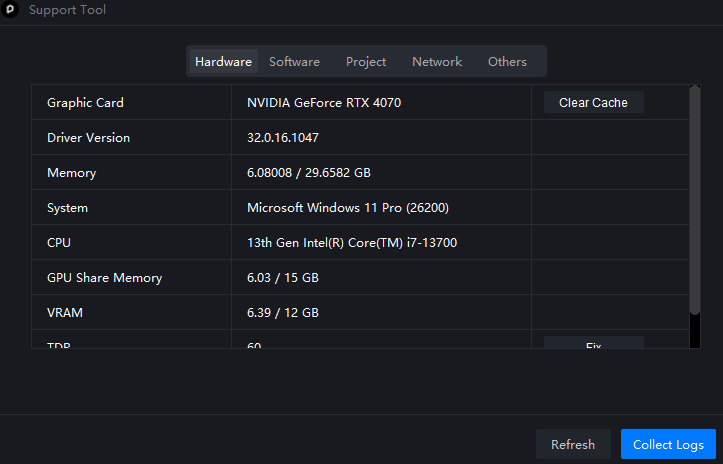
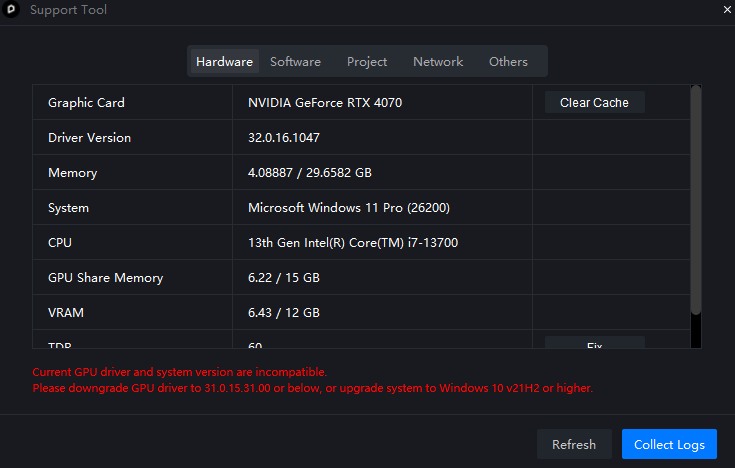
Are you opening a D5 File when you were checking your Task Manager? If so, it seems your iGPU is being used instead of your RTX GPU. If this is really the case, try disabling your iGPU temporarily and please ensure your monitor is connected to your RTX GPU
I previously used the free version, but when I updated it, it started to not work. We have since decided to purchase it. After trying to re download it I continued to have the same issue. I will try you latest response next. If the issue persists I will reach out again. Thank you!
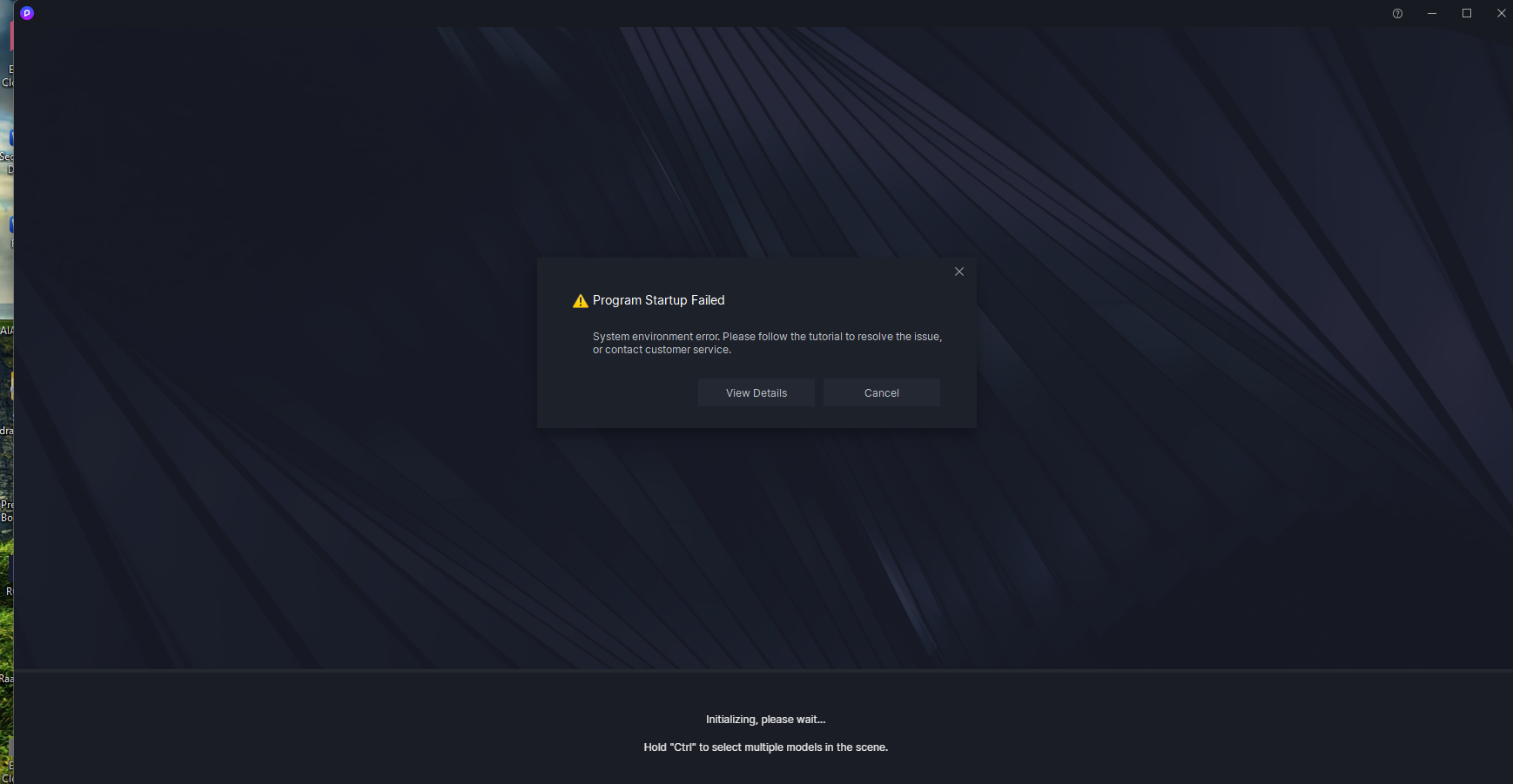
Hi @Clov It’s been a while, and I had it working. And now it wont even open d5. only the launcher opens, and when I click new file it won’t open. I’ve routed the correct graphics card to be used and it still doesn’t work. I believe this is above my pay grade lol. I’m at a loss.
Could you please share how you were able to resolve this issue in the past?
Additionally, I’d appreciate it if you could let me know whether this problem affects all of your files or just specific ones.
Have there been any significant changes on your end that might have contributed to this issue, considering it was functioning well after our earlier conversation in the forum?
Lastly, were you able to try the suggestions I provided, such as disabling CPU overclocking?
I first updated the Bios, then I went to graphics settings and specified which Graphics card D5 should use. But now it has stopped working again. It effects all files. It doesn’t even open D5. Only D5 Launcher will open. I tried downloading the new update as well. I will have to disable overlocking. I didn’t try it because it was working.