**D5 Render Version:3.0.0
**Graphics Card:RTX 3090
**Driver Version:Studio-581.57
**Issue Description:Black screen after update
Screenshots/Videos Description:
Steps to Reproduce (optional):
I am unable to work after update 3.0.0. I’ve been working on this large file, updated to 3.0, and the file now opens all in black.
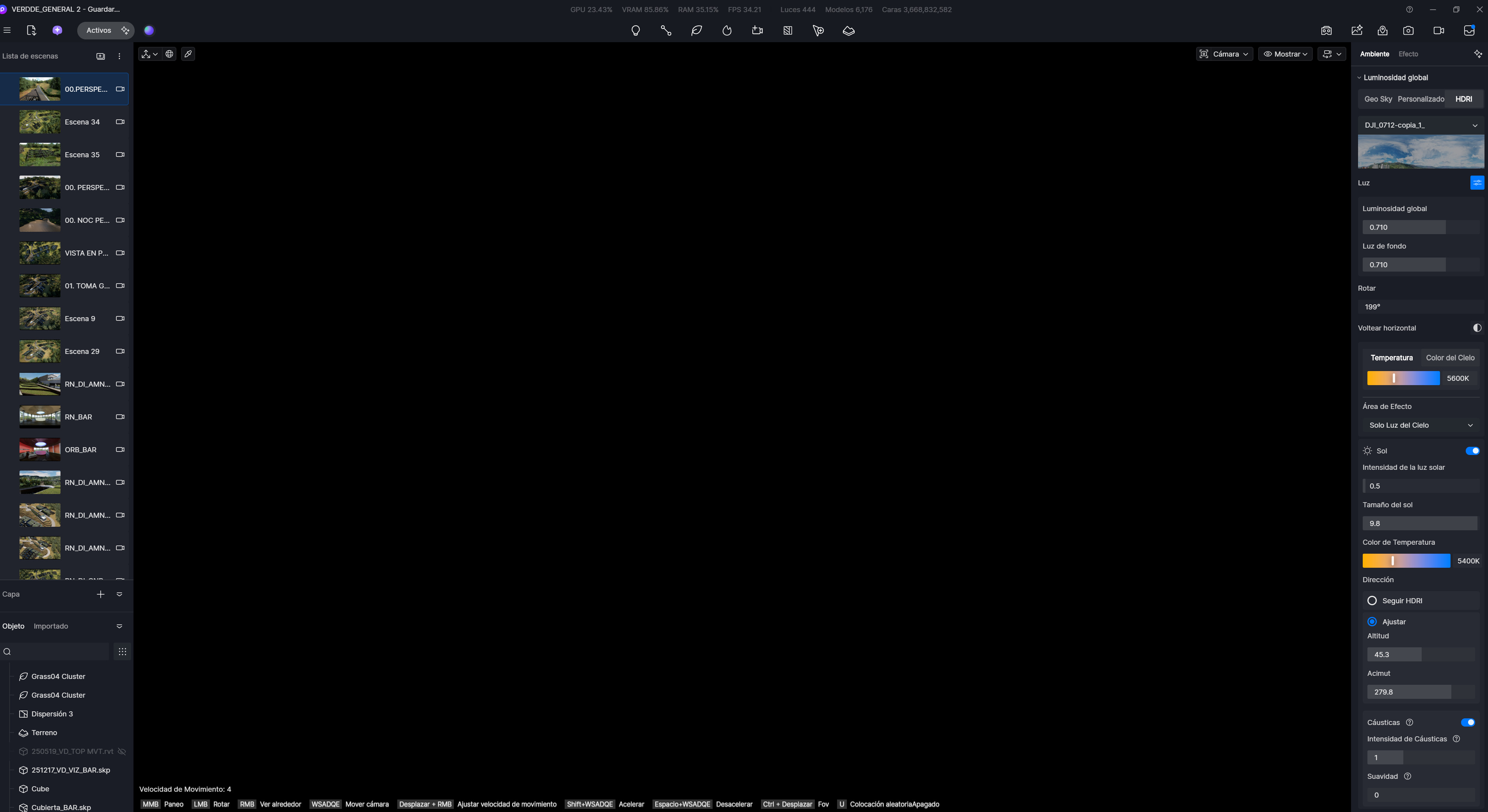
Update 14/01/2026: Creating a new file works fine.
A black screen appears after closing the file for the first time.
Seems like the problem is related to something with the launcher or a subprocess related to it.
I uninstalled 3.0 and installed 2.11 but kept the updated launcher (3.0.0), and all the files that got the black screen were opened through the launcher.
The only way to avoid black screens is to start D5_render.exe; it goes directly to a new file, then Files > Recent > Desired file.
