Issue Description:
Hi… I have just started to experiment with D5 Lite… in Rhino… It looks very promising… But for now I’ve encountered some issues with materials… specifically the transparent materials… and all sort of materials with some opacity or transparency.
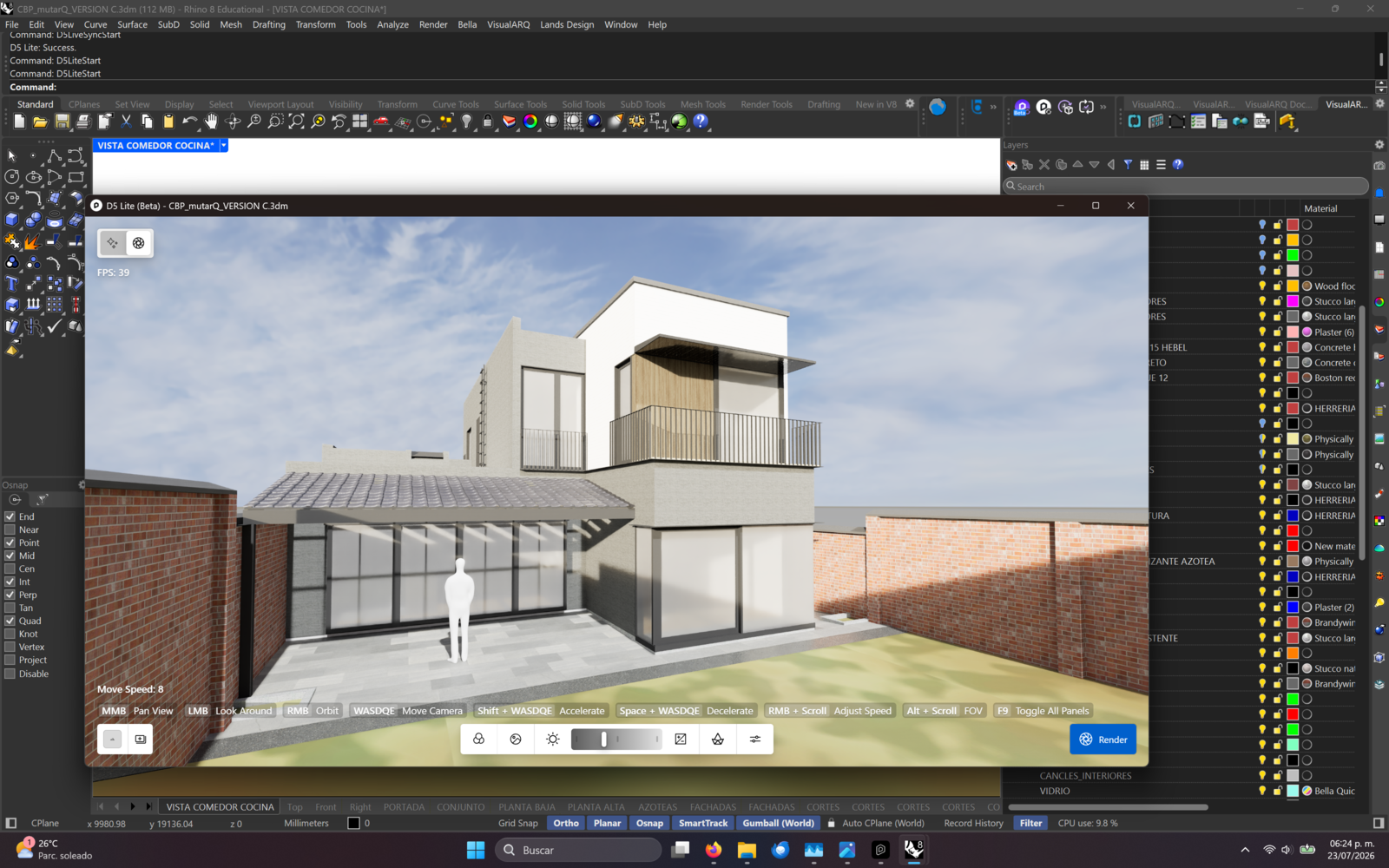
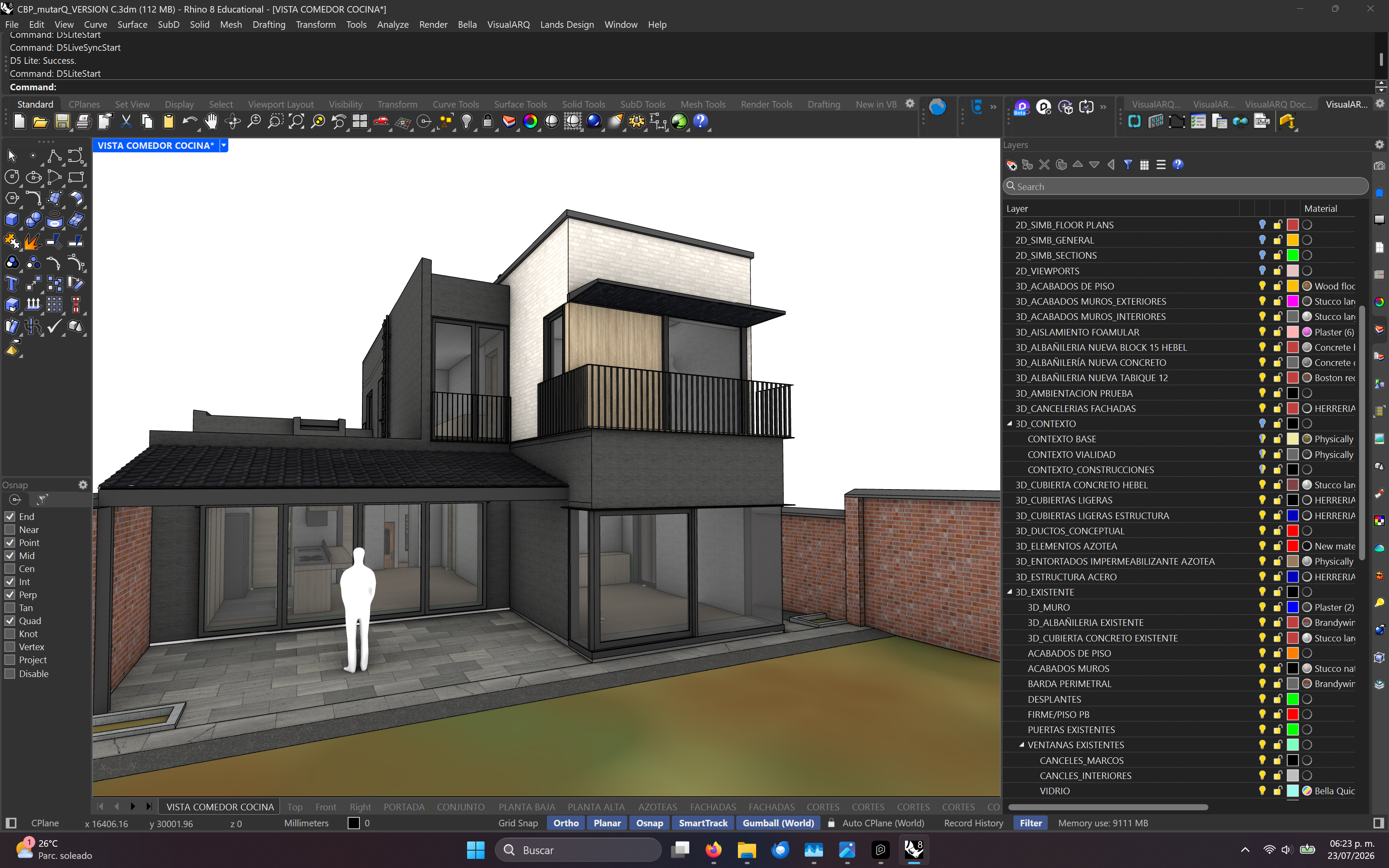
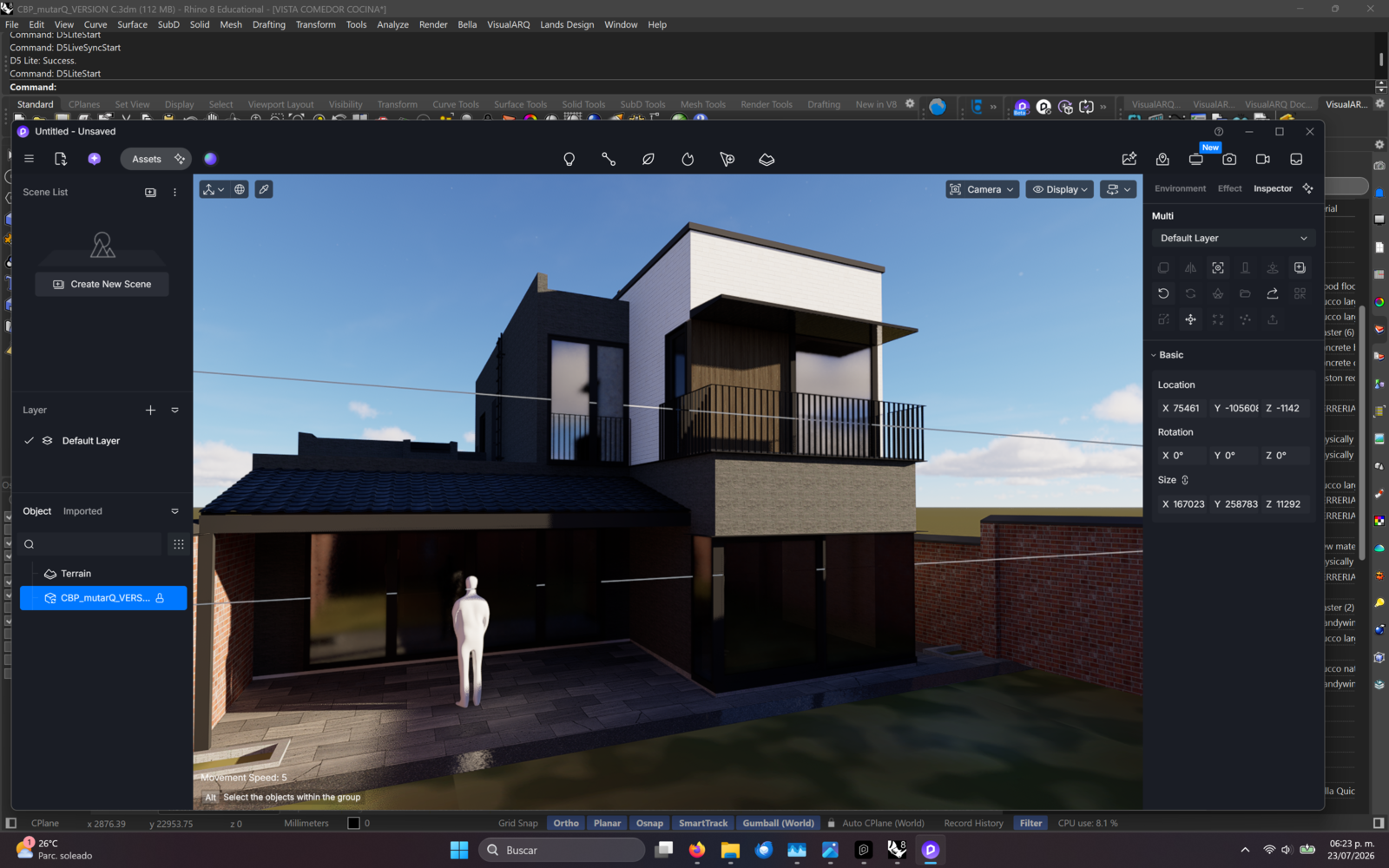
I attach 3 renders… and you’ll see that both, d5 and d5 lite render completely different (and actually both wrong)… a transparent window… D5 makes it like frosted… and D5 is almost mirror like from outside. (some sort of light should be passing through them and it makes it very unrealistic)
Nonetheles I’l hope this issues will be fixed soon… as this new workflow, ,with D5 reading mostly all of the material mapping and setup done inside of RHino is the way to go…
Thanks for pointing this out. Can you please send us this Rhino File for testing? You may generate a link containing this file, then send it to me privately here in forum messages.
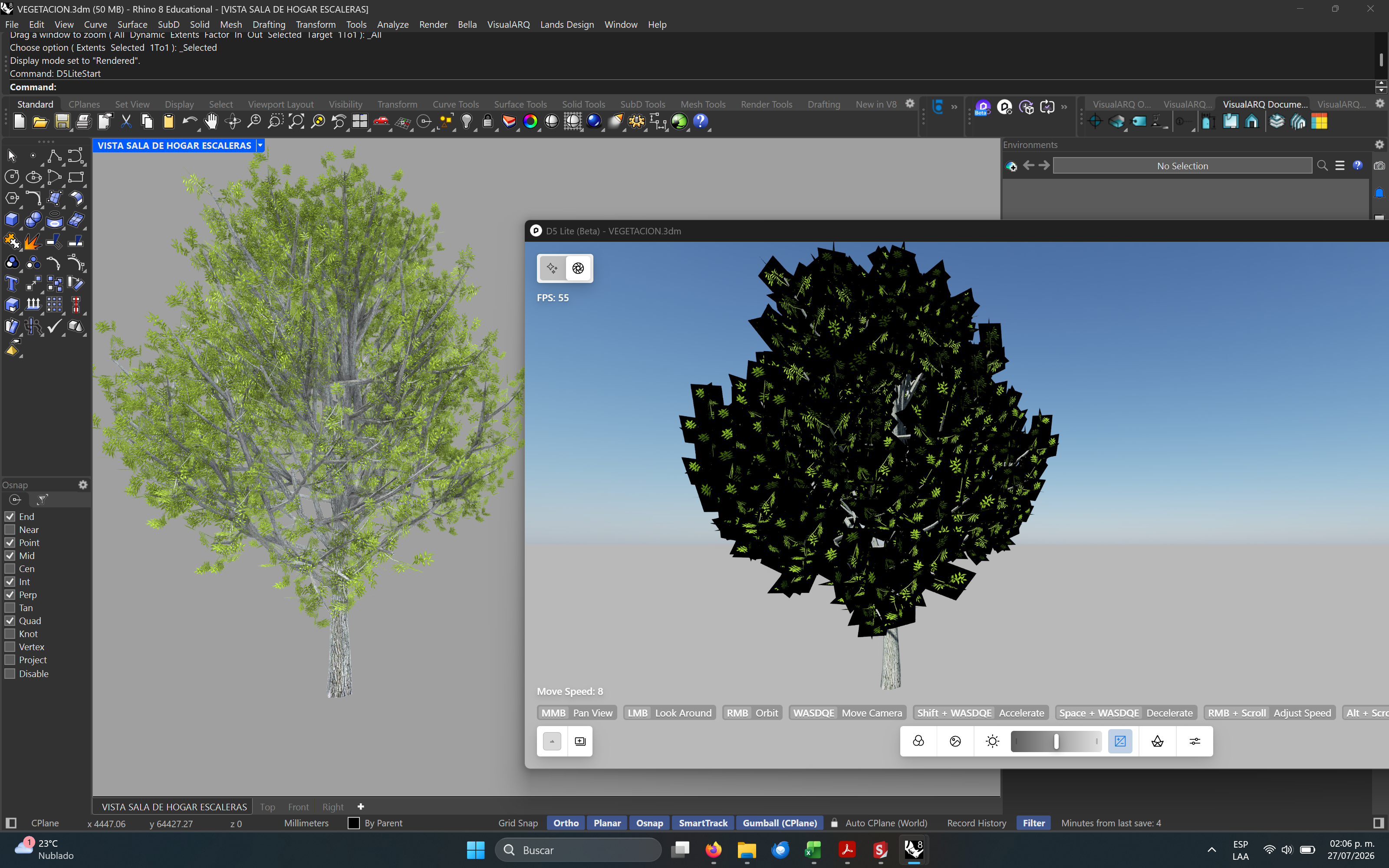
this is one example of file… but as I mentioned it happens everywhere… (it is “interesting” that for instance… any material… like a plastic… if i add any transparency… it gets a black tint)
We’ve identified the issue with the vegetation, and we’re working on a fix for it. Additionally, to better diagnose the glass effect issue, we will also need the corresponding 3DM file.
thank you for your reply… about the “transparency” in black… I am atTaching a video and a 3dm file in the zip… the issue is that it is odd how D5 interprets any opacity/transparency… as you will see in the video… just setting up a 1% transparency to an object… a white object suddenly becomes black (certainly a black 99% oppacity… but it is not very intuitive) In the end I was able to simulate the transparent plastic but i think that this behaviour of D5 is something to be adressed.
Transparency in Rhino is not strictly physically based. For instance, increasing transparency to 100% on any material makes it disappear entirely, which is not highly suitable for a rendering engine.
In D5 Lite, the Transparency Degree in the Glass template is actually transmission. It reflects the realistic process of light penetrating the interior of a material with physical thickness, accompanied by refraction and absorption.
In D5 Render, enabling the [Affected by Light] option for Opacity can achieve an effect approximating transmission. However, because the visual result of transmission isn’t always intuitive.
We will consider exposing additional transparency-related parameters in the future to provide an experience that is more consistent with DCC software’s transparency effects.
Regarding the second issue:
Building on the situation described in the first issue, adjusting the transparency channel parameter in Rhino causes D5 Lite to interpret it as a Glass template.
As a result, the transparency texture is mapped directly to the transmission channel’s texture, which leads to the failure to achieve the cutout effect.
In future versions, we will be improving this. Inorder to determine whether the material will be a Custom Cutout template or a Glass template based on whether the alpha toggle for the transparency channel texture is enabled.