Hello. I am in the same boat. The app was fine a week ago. I was prompted by D5 to “Please update the app”, after which all existing and new projects crash. I have since deleted shader cache, updated drivers, reinstalled D5 render and lastly rolled back driver update to my last driver in March. I cannot do anything. I leave this to the D5 team to address and revert back with an update.
Hi @ltvanzyl98
I apologize for the inconvenience. May I know which update you are referring to?
- Is it a D5 Launcher update?
- D5 Render update? Which specific version? Please send us a screenshot
- What’s the behavior of the crash, does it completely load out but crashes upon navigation?
Additionally, please send me the following screenshots.
- System Info
- VRAM
- Memory Speed

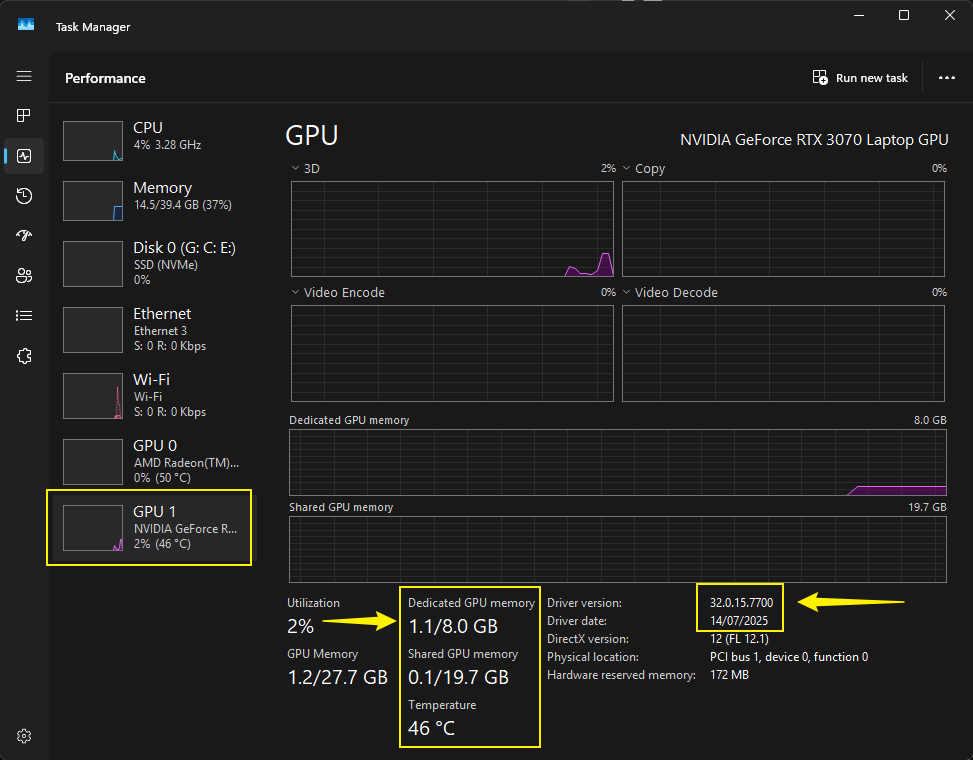
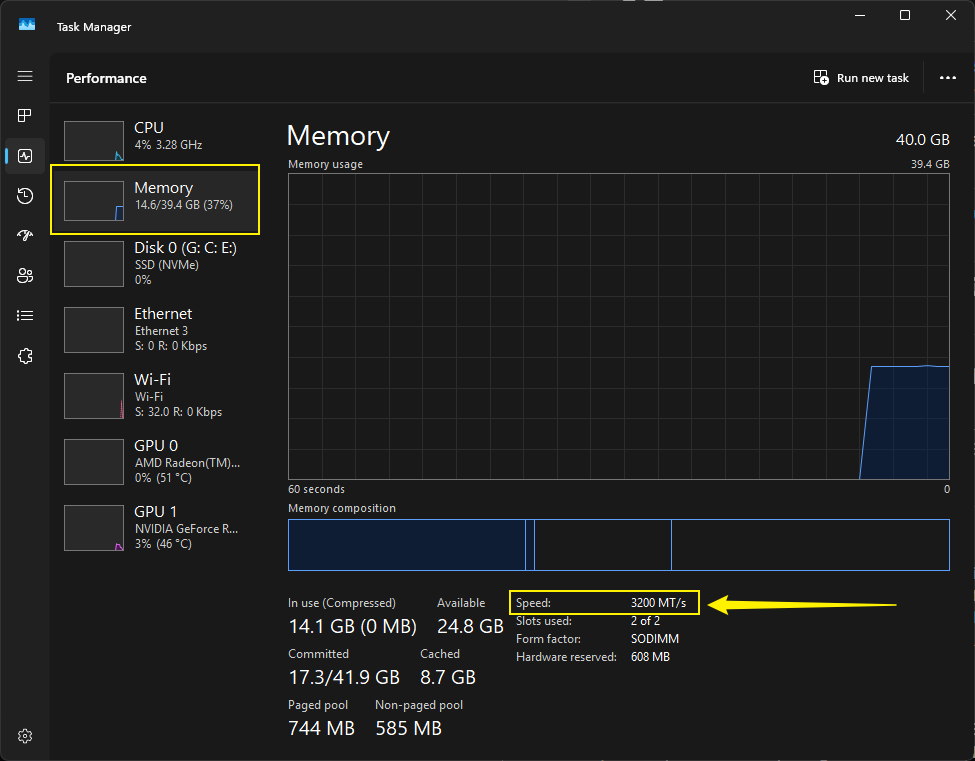
Hi, after the reinstall and reverting to the old nvidia drivers does it still crash ?
Yes. I reverted back to the previous version I had installed from March, I was working on a project last week. I tested it again this morning, still not working. I cannot do anything else.
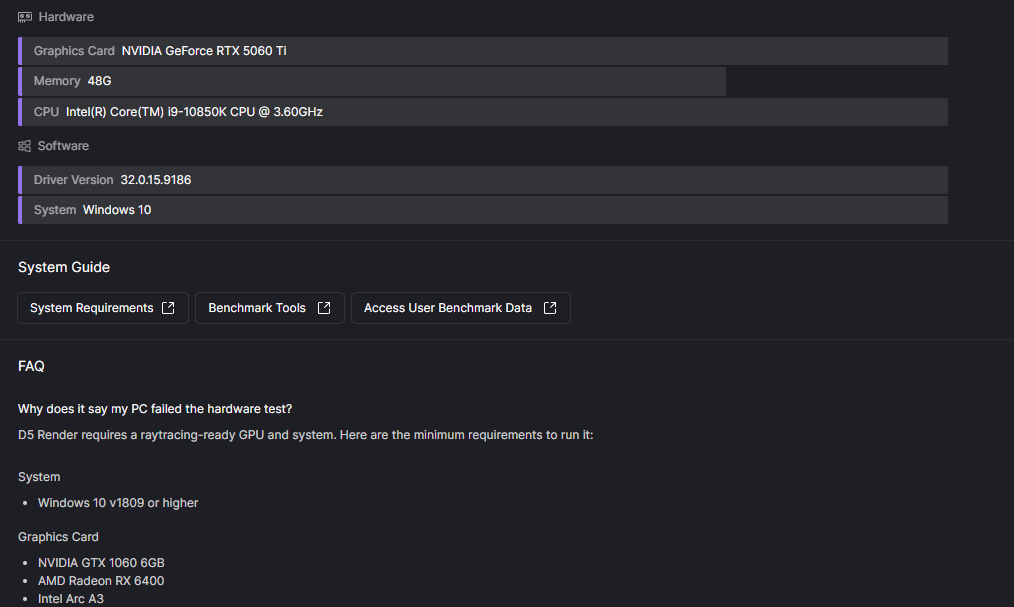

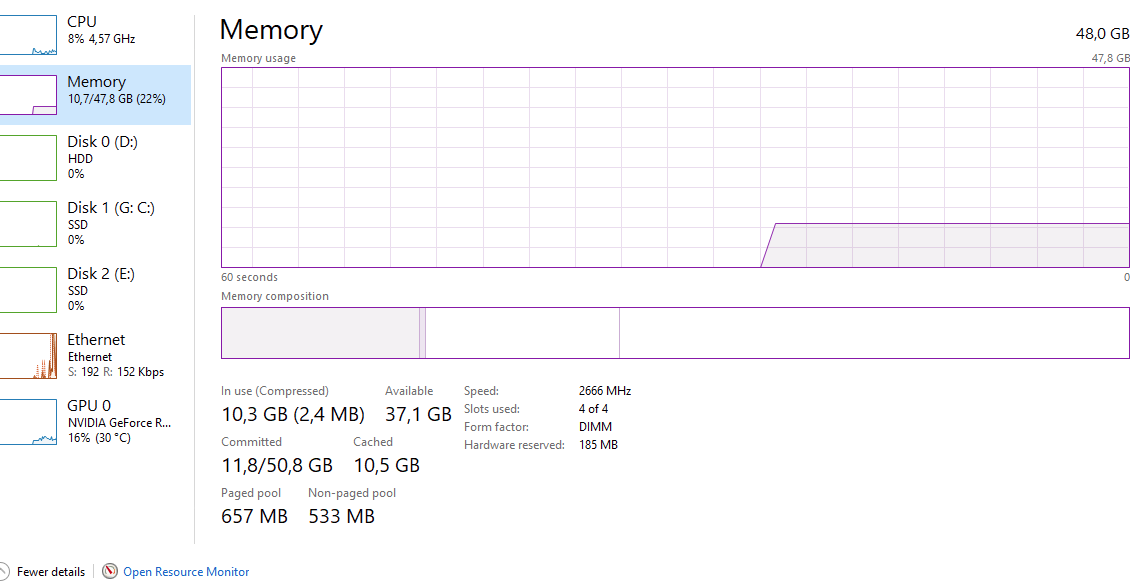
I opened the launcher, and was prompted to do an update. I am not sure if this was for the launcher or D5, or both.
Version 3.0.1.0683
I open up the browser, none of my latest projects are in the quick access. I click on the “open” tab, it goes to the file I was last working on. I click open. A window pops up “initializing”, It starts to load, the first 1 to 5% is slow then zips through to 99% where where the window disappears. There is no follow up message, just the launcher. If I hold the window to move it, it seems as if there is a lot of stuttering, more so than normal.
I hope this helps.
Hi @ltvanzyl98
Alright, thanks for the additional info.
- Can you please generate a log file? You may send it to me privately. If the file is too large you can generate a link containing the zipped logs.

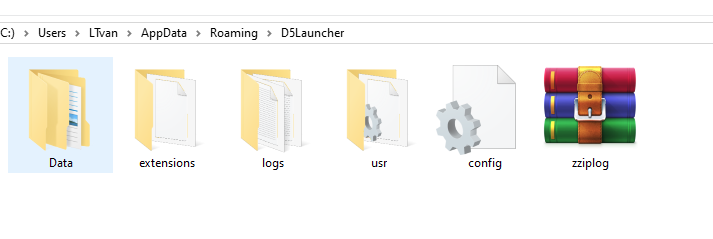
I have the same issue now. I went into D5 launcher and was prompted to update the launcher…now, no projects will open. gets stuck at 5% and then closes the window. Very frustrating. Can I go back to an earlier launcher? I can open a new file, but none of my previous projects.
1 Like
Just to clarify, before updating your launcher, these files were normal, correct?
- Can you let us know which version of the launcher you are currently running?
- Please send us your log files too
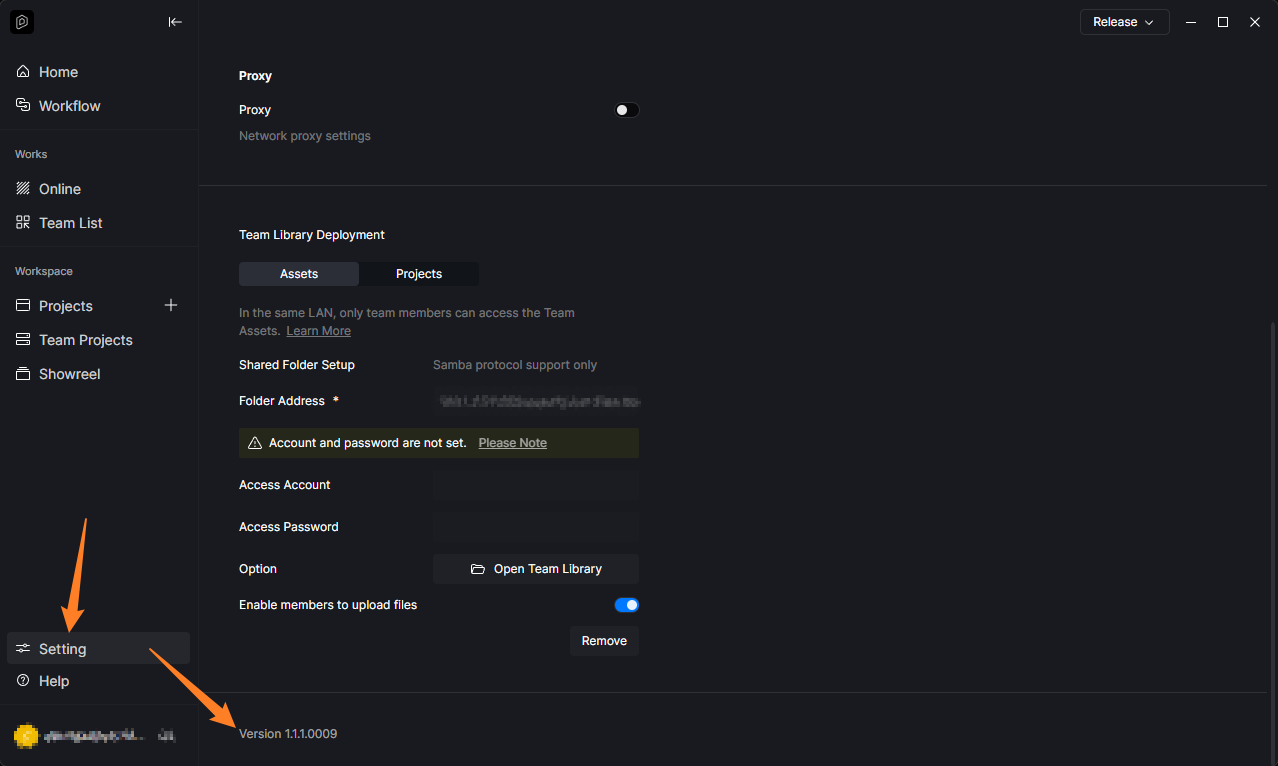
I’ll update this thread once I get my hands on an earlier launcher version.
I’m facing the same issue. Since the latest update, Revit Sync is not working properly either. Most of my older projects won’t open—some get stuck at 99%, while others reach 100% and then just close without opening. New files seem to work, but existing projects are basically inaccessible right now. Has anyone found a workaround or a way to roll back to a previous launcher version?
Hi @2023barc023 @scott.kluegel
Before rolling back to the previous D5 Launcher version, please generate a log file first then send it to me privately
-
How to collect log files
All- For an unknown reason, the launcher is now working and I can access my models. Nothing changed from an IT perspective, it just started working now…Launcher is prompting me to upgrade, but I am going to hold off until I know it is OK. Launcher V 3.0.1