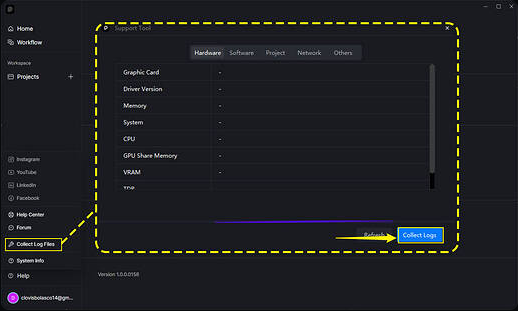
Does this problem occur in other files? Or is it file-specific? (If empty, demo, or very light scenes has also a similar issue it may be a bug that needs to be reported as soon as possible)
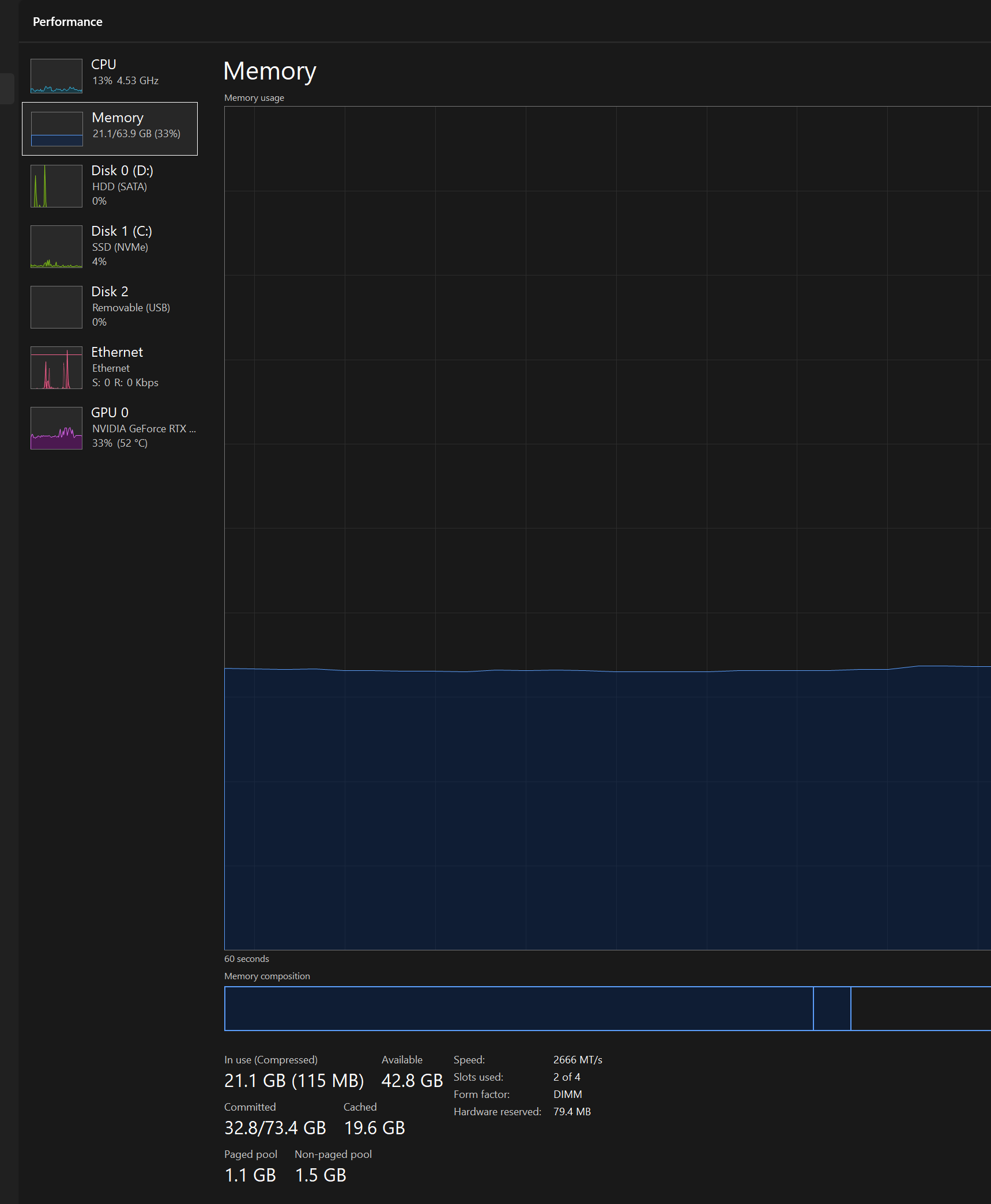
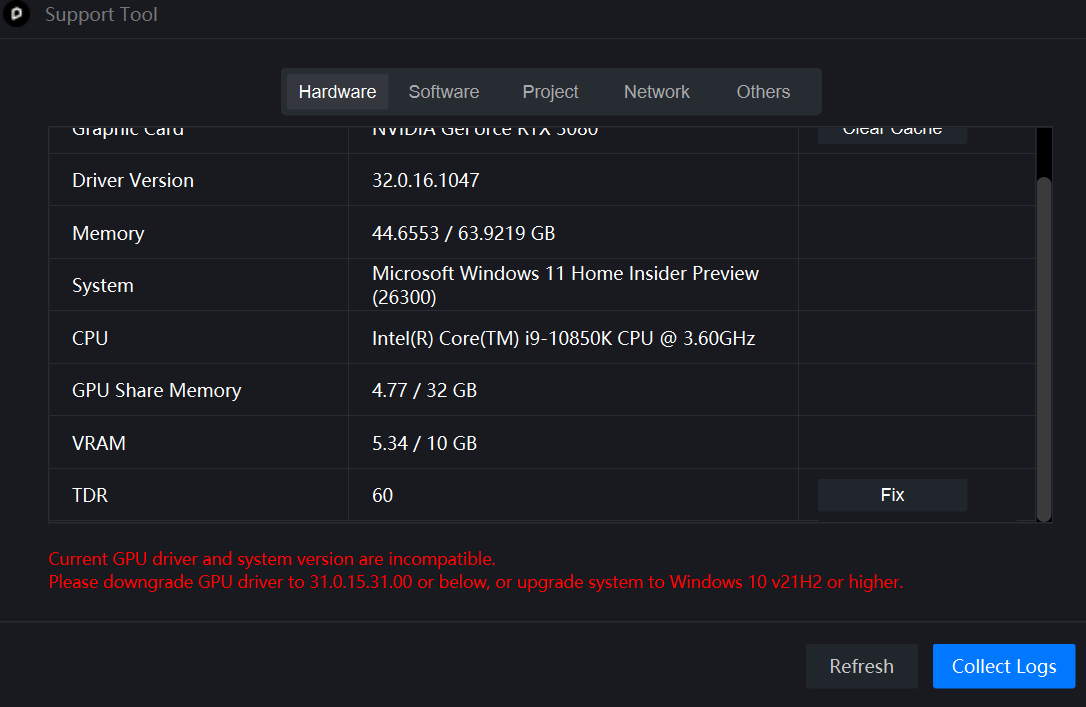
Can you normally create new scene files or run D5 demo files? If the problem only occurs with the current project or some of the scene files, it is likely that the file is too large and is consuming too much video memory, exceeding the load of your current device, and you need to lighten and optimize your file.
this happens on all projects…let me try the above steps and get back to you…
i use archicad and then sync the project to D5, often at times archicad also crashes when syncing…
I have been facing this issue since the past 6 months or so, because of these crashes i dont use D5 often as its painful to re-work and constantly restart D5. As an example when i am working on D5 it would crash all the time after every 5-10 min, as an average atleast 10-20 times…so i have to work fast between the crashes and render low res output…
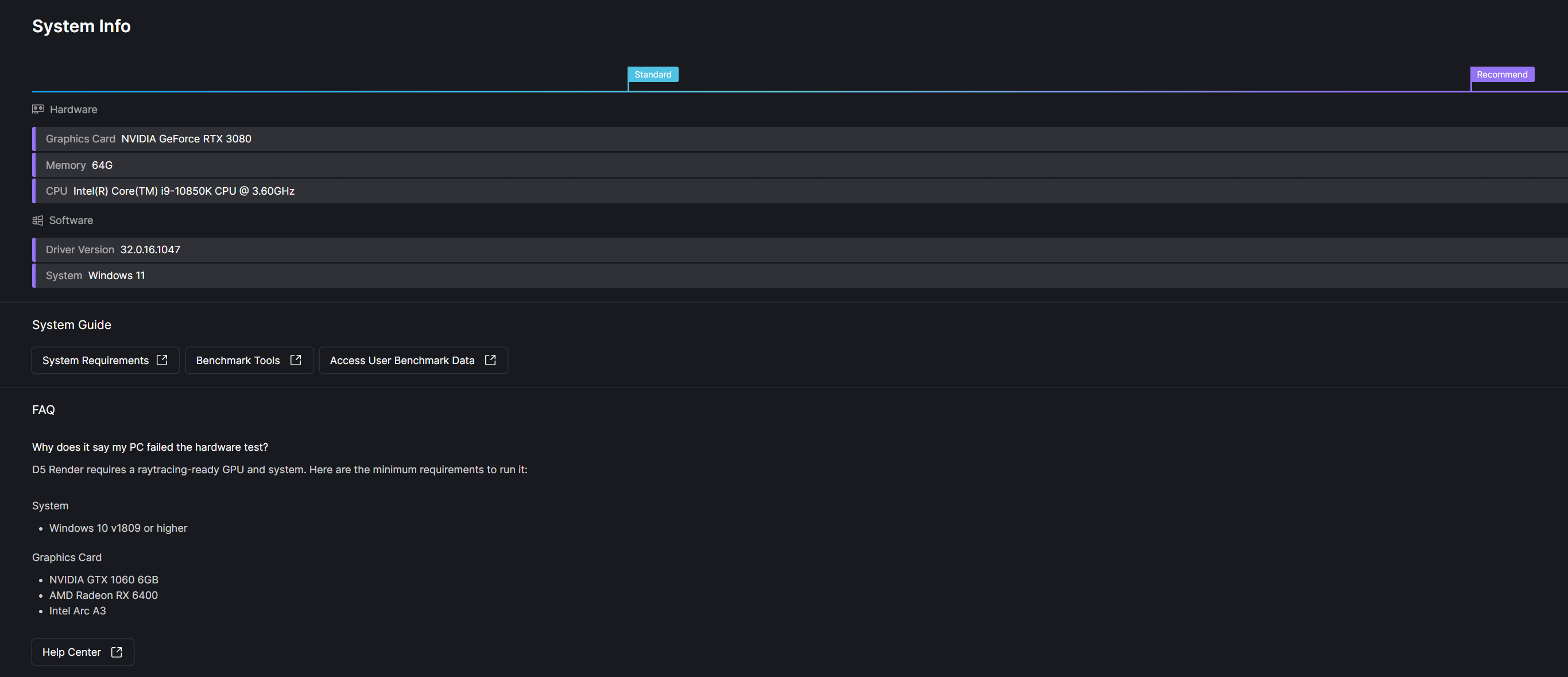
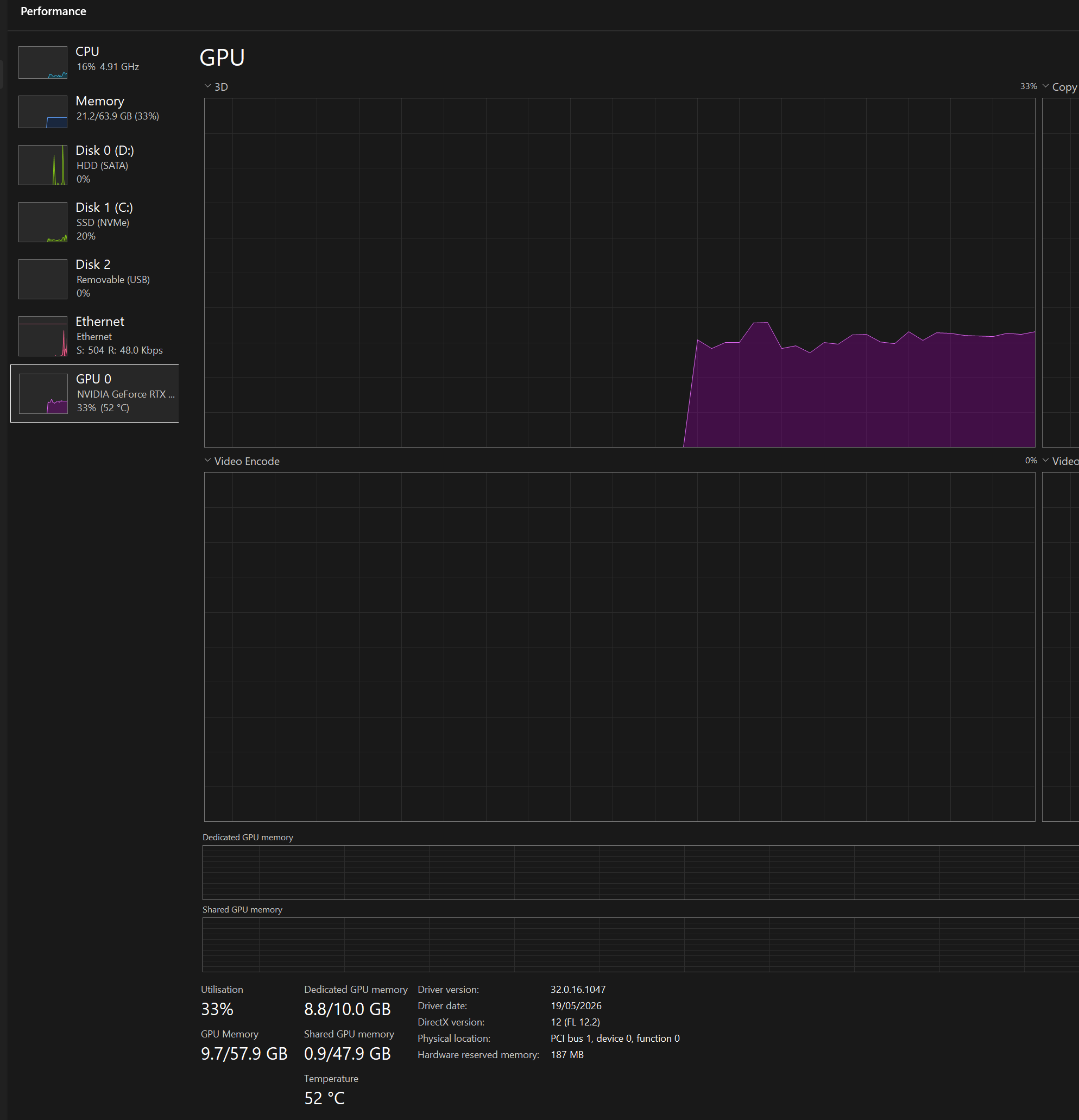
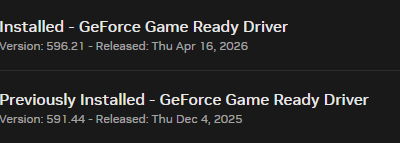
I reinstalled D5 and also downgraded nvidia driver to 591.44 and when working on d5 earlier it used to crash 20 times now its 1-2 times…
However the other problem is i work on revit/ archicad and system freezes, based on my understanding this can be caused due to driver version…this is when i am working in revit or archicad without opening d5…this has happened over 5 times after i down graded…
not sure if there is a new patch from d5 which would work on the latest nvidia drivers…