Clouds cast shadow completely doesn’t work !

I reported this months ago and this bug still exist. I see that it was reported by other people too.
Clouds cast shadow completely doesn’t work !
I reported this months ago and this bug still exist. I see that it was reported by other people too.
Here is my original past post about this issue : Screen flickering during using high amount of clouds with shadows enabled - Get Help / Tech Support - D5 RENDER FORUM
After months I use completely new computer but this issue is still present so this is not hardware related.
Only way to resolve this issue is to restart D5.
Hi guys,
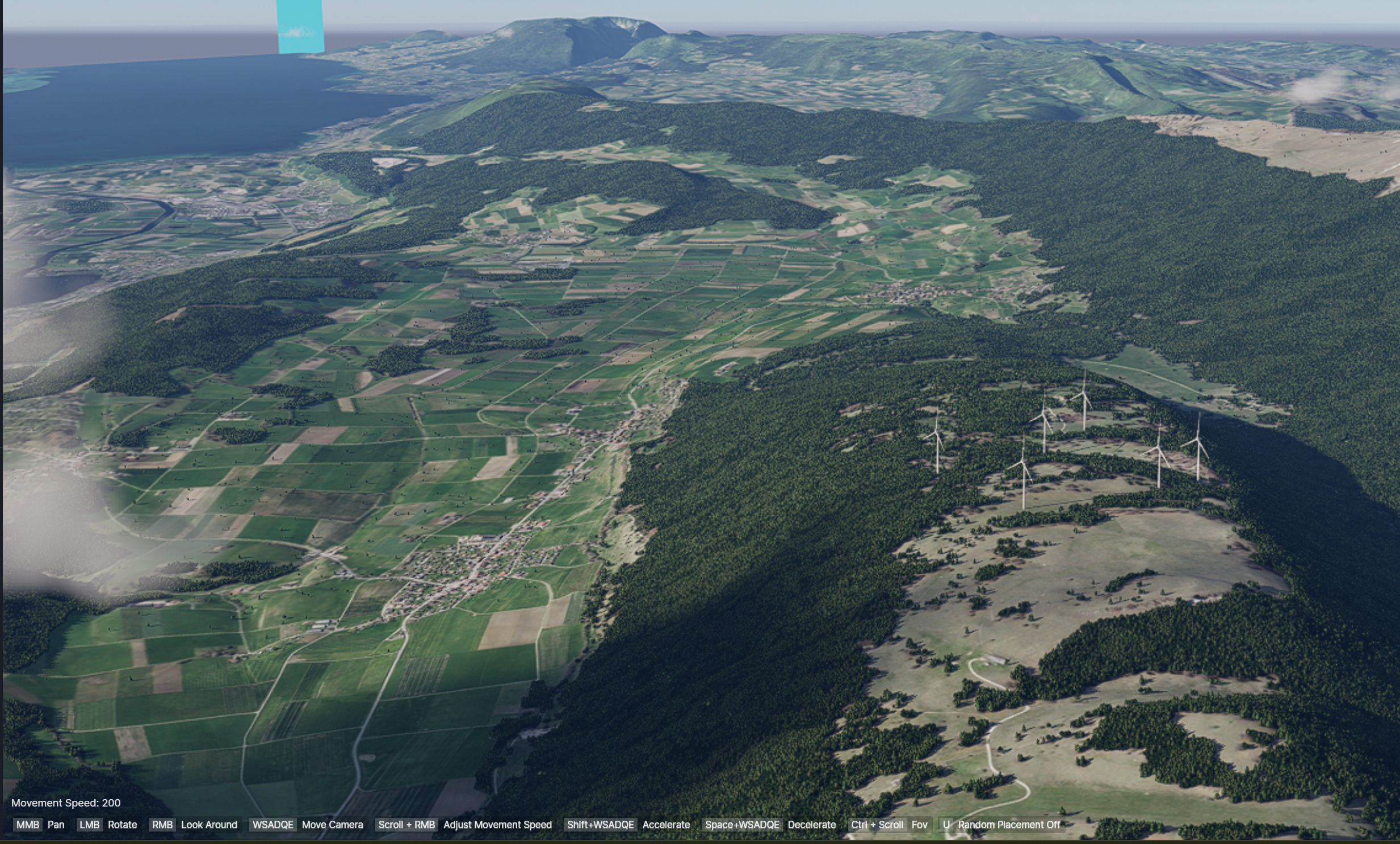
I also have the same issue with clouds not casting shadows at render time. In the viewport, I can see the shadows just fine:
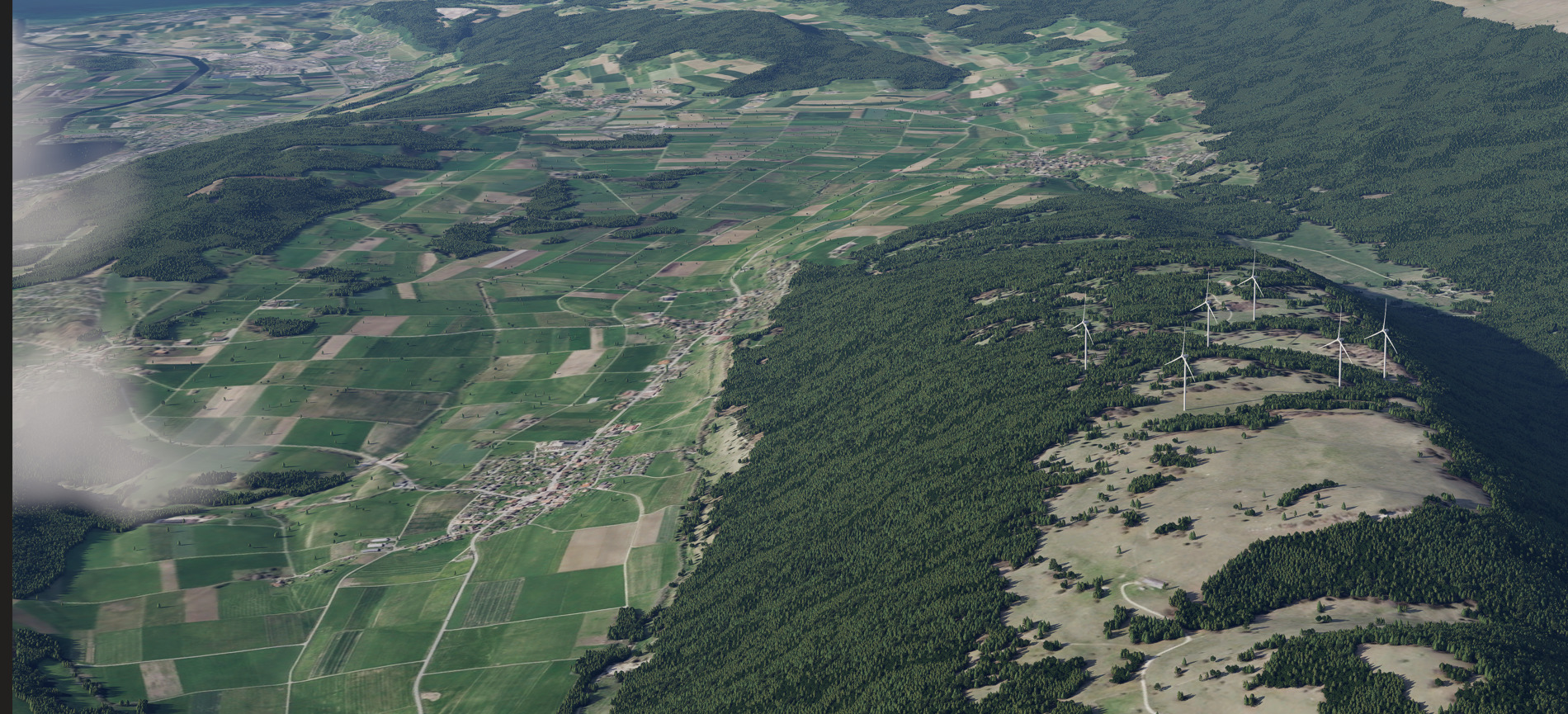
But in the render output, shadows are gone:
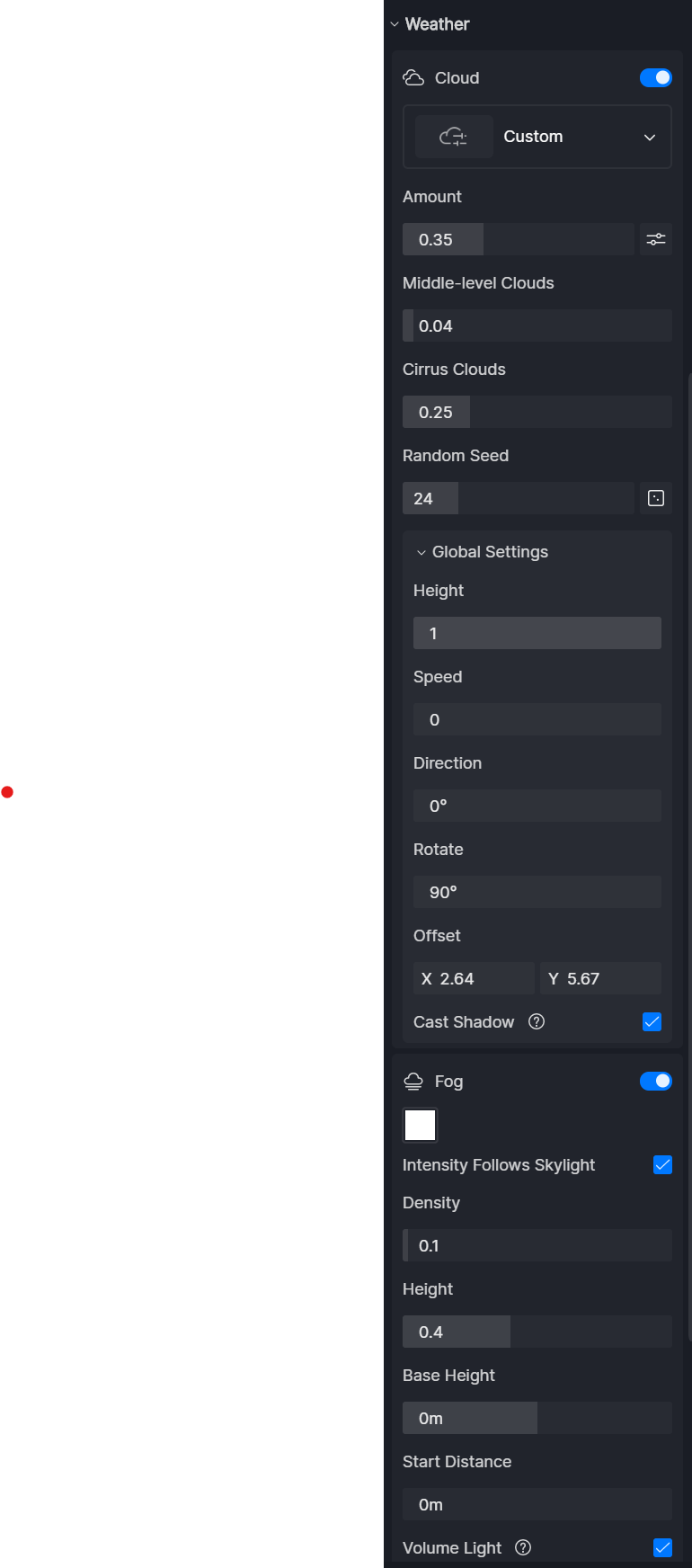
Here’s the settings I use for this image above:
I am running D5 version 3.0.1 on a RTX PRO 6000 Blackwell with 96GB of VRAM.
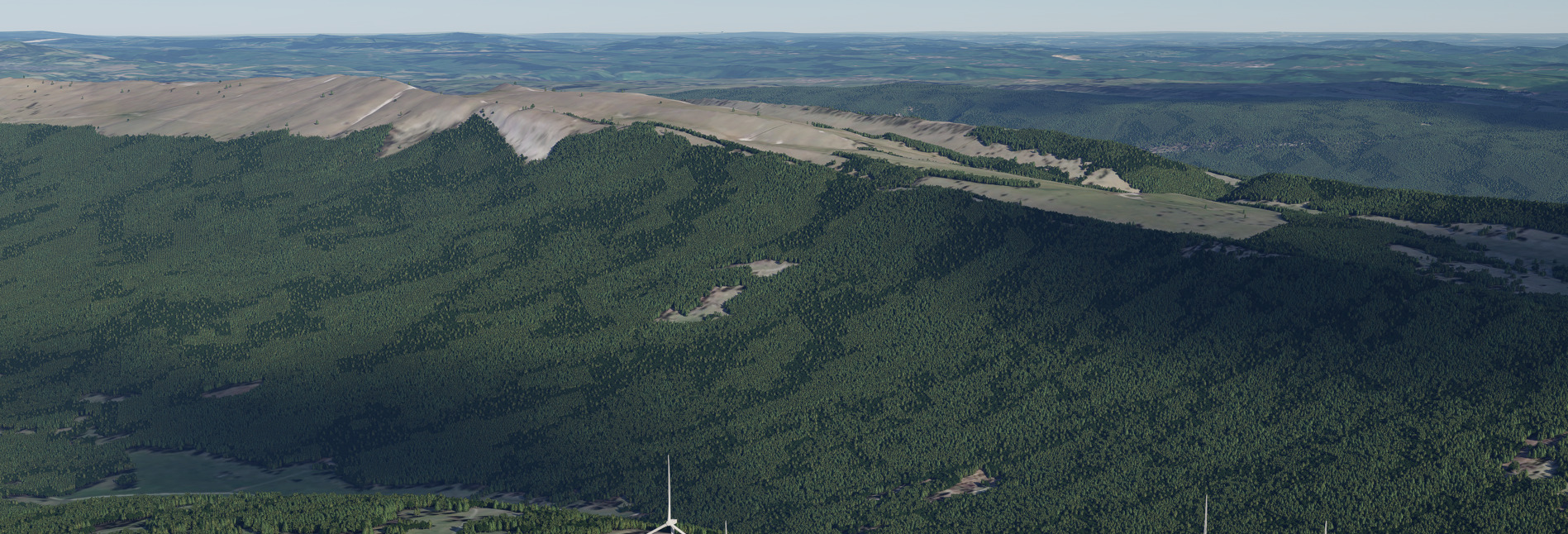
Interestingly, on the same project with a different camera view (see below), I managed to render cloud shadows. It uses the same cloud system (not the legacy one).
Settings:
Thanks for your assistance. It would be great to make it work consistenly.
Can you try the following:
In your viewport, press F4 to accumulate and check if the output matches what you were initially seeing in your viewport.
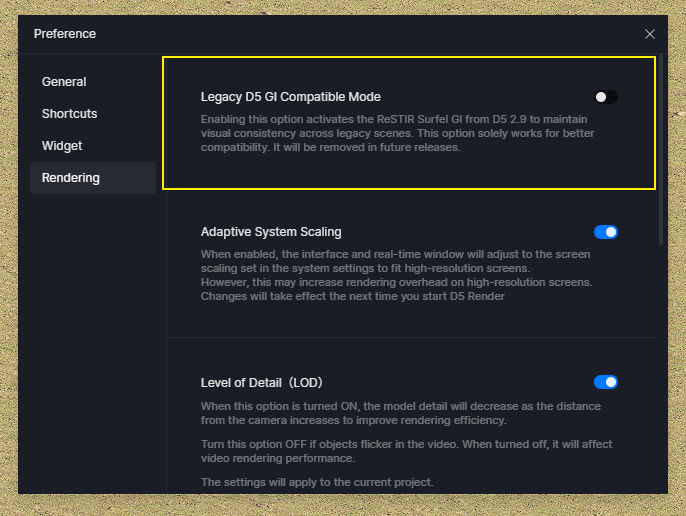
Try to enable this option, then re-render, then check if the issue persists.
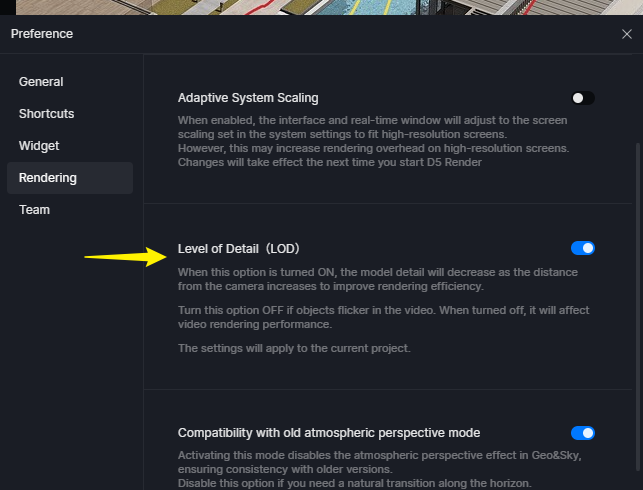
Disable LOD, then re-render.
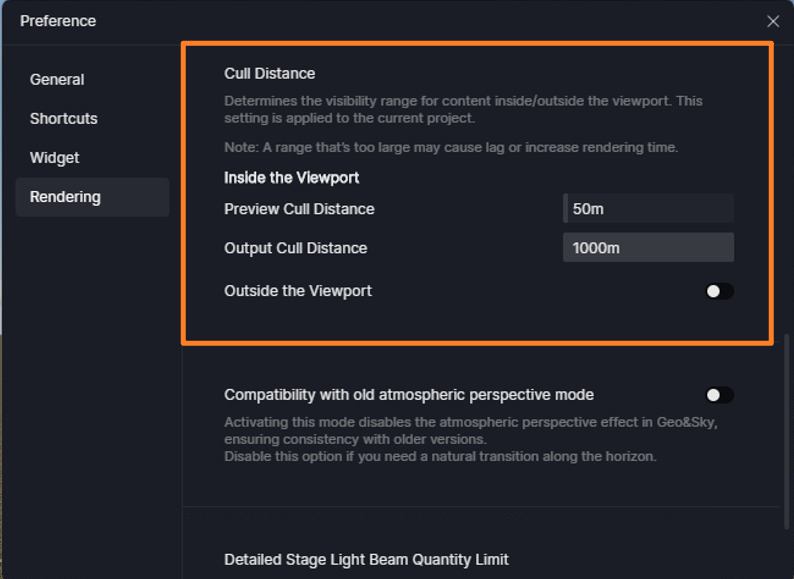
Check your Culling Distance and try to increase its value.
We have fixed several Cloud Shadows issues in version 3.1, which is gradually being rolled out to users. If you have been prompted to update, please try opening this file in 3.1 and test whether the issue persists. Thank you 
Thanks a lot for your reply. I will let you know if this issue persists on other projects in the future.