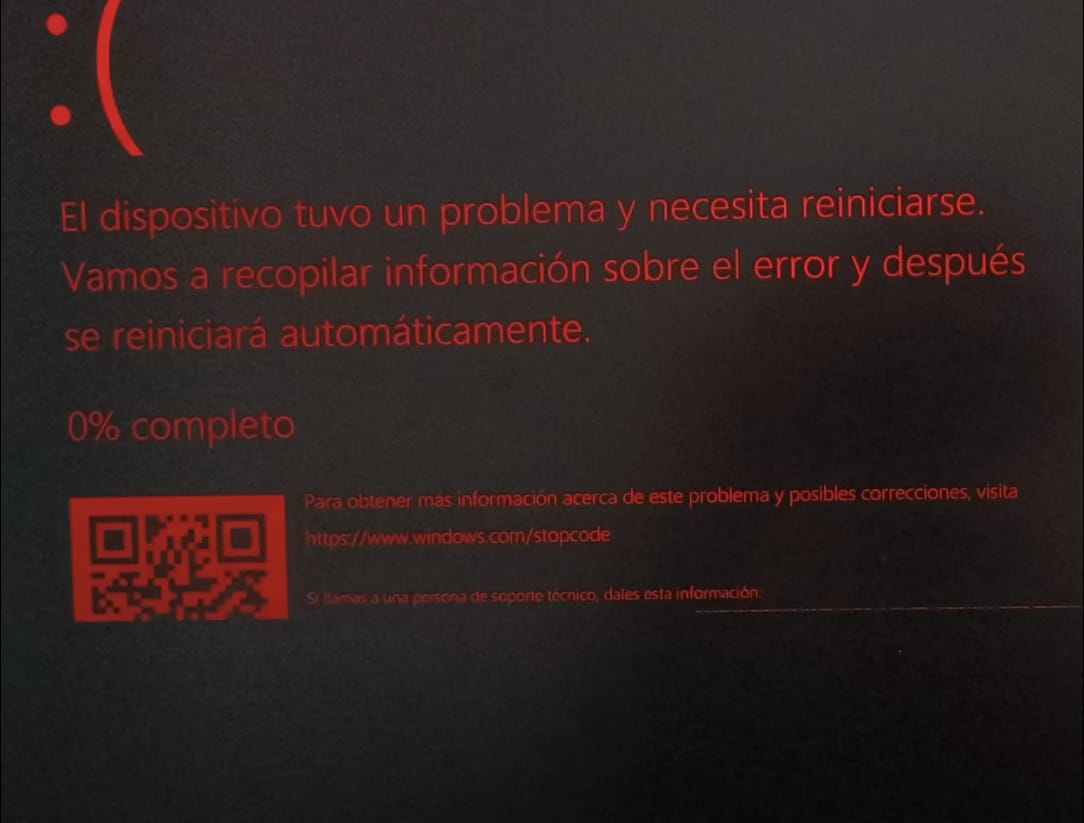
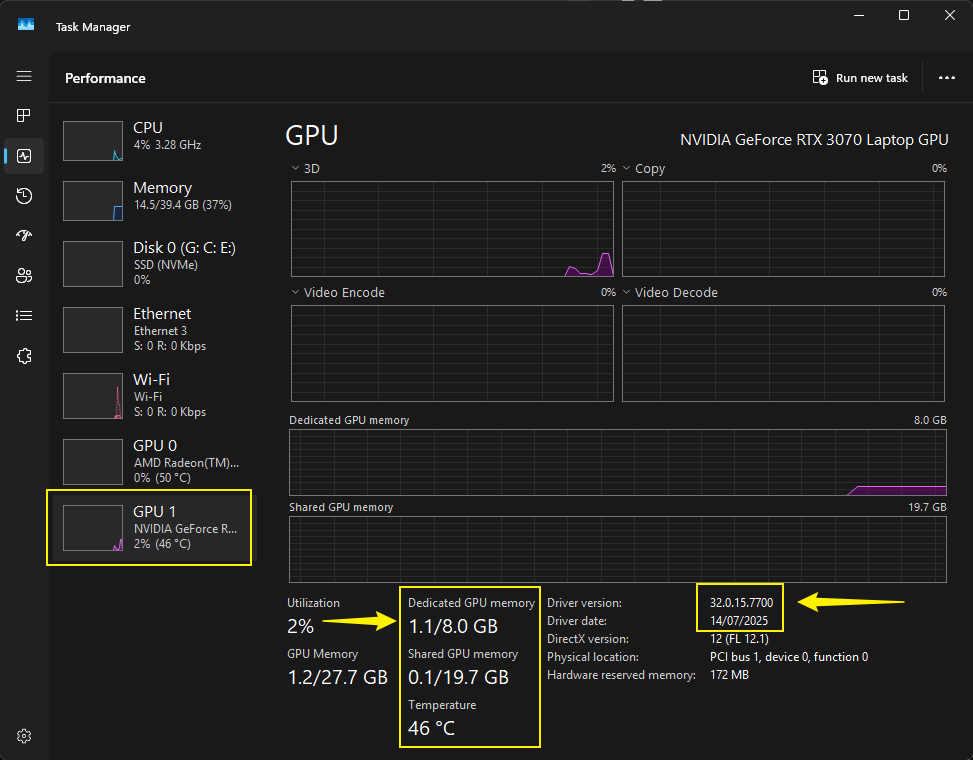
Every time I open a project in D5, I automatically get a Blue Screen of Death (BSOD). I have already tried cleaning up temporary files, resetting the Nvidia Control Panel settings, and performing a clean driver installation using DDU, but nothing works
Hi @Clov! No, it’s not just one file, it happens with every file I open. At first, I’d get a BSOD only once in a while while working on a project, but now, as soon as I open a file, the blue screen pops up within 5 seconds
Before using DDU, Windows was giving me this error
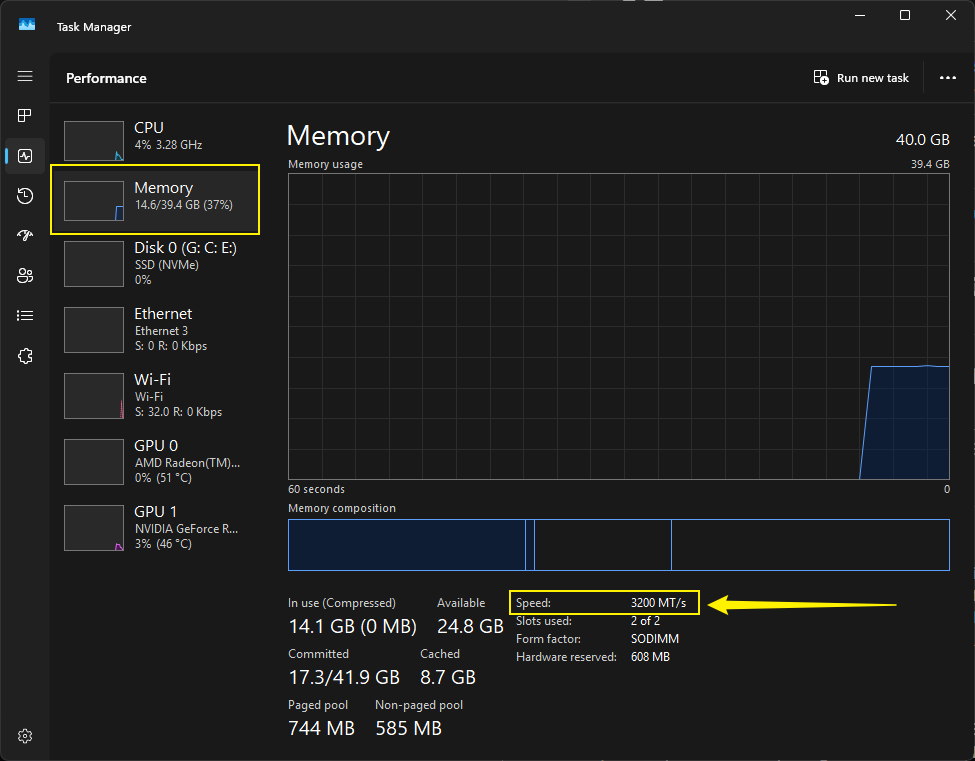
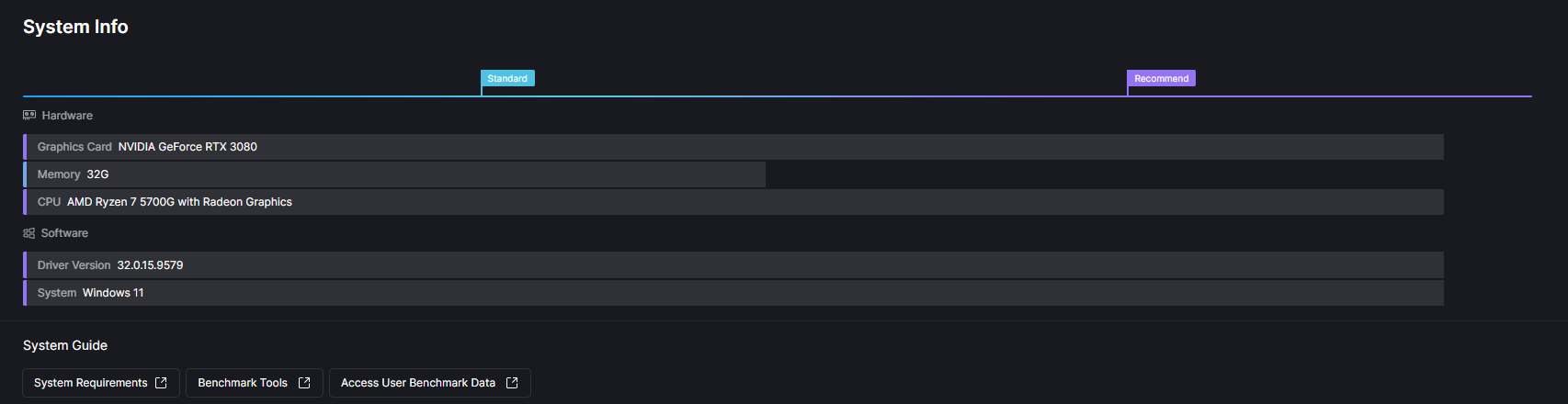
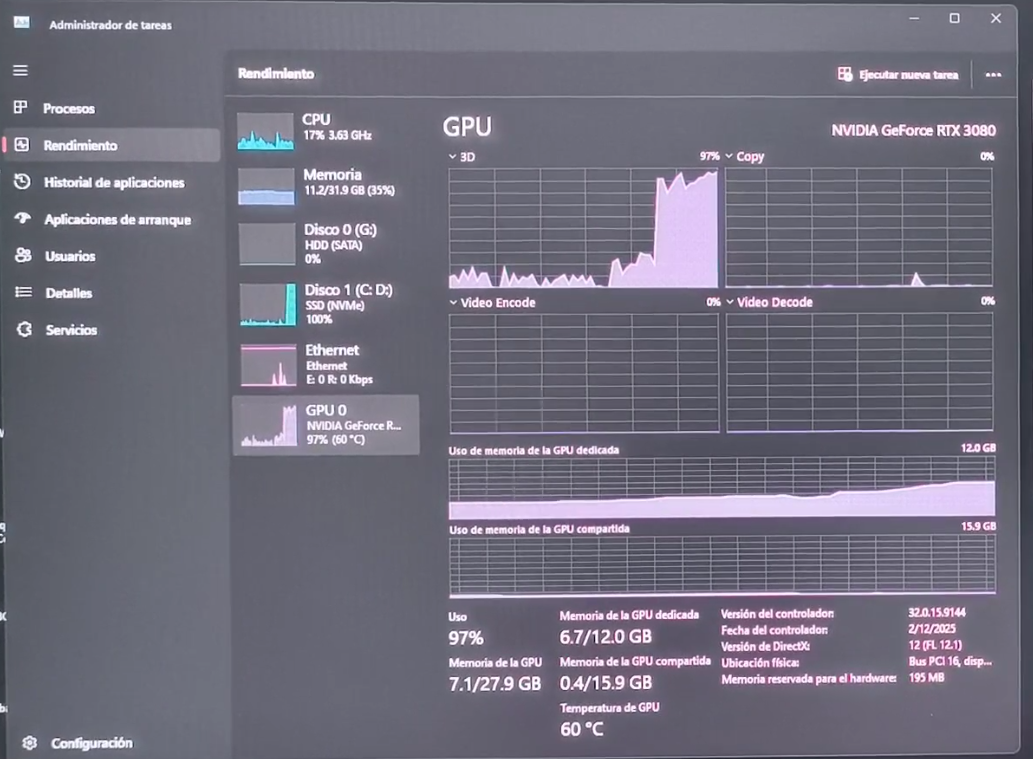
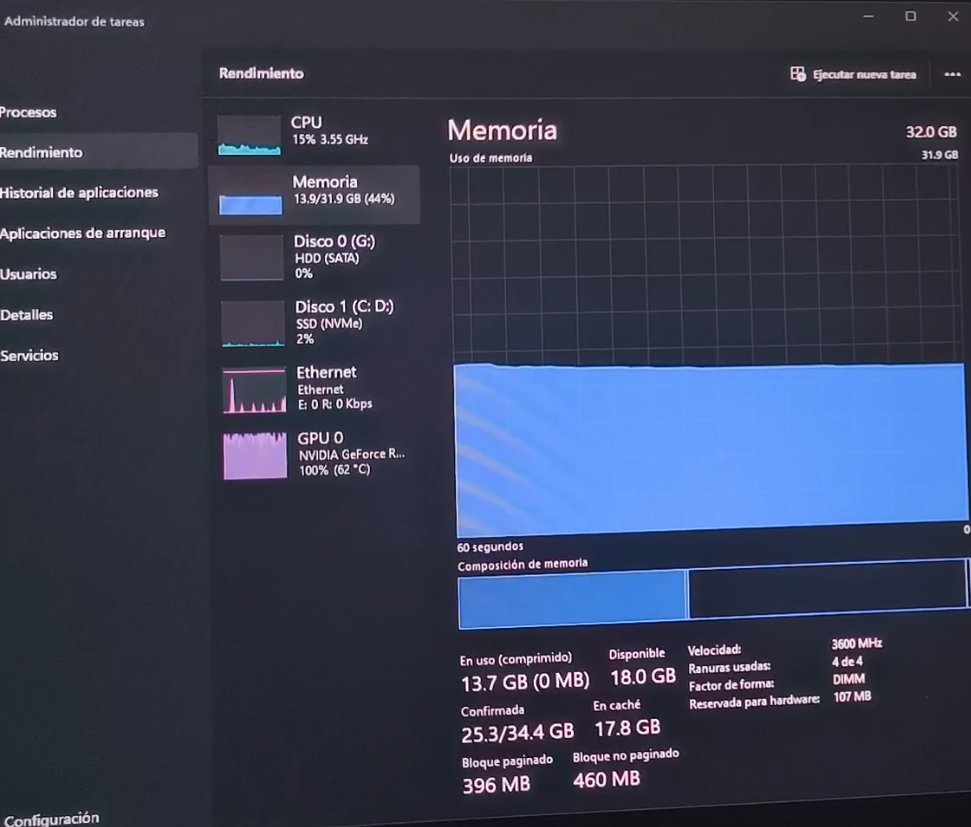
Based on your setup (RTX 3080, 32GB RAM, Ryzen 7 5700G) and the CRITICAL_PROCESS_DIED error occurring immediately upon opening D5 (even with an empty file), this suggests a system-level issue, most likely related to GPU drivers or a hardware conflict.
Please try the following:
Clean reinstall GPU drivers (most important)
Use DDU (Display Driver Uninstaller) to completely remove your current NVIDIA drivers (preferably in Safe Mode) - Since you have done this you may reinstall a stable version of your drivers.
Reinstall a stable driver version (not necessarily the latest try 1–2 versions older, or 566 version)
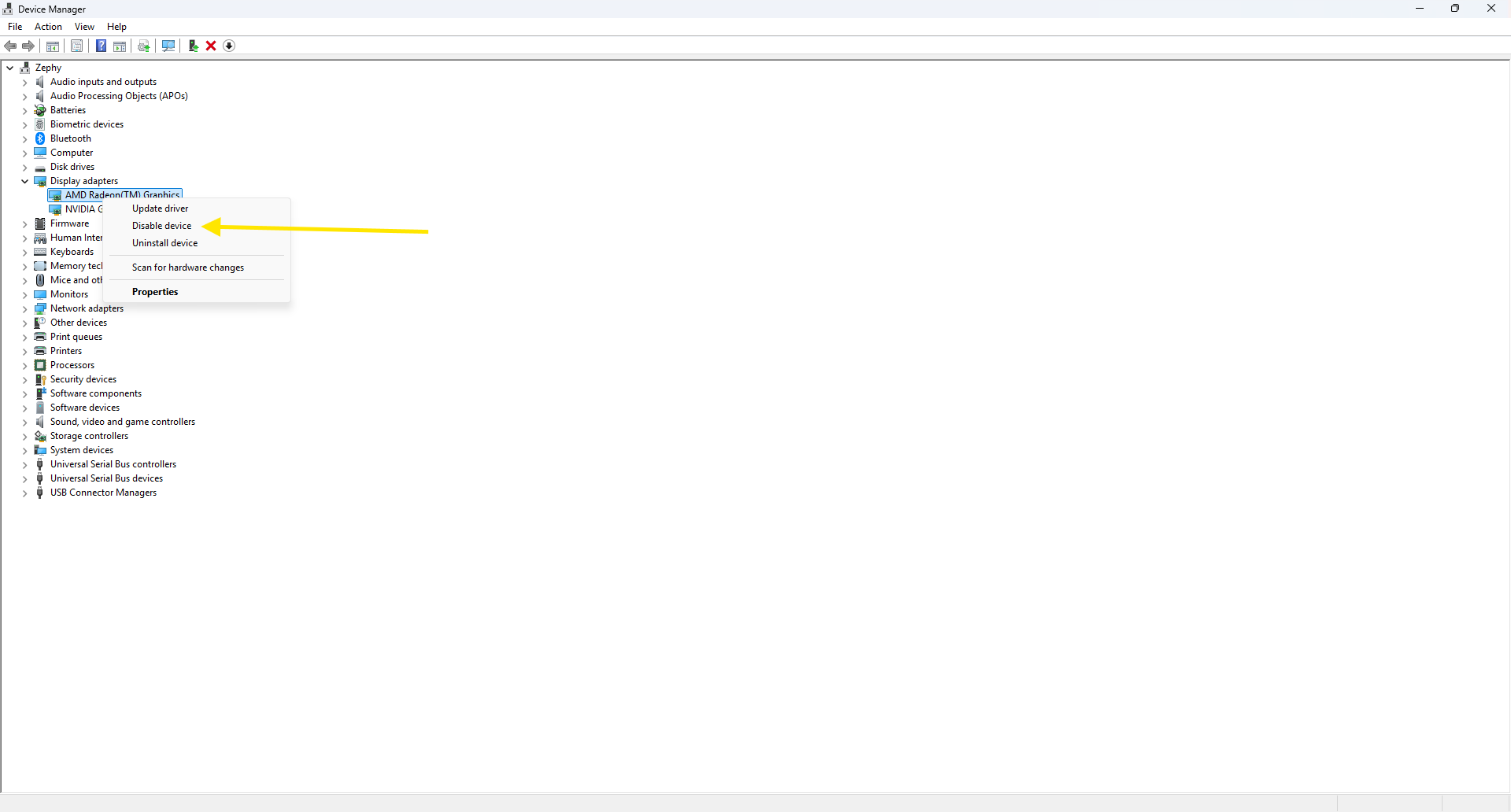
Disable integrated graphics (important for Ryzen 7 5700G)
Your CPU has built-in graphics, which can conflict with your RTX 3080.
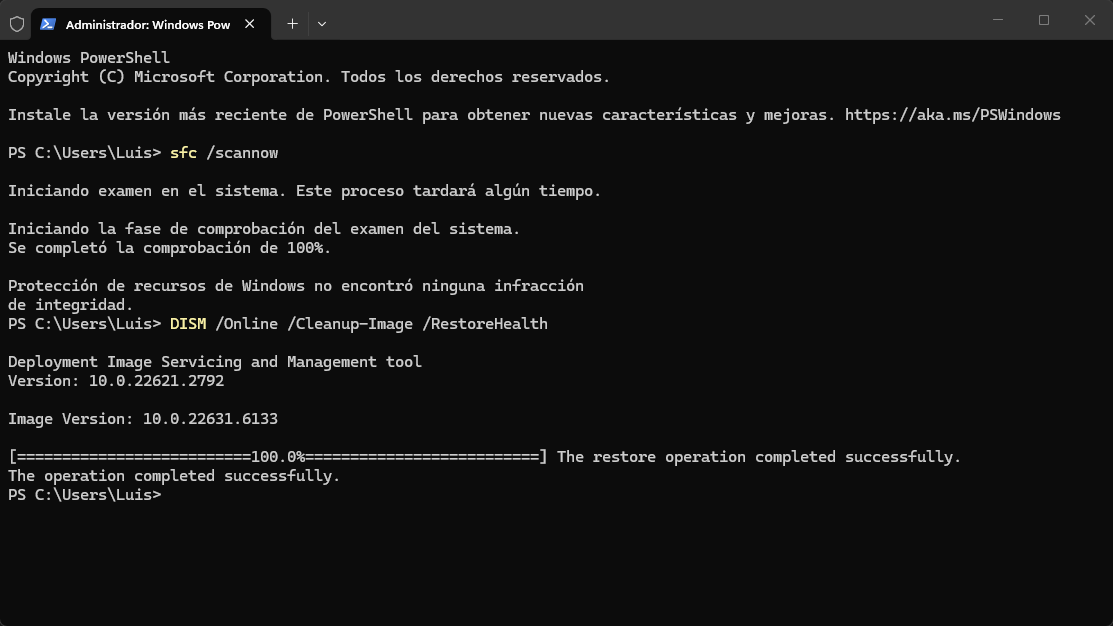
The error code suggests possible system file corruption.
Open Command Prompt as Administrator and run:
sfc /scannow
Then:
DISM /Online /Cleanup-Image /RestoreHealth
If your system also randomly restarts under load, your PSU might be a factor. The RTX 3080 can have high power spikes, so ensure your PSU is sufficient and reliable.
Please download and run D5’s benchmark tool. In addition to D5’s benchmark tool, also conduct benchmarks for your GPU, CPU, and disk.
– Link: D5 Benchmark Test Results
– Let me know of the results
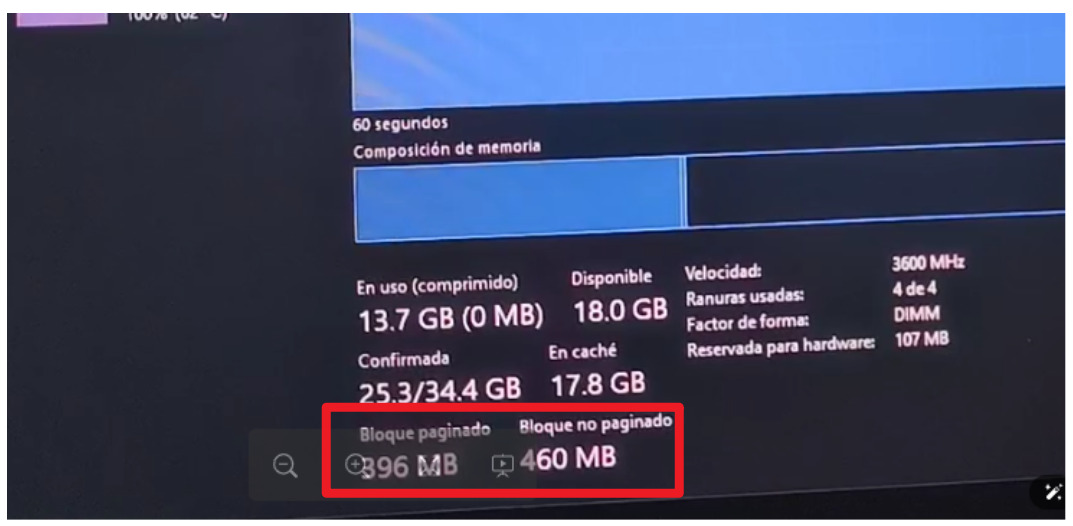
Upon examining your logs, it appears that your virtual memory is low. While the image suggests it is normal, the logs indicate that an HDD may be used as virtual memory.