Smolak
1
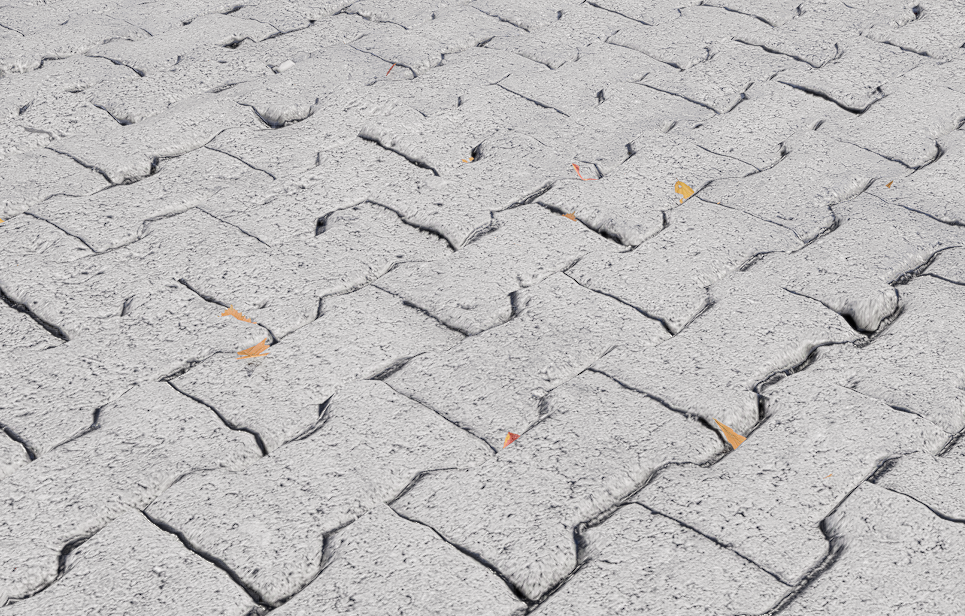
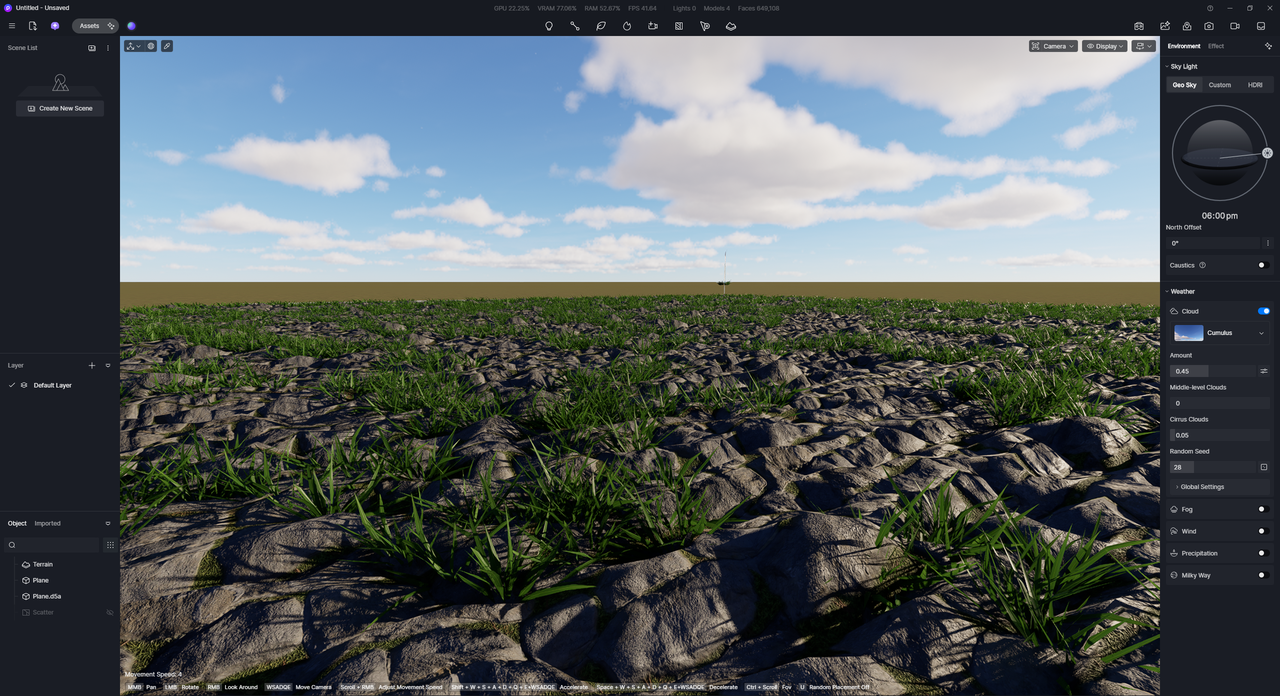
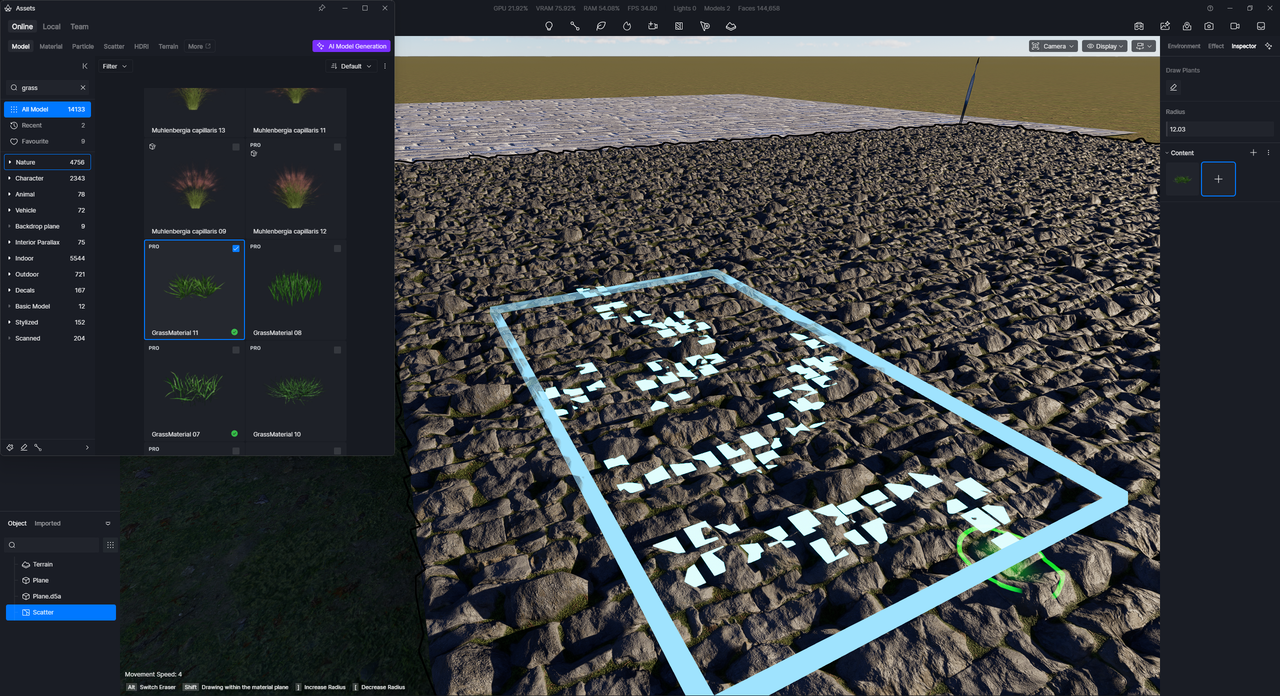
Advanced Brush doesn’t take into account geometry displaced by real displacement unlike Scatter.
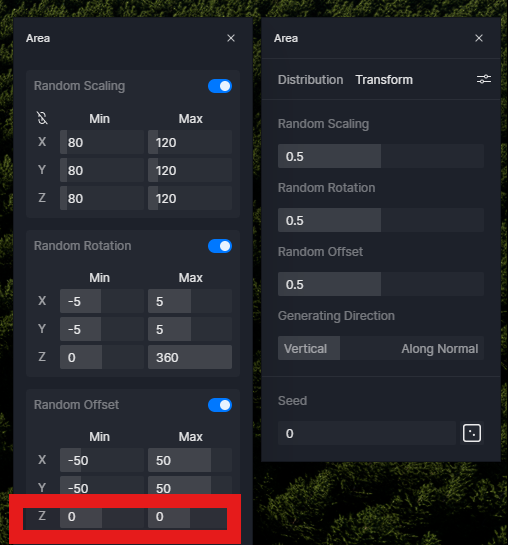
Also there is no way to offset objects vertically to recompense this because minimum offset value is 1.
Why we have interface values that nobody use like 1000 but most important small ones like 0.1, 0.2 for accurate movement doesn’t exist ?
Clov
2
Hi @Smolak
The issue has been reported.
- Which portion of the true displacement option are you referring to? The maximum on my end is 25, and the minimum is -25
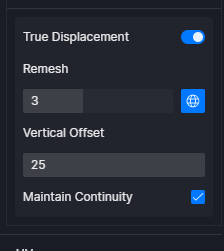
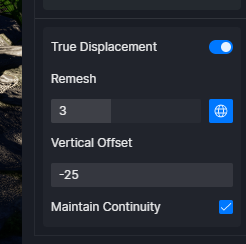
Smolak
3
Hi @Clov I talking about scatter vertical movement. 1 is minimum value. No way to move up leaves on displaced area slightly like 0.1
Clov
4
Hi @Smolak
We would need to collect a more complete and detailed information on your end to prevent confusion.
In theory, both the Advanced Brush and Scatter tools should follow displaced surfaces in the same way.
Could you help us with the following:
- A sample project file (or a simplified version) where the issue occurs
- Details about the displacement setup
- Information about the surface you’re painting on (e.g. plane, terrain, imported model)
- The steps you’re taking for both Advanced Brush and Scatter (so we can compare workflows)
- Your brush/scatter settings (especially alignment, offset, and spacing)
- A few screenshots or a short screen recording showing the issue (ideally comparing both tools side by side)
We appreciate your feedback and reports, but it would be ideal if you could include all necessary and complete information.