**D5 Render Version:2.11.1.0620
**Graphics Card:Nvidia RTX 3070
**Driver Version:32.0.15.8129
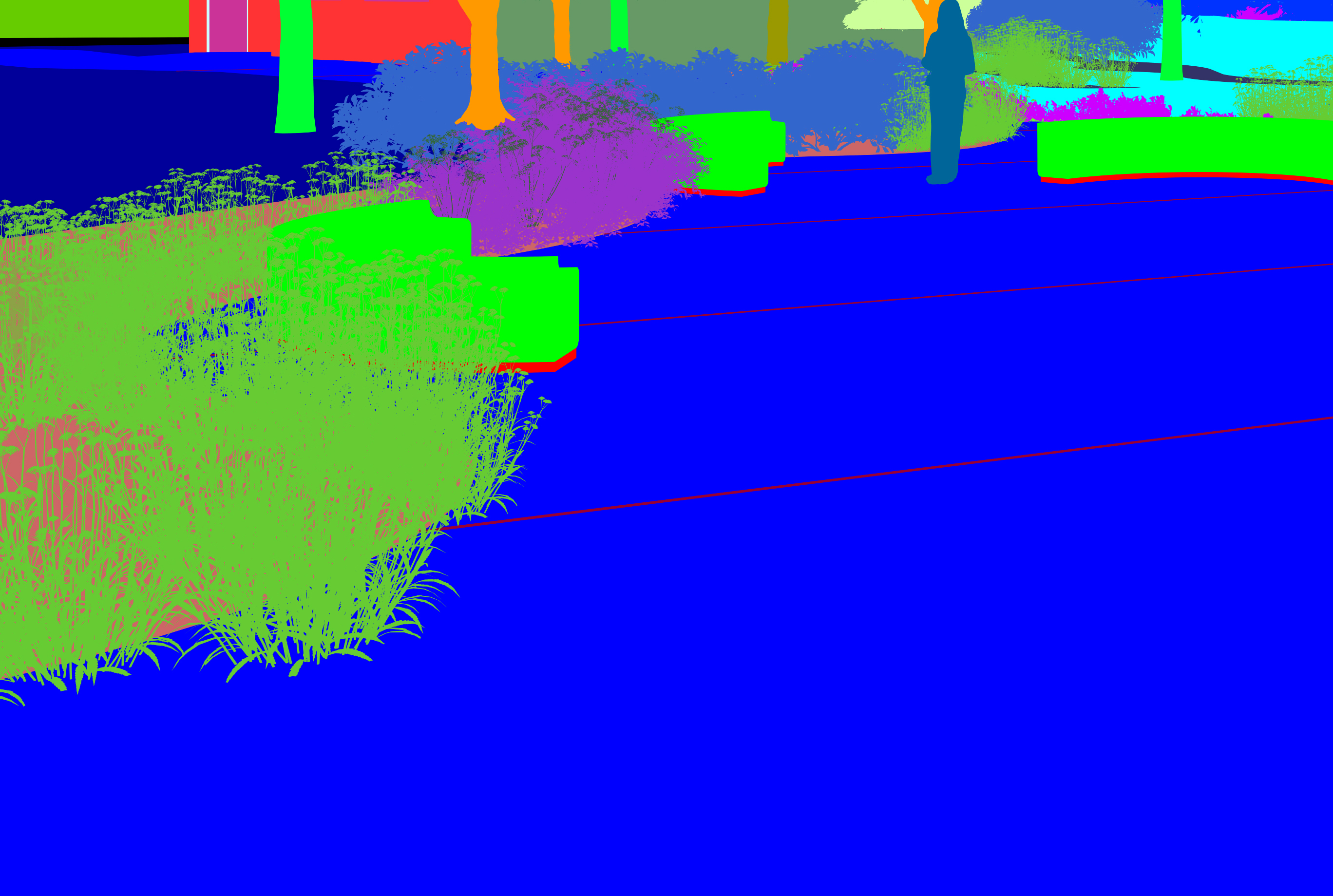
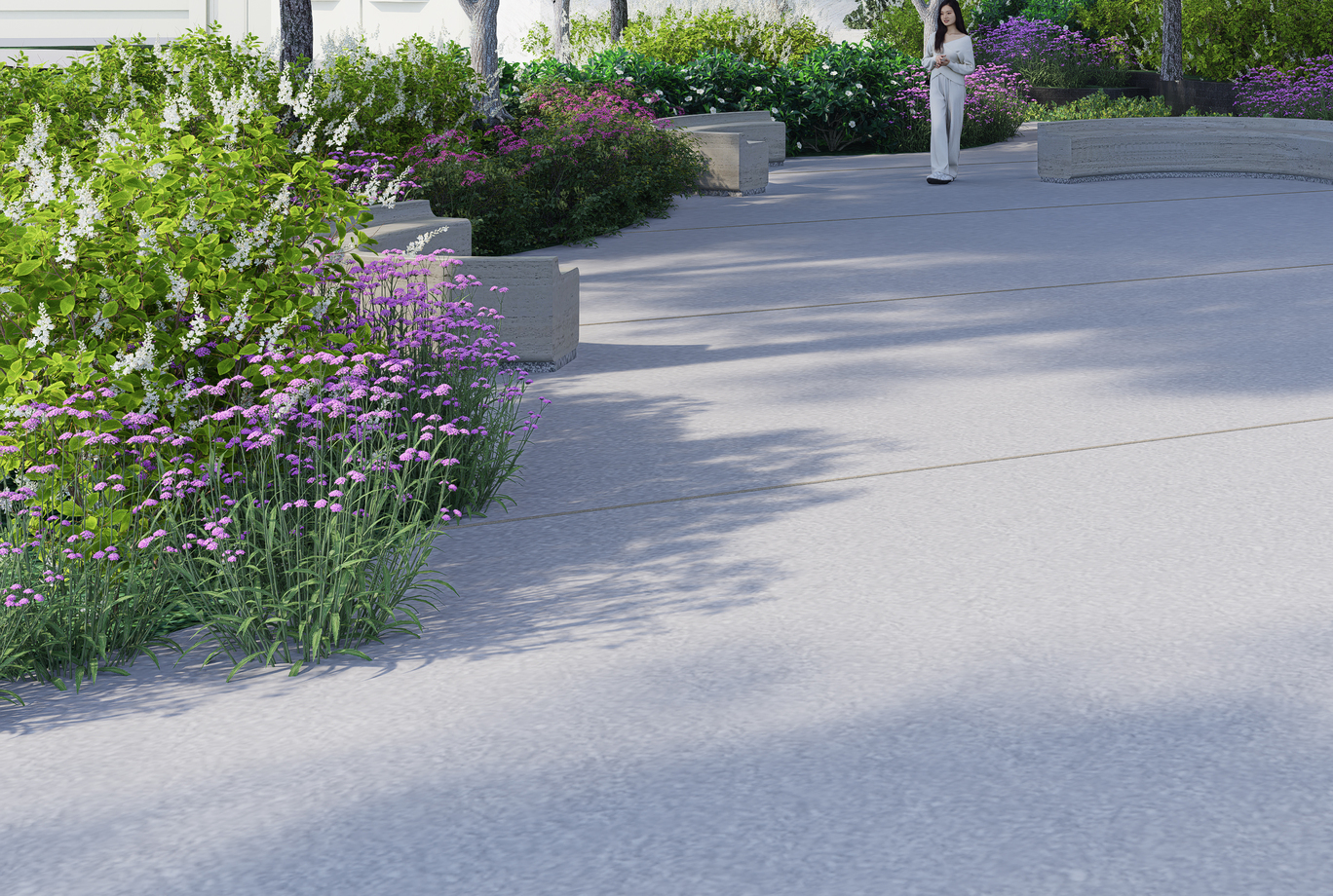
**Issue Description:Why doesn’t the costom path show the object to select in the material id?
**Screenshots/Videos Description:
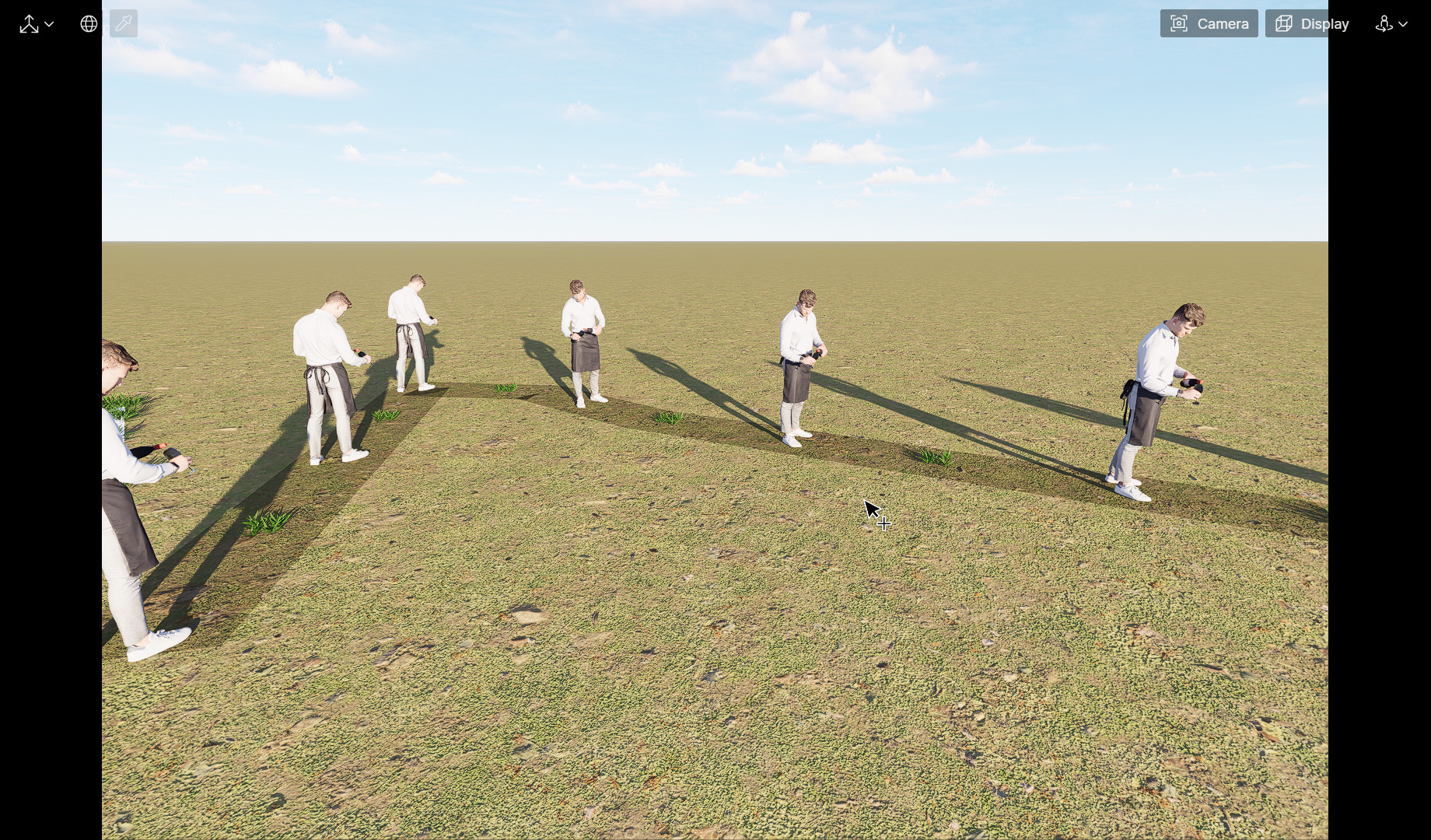
This only happens with asset local model because when using asset online model this problem does not occur and it only happens when using function with custom paths because I want to use asset local model.
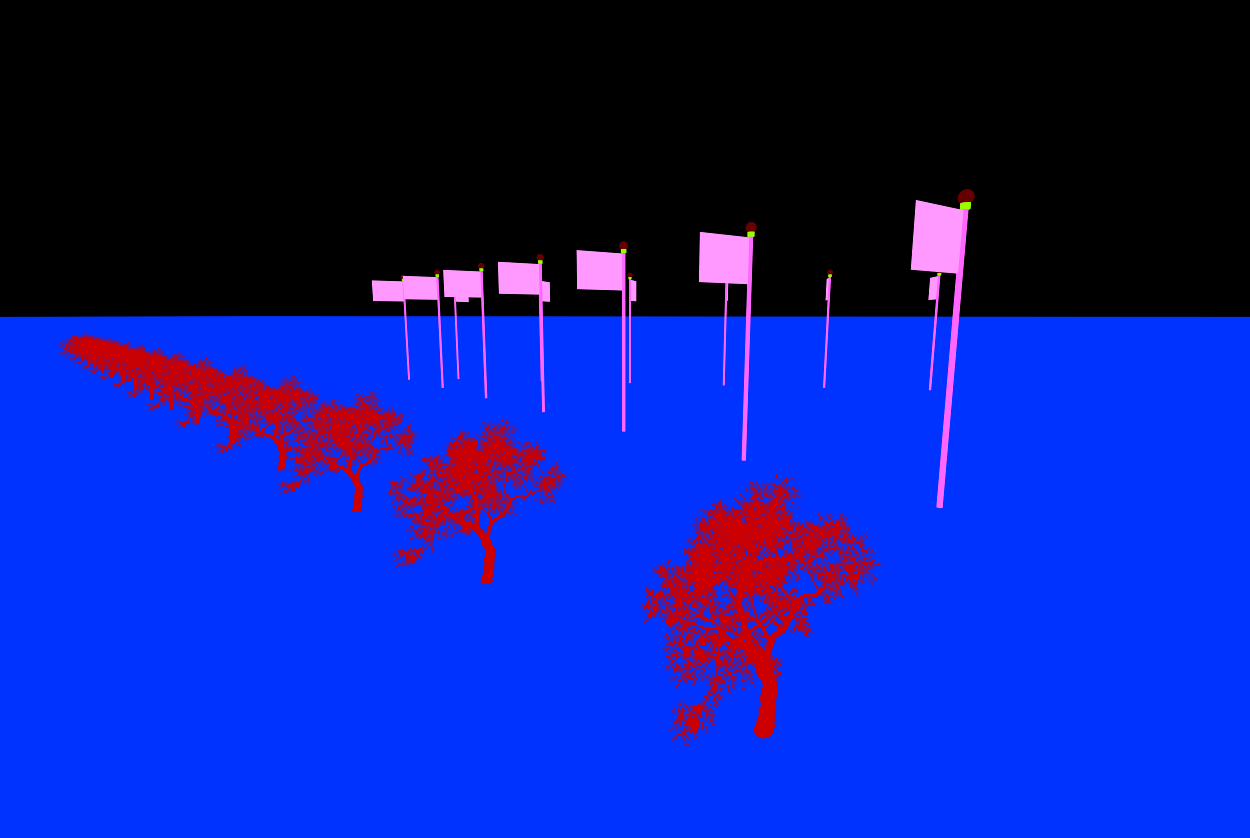
Can you send me the specific model so I can test it on my end? I tried it with an imported model, which is placed in my local library, and this is what it looks like.
The plants are from the Online Library, while the flagpoles are from local; both of them are used with the Custom Path Tool