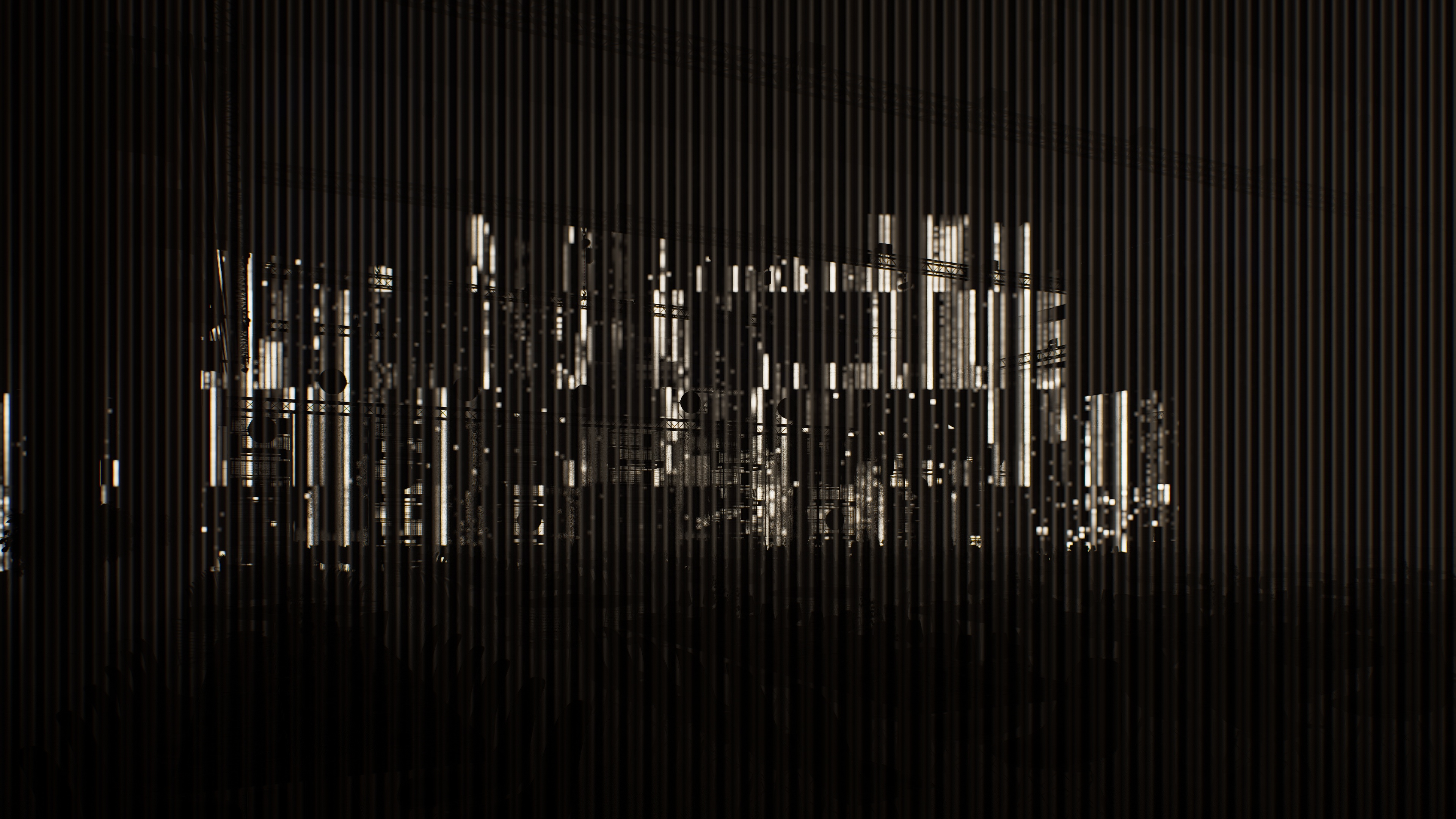
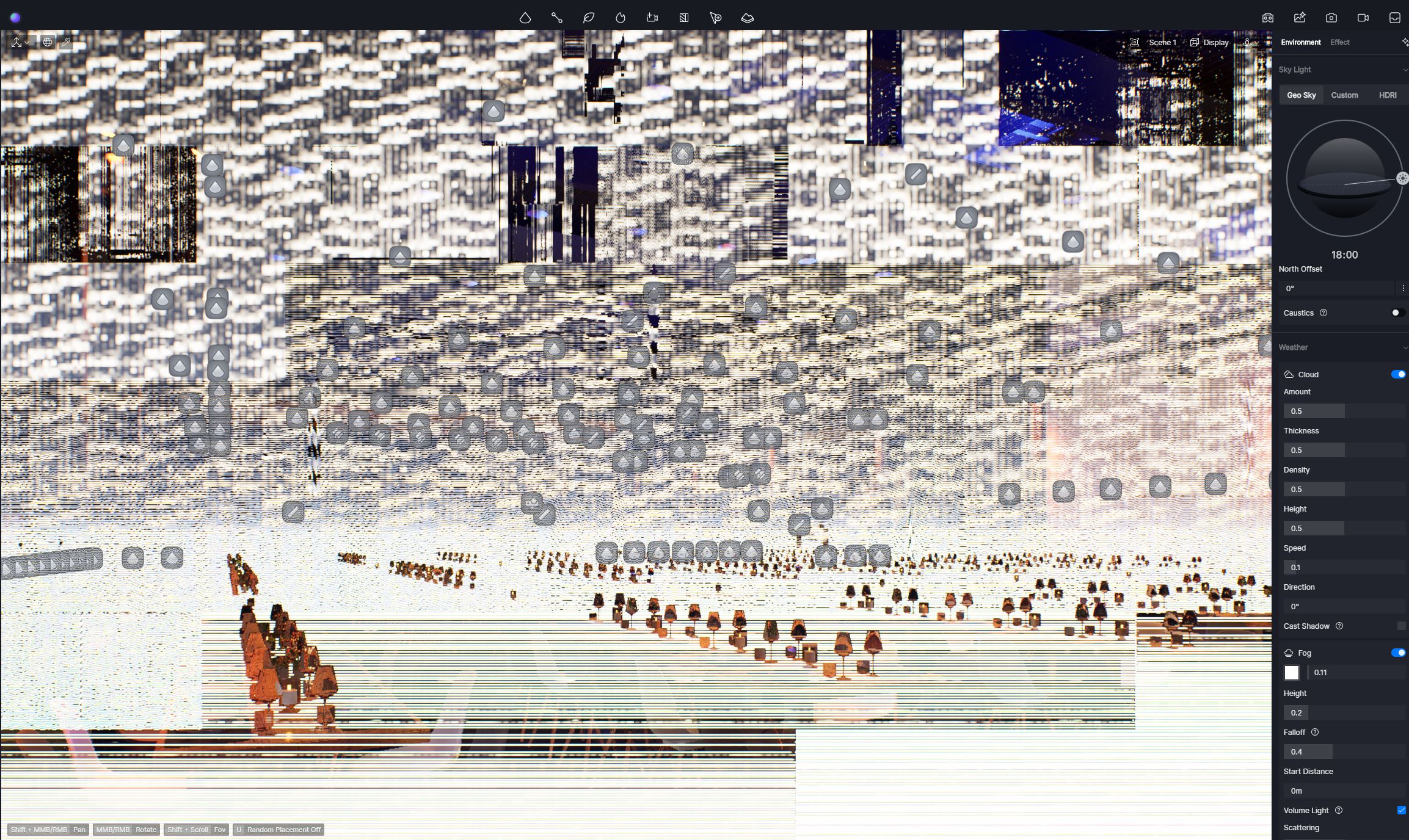
Sorry to hear you’re running into this. Could you please provide a bit more detail about what happened prior to this issue?
Screen glitching after adding lights can occur due to graphics card or driver issues, or if the scene contains incompatible materials or too many high-intensity lights.
To help us investigate:
Does this issue only occur in this specific file? Can you open your other D5 files normally?
Are there any imported files in the scene? If so, try hiding them to see if the glitch persists.
Try disabling FPS Booster.
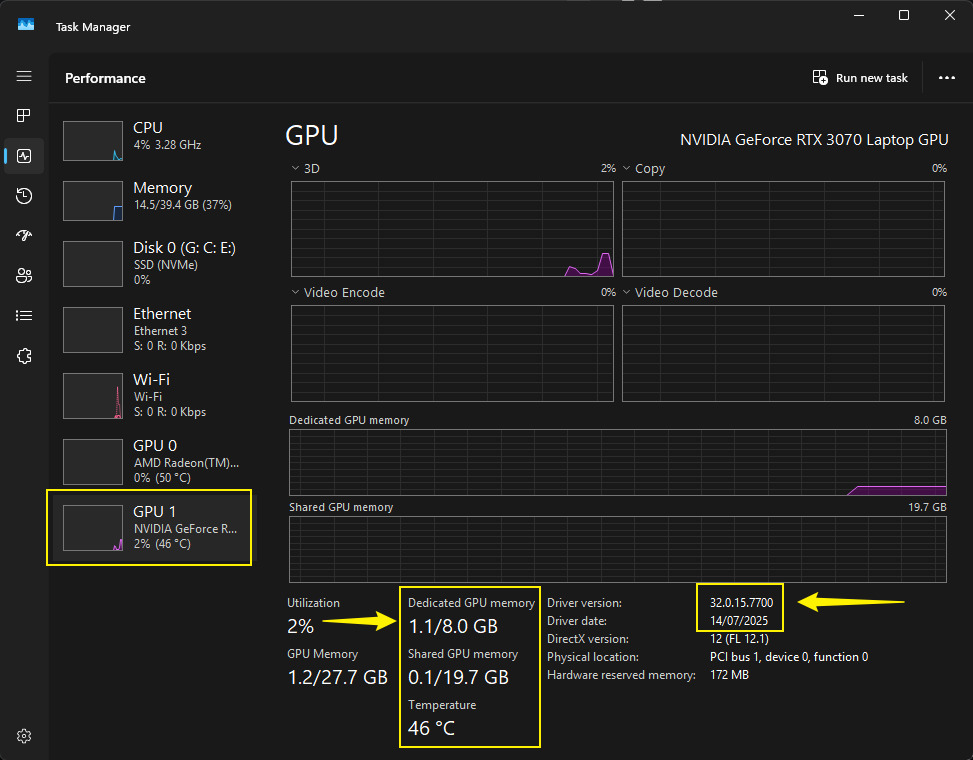
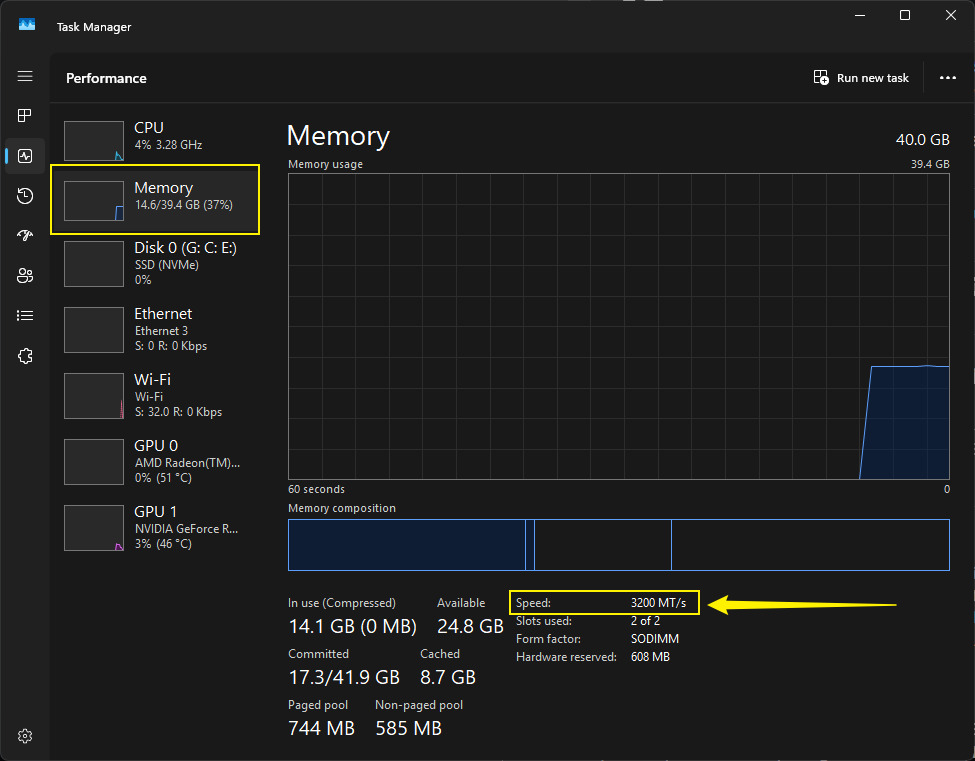
Please send a screenshot of your D5 System Info and your hardware details from Task Manager.
Hi, thanks for your reply. So far, the error only occurs with one file! Yes, there are imported files… If I hide some of them, the error disappears! These are imported FBX files that I grouped with the light sources I need for these models.
Solution!!! IT WAS THE FPS BOOSTER!!!
I’ll send you the requested information anyway. Thanks for your support.
Hi Ela, I’m having almost the same problem again with the same file… Is there any way I can send you the file so you can have a look at what’s wrong with it!? I’m slowly starting to get fed up with it
Preferably, please include your 3d Model file since most of the glitching issues stem from the imported/synced 3d File. You can test this by simply hiding the 3D model you imported in D5.
Please also include the following information:
Which specific 3d Modelling software was used?
Did you use the LiveSync plug-in? Which Version?
Which D5 Version did you experience this issue again?