I’m currently facing an issue when importing a Rhino file into D5 Render, and I’m hoping someone might have experienced something similar or knows how to fix it.
I received the original file from a client in Rhino format. I then exported it to different formats and software, including 3ds Max and Blender. The model opens normally in both 3ds Max and Blender without any visual problems.
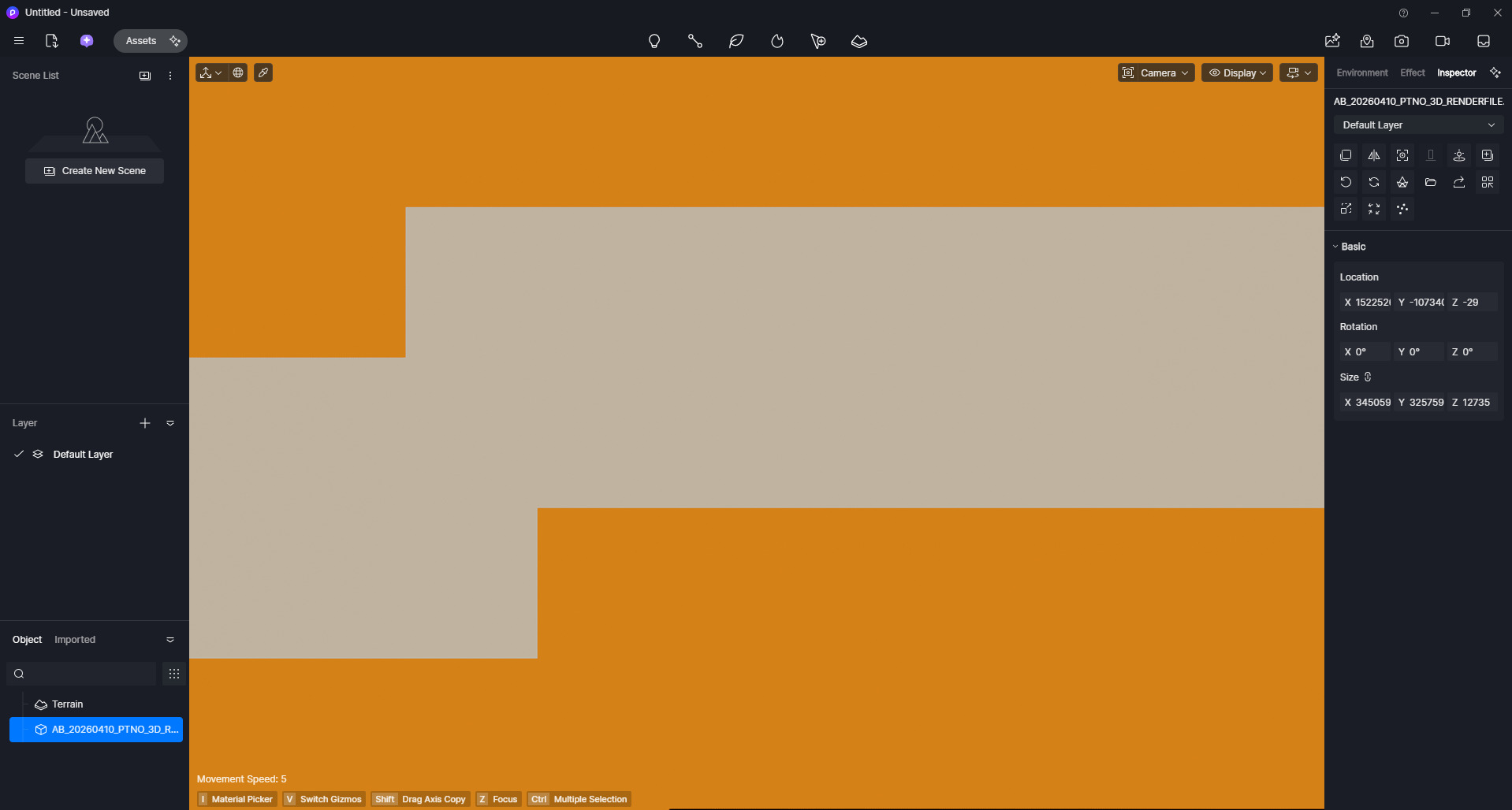
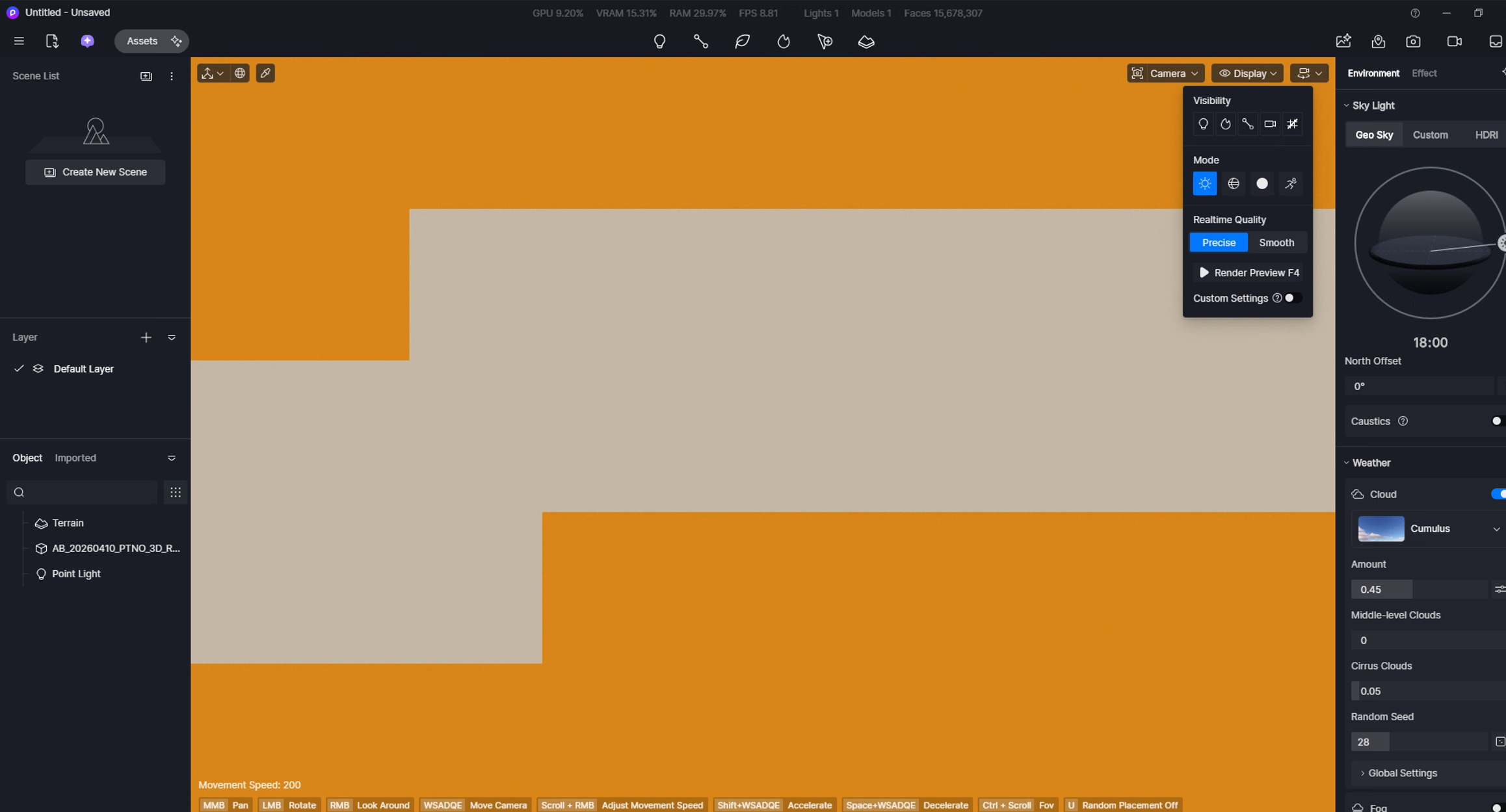
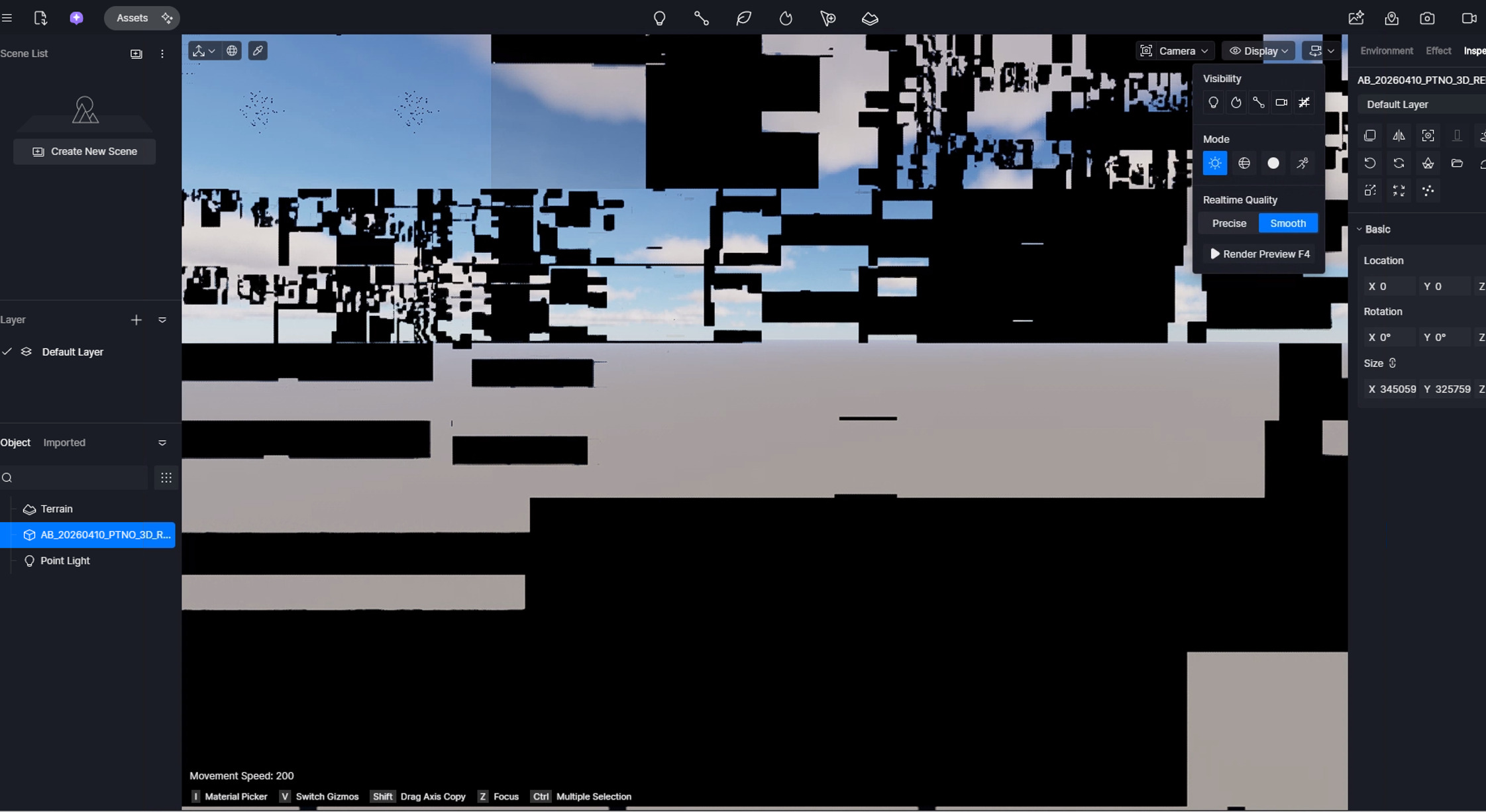
However, when I import the same file into D5, the viewport shows a very strange visual glitch: the screen becomes mostly black and yellow, with unusual stains or artifacts appearing across the model. The geometry seems to be there, but the display is clearly broken.
I have already tried exporting the file in multiple formats, including FBX and 3DS, and tested importing from both Blender and 3ds Max, but the same issue always occurs inside D5. Outside of D5, the file behaves normally.
Has anyone encountered this problem before? Could this be related to materials, normals, UVs, or some type of compatibility issue with Rhino exports?
Any suggestions or troubleshooting ideas would be greatly appreciated.
Would it be possible for you to send us your files so we can test them on our end? You may generate a link, preferrably using WeTransfer then send it to me privately here in forum.
I just tested your file with 2 devices since after importing it crashed on my laptop. Basically, we do have the same outcome; the yellow screen artifact is present once the object has been placed in D5. Im suspecting the number of polygons might have exceeded D5’s limit.
hey Clov,
I will try to dowload Rhino to live sync, However, Ive already used blender and 3dsmax live sync and the outcome is the same, let me send you the Original Rhino File in your DM
The visual glitch after importing a model is a known issue in D5 Render, particularly when the model file contains excessive geometry or complex components that strain the rendering engine.
Update your D5 plugin to the latest version. If this does not work, then proceed to the other options.
If importing directly (not via LiveSync), consider:
Simplifying the model (reduce faces/components).
Exporting as .d5a format via plugin instead of direct import.
Ensure no encryption software is blocking D5’s access to model or texture data.
hey Clov
I was able to resolve it! I dowloaded Rhino and the Sync worked, it was the FBX file that had the issue, maybe something to look up on the next versions, thank you so much for all the help!
In the recent updates for the Rhino Livesync plug-in, we have adjusted the limits, which have resolved the visual glitch issue. Although we cannot test your specific Rhino file, we believe the problem may have been caused by excessive geometry or complex components that strained the rendering engine. The Livesync feature handles these better than the FBX import.
Anyway, thanks for letting us know. We really appreciate it.