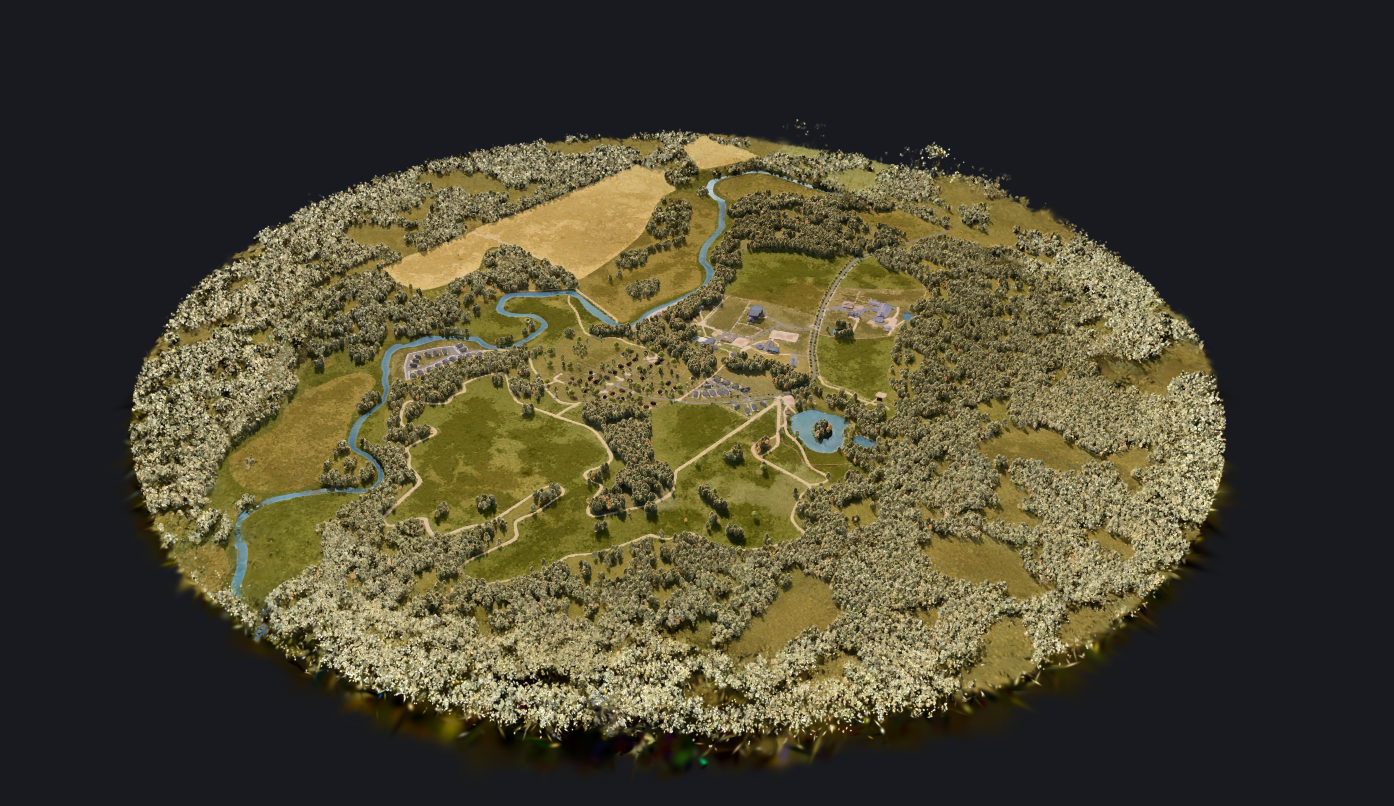
I am currently developing a large-scale XR Tour for a Farm. My goal is to deliver two optimized versions: one for PC and one for Mobile. It’s a customer requirements.
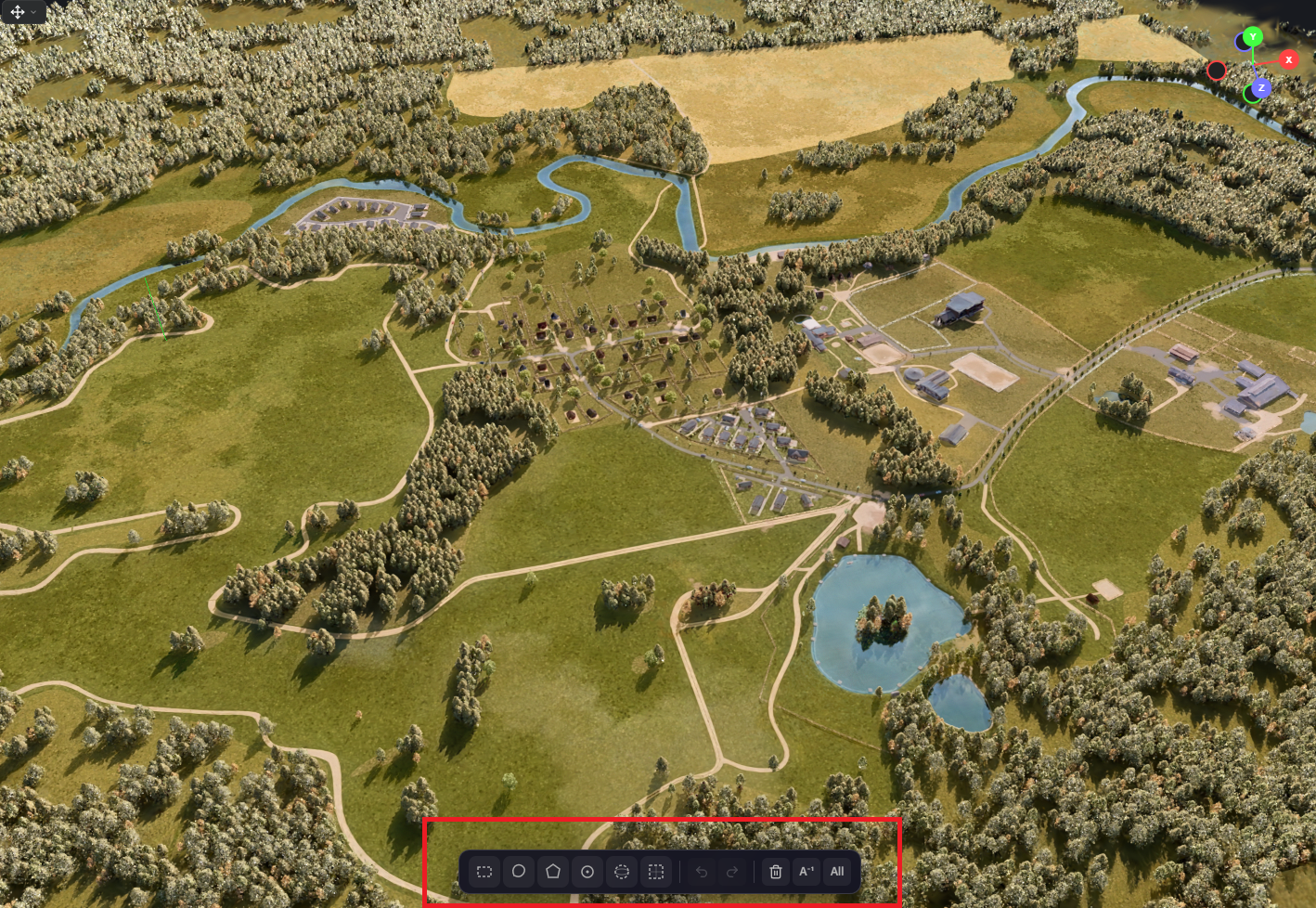
When generating the initial .ply file, it contains around 3 million vertices. Your built-in cropping tools allow me to cut about 500k–800k vertices. However, the critical limit for mobile devices is 1 million vertices; anything above this causes a significant FPS drop.
The core issue:
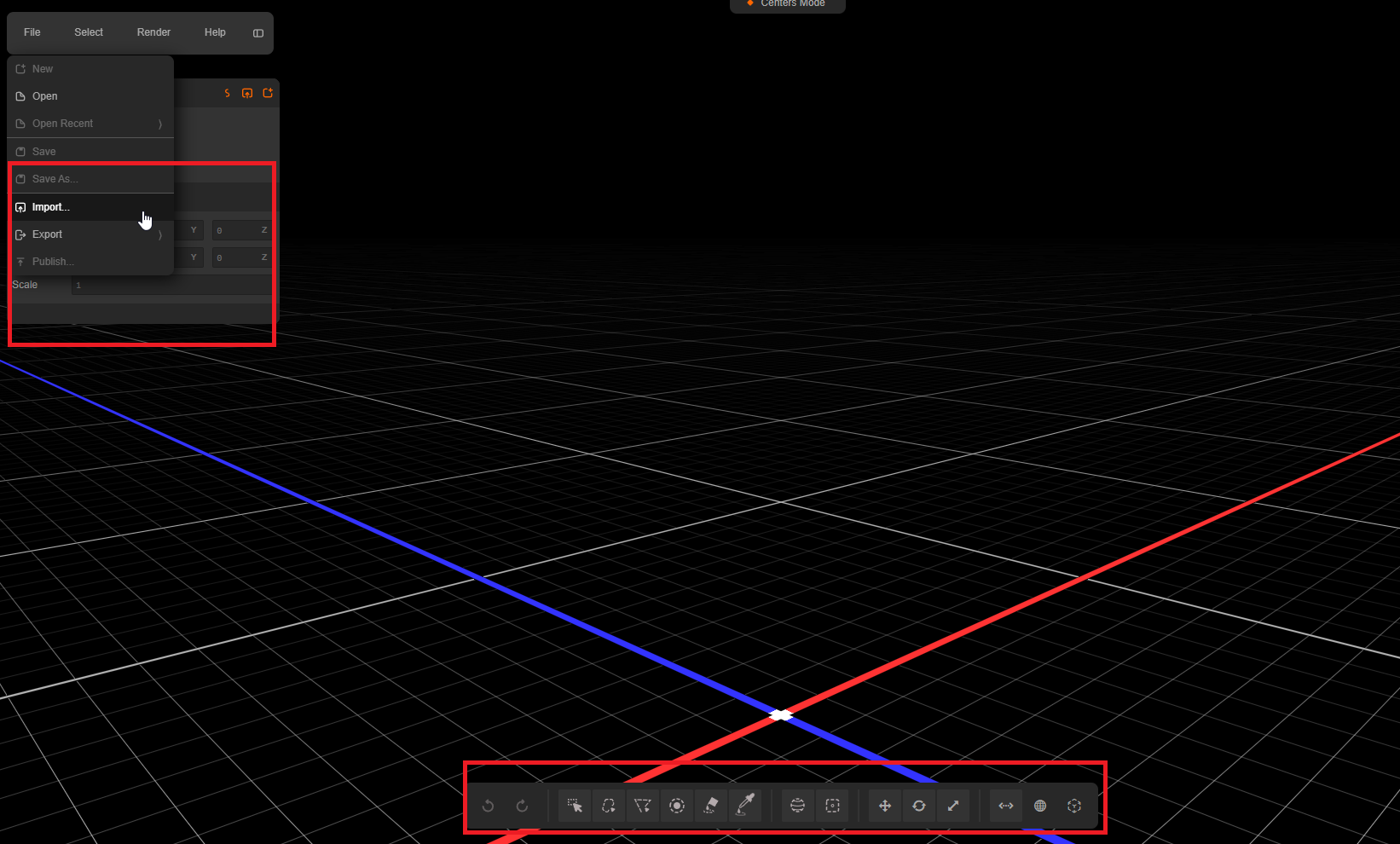
A month ago, after generating the .ply file, cropping was handled via a redirect to the third-party service SuperSplat, which included both import and export functions. Redirection was inside your interface.
I built a working pipeline: I downloaded the file, ran it through a custom decimation script, and reduced the vertex count from 2 million down to the target 1 million.
I would then upload this optimized .ply file back to SuperSplat. After saving, the optimized XR Tour displayed perfectly in the D5 Render “My Space” section and ran smoothly on mobile devices.
With your recent update, you removed the SuperSplat integration and moved cropping into your native interface. However, there is no import function. I can download the file, but I can no longer upload the optimized version back to your platform. The native cropping tools are insufficient to reach the strict mobile vertex limits.
Consequently, this UI update has completely broken my working optimization pipeline.
I kindly request that you either restore the import/export functionality for .ply files within your native Edit section, or add a built-in decimation/reduction tool with percentage-based settings.
This is a critical blocker for my project, which has been in development for over two months and is now in its final stages.
Please provide a hotfix or workaround at your earliest convenience.
We have optimized this workflow by introducing the SOG format. The primary reason is performance: PLY files are typically very large, resulting in slow loading times on both PCs and mobile devices. On mobile devices in particular, large PLY files significantly increase the risk of performance issues, lag, or crashes.
In contrast, SOG files are generally under 100 MB, load much faster, and provide a smoother, more stable experience on both desktop and mobile platforms.
I will forward your request to our team to see whether it’s necessary to add it back.
Thank you for your reply. I understand the transition to the .SOG format, as it is a logical step for performance. However, I believe there is a misunderstanding regarding when the problem occurs in the workflow.
The conversion to the .SOG format happens after the editing phase, specifically when the user clicks the “Share” button. Prior to that step, while in EDIT mode, the platform still operates using the .ply file.
Previously, we had the ability to both Import and Export at this editing stage. Now, there is only an export option (downloading the .ply) with no way to import it back.
Pipeline After Update: D5 Render → Edit (Export only + Crop) → Share
The core issue is that I have lost the ability to download the file during the Edit stage, reduce the vertex count locally, and then upload it BACK into your editor before generating the final .SOG file.
I strongly request that your team restores the Import functionality in EDIT mode. Additionally, adding a native Decimate (%) feature to your built-in tools would completely solve this issue for all users.
I apologize for not providing a clear confirmation earlier.
You are correct. This functionality is no longer supported following a recent update. Based on our previous understanding of user workflows, the feature was removed due to low anticipated usage.
That said, we have forwarded your feedback to the product team for evaluation. They will review the request and determine whether reinstating the feature is justified based on user needs and technical considerations.
If the request is approved, the implementation could be included in an upcoming release. We will keep you informed as soon as we receive further updates from the product team.
At this time, these requests are still under evaluation by our Product and R&D teams. While we recognize the value these features could bring, their implementation is more complex than it may appear and requires careful consideration of the existing workflow, compatibility, and long-term product direction.