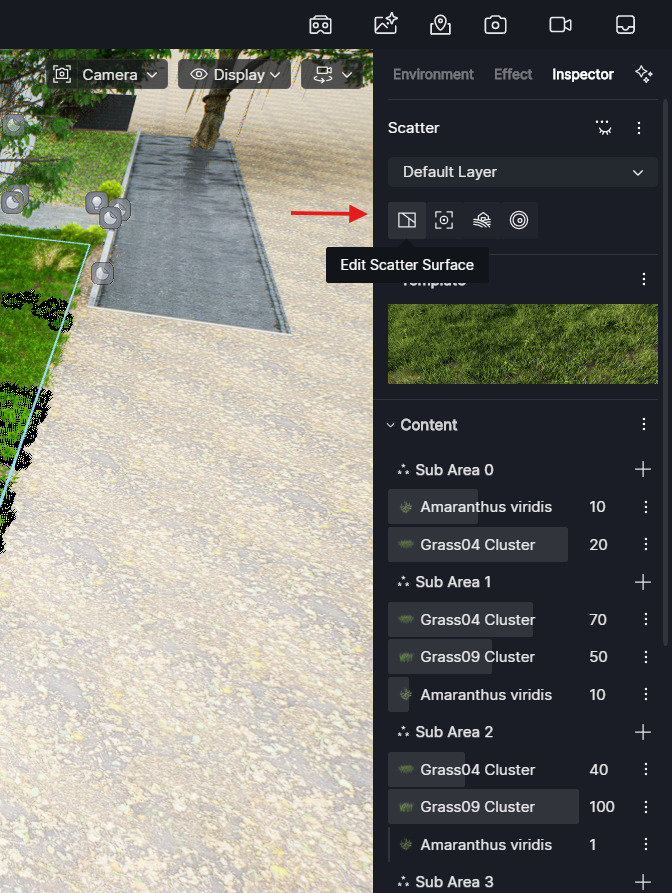
Pop-up window say that there is way to manually regenerate Scatter but there is no such icon on any resource list :
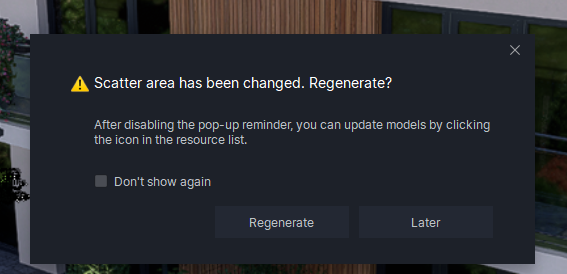
Pop-up window say that there is way to manually regenerate Scatter but there is no such icon on any resource list :
Hi @Smolak
Currently, there is no visible regenerate icon in the resource list. Scatter regeneration is triggered automatically when the surface it is applied to is changed. If you need to refresh it manually, this means reselecting or editing the scatter surface in the right-side panel, not a button in the resource list.
Hi @ela
Problem is that if we update object with many of Scatters there is no way to regenerate them all at once or even individually if we set “don’t show again” before. We need to set all scatters to the materials which is very time consuming after every object update.