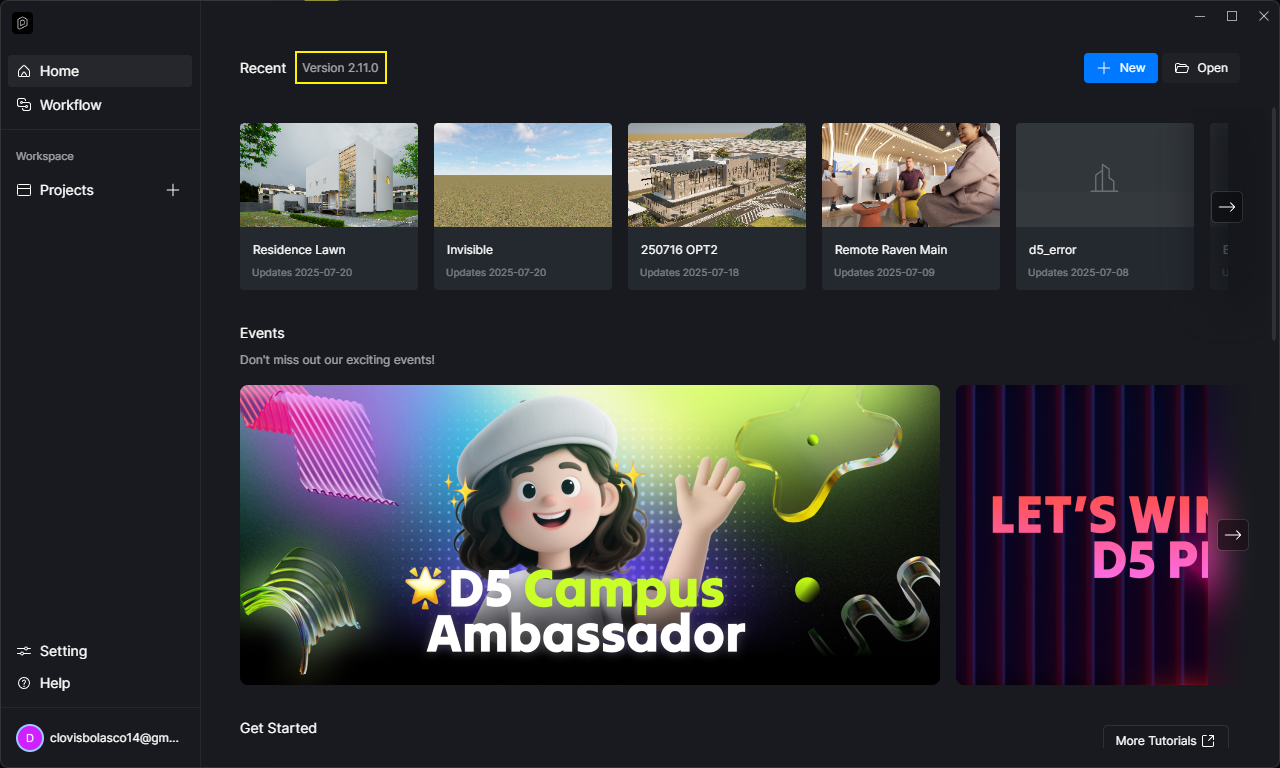
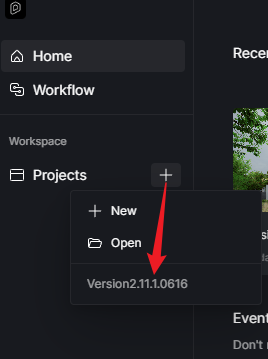
**D5 Render Version: 2.10.2.0589
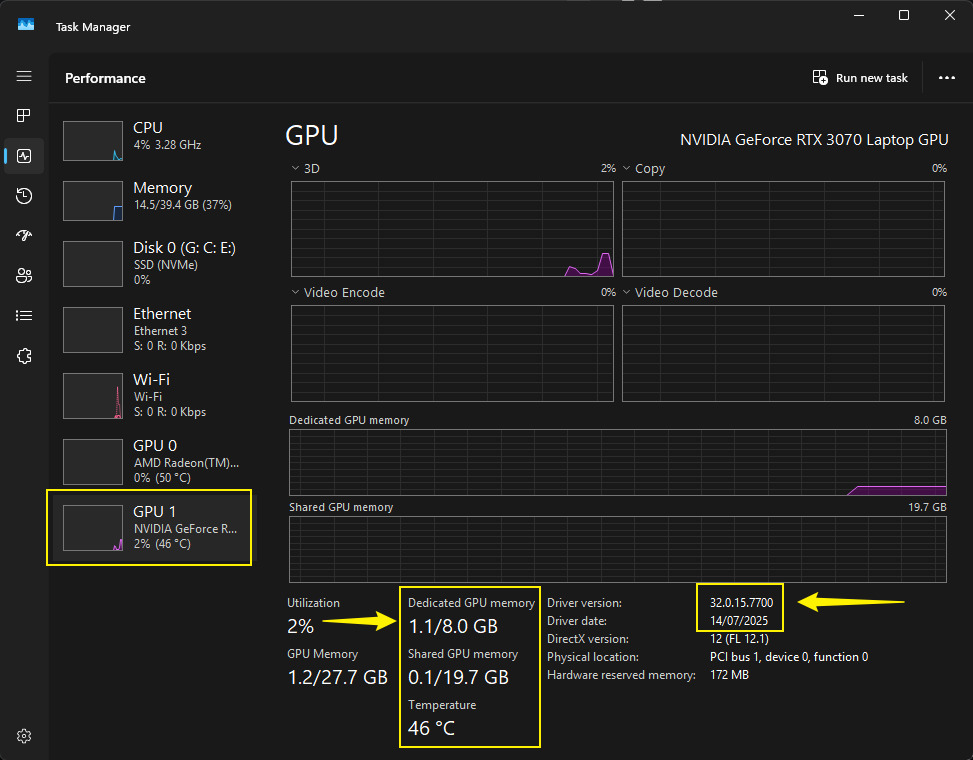
**Graphics Card: NVIDIA GeForce RTX 4060
**Driver Version: 32.0.15.7680
**Issue Description: Using SketchUp Pro 2020, after sync with D5 then while trying to save a NEW Project it suddenly closes down giving this message: “The communication to the D5 Render is abnormal, live sync abort”. This issue happens only for saving new projects. Therefore it is impossible to render anything.
I tried everything, deleting and reinstalling plugins and D5, clearing cache from graphics card, purging sketchup model…etc. nothing works. Your help is much appreciated!
I apologize for the inconvenience. Just to clarify:
So this issue is only evident with new files, even empty and simple SKP files?
How were you able to use SKP to D5 Livesync before? Were there any specific actions that you have done which might have triggered this error? Perhaps an update to the software, etc.
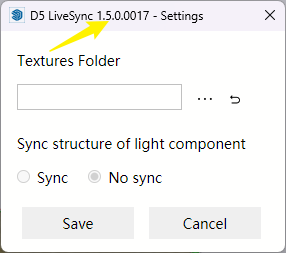
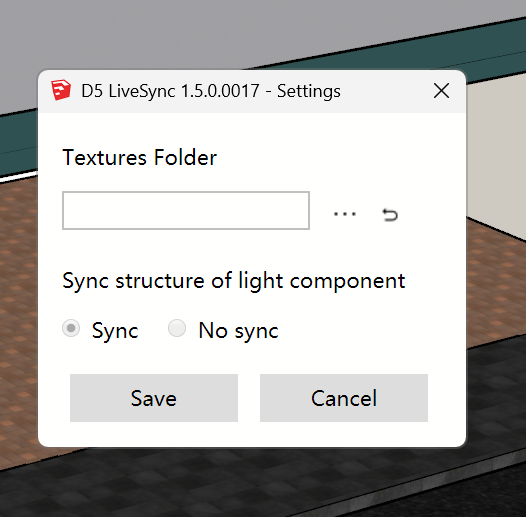
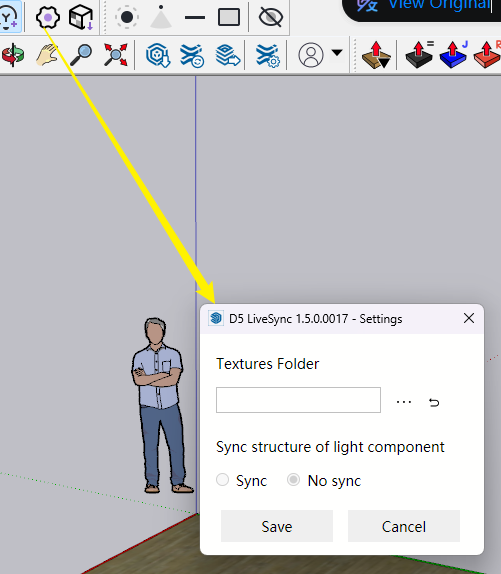
Which D5 Livesync Version are you using? Please send us a screenshot
-Any kind of new file from very simple ones lest say a cube to a fully detailed building.
-Before I had no problems with the program everything used to run very smoothly it just happened out of the blue.
same issue, i was working on a project earlier today, and in the evening, returned to work on it and it started showing the same issue mentioned before
The error prompt “The communication to the D5 Render is abnormal, live sync abort” usually triggers if the livesync is active, then you have proceeded to render an image or video. Please check if this is the case.
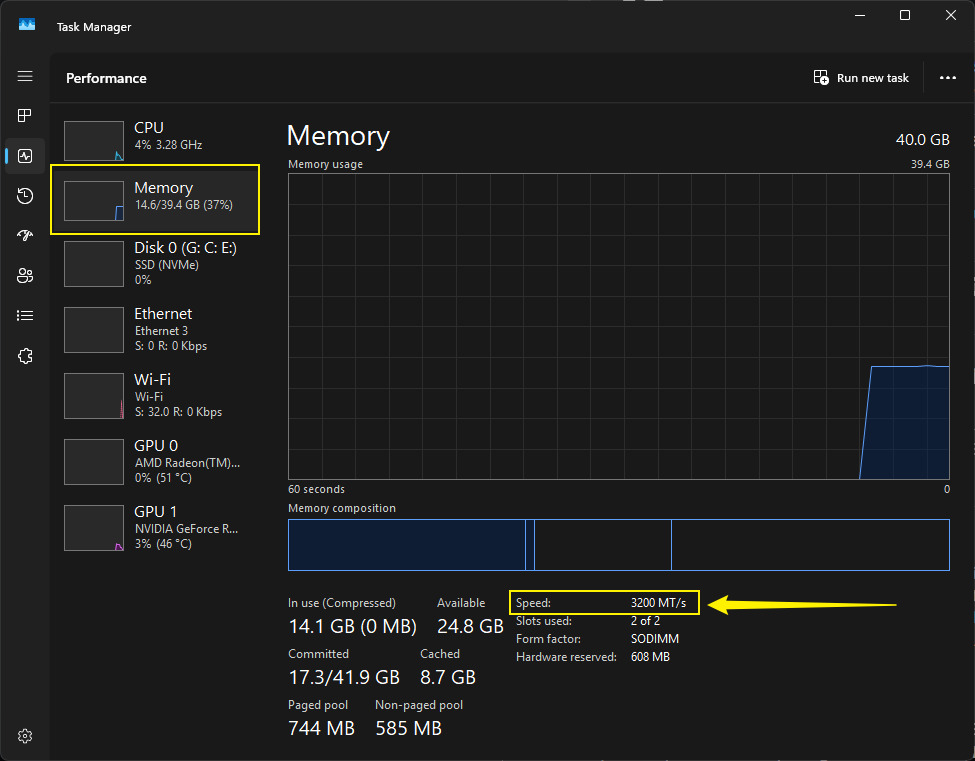
Otherwise, we may need to collect the different information:
Screen recording of your whole process that triggers the error prompt
Hi @Clov. I have the same error with this. Even the autosave feature does not work. Whenever I work with something, it just randomly shuts down, and an error live sync message pops up. Most of my projects got delayed because of this type of error. Please help.
I’m using D5 version 3.0.1, and I’m using SketchUp on my models for D5.
Before I was using SketchUp version 2021, and an error prompted "Could not reach server(timeout). And I forgot about the other version of the error. I decided to change my SketchUp version to 2024, and still, I was experiencing some crashes, but now the error prompts do not appear anymore. It just crashes. I disabled the hardware-accelerated gpu from the display settings. I also bought another hard drive because my vram and my gpu are ok (I tested them). D5 crashes like every project I’ve done. Sometimes when its on idle or just randomly scrolling on d5, applying materials etc, it crashes.