D5 Render Version: 2.11.1
Graphics Card: NVIDIA RTX 5000
Driver Version: 13th Gen Intel(R) Core™ i9-13950HX
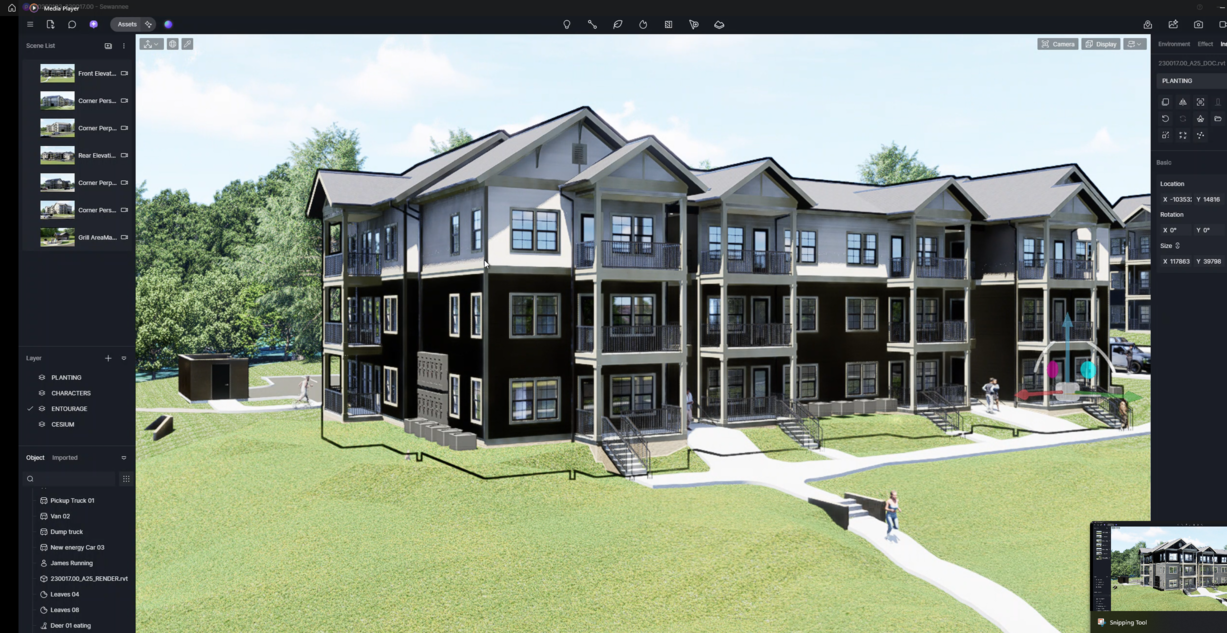
Issue Description: For some reason my linked models from Revit are having texture/lighting issues where they show up dark or black and change randomly in lighting when selecting the model in D5.
All the texture maps and colors are correct so that doesn’t seem to be the issue.
Not sure why this is occurring, I have closed D5, restarted it, and reloaded the model and still won’t fix the issue. Even when rendering the glitched textures show up.
Screenshots/Videos Description:
Before:
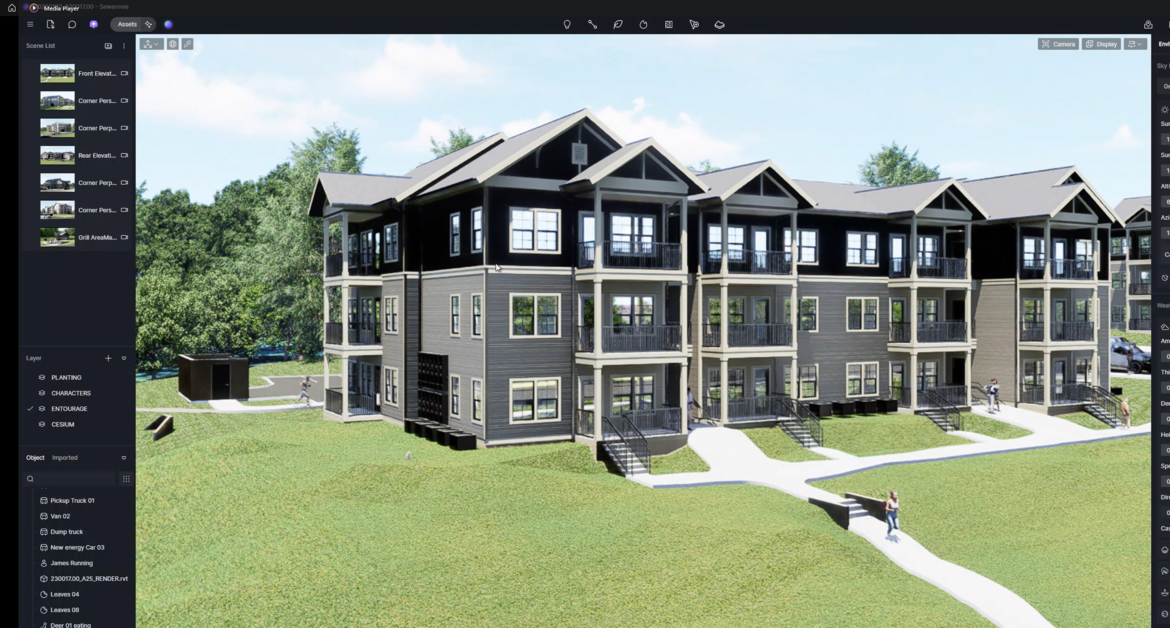
After: