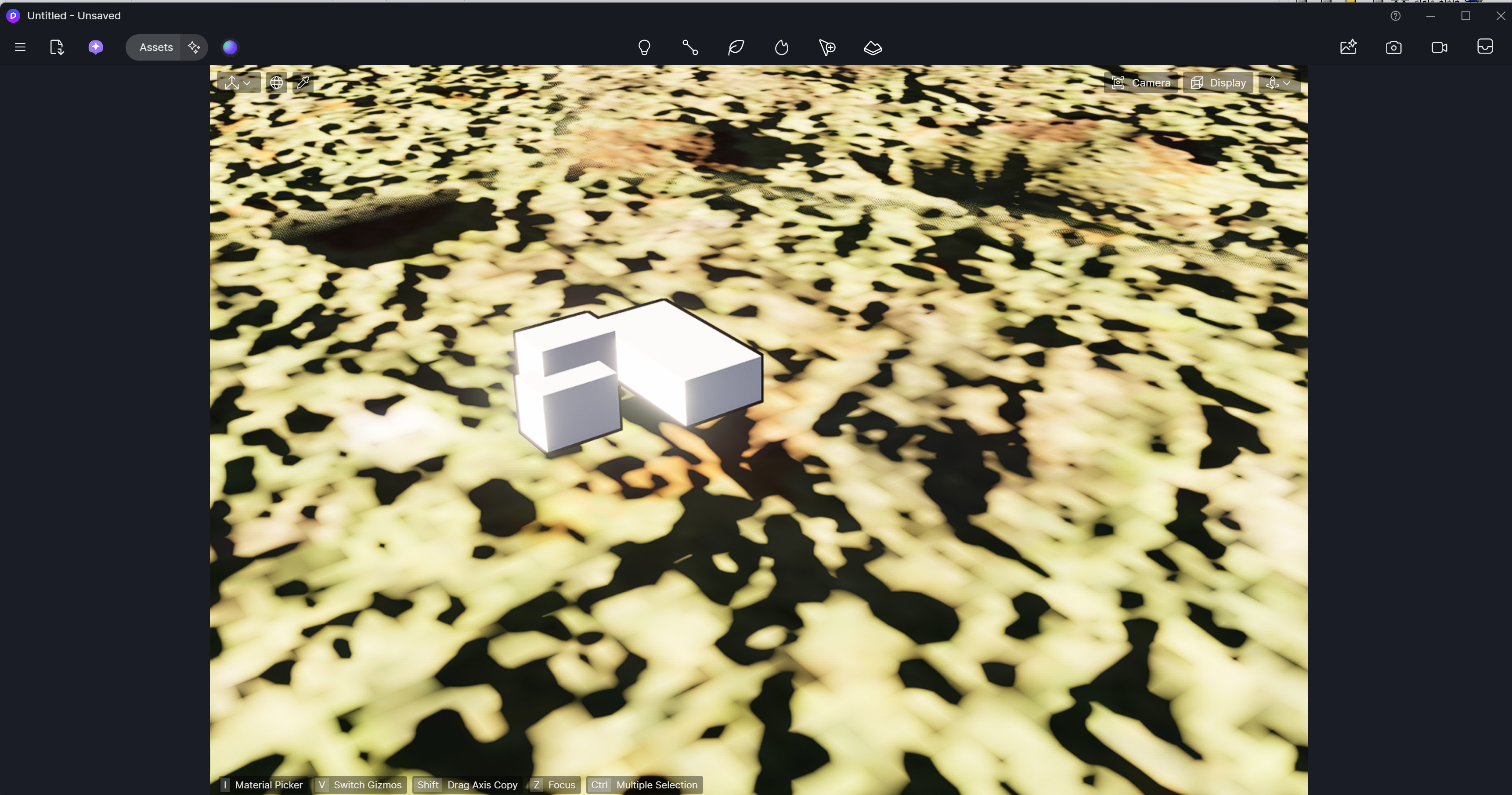
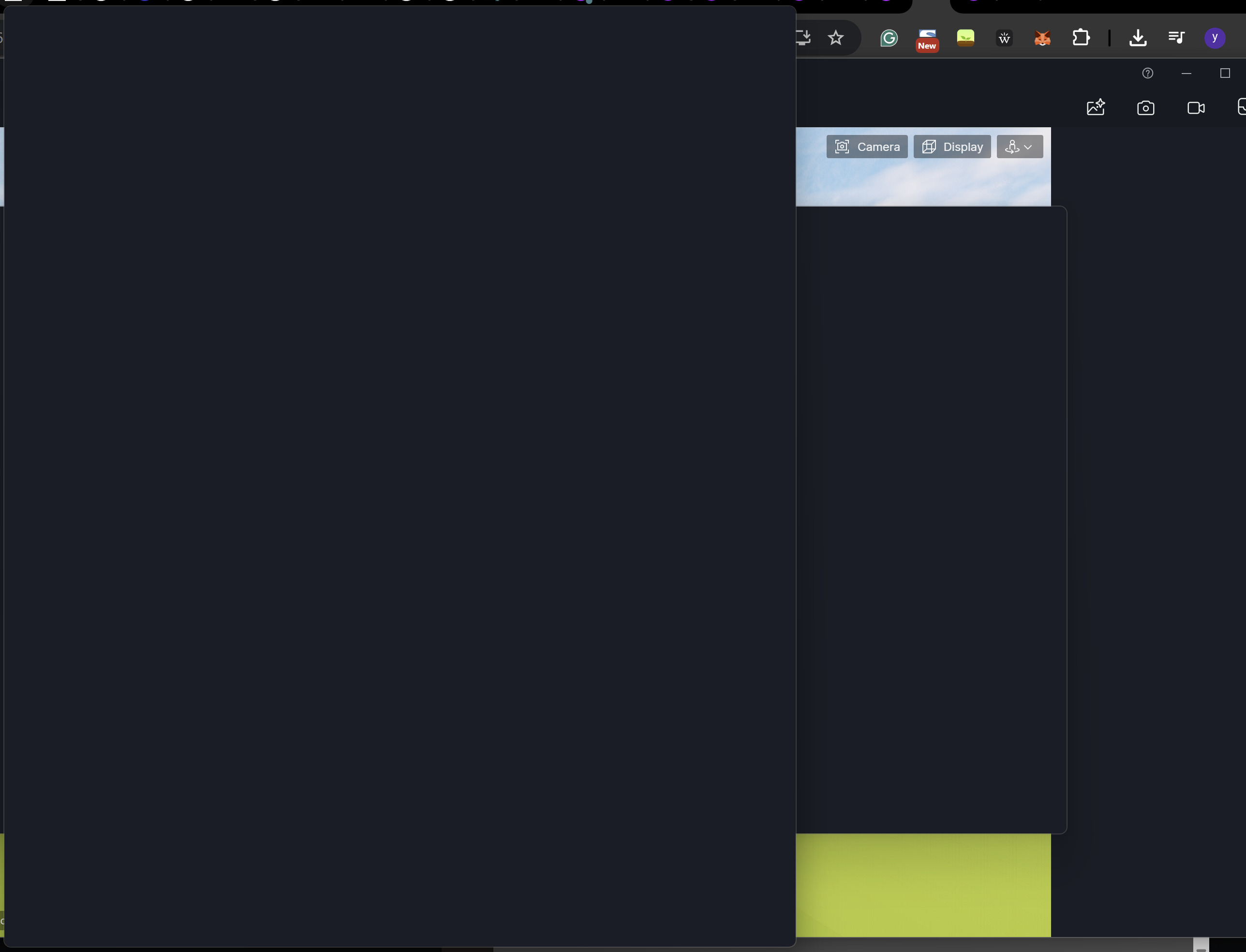
Hi, I’m a d5 pro user, newbie. As you can see in the image, the sidebar is there but the content like scene list, resource list, environment are all missing.
Here’s what i’ve tried, but didn’t work:
-hide & show the sidebar
-open with different rhino files
-redownload d5 render
-re login
What’s worse is, the assest tab showing blank page as well.
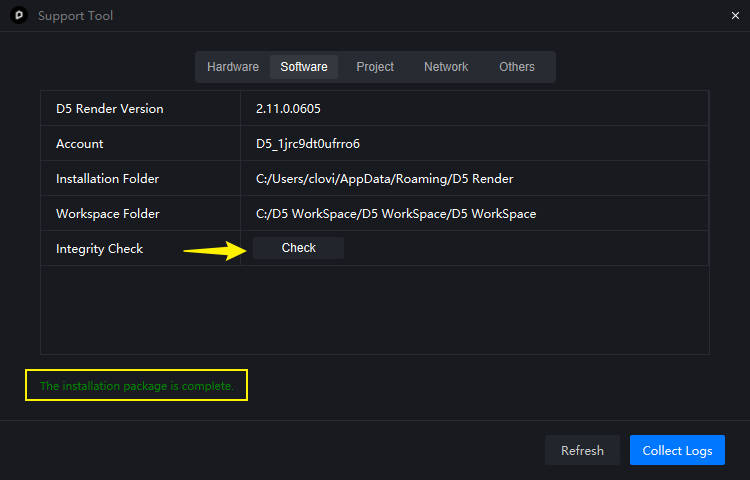
I have the same issue, although I managed to get the asset browser to populate. The right sidebar is blank. I’ve opened various projects, the tutorial project. I’ve run the checker as indicted above and everything is fine. It is a local installation, but on a different physical drive than the C
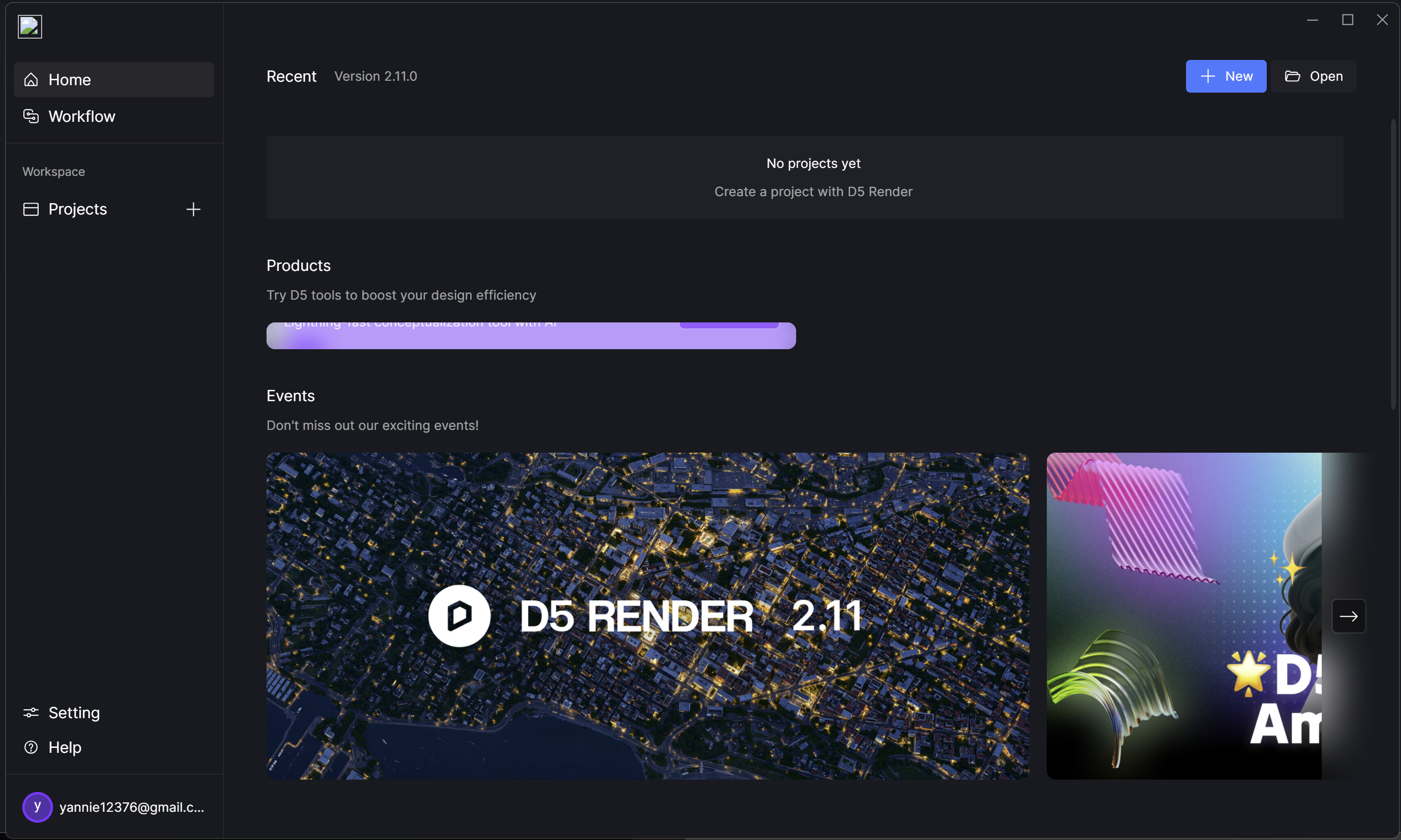
I have the same problem here. I tried to install D5 launcher / render on a two identical computers. It worked on one but not on the other. No sidebar in the render, icon missing in the launcher. I tried to desintall / reinstall mulliples times, no success.
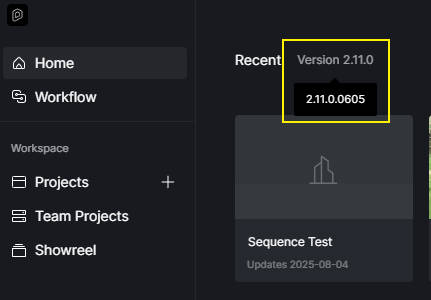
Hi @Xtov, Can you provide a screenshot of the missing icons in the Launcher? Have you had a chance to perform the software integrity check as Clovis suggested in the previous chat? Additionally, could you share your logfile and system information so we can troubleshoot further? Sorry for the inconvenience caused.
Hi @Xtov, This issue occurs because your Windows account name contains a special character (#). Please remove the special character and ensure that your file path names contain only alphabets. Thank you.
Hum…I will try to rename the windows account but I guess it will lead to many problems And I am not sure this is the source of the issue, I have another coworker with the same # in his account and installation was succesfull. I will check next week and keep you posted. Thanks for this ongoing support.
We renamed the windows user folder, removing the #, and this solved the problem. Thanks. For your information this bug caused a serious problem because before the # was removed, the cef_log.txt continously logged the defect and growed endlessy, ending in a 293 Go file and saturing our hard drive. I think you should implement a size control of this file to avoid this kind of behaviour.
Thanks for your support.
Xtov

 And I am not sure this is the source of the issue, I have another coworker with the same # in his account and installation was succesfull. I will check next week and keep you posted. Thanks for this ongoing support.