**D5 Render Version: latest 3.0 **
**Graphics Card:NVIDIA GeForce RTX 4070 Ti SUPER **
**Driver Version: 32.0.15.8157 **
Hello everyone,
I’m experiencing a strange issue with an existing D5 Renderer scene that visually changed after restarting D5.
The scene was originally very softly and brightly lit. After reopening it, everything appears extremely dark and very high-contrast, almost as if the materials had become darker or metallic, or as if the shadows/contrast were heavily intensified.

original Lighting and Material
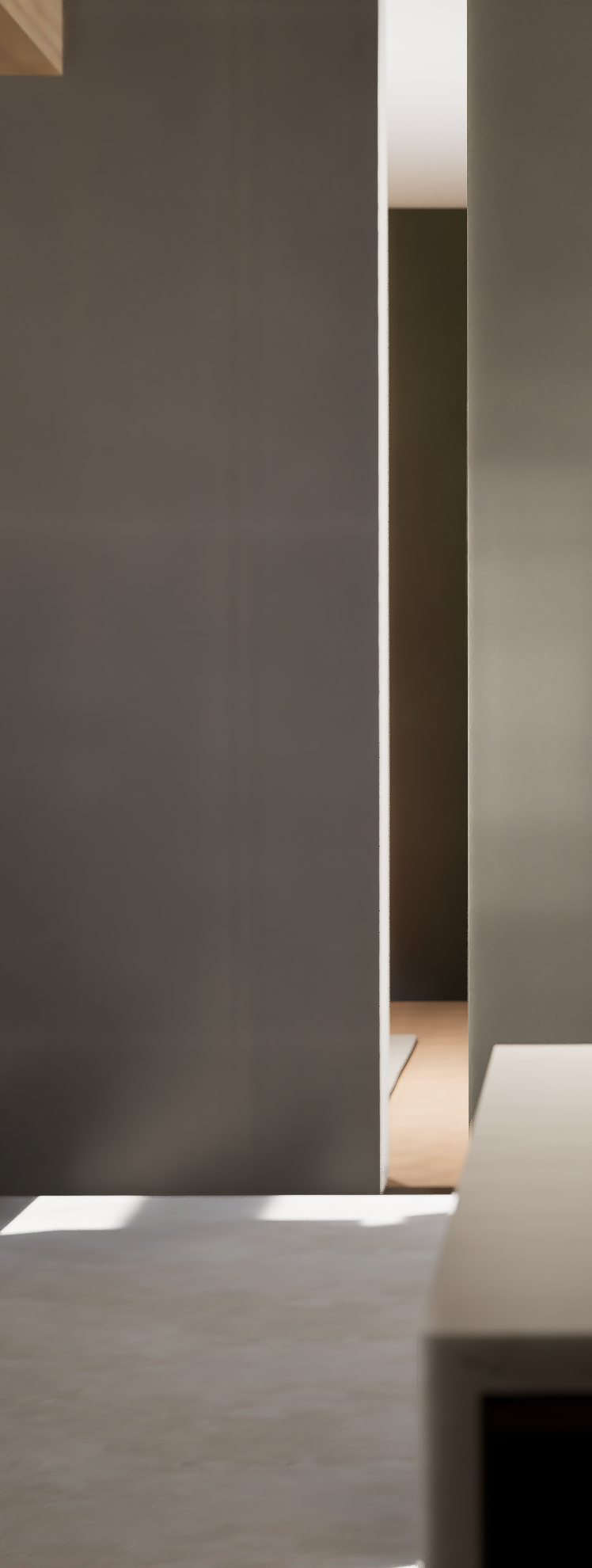
Rendered with bug
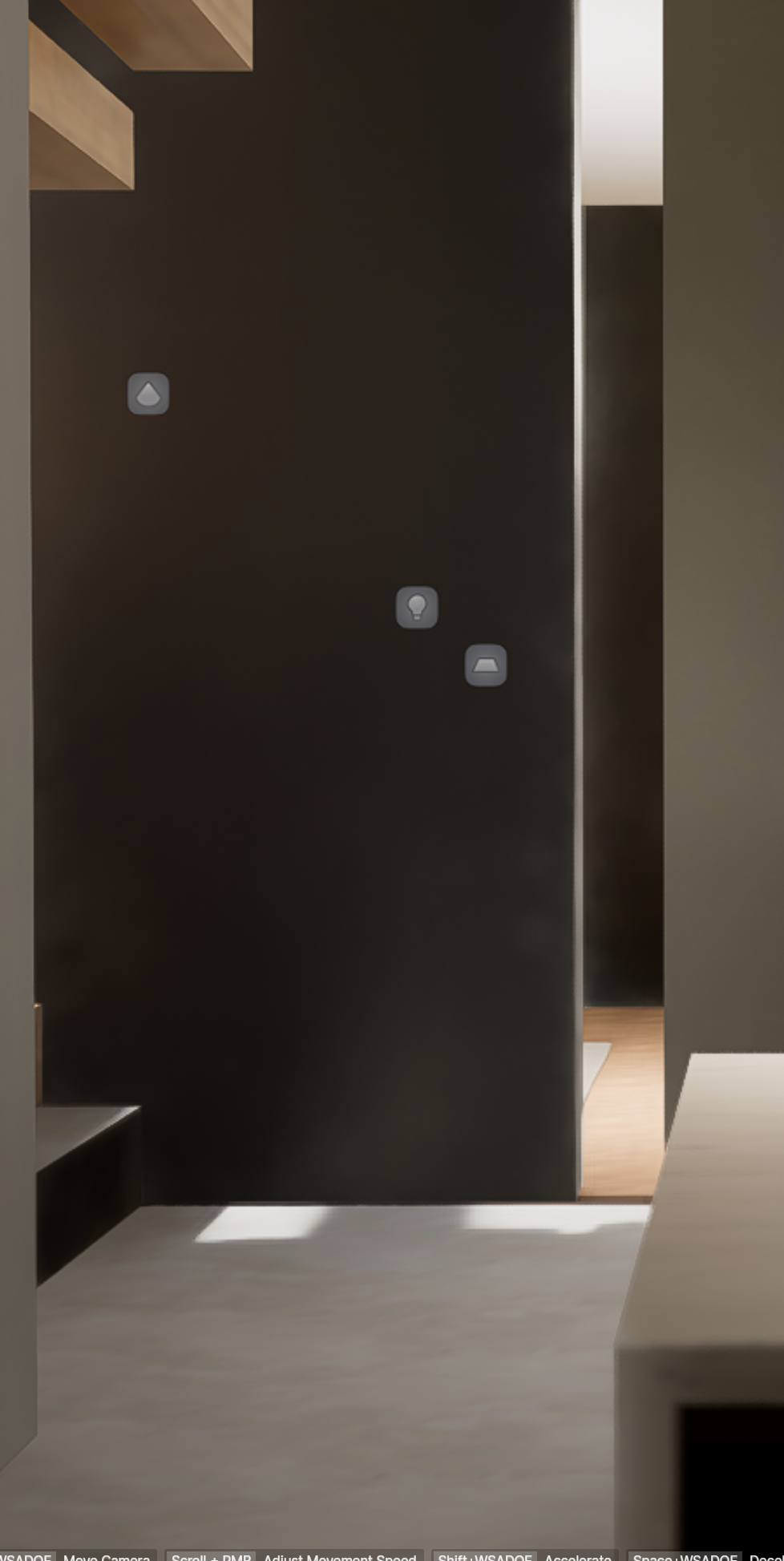
Screenshot with bug
Important clarification:
The materials themselves have NOT changed.
- I verified this using the Material Picker
- Even when I re-apply the original material, the appearance stays exactly the same
→ So an actual material change can be ruled out.
Additional observations:
- When I re-link the D5 file with my Rhino model via Live Sync, the view improves significantly
- However, it is still much more contrasty and darker than it originally was
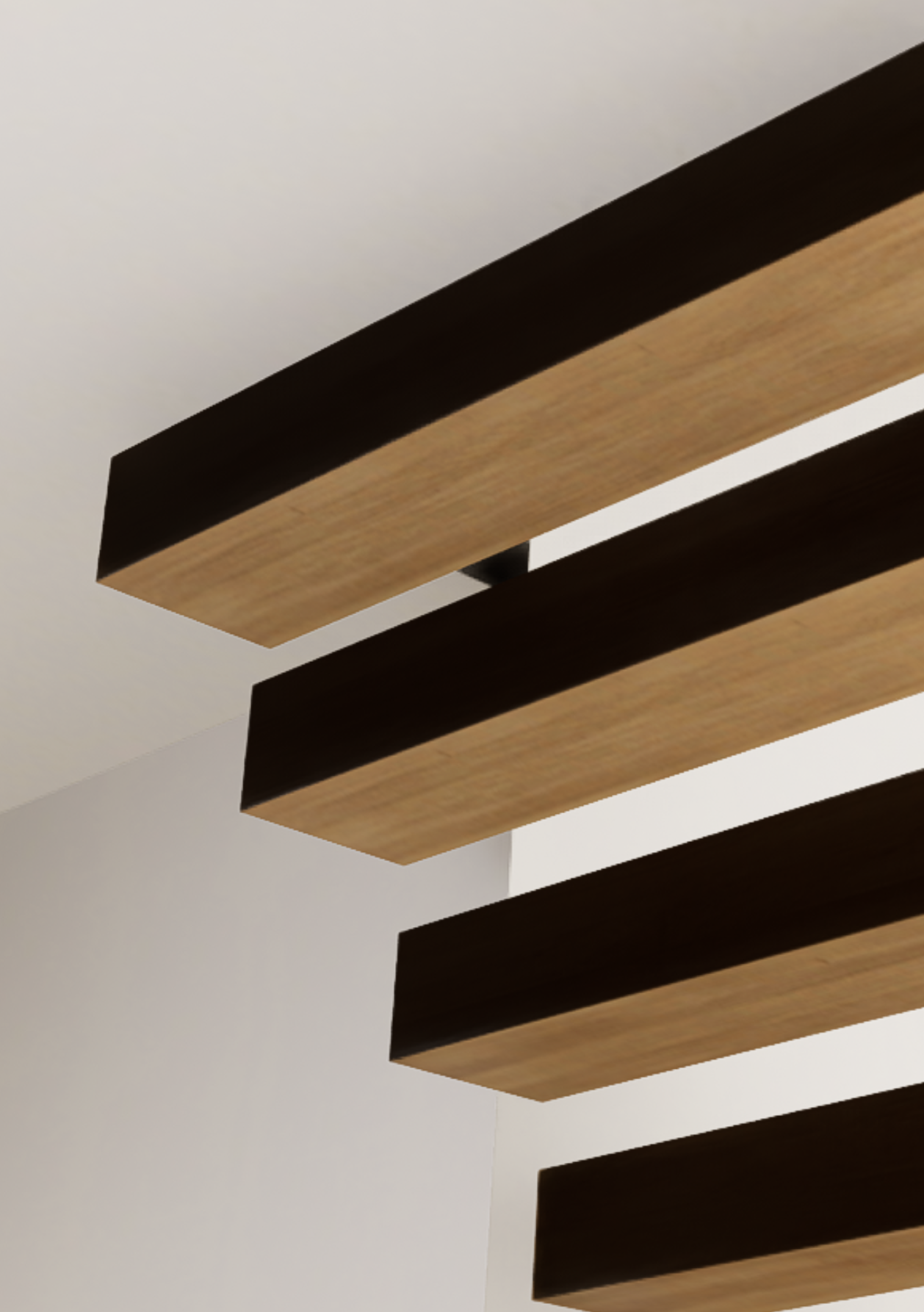
- In the non-linked version (without Live Sync), materials are not displayed correctly
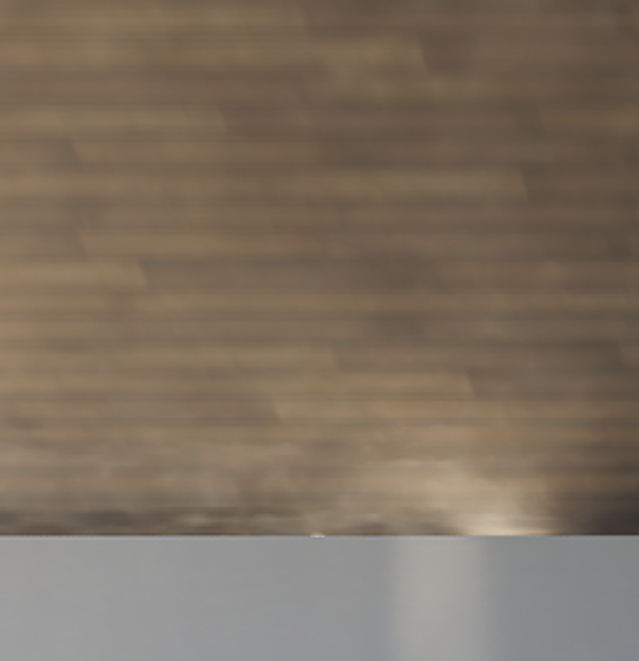
- I am not in “Smooth” mode, so this is not the cause
Unfortunately, due to sensitive data, I can only provide partial screenshots of the scene.
My questions:
- Has anyone experienced this issue before or is it a known problem?
- Could this be caused by missing or broken links (e.g. HDRI, lighting, color/tone mapping settings)?
- Are there known issues after a restart or update that affect exposure/contrast without changing materials?
Any help or insight would be greatly appreciated. Thank you!