Scatter - Advanced Brush doesn’t work if it is painted outside scatter area defined before
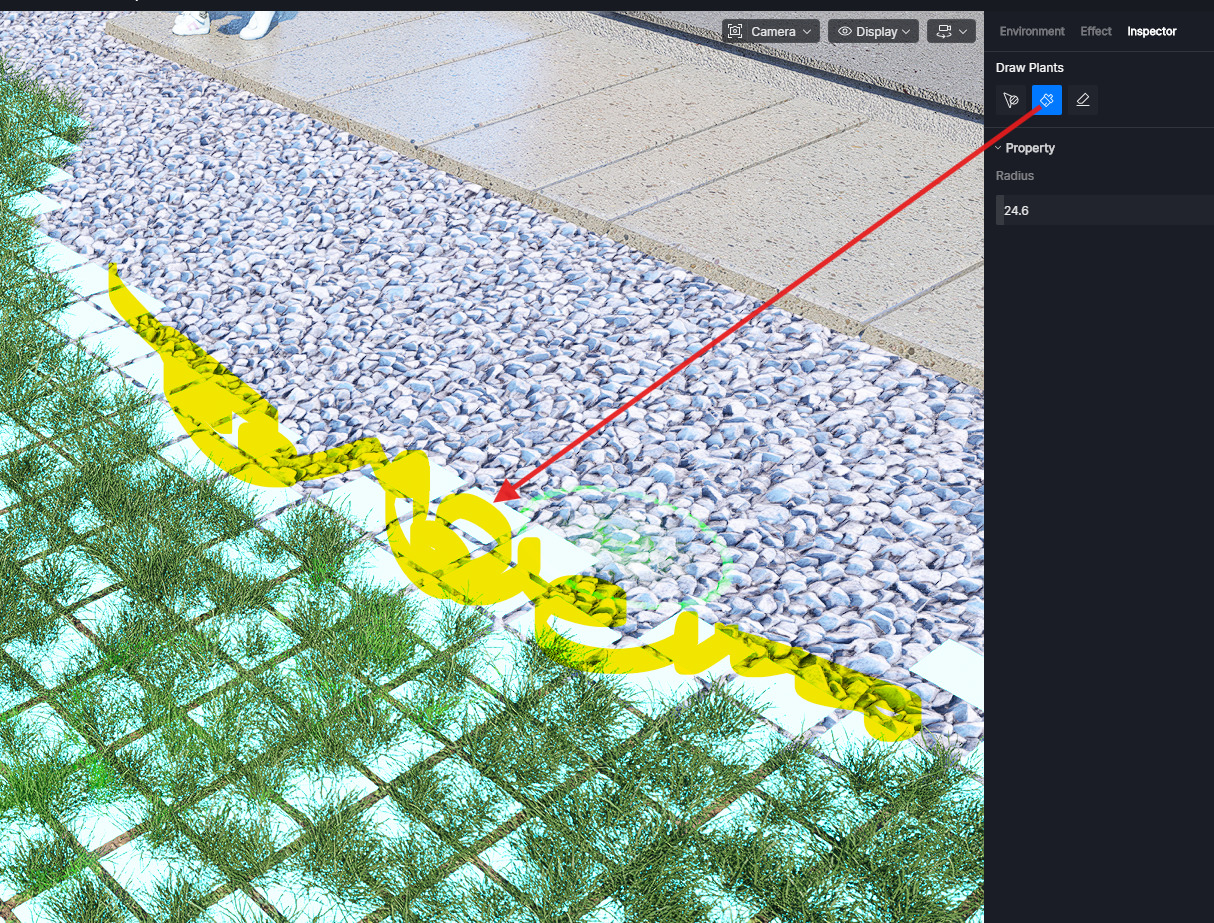
Hi @Smolak
Apologies for the inconvenience. Do you mean you can’t draw outside of the Scatter Area? I tried it on my end, and the scatter brush worked outside the original scatter area. Please let me know and share your log files with me. Thanks in advance
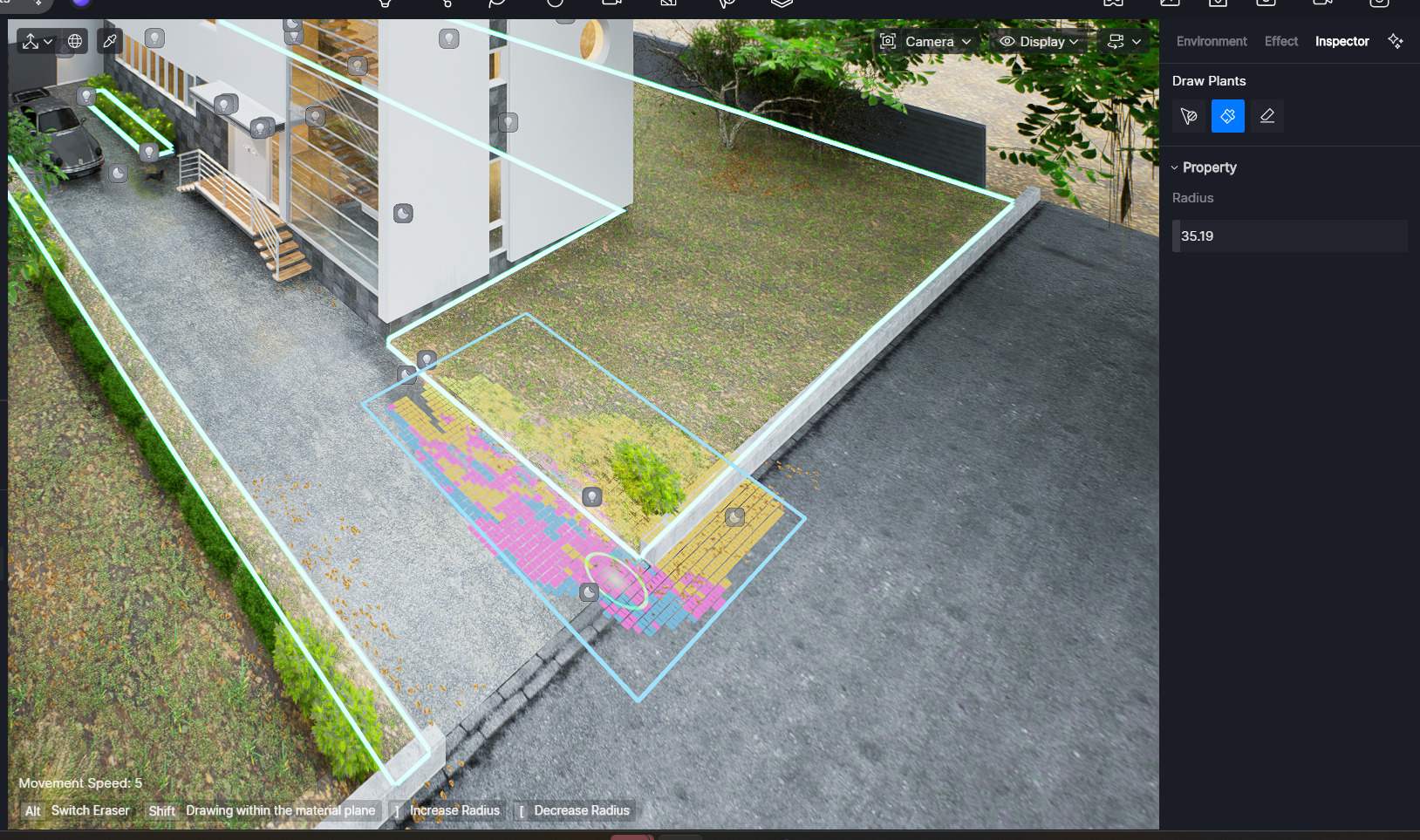
Hi @Smolak
Apologies for the inconvenience. I have tried it again on my end, and it works fine. Could you please share your log files with me so we can further investigate?
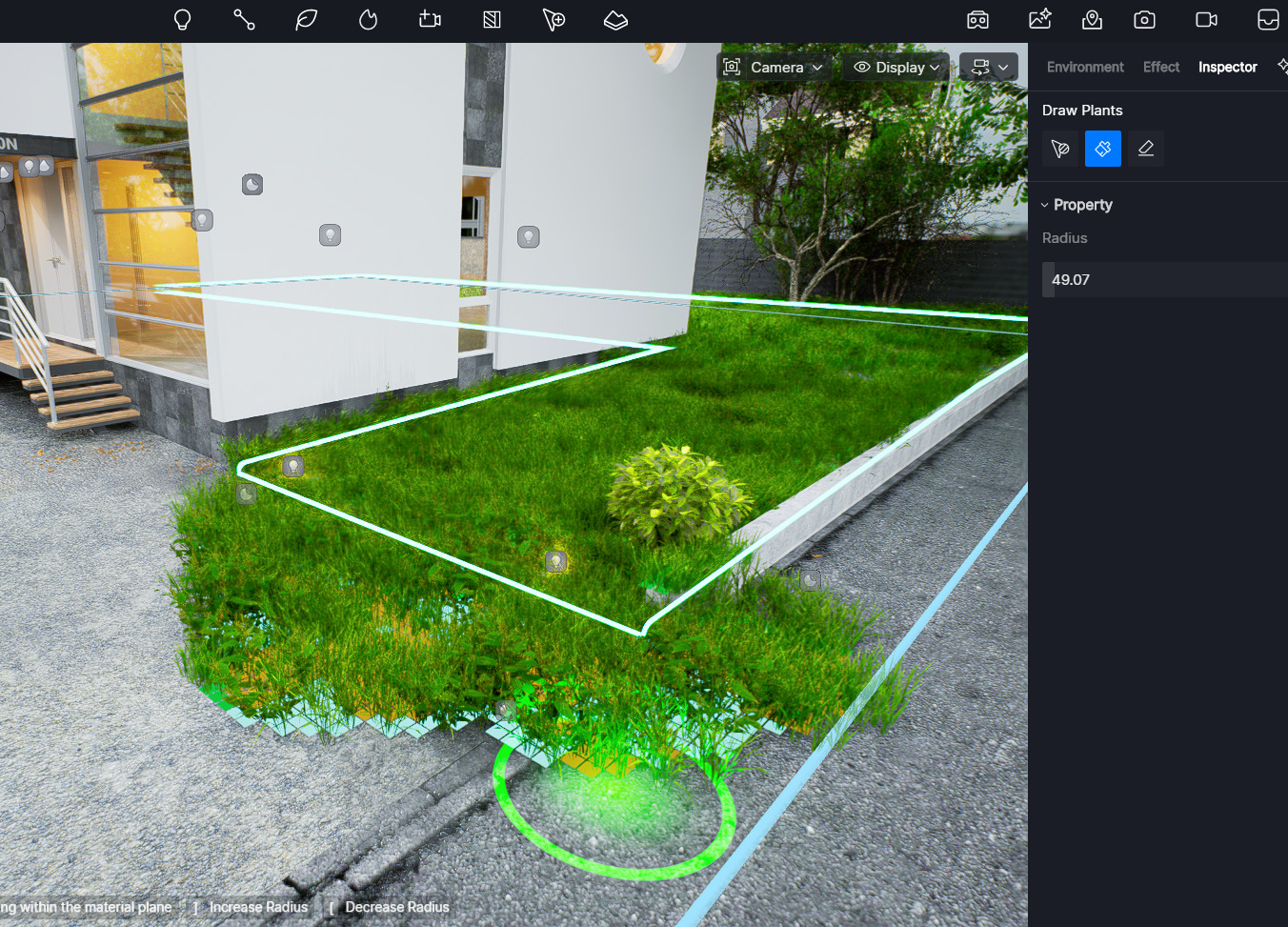
Unfortunately this completely doesn’t work for me. Please test included scene.
scatter out.zip (1.7 MB)
scatter (2).zip (2.3 MB)
logs : zziplog.zip
Ok I found that it works only while creating Scatter as “Select Model” mode
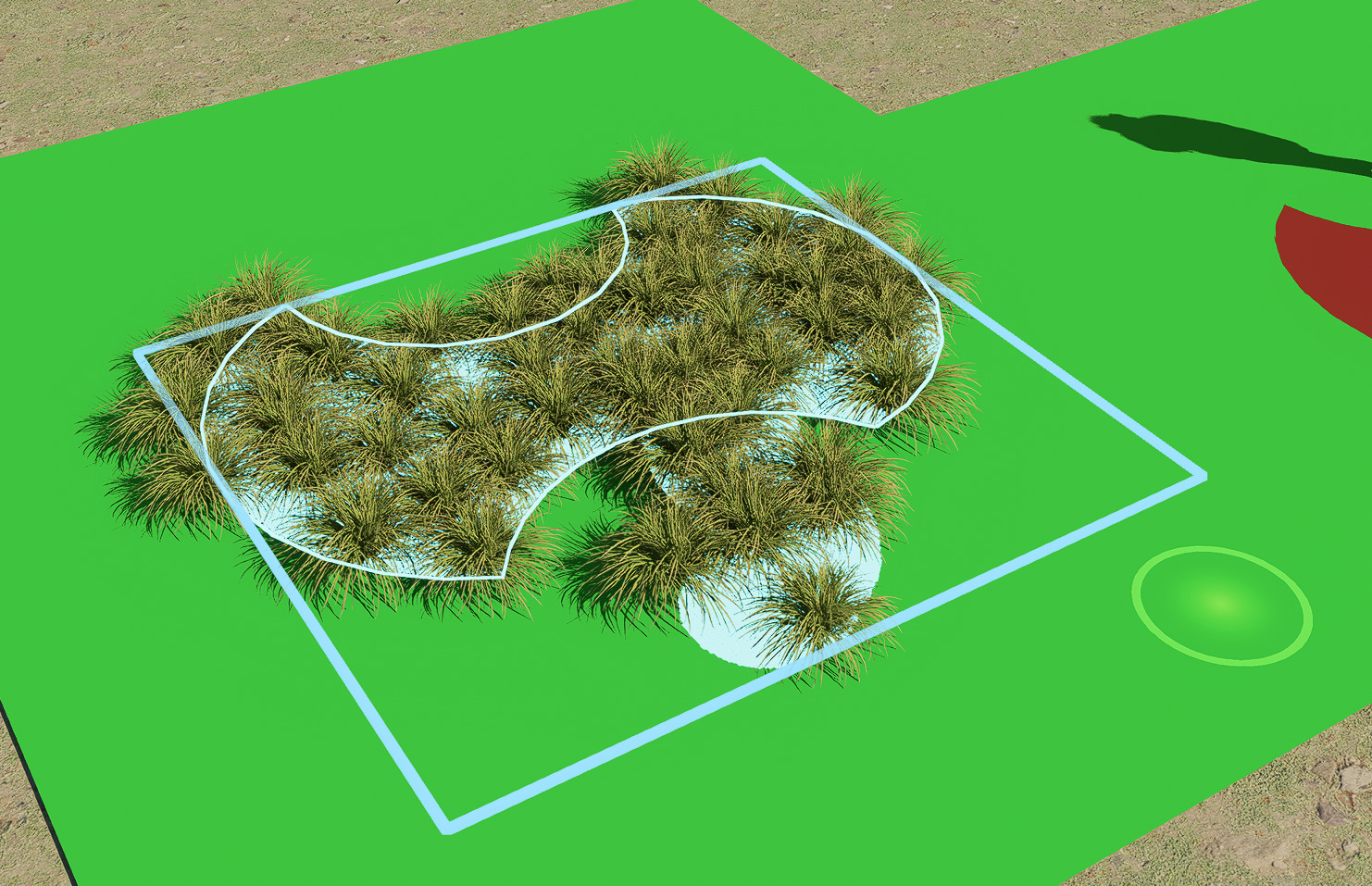
It completely doesn’t work when Scatter is created as “Select Material” mode

Problem is that D5 Render imports all objects from software like Cinema 4D as connected one object. There is need to manually import all objects which is time consuming.
It works only on other models not within the same model but different material :
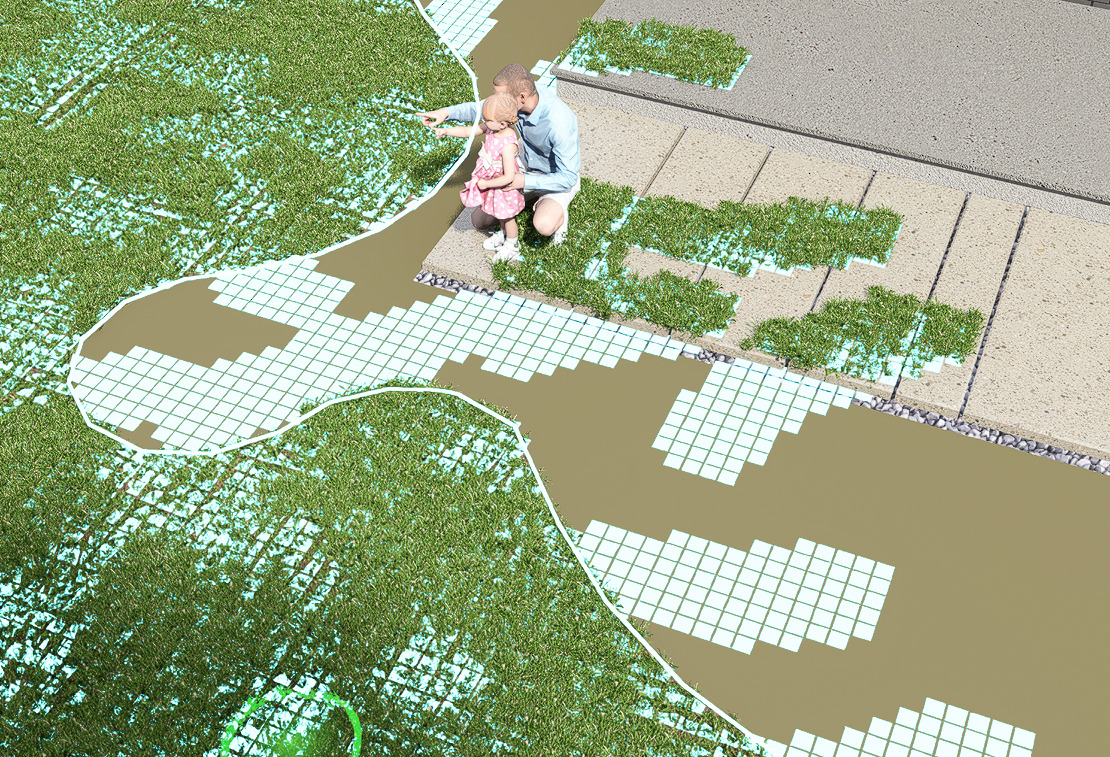
Update :
It works in “material mode” but technically material polygons must be disconnected in imported model. If different material polygons are connected ( which is default in most 3D software ) scatter brush doesn’t work if Scatter was created using “material mode”.
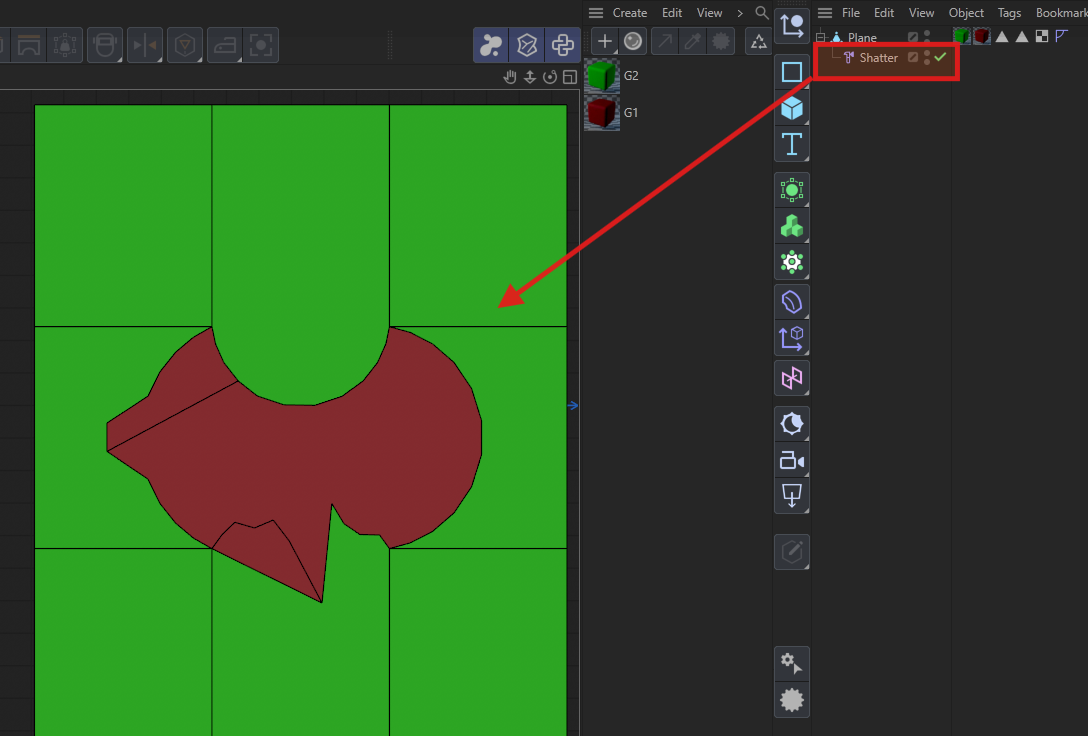
For example. In Cinema 4D there is need to use “Shatter” modifier to disconnect polygons which use different materials :