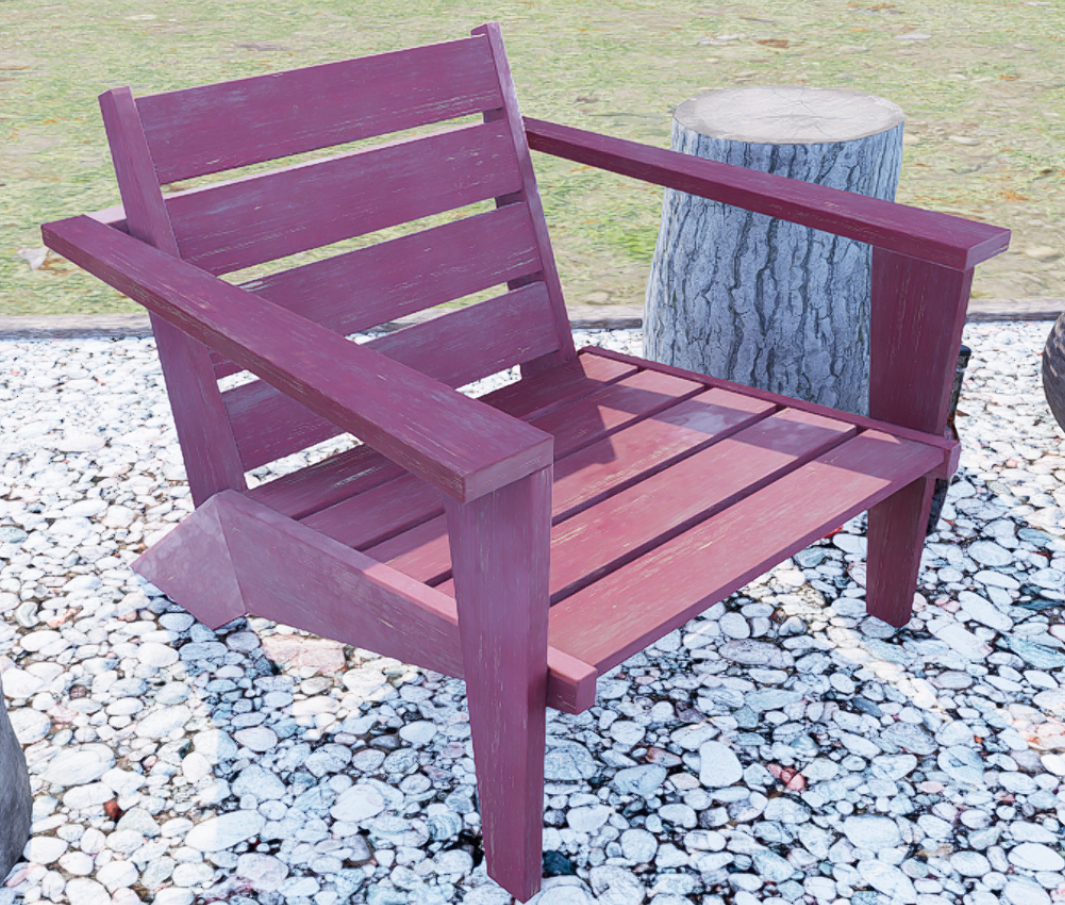
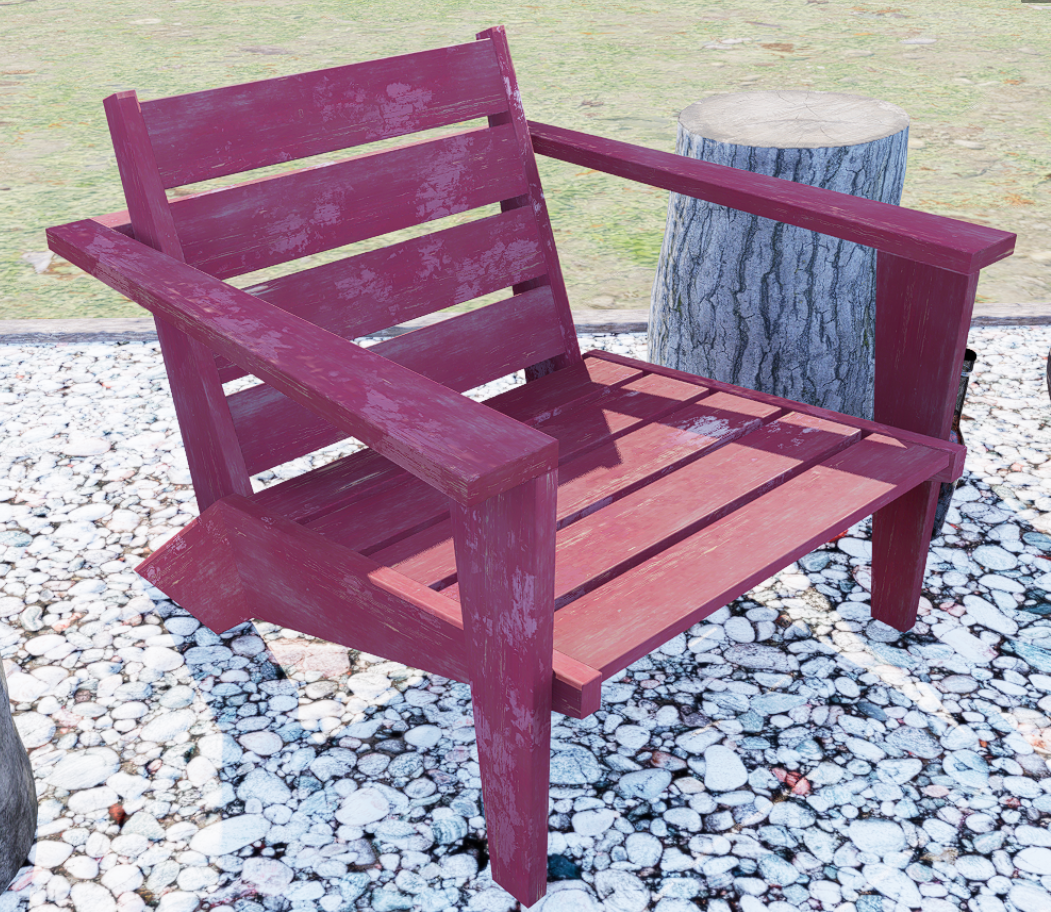
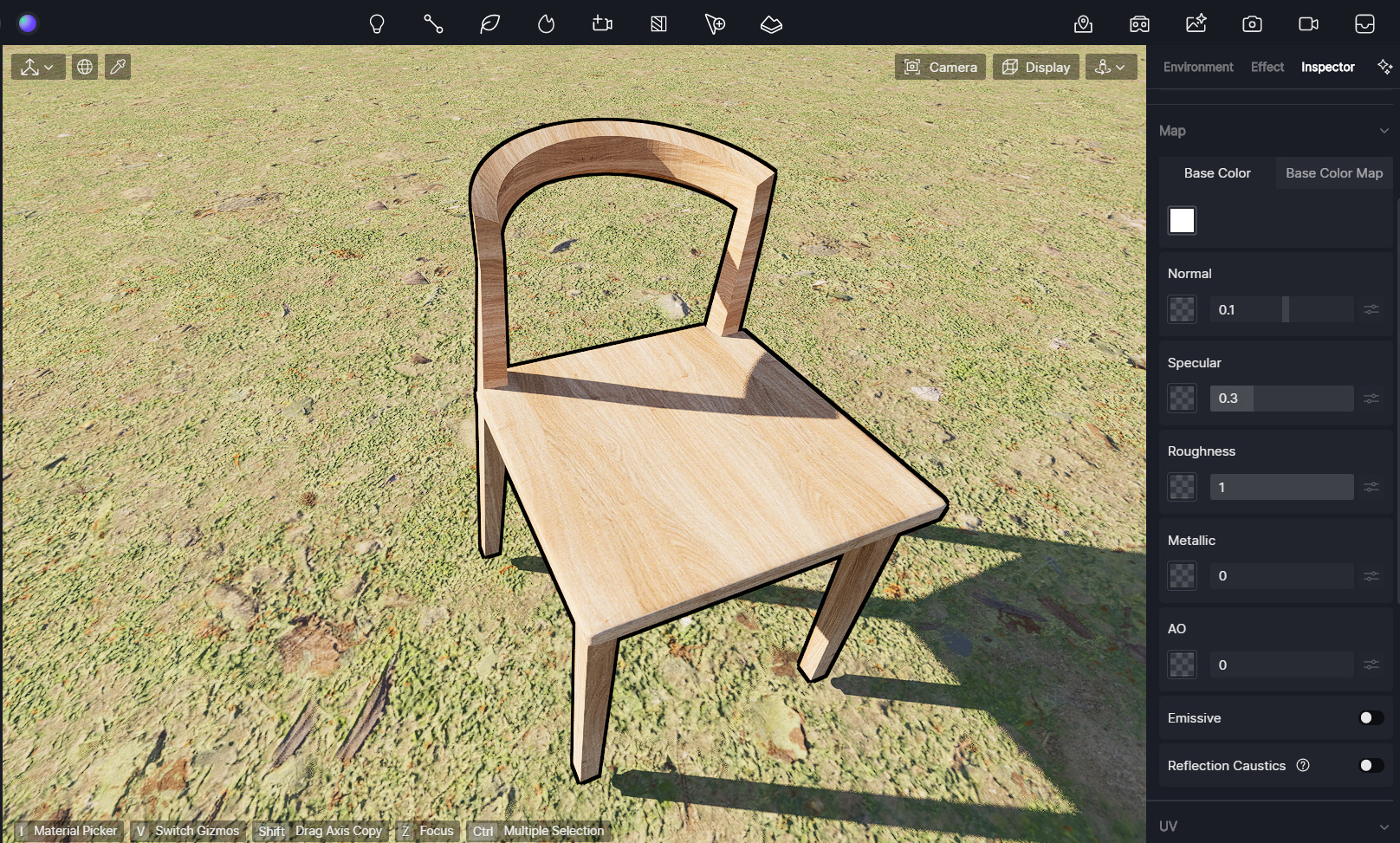
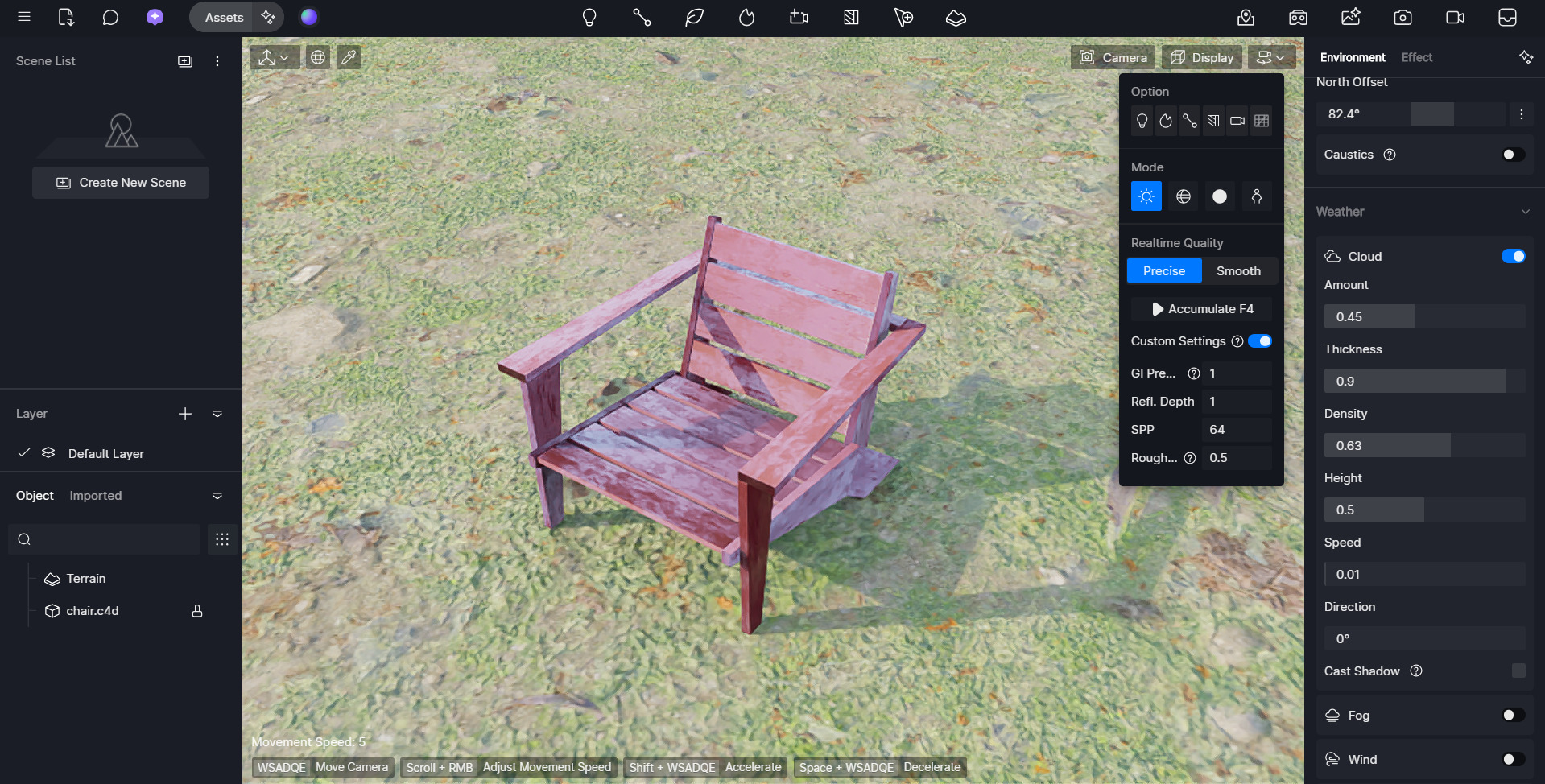
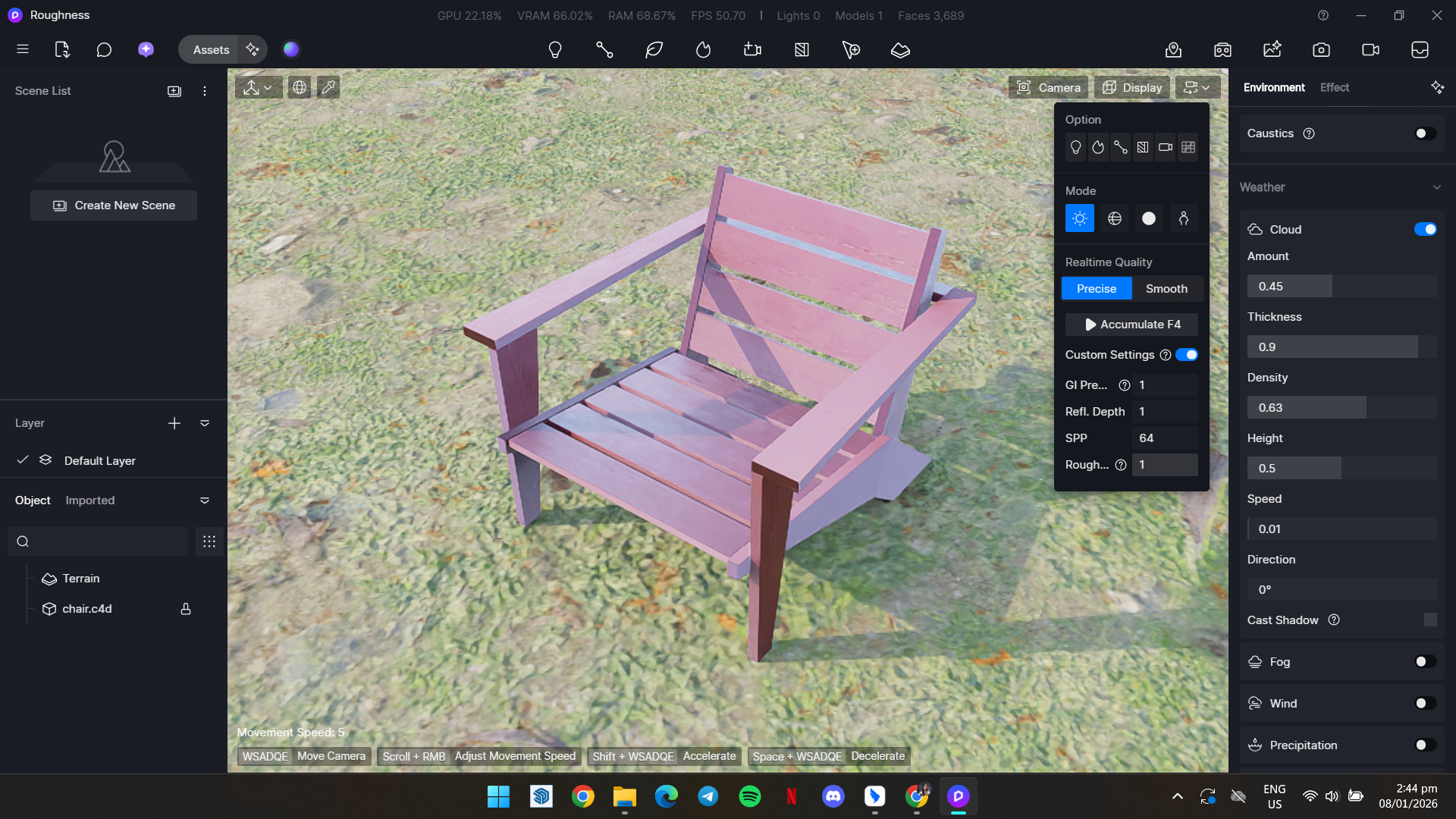
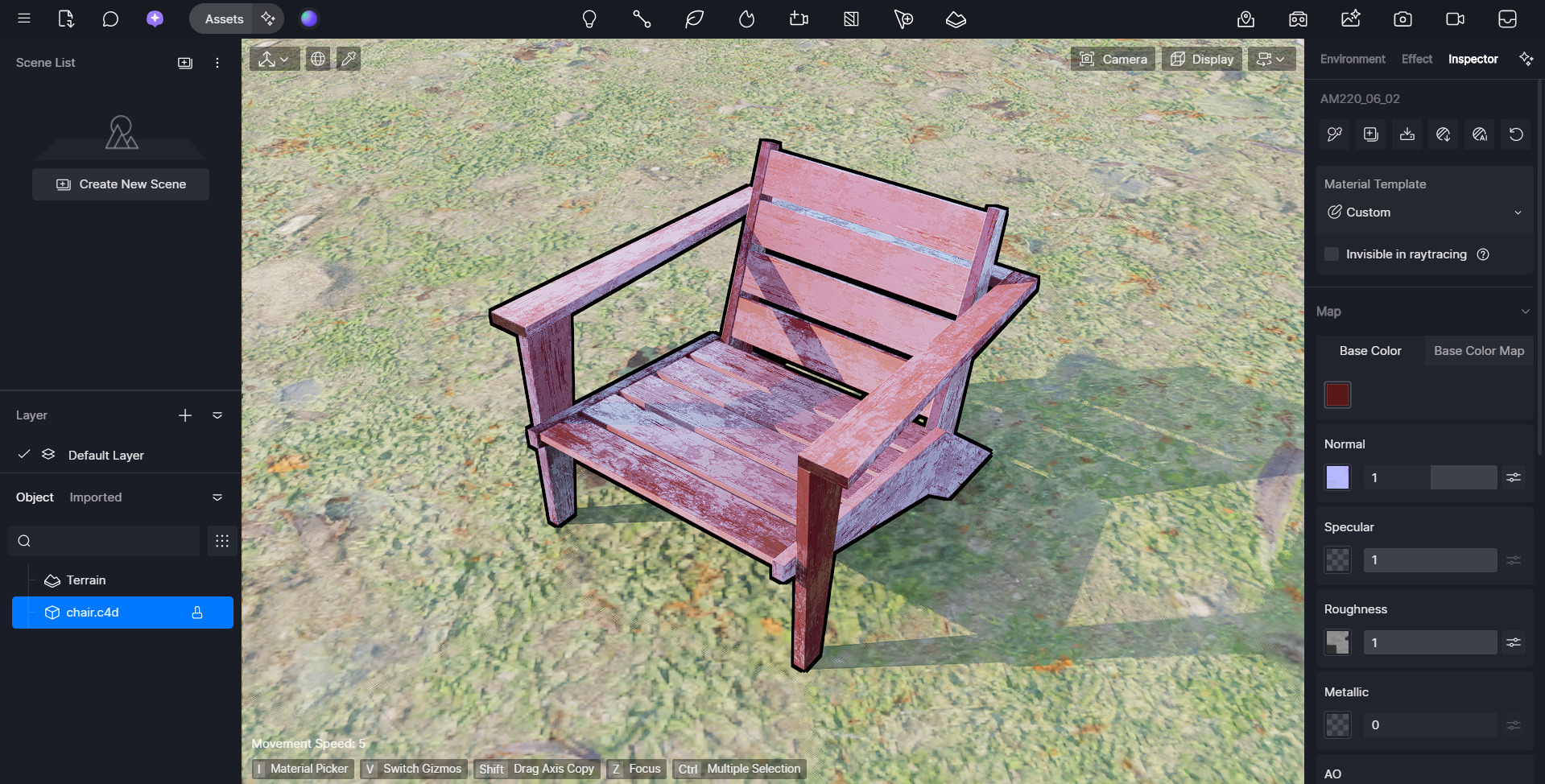
Thank you for sending the video — it was very helpful. I tried reproducing the issue on my end using the same settings shown in your video, and I didn’t notice a significant difference between the viewport preview and the accumulated render.
Could you please let me know if this behavior occurs only on this specific object, or if it also happens with other objects when you adjust roughness? Thanks in advance, and I look forward to your reply.
Hi @ela ,
Thank you for response. You didn’t see difference because your model doesn’t have applied roughness texture. It is visible only while using roughness texture 100% intensity and especially when this texture is more contrasty. I will send example model.
Thank you for the clarification—that makes sense. Please go ahead and send the example model. I’ll test again on my end to better understand and reproduce the behavior. Thanks very much for your cooperation.
Thank you for sending the example file — that was very helpful.
I’ve tested it on my end, and I can confirm that I was able to replicate the issue you described. However, I also noticed that when the accumulating roughness value is set to around 0.5, the rendered result appears much closer to the material preview.
To help our team investigate this further, could you please collect your D5 log files, compress them into a ZIP file, upload it to WeTransfer and email the link to support@d5techs.com with the subject line: Forum_Inaccurate roughness display
Thank you in advance for your cooperation. Please let us know once the logs have been sent.