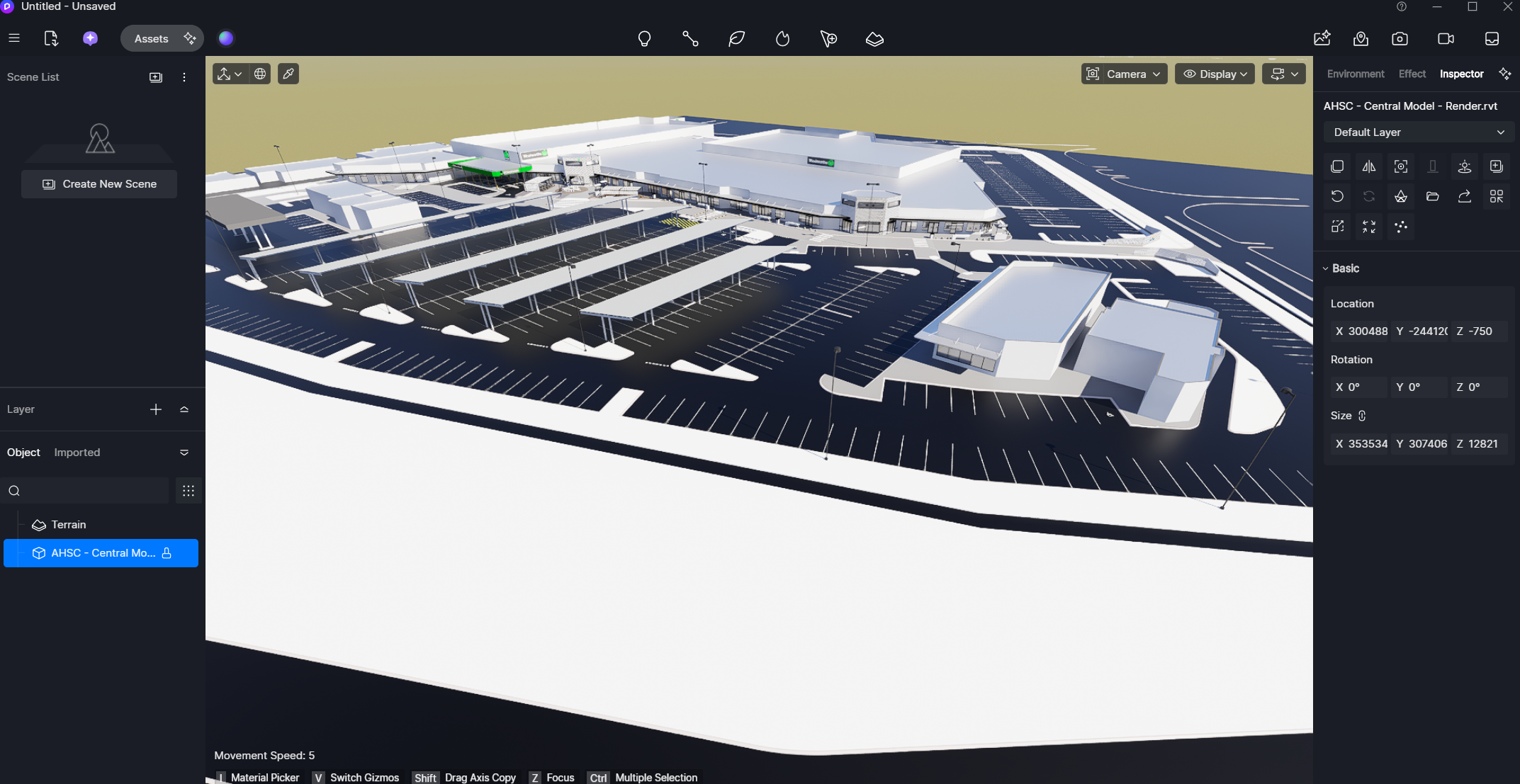
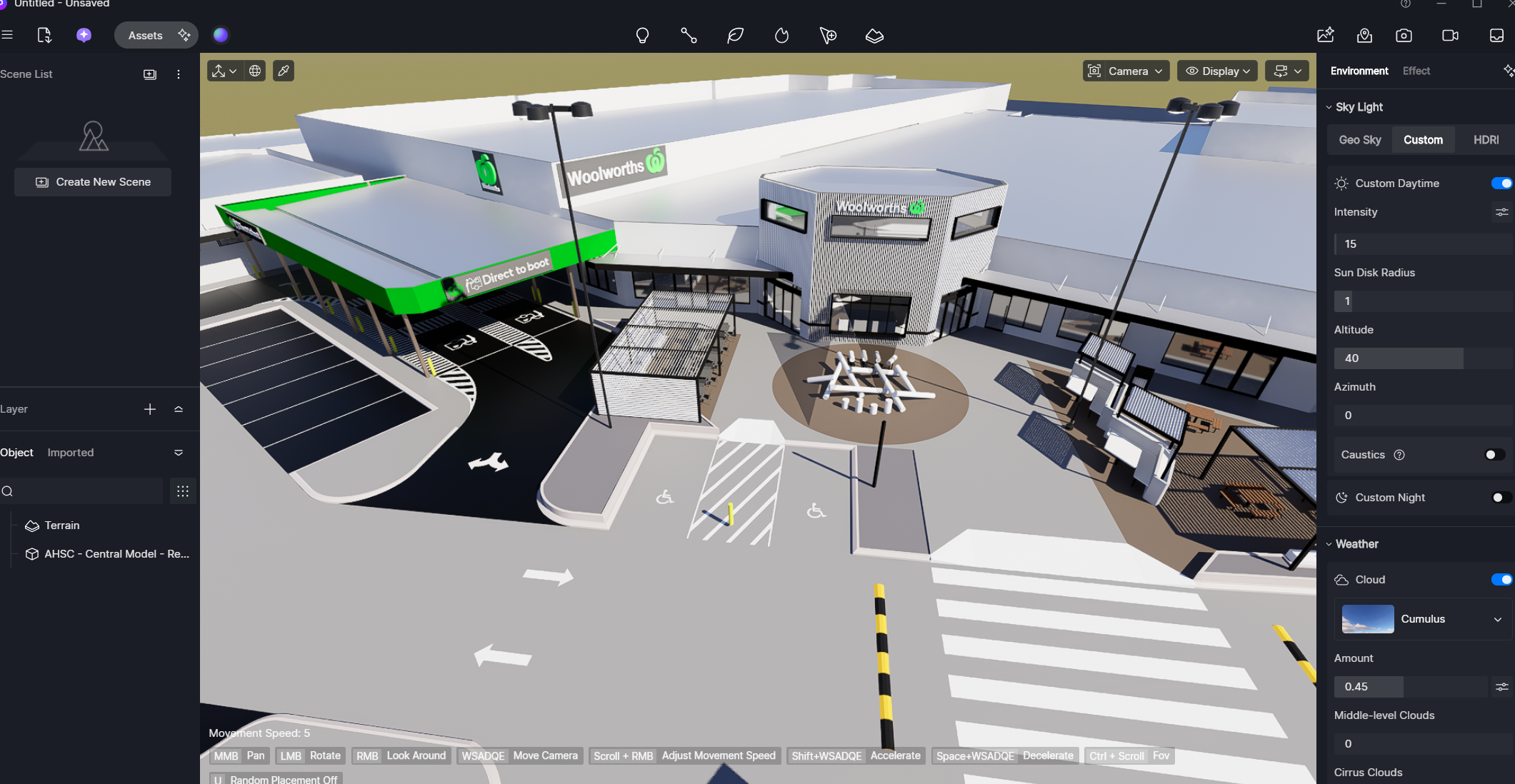
D5 Render Version: 3.0.1.0683 Graphics Card: NVIDIA GeForce RTX 3060 Driver Version: NVIDIA 32.0.15.9186 Issue Description: Many, but not all textures and colors from the Revit model fail to load into D5 Screenshots/Videos Description:
In my case, I found that the “long path names” option was enabled in the Windows settings.
This was causing texture exports to fail in both D5 Render and other programs.
I disabled this setting, and almost everything started working fine again.
In the specific case of Revit, I used the PyRevit program with the “Relink Textures” function, located in the Edit menu. With this function, I then exported without problems, and the textures worked. This was only necessary for old files saved before disabling the Windows setting. Everything works fine with new files.