I don’t understand why the imperfection textures don’t show up in the render the way they do in preview mode. It looks better in preview mode than in the actual render. How can I fix this?



Thank you Clov, I hope you can find a solution.
1 Like
any updates? Do you know how to fix it?
Hi @pam_a @jdfrancog
This is caused by D5’s noise reducer; we’re still working on a fix.
Do you have any screenshots of this issue on your end? @pam_a
- Please include it here.
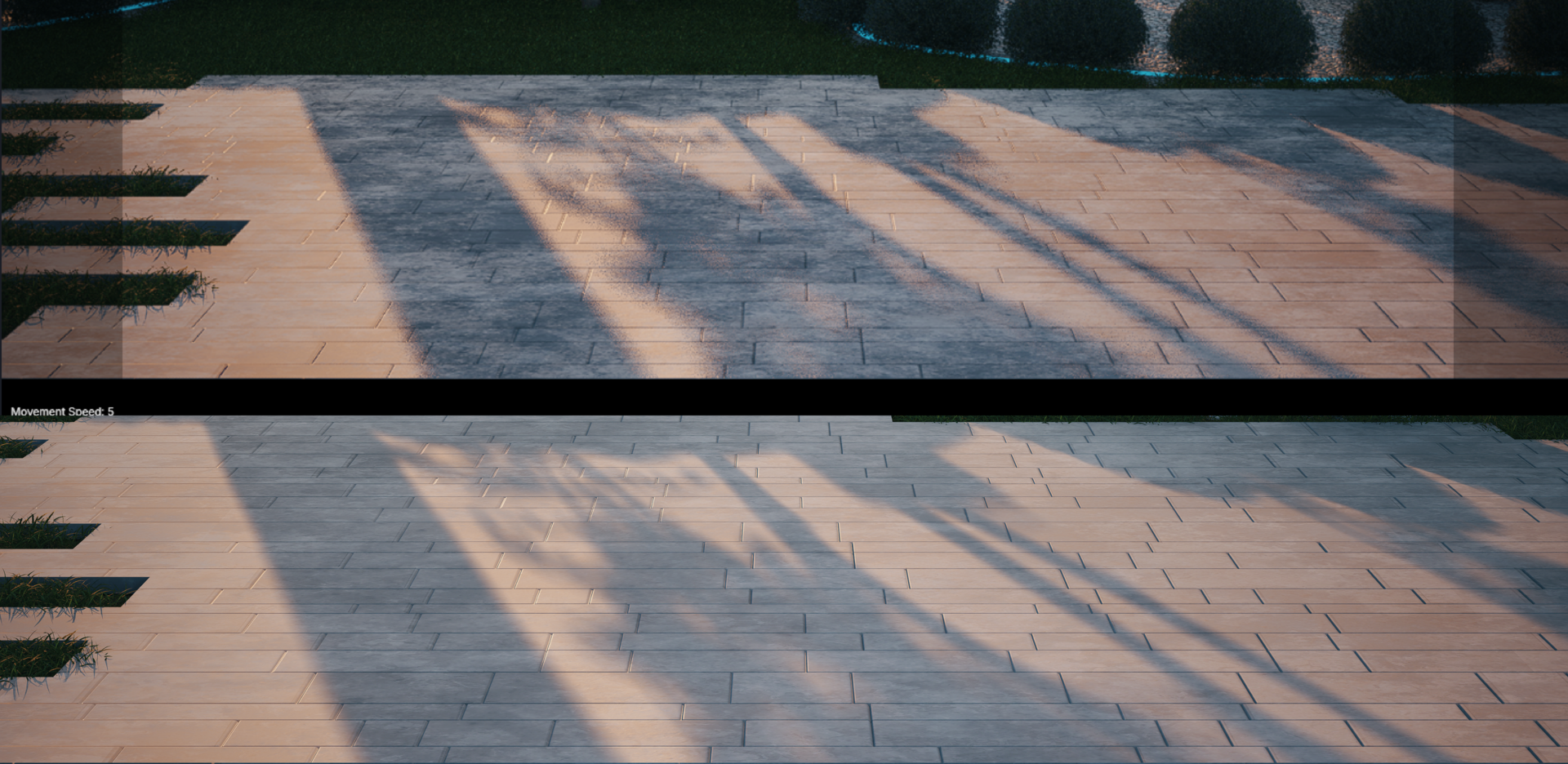
The biggest weakness of D5 at the moment is that the preview and rendered images do not match.
1 Like
Hi, I believe that find a solution at this problem, simply is activate
custom settings and next press F4, With this option enabled. This worked for me.
Hi @jdfrancog
Thanks for sharing your workaround. Would you mind sharing a video recording or screenshots showing the full process? This can help users better understand your workaround. 