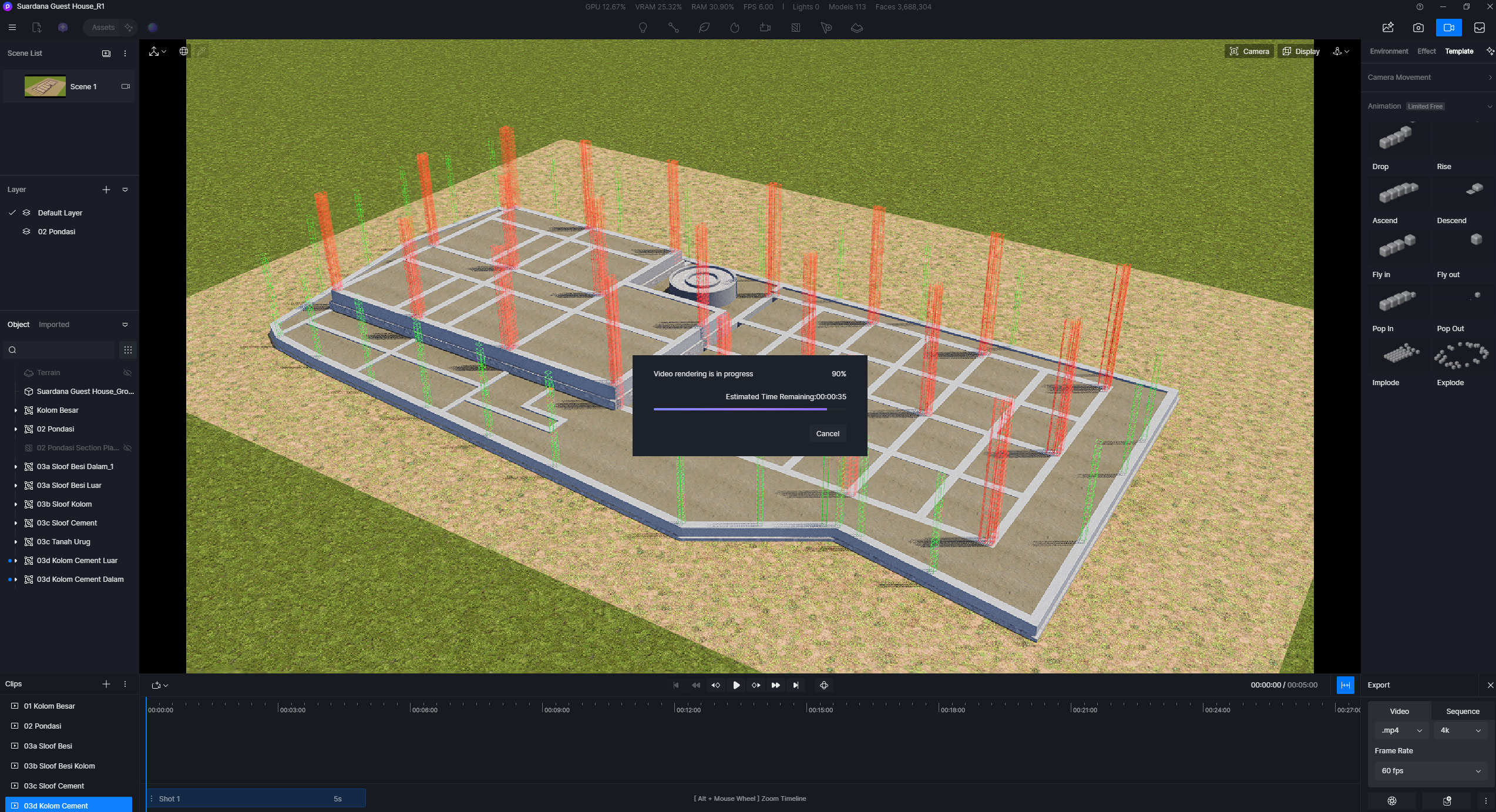
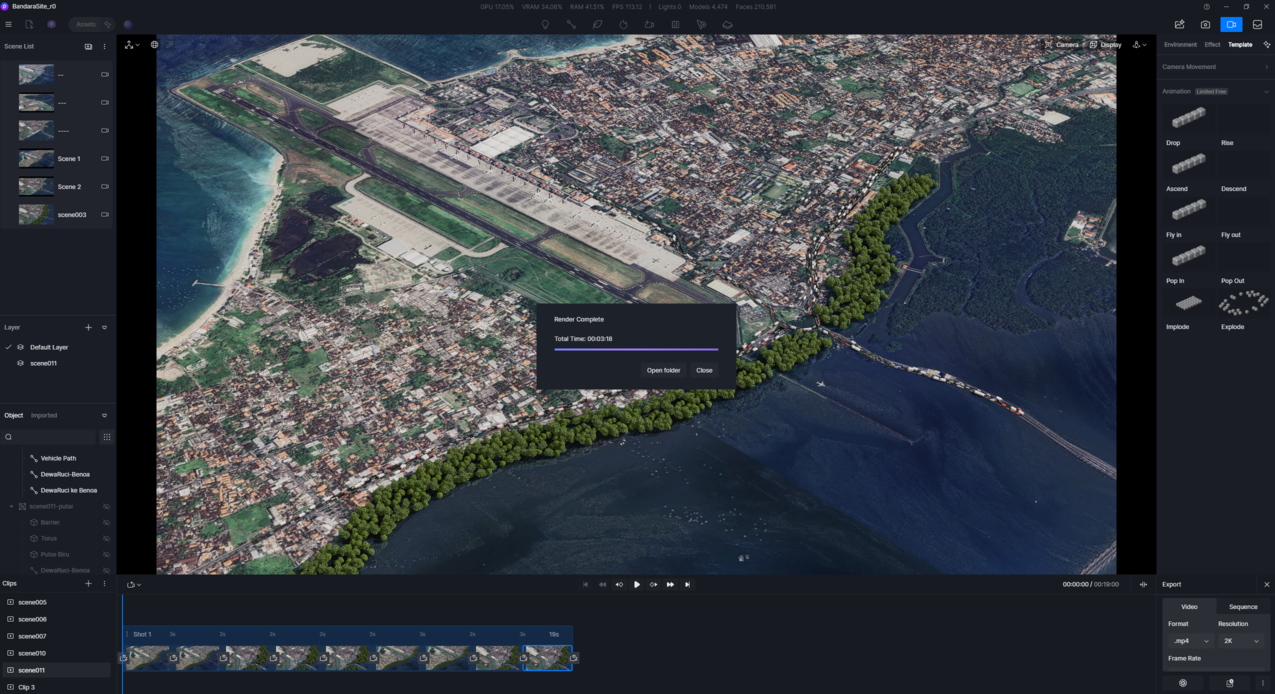
Render footage with more than 6 seconds duration stuck

D5 Render Version: 2.11
Graphics Card: RTX 5090 Zotac Gaming
Driver Version: NVDIA Studio Driver 581.57
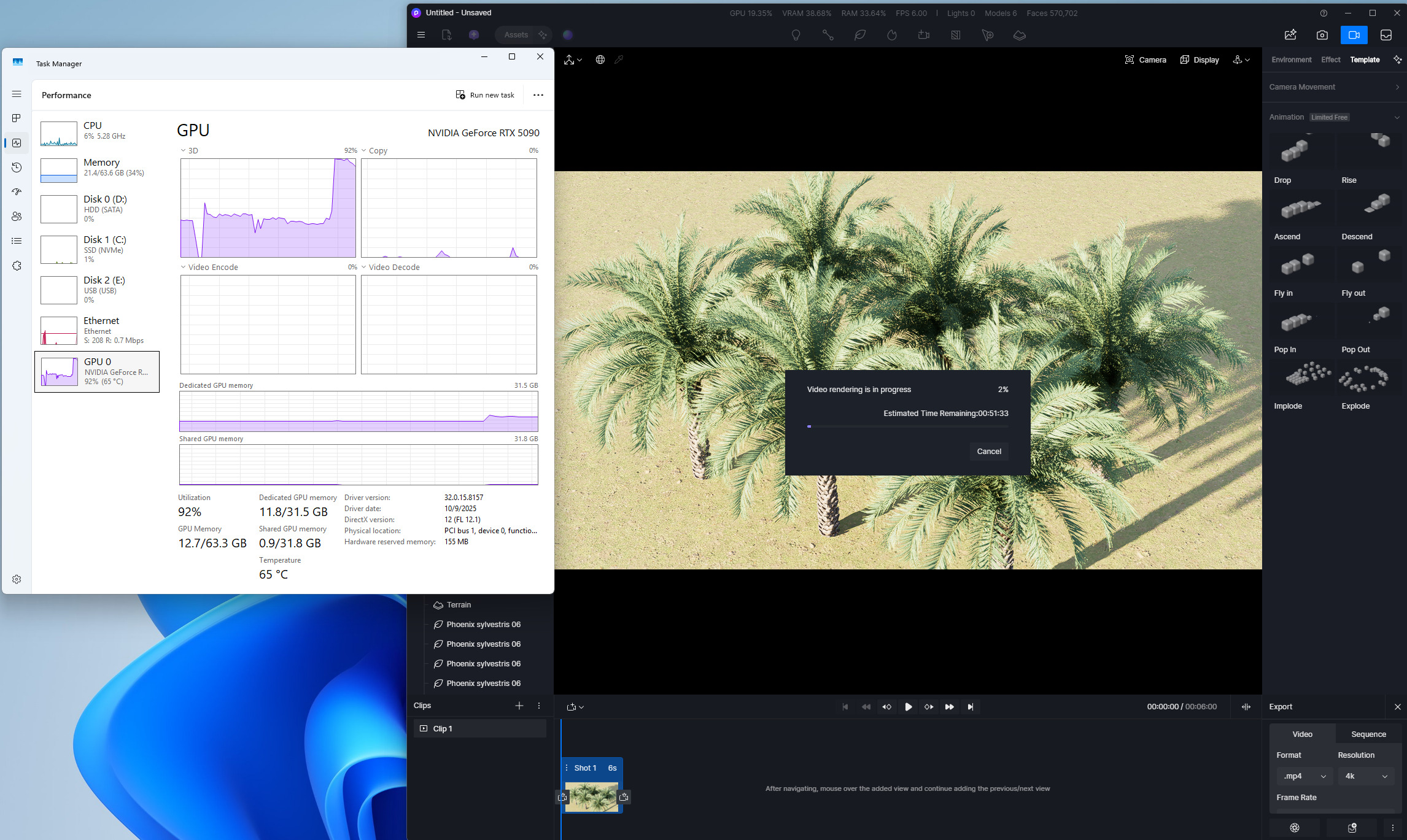
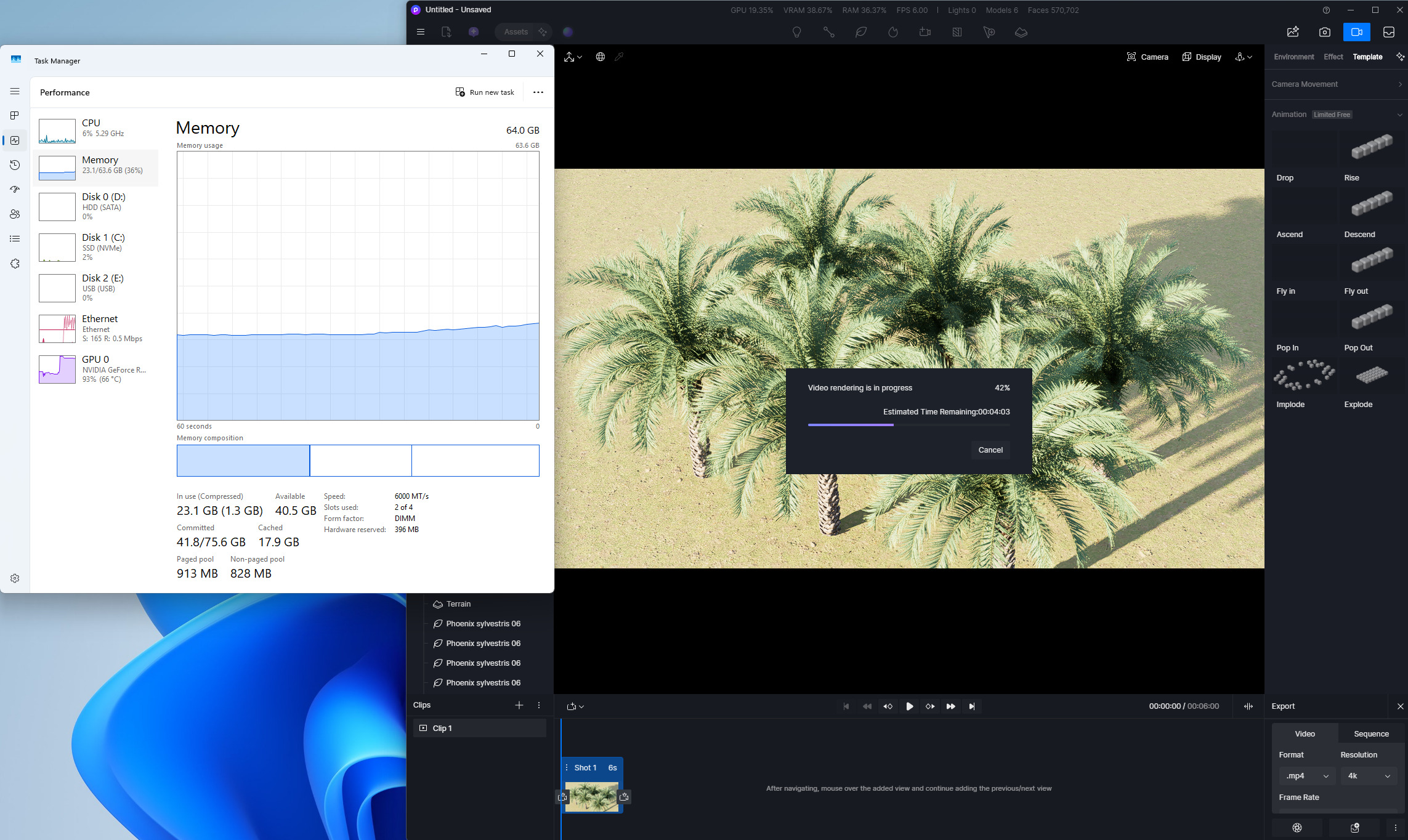
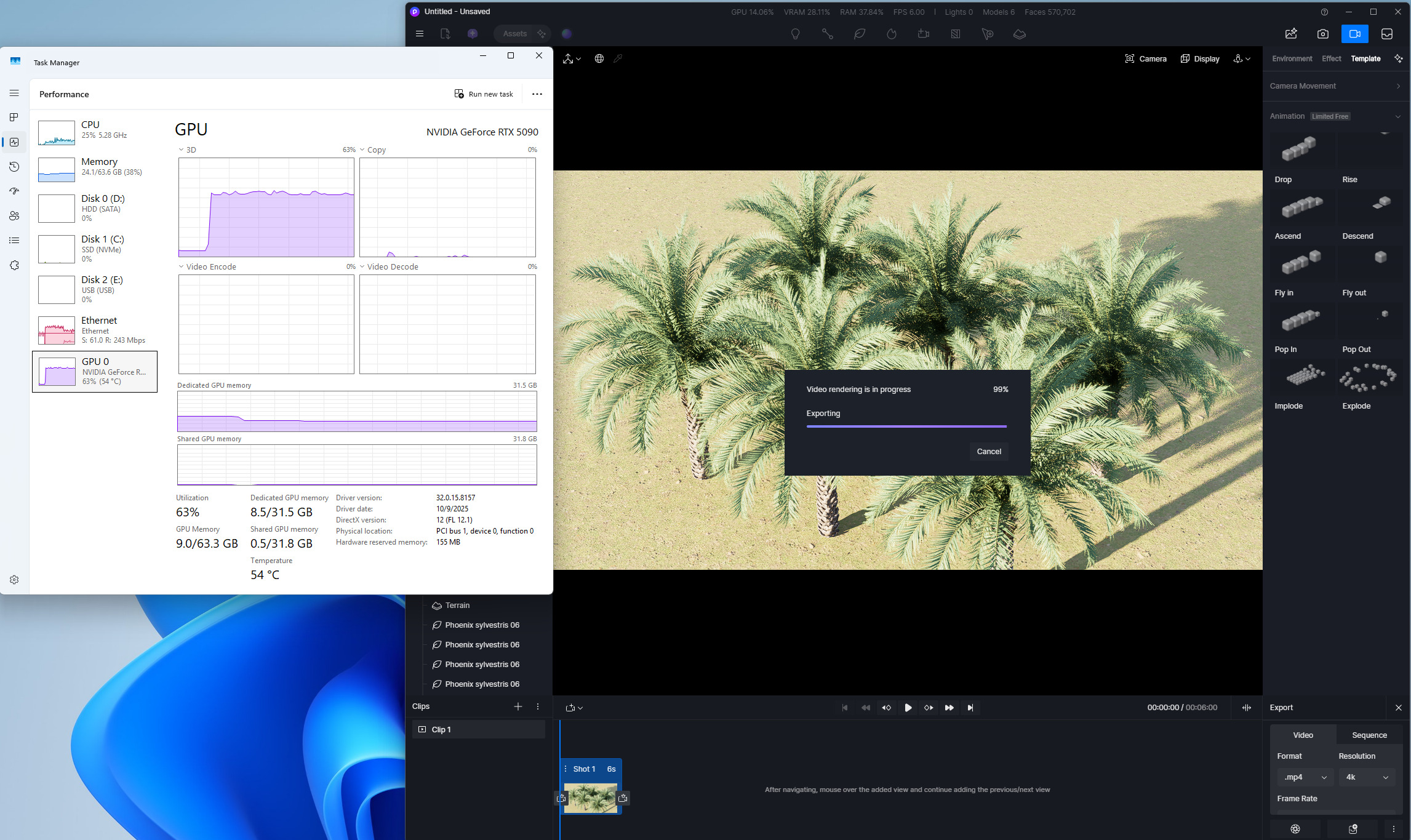
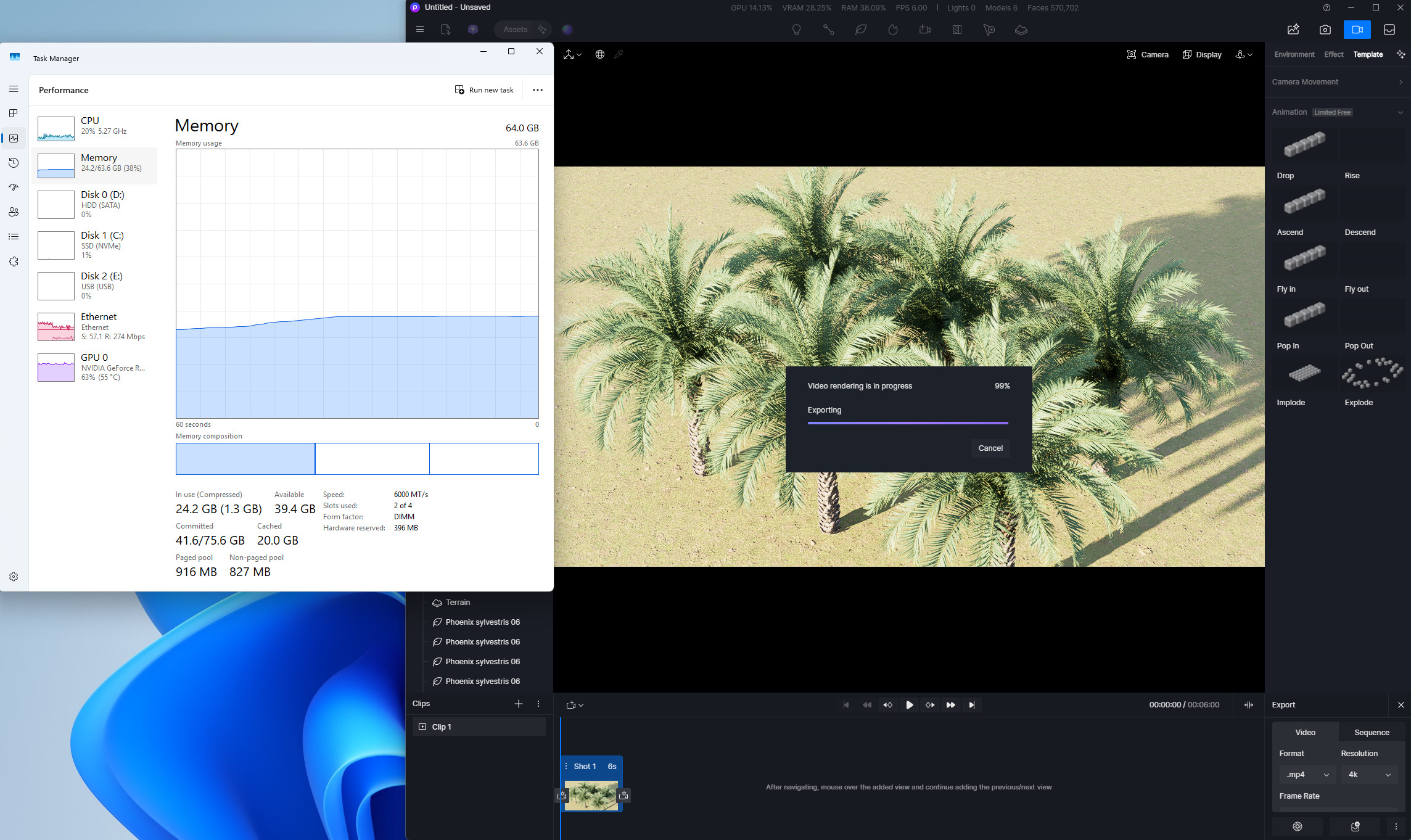
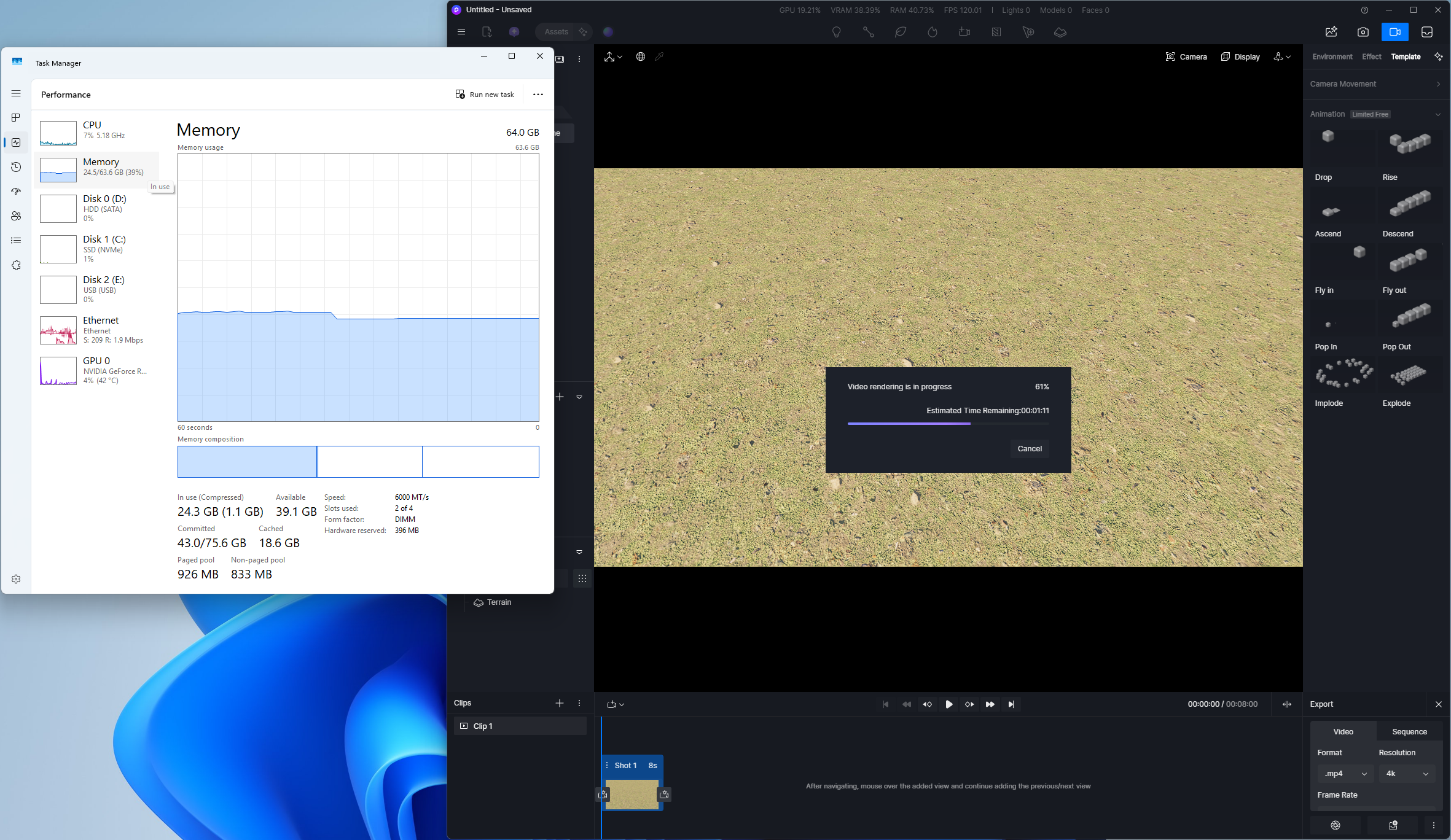
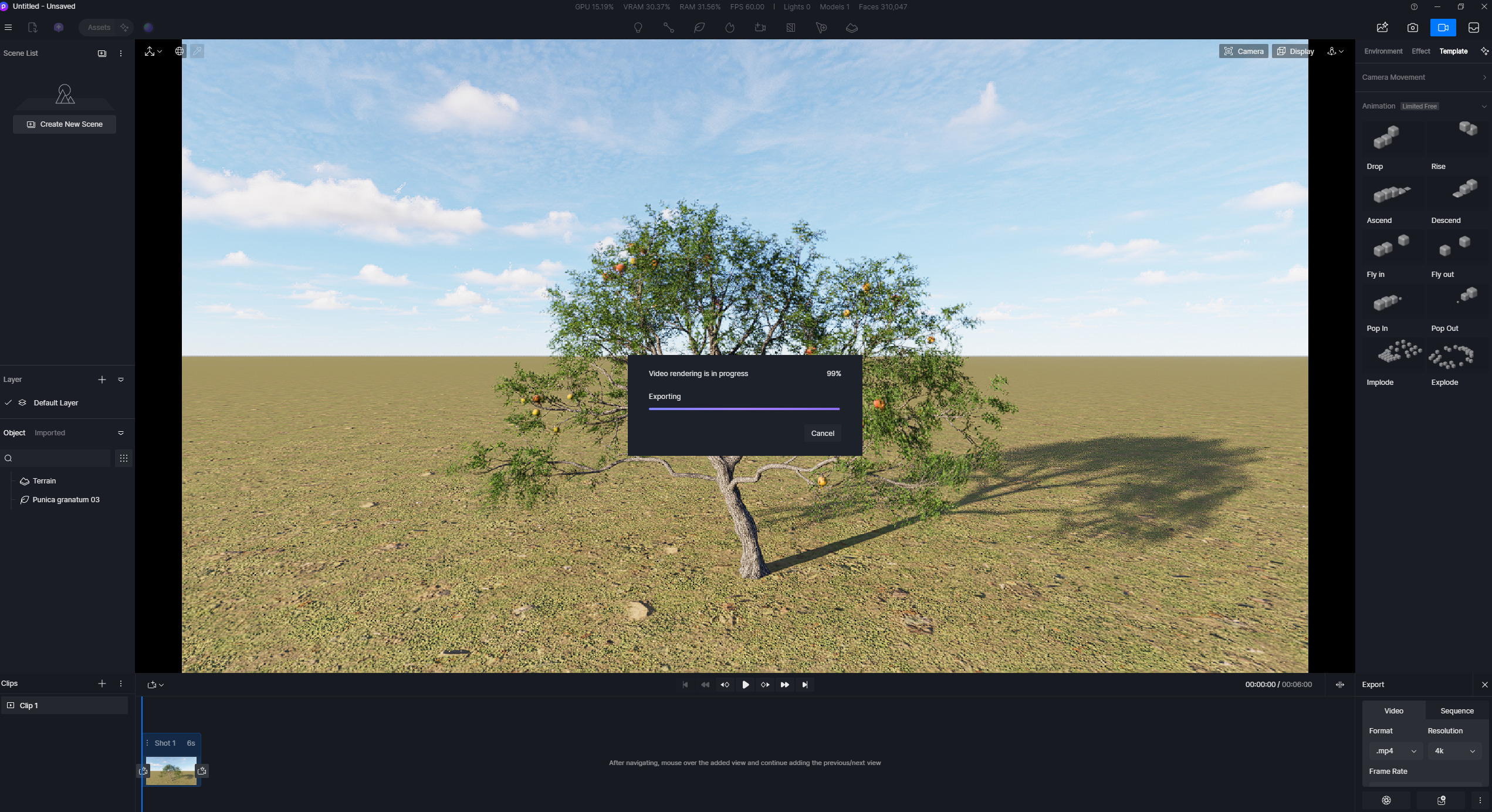
Issue Description: Rendering video start very sloow around 57-66% and stuck at 99%
Screenshots/Videos Description:

Steps to Reproduce (optional): Open D5, I just put random 1 tree, and render video with 6 or 8 seconds clip duration and 4K resolution.

Hi @indra18.taskmgr

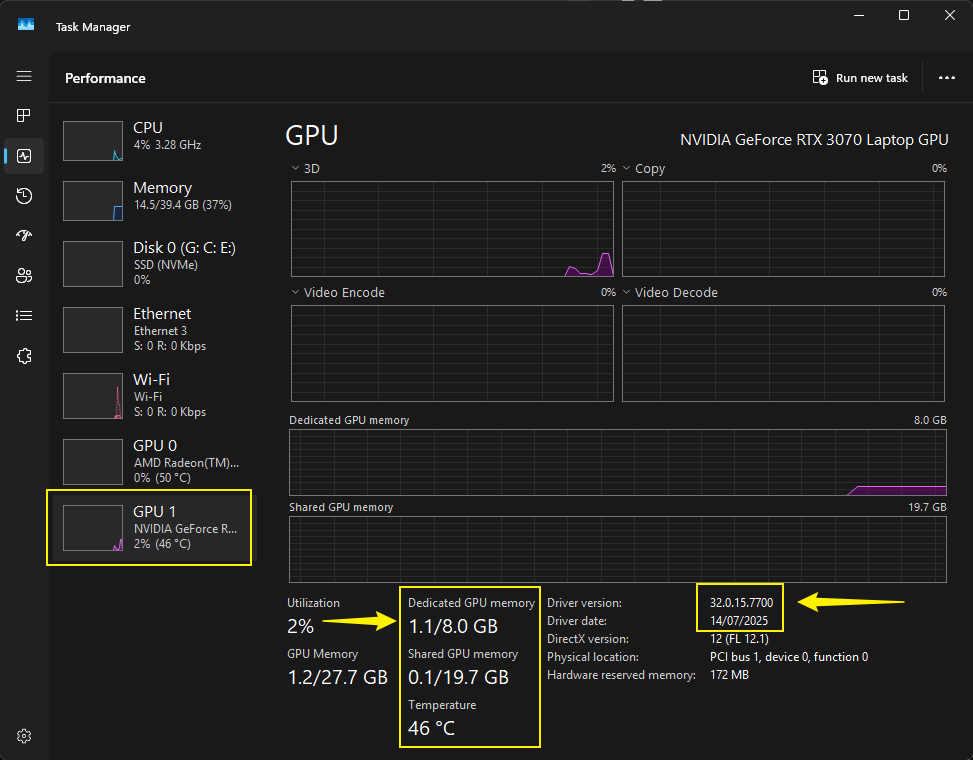
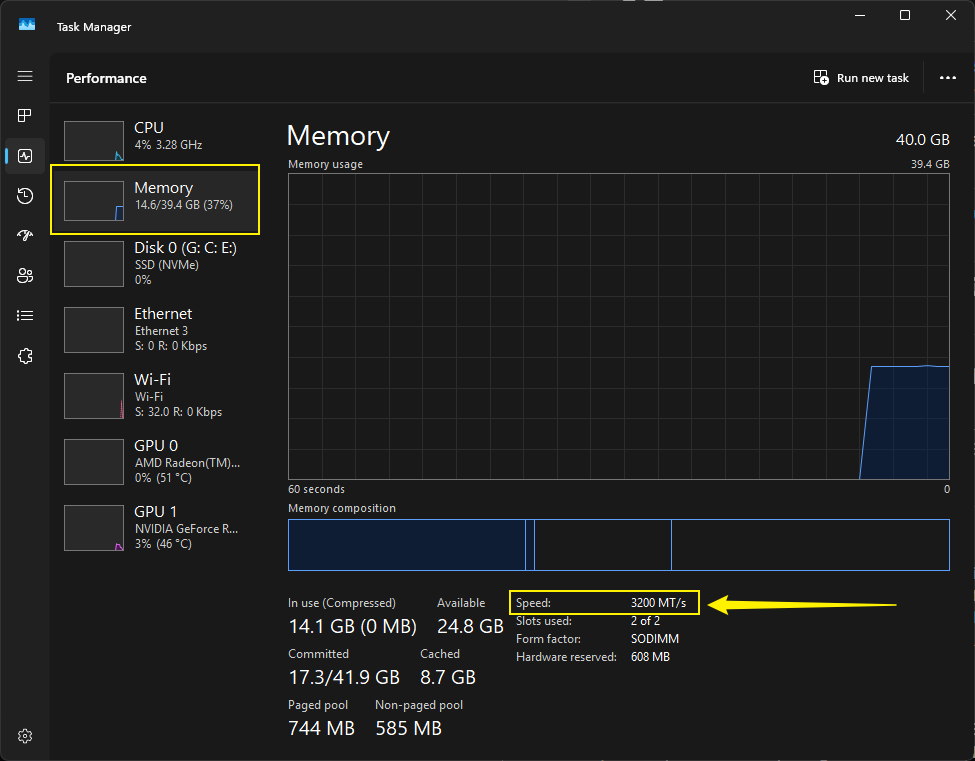
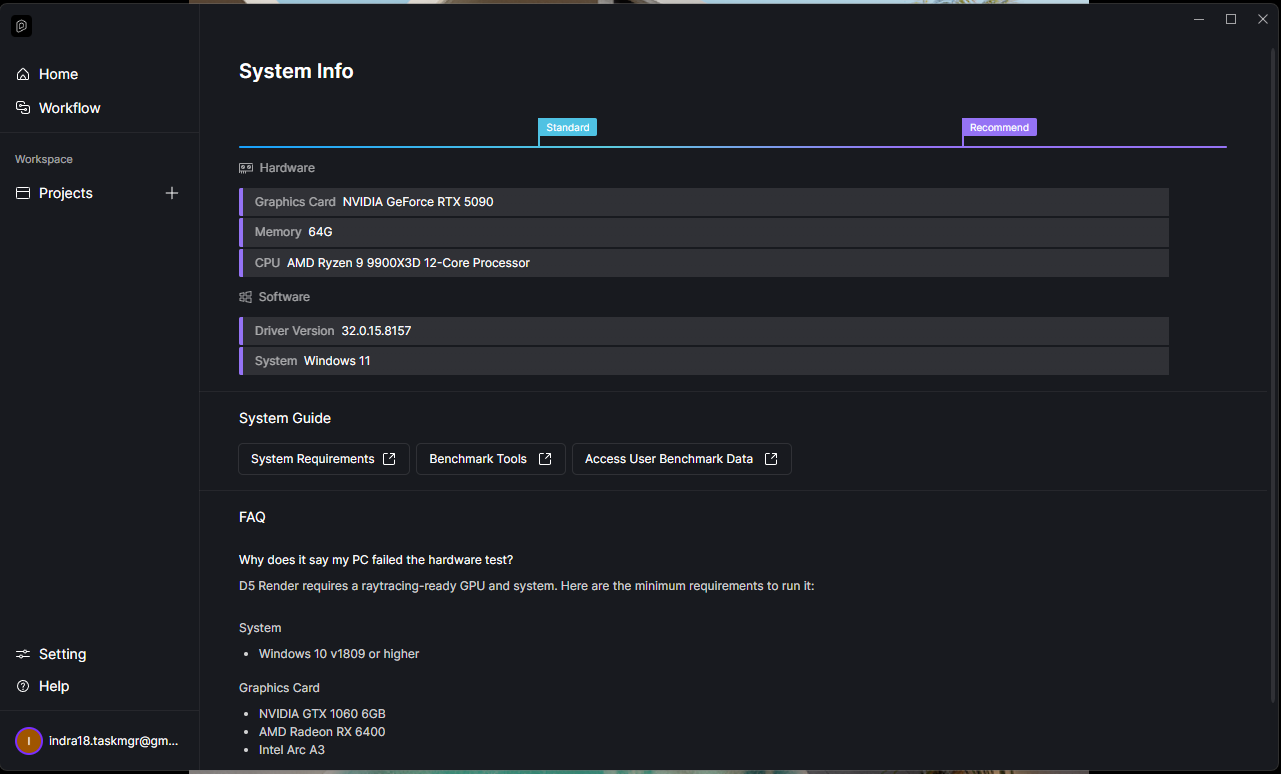
Can you send the following information:

Some Additional questions:

  • If the asset is not placed, any significant difference?
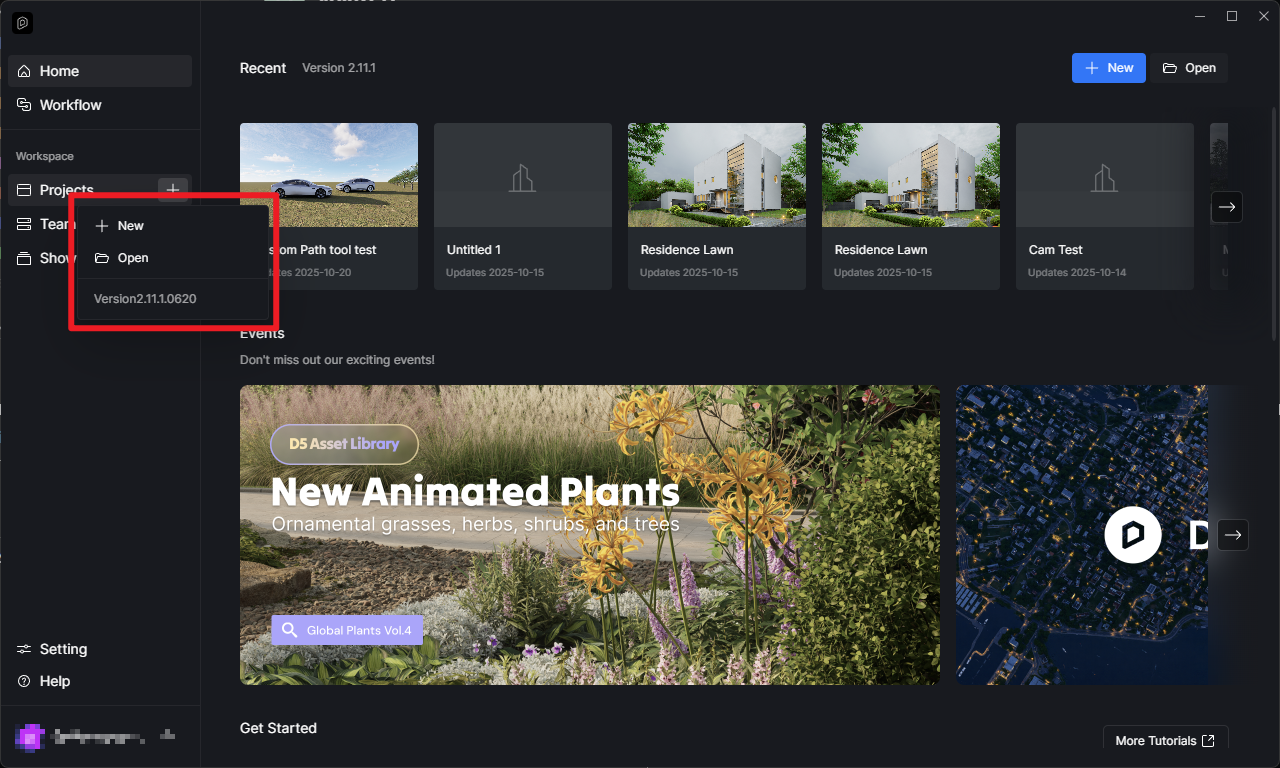
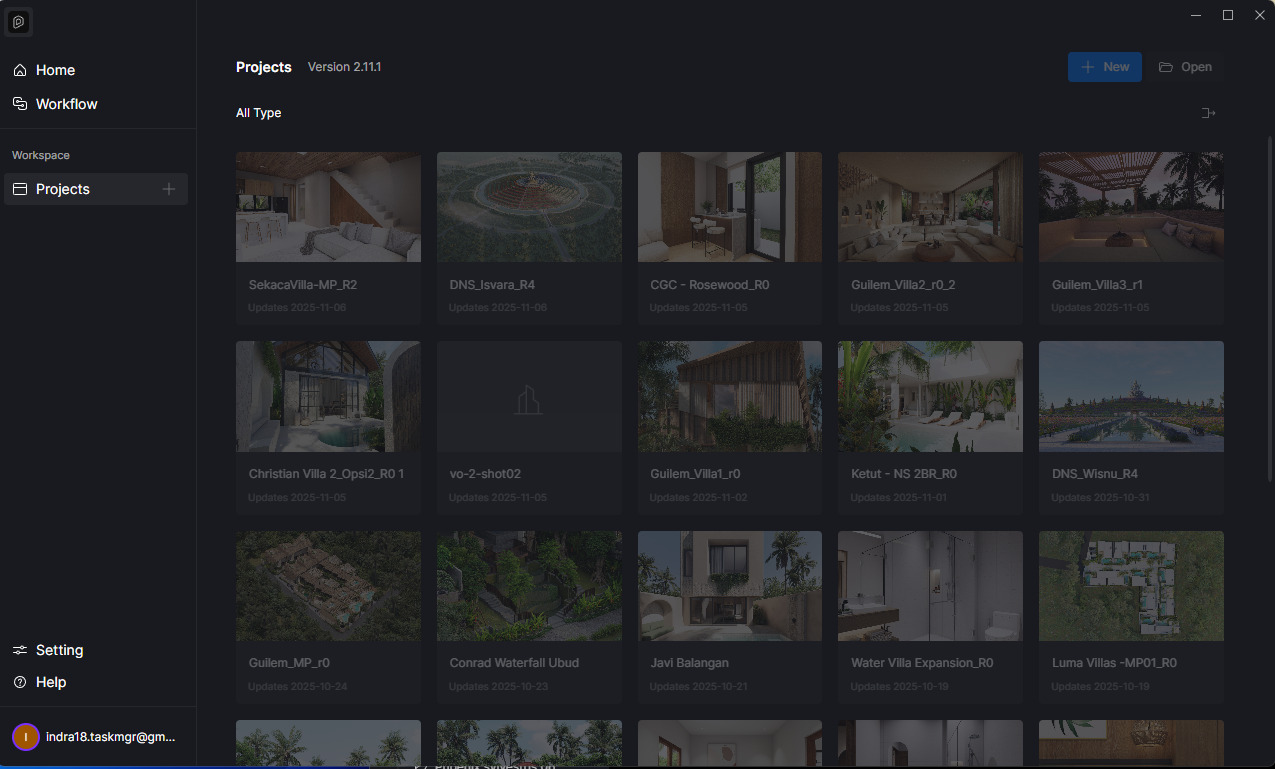
  • Which D5 Render Version are you currently on? 2.11.1.0620 should be the latest one. Send us a screenshot too.

System Information

VRAM

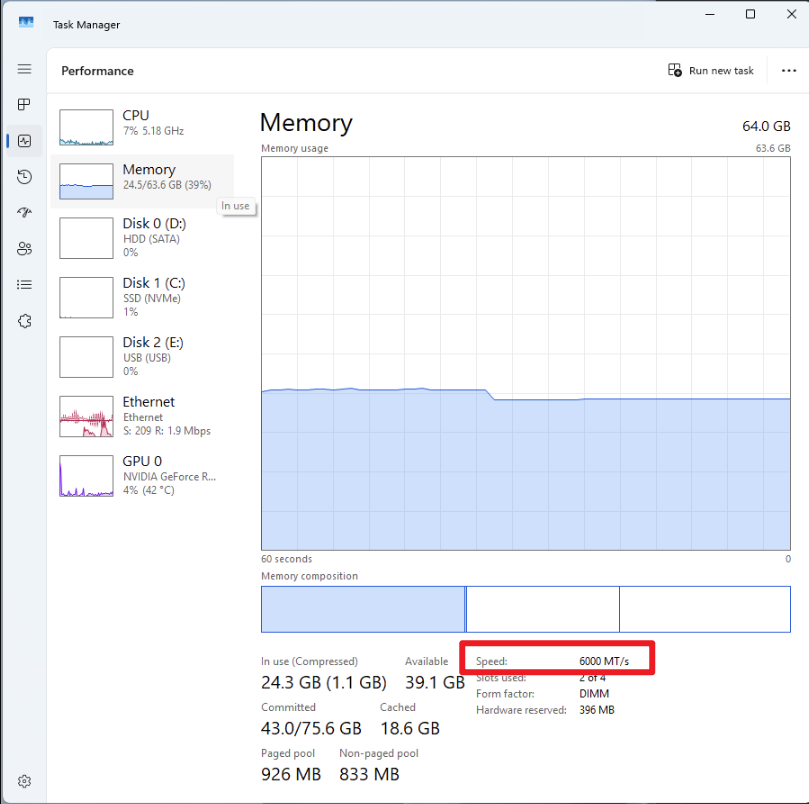
Memory

For Additional Questions:
D5 Version

When Stuck at 99%

I will try scene with no asset placed, please wait.


still same with no asset in it

Hi @indra18.taskmgr

Let me know if the issue persists. I may need to collect your log files if the the suggestions didn’t help.

This the log file @Clov

I already reduce the RAM speed to 4000, and still not working.
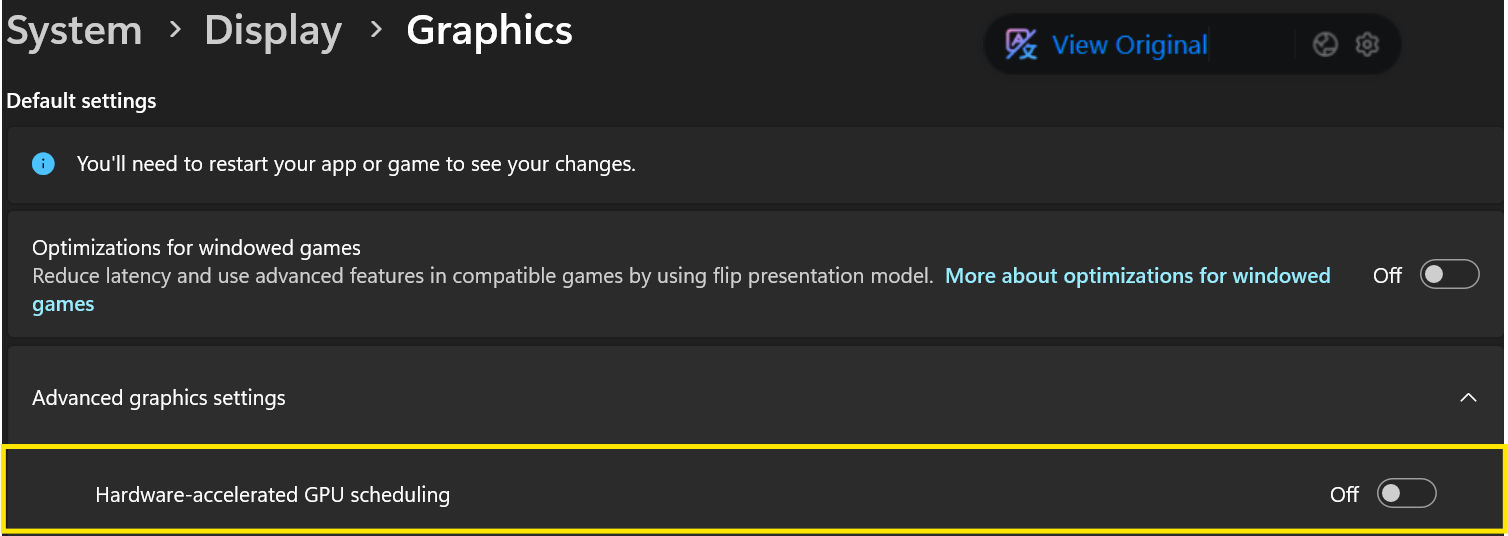
I already turn of GPU scheduling too. And still not working.

This happen only with simple scene, with nothing in there, or just few things in there.
Still stuck at rendering progression.

Hi @indra18.taskmgr

So basically, other files such as the Demo Scene File - Residence Lawn or your personal files that have a lot of assets, such files they working normally on your end? That seems unnatural.

Can you create a video recording showing the difference of 2 different files?

  • One Video for an empty file
  • Another video for an existing file

We’ll be further investigating this issue together with your Log Files, Scene Files, and Video Recording.

Hi, sorry long time no respond, I tried to turn legacy mode ON, and try render on multiple resolution with 20 seconds duration video. Only 4k resolution stucks at 31% rendering progress, on the other resolution is no problem at all.

With the condition all clock I already set up back ON (on RAM and GPU Scheduling).

@Clov