D5 Render Version: 3.0.1 Graphics Card: RTX4060Ti
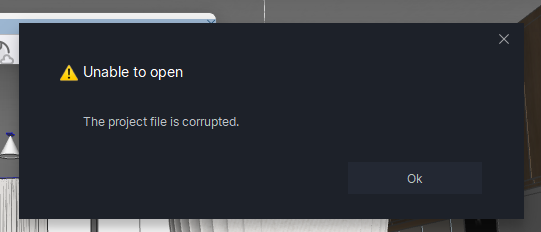
**Driver Version:**610.62 Issue Description: Is there any way to recover this corrupted file? (.drs)
The computer restarted while saving, and now it’s not possible to open the file again, not even through “view version history” Screenshots/Videos Description:
Can you please let us know what happens if you try to access your file’s version history? Normally, this feature should help you recover your file during abrupt crashes.
Please send us this specific file so we can check whether we can recover it. Please zip it first, then you can generate a link and send it to me here privately.
I probably had a problem with the RAM, so when the computer restarted,
some things were lost.
When I opened the D5 launcher, the project history was no longer there, so it wasn’t possible to use the file’s version history.