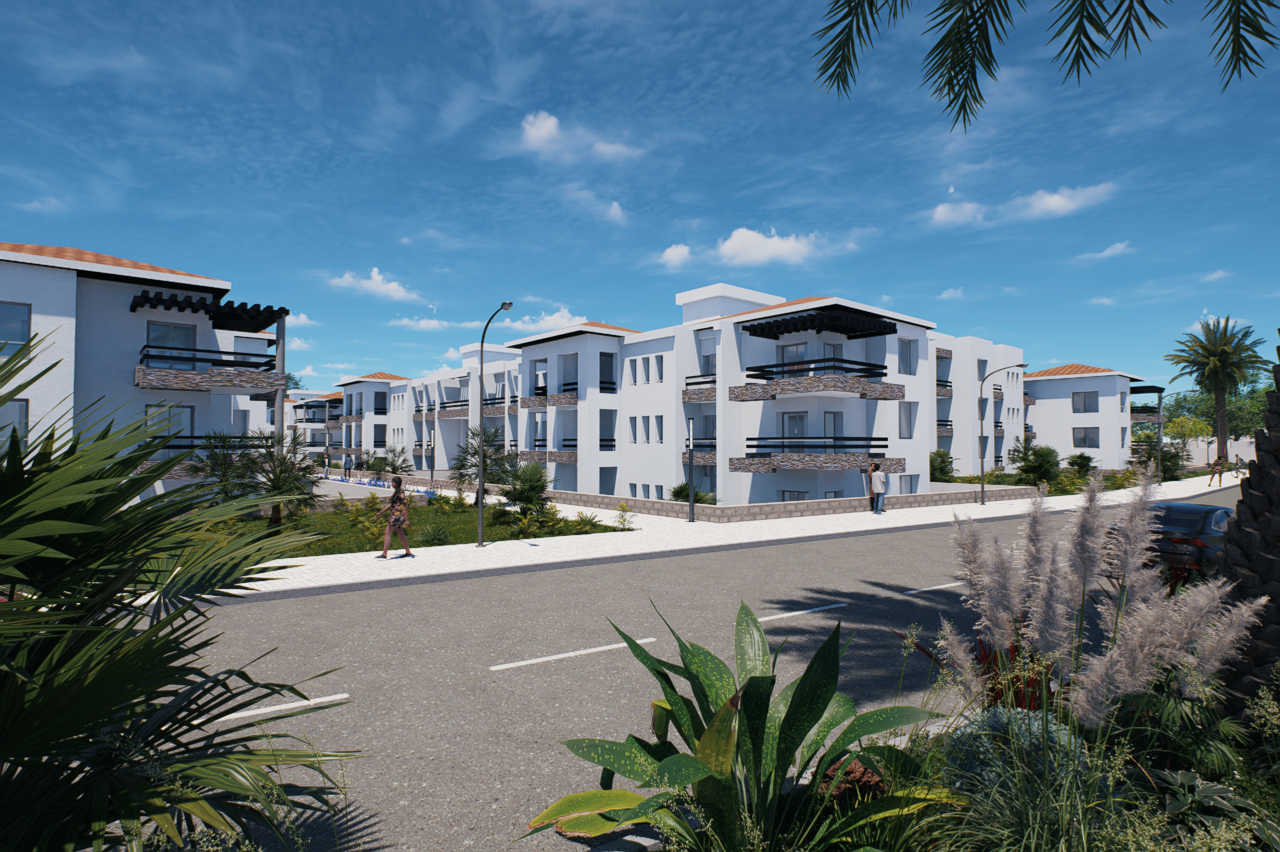
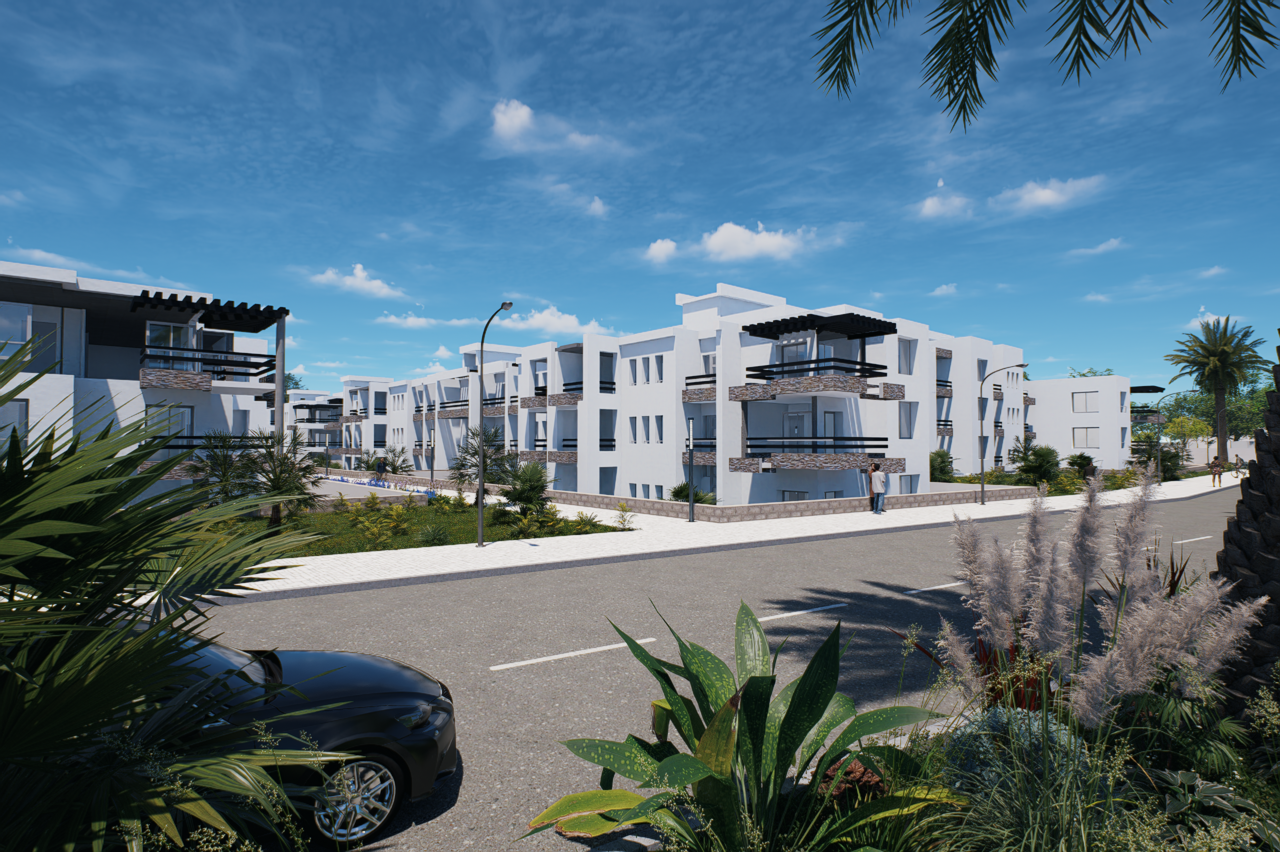
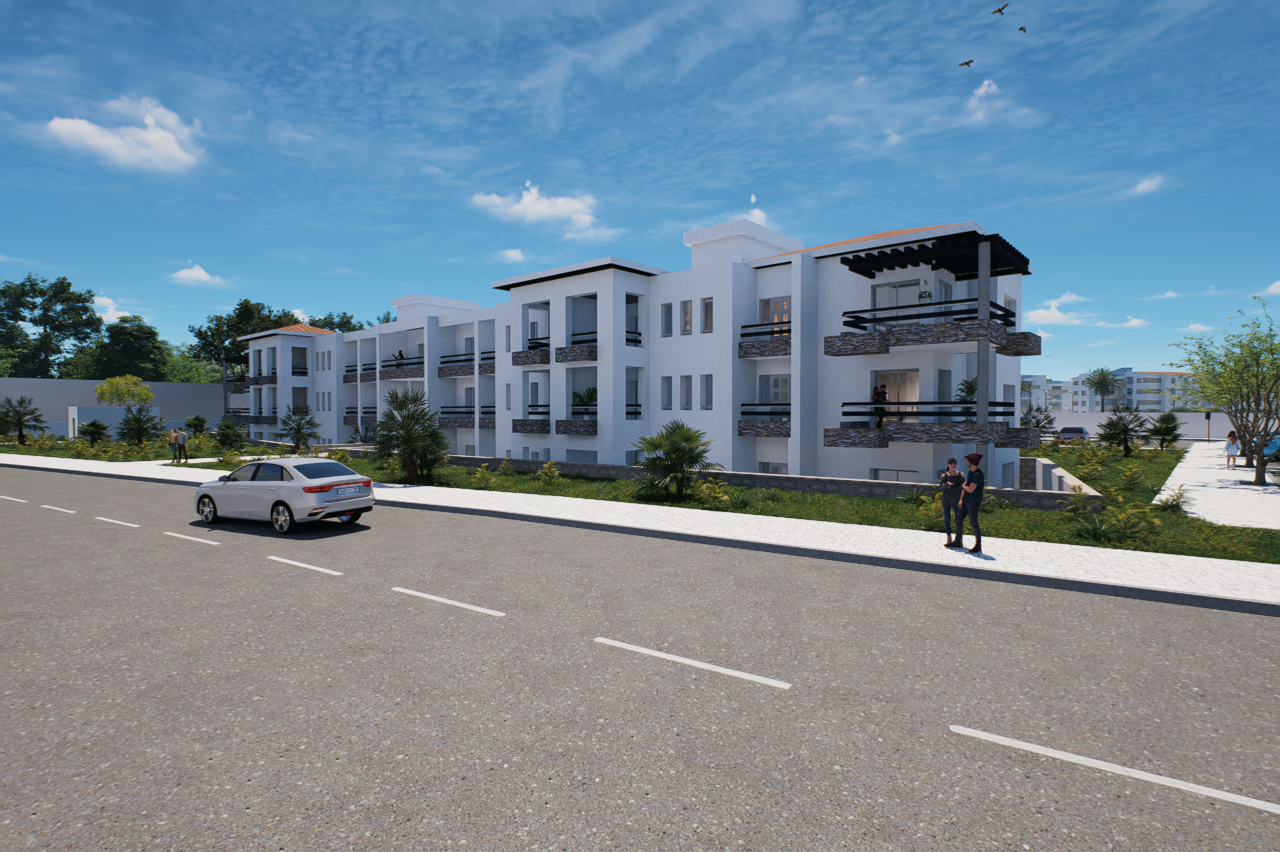
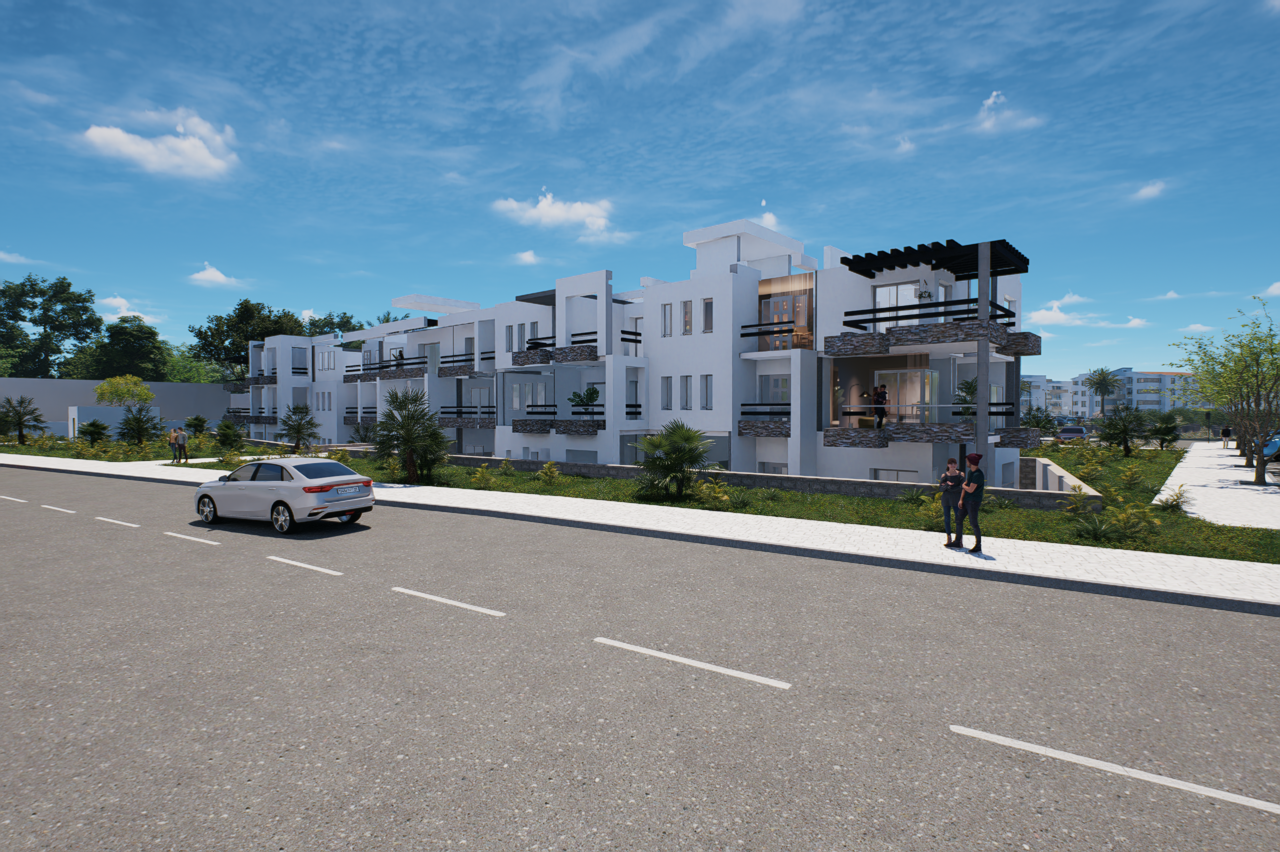
D5 Render Version: 3.0.1.0683 Graphics Card: NVIDIA GFORCE RTX 4090 Driver Version: 32.0.15.9174 Issue Description: On a project i finished one week ago, i was asked to add a little detail to my Sketchup model and when i started to live render to make the file autoupdate i went straight to the last renders to restart them and do the update.
When i saw the rendered images i noticed that some parts of my model are missing, i went back to the sketchup, everything is fine, i restarted the live sync, started it again, did the same with D5, with sketchup, everytime now D5 refuse to show some existing geometry.
It did it also on a previous project which was very detailed and heavy so i guessed it was because of how complex was the file and I managed to rework some render another way than with D5. But this time I don’t understand the issue.
Here is an example of some stuff missing like the roofs, some slabs, windows, walls.
Thanks for your help. Screenshots/Videos Description:
Update while i was writting: back ups are showing all the same missing stuff, even worse they have textures missing. when i sync the latest file again, same thing happens, so i really don’t understand.
Here a gif from my post prod software with the differences between the previous batch and the current of render, you can see all the stuff missing in every renders.
Thank you for the detailed explanation and the attachments — that was very helpful.
To better understand what may be causing the missing geometry in D5 Render, could you please clarify a few things for us?
How large/heavy is the project file (approximate file size)?
In D5, does the geometry appear correctly in Preview mode, or is it already missing there as well?
Was this file originally created in D5 version 3.0 or an older version before updating to 3.0.1?
What version of SketchUp Livesync are you currently using? If you manually import/sync the SKP file, does the same issue occur?
Additionally, could you share the SketchUp file and D5 file with me for testing? If the project is confidential, I completely understand — just let me know.
You may upload it via WeTransfer and send the download link to support@d5techs.com. Please tag me in the email thread and include the link to this forum post for reference.
Looking forward to your reply, and I apologize for the inconvenience caused.
In D5 even in preview mode I still have geometry not showing up
This file was made with 3.0.1, it is a very recent file but i had this issue at least once before on another project.
I also use the latest Sketchup Livesync, everytime there is an update I reinstall the plugin just in case.
on the previous case i had, the file was heavy with lots of textures, objects and people so i assumed i reached a peak and then i managed to stop the work as the file was not usable at all. But this one, the project is still ongoing. I will send you a link asap, thanks.
Thank you for the detailed explanation. Please let me know once you have sent the email with the project link, and I will check it on my end as soon as possible.
Have you managed to see the file and the missing parts in D5 render that are not showing up after sync ? Any clues of what is going on and how to fix it ?
Thanks.
This has been happening to me since 2024, its very annoying because once it happens the project is pretty much done for. You cant work on it anymore. The only workaround i found is to export whole scene, in parts, as .d5a file and import them in d5.
Another info: before it happens the first time in a project, sync would take ~5 mins, now it takes less than 1 min which i think means d5 just doesnt want to sync all geometry?