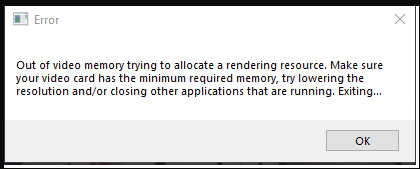
D5 Render Version: - 3.0 Graphics Card: - NVIDIA Geforce RTX 3080 16GB, GDDr6 Driver Version: - 32.0.15.9579 Issue Description: - I added grass to my scene and the program crashed. When I attempted to restart, the loading reaches ‘100%’ just for a pop up window to appear that says “ut of video memory trying to allocate a rendering resource. Make sure your video card has the minimum required memory, try lowering the resolution and/or closing other applications that are running. Exiting…”. I tried multiple times to restart, update the graphic card, make D5 admin and nothing seems to work. I can’t even access the scene.
I need help to delete the grass and any extra element that caused the crash to finalize the project.
—This issue is usually evident when you have used a lot of assets in your D5 Render file without proper asset management. We recommend deleting some assets that are not being used.
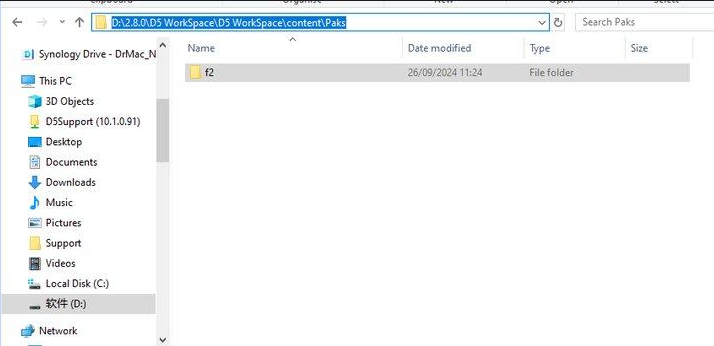
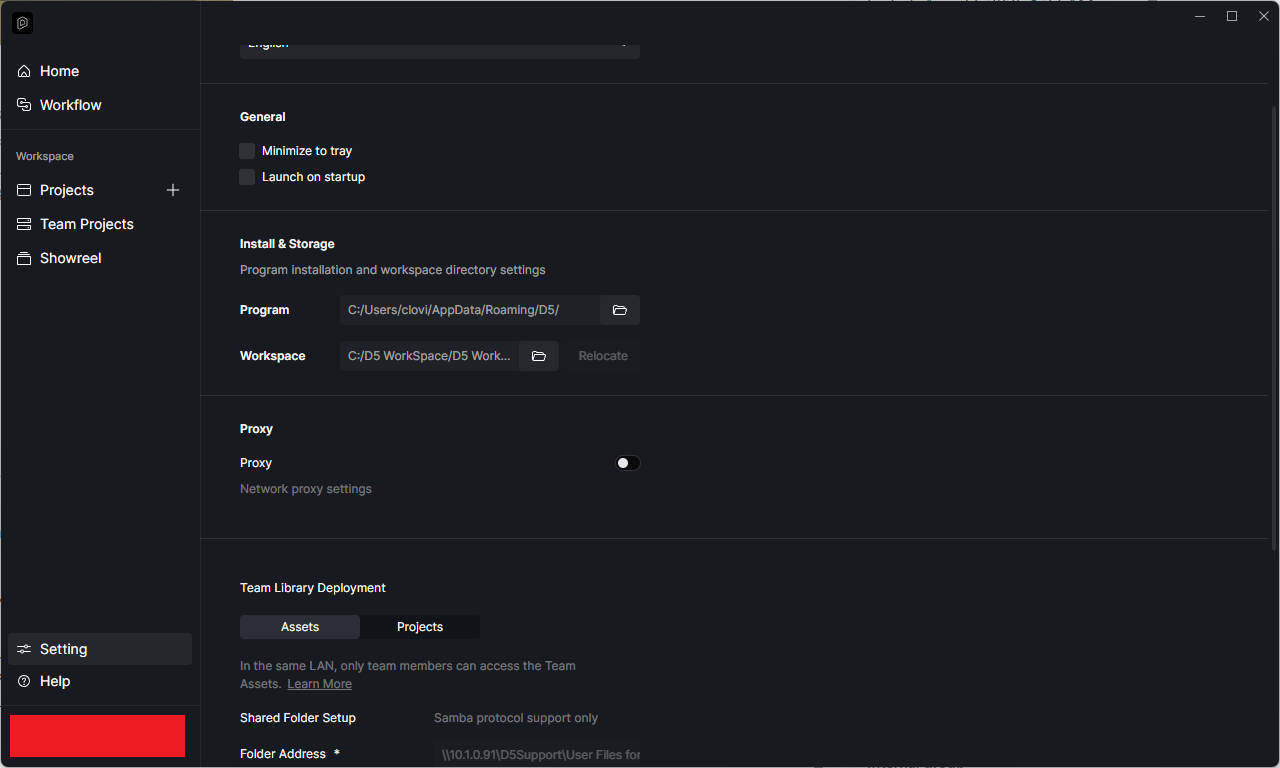
Solution: If the file fails to open, please delete the ‘f2’ folder under your WorkSpace path and then reopen the archive. Once it’s open, refrain from updating the assets until you have lightened your scene file by deleting some assets, including procedurally generated vines. This will help prevent it from crashing again due to excessive video memory usage.
Please note: Deleting f2 is a temporary workaround and should be used with caution. If you were previously able to save files without issues but are now encountering high memory usage that prevents file opening, please share your D5 save file with us.
Unfortunate I couldn’t find the f2 file.
I can’t even access the scene anymore, it loads to 100%, it freezes for a few seconds then that notification appears. The scene was running well until I uploaded an 8K material from Poliigon, it crashed and wouldn’t open again.
I can share the D5 file with you, would I have to upload the whole folder with associated files or just the D5 model file?