Hello,
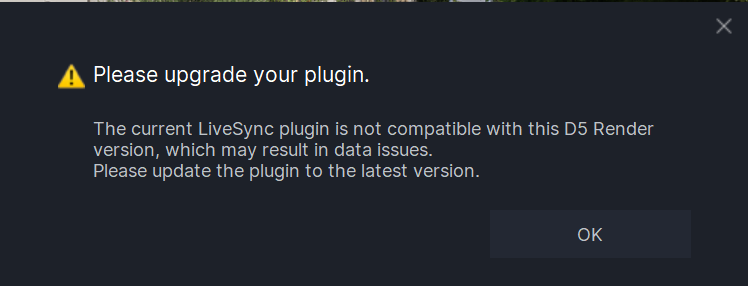
Now, when I click LiveSync, it does open a version of the D5 project, but I don’t know which one… the original or the save I made in a new folder. I’ve reinstalled the LiveSync plugin twice, but no matter what I do, I get this window in SketchUp and the other one in D5.
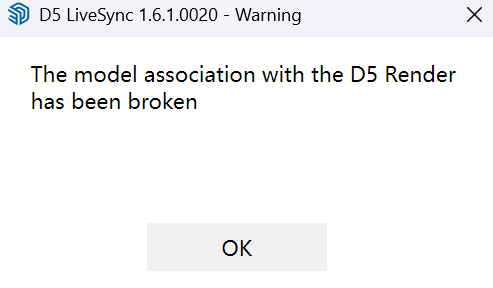
After some risky attempts, how do I reconnect my SketchUp project to a saved D5 render?
Hi, could you please confirm if this issue occurs when you connect the scene via LiveSync after directly importing the .skp file in D5 version 3.0?
We’ve released D5 LiveSync for SketchUp v1.7.0.0001. Please update to the latest version and try syncing again, the issue should be resolved.
Hello, I’m going to try again this morning, but I didn’t know version 3 was available.
Thanks, but where can I download version 1.7.0.0001 of Live Sync? Because on the website, it’s still version 1.6.1.0020 that downloads from the link…
Yes, the new live sync came when openin sketchup
Hooray! It’s fixed, with all the updates, it’s working perfectly again. Thank you. The real displacement looks amazing!
1 Like