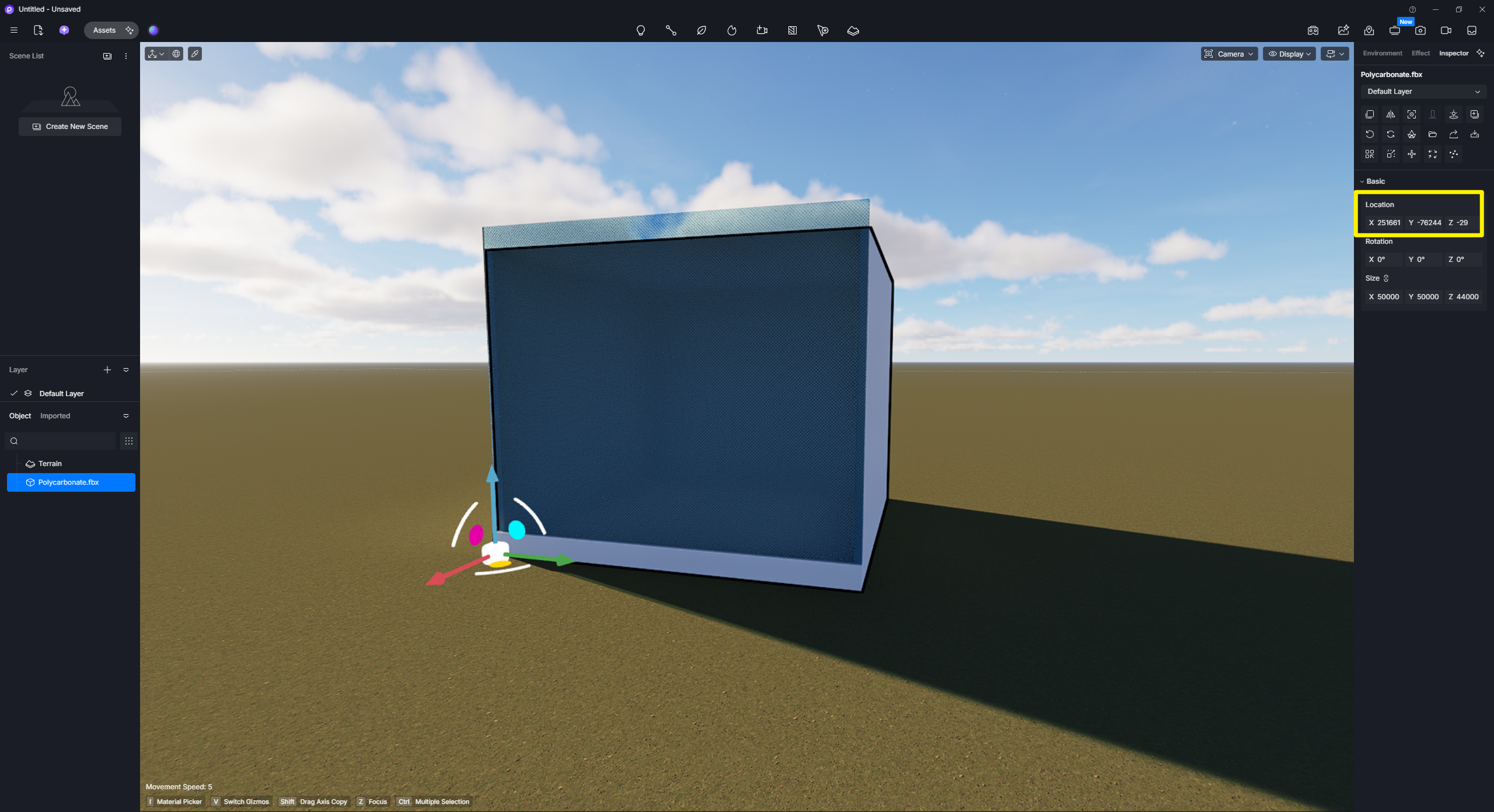
Issue Description: Model moves after syncing if pivot has previously been synced in D5
This issue is easily reproducible using a simple cube…
Create a cube in Blender.
Move the cube’s origin to one bottom corner.
Export the cube as an FBX.
Import the FBX into D5.
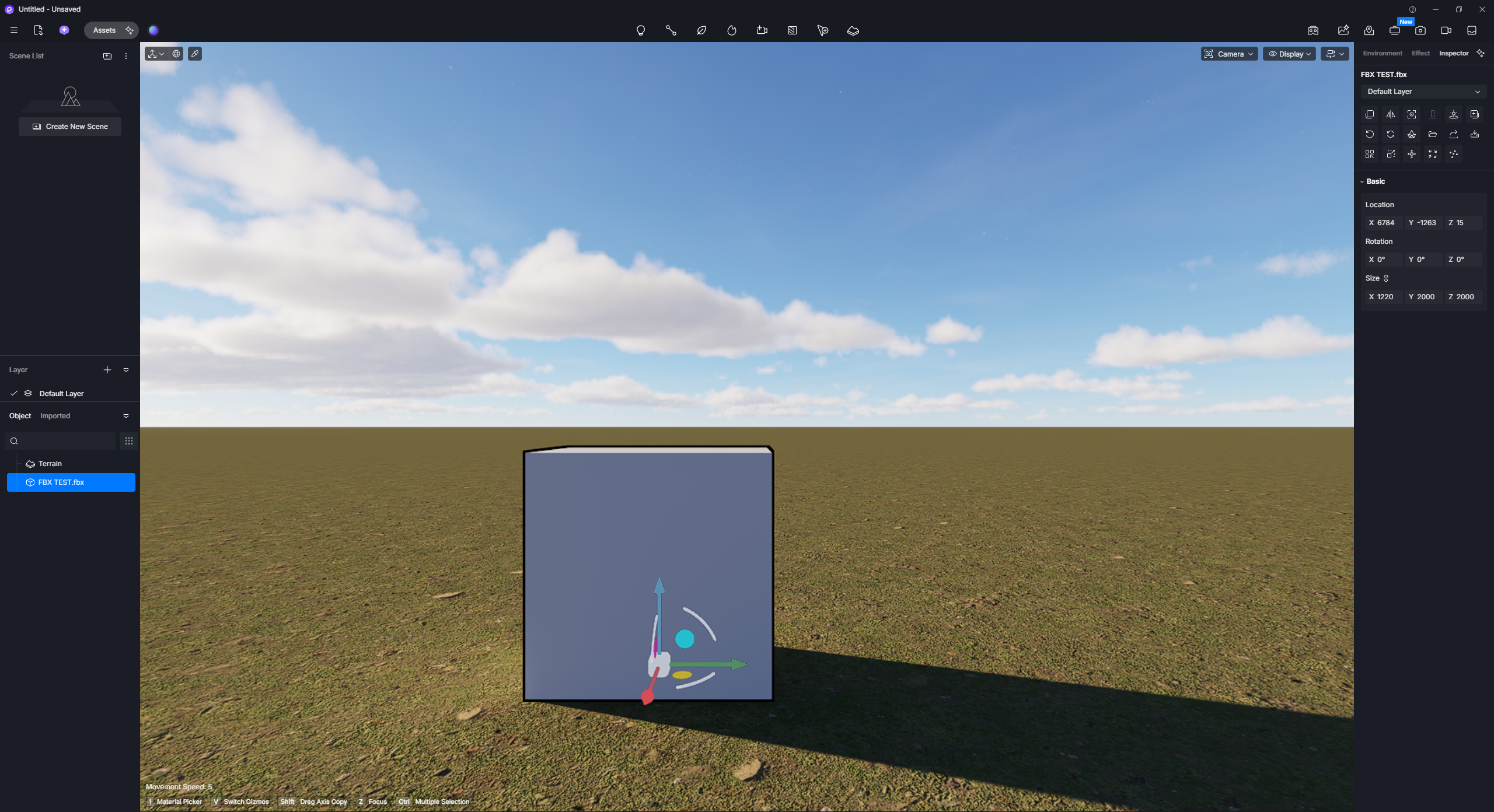
Click Sync Pivot so the D5 pivot matches the cube origin in Blender.
Return to Blender and make a small geometry change (eg. move one vertex). Do not move the object or change its origin.
Save the FBX.
In D5, choose “Sync Model from Source File”.
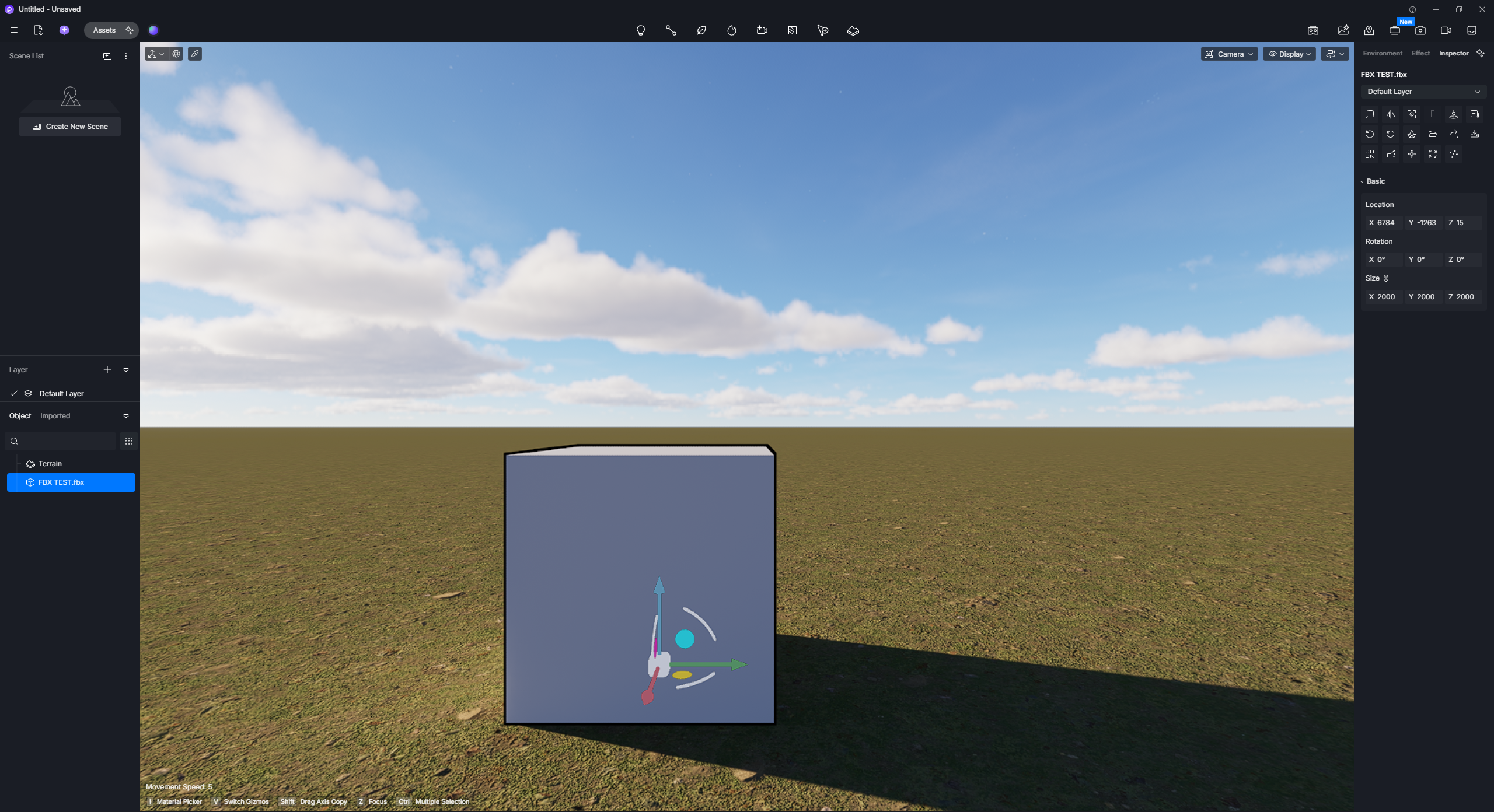
The cube changes position after syncing.
This issue also occurs if the pivot is changed using the new Edit Pivot tool instead of Sync Pivot.
If the pivot is never edited in D5, the model syncs correctly and remains in the correct position.
Before updating to D5 Render 3.1, this workflow worked correctly.
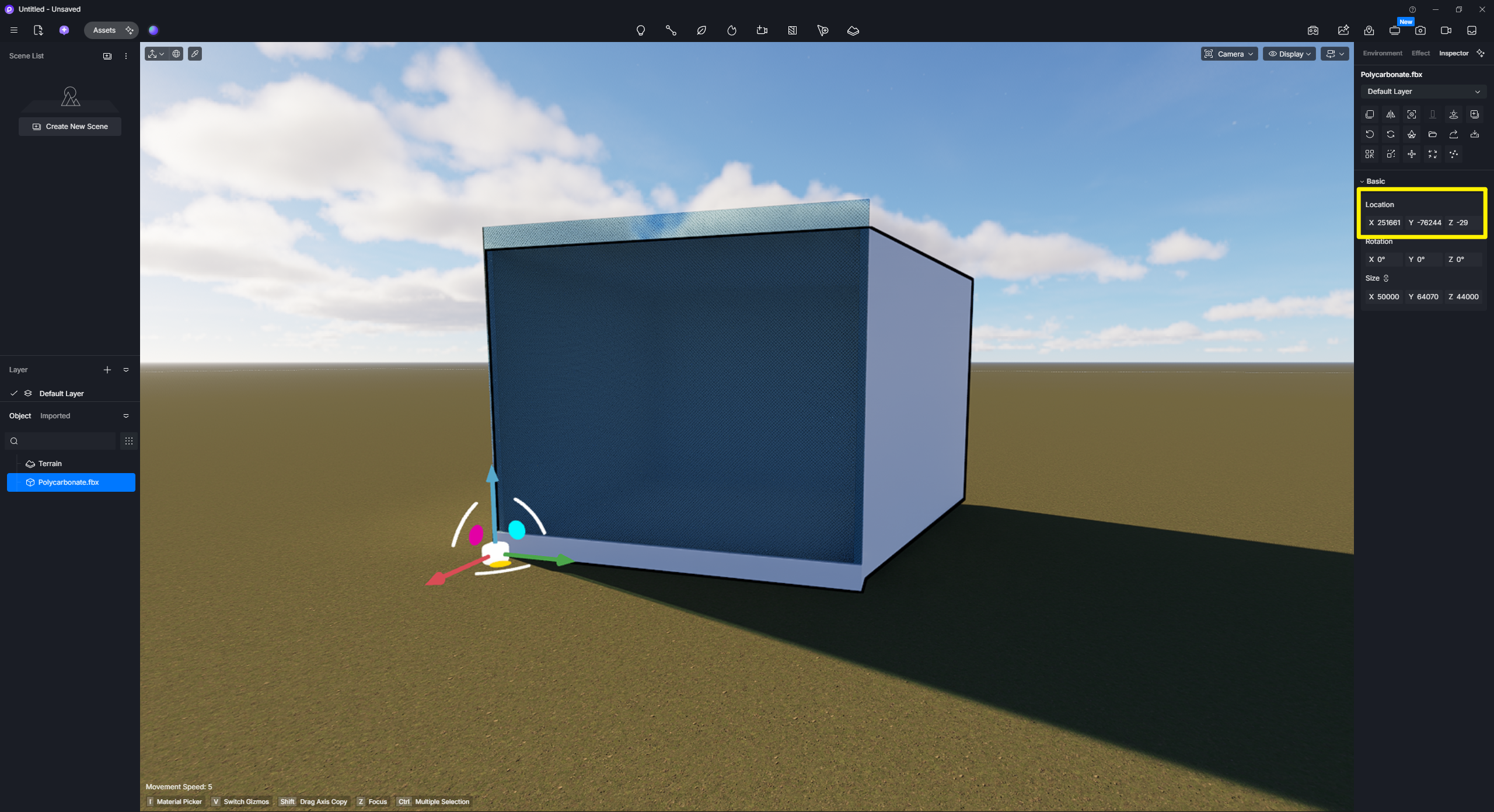
I regularly update models throughout a project by making changes in Blender or Archicad and using “Sync Model from Source File”. Because editing the pivot causes the model to move after each sync, I can no longer reliably use either Sync Pivot or the new Edit Pivot feature.
Loving all the great updates in D5 3.1 - there are some fantastic new features. Unfortunately this issue is causing a lot of headaches in my workflow, so I hope it can be fixed soon. Thanks for all your hard work!
Thanks for pointing this out, but I am unable to replicate the issue.
For reference,
I am using 3.1.0.0752, which is a newer build that we have yet to release, but we’ve been sending this to users privately, specifically those who are experiencing the UI Glitch issue in 3.1. Note: I can send you the installer for you to test if this issue persists.
I tested this both on SKP and Blender; both are in their latest versions.
I’ve followed the steps you mentioned, but even after Syncing Pivot > Modifying the 3D Model > then syncing to the local source, the position does not change. It would be best if you could send us a video recording of this issue.
I believe the difference is that I am not using LiveSync.
My workflow uses FBX import and Sync Model from Source File, rather than LiveSync.
The issue is 100% reproducible for me using the following workflow:
Create a cube in Blender.
Move the cube origin away from the centre (eg. to one corner).
Export as FBX.
Import into D5.
Use Sync Pivot (or Edit Pivot) in D5.
Reload the same FBX (Sync Model from Source File) and it changes position.
If I skip step 5 and never edit the pivot, the model stays in the correct position after syncing.
It appears that the pivot offset is being applied twice. After using Sync Pivot, the model remains in the correct position. However, after Sync Model from Source File, the model moves by the same amount as the pivot offset, effectively doubling the total offset from its original position.
I apologize; I should have clarified and not included the Livesync plug-in since it was not used. Basically, I exported the FBX material by simply clicking the export tool in SKP and Blender.