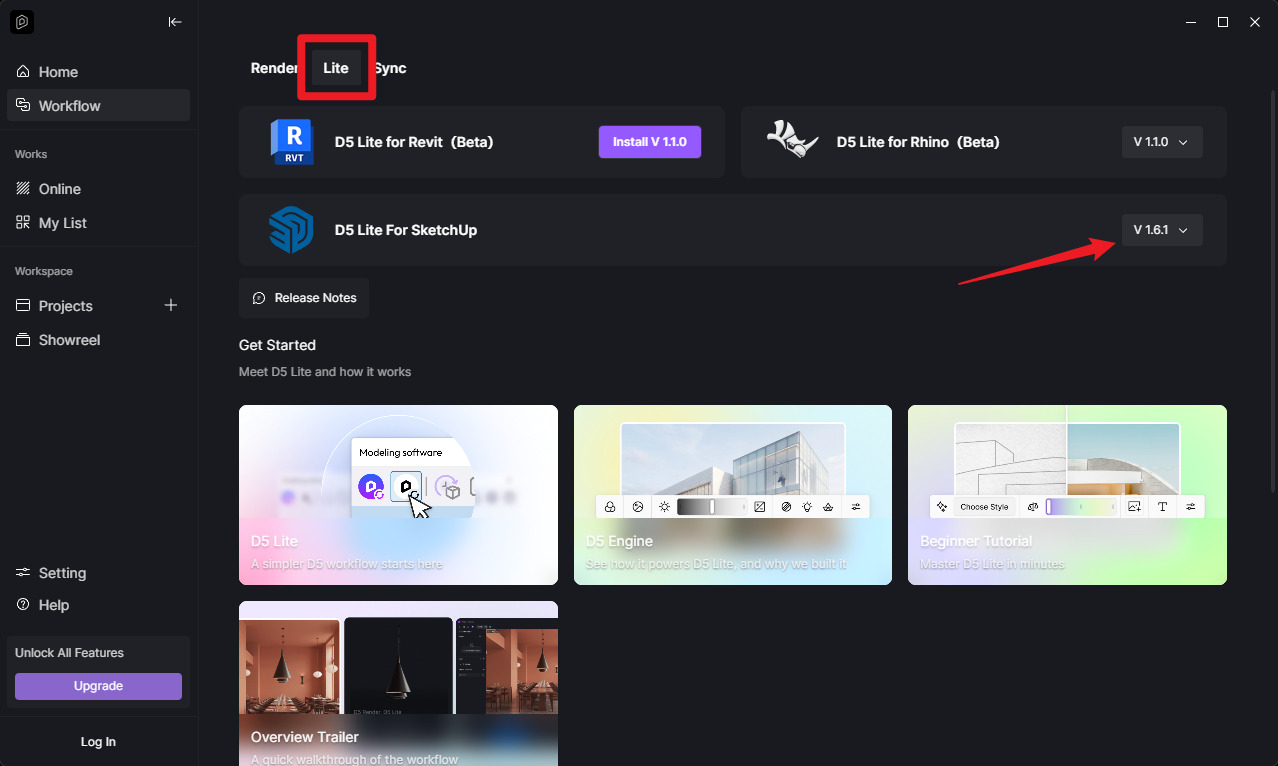
D5 Render Version: 3.1.1
Graphics Card: RTX 3060
Driver Version: 32.0.15.6094
Issue Description:
I am working on the same file from two different locations: my home and my office.
Issue scenario:
- Sync SketchUp with D5.
- Modify the materials in D5.
- Save the file.
- Download and open the file again at another location (office).
- Sync SketchUp with D5 again.
- → At this point, D5 follows the SketchUp material settings, and the material changes previously made in D5 are reset to the SketchUp values.
Current workaround:
To prevent the materials from being reset, I have to repeat the following process for each material:
- Rename the material in SketchUp.
- Re-sync with D5.
- Save the texture modified in D5 locally.
- Reapply the local texture to the material in D5 using the Brush tool.
→ This keeps the material settings consistent when opening the file on either PC. However, having to repeat these steps individually for every material is very tedious.
Important: This reset behavior did not occur in previous versions. It seemed to work normally until last year, but the issue started after updating to the latest version, so I suspect this may be a regression issue.
According to the documentation, once a parameter is changed in D5, the D5 value should take priority and should not be overwritten by SketchUp. However, in practice, the changes made in D5 are not preserved whenever the file is reopened and synchronized.
Please confirm:
- Is this a known regression issue in the latest version?
- Is there a way to preserve material modifications made in D5 across different PCs without having to repeatedly save and reapply the local textures using the Brush tool?
- Which version did not have this issue? (A rollback may be necessary if applicable.)
Screenshots/Videos Description:

Steps to Reproduce (optional):
- Sync SketchUp with D5.
- Modify a material in D5 and save.
- Open the file on another PC and sync again.
- → D5 follows the SketchUp material settings, causing the material modifications made in D5 to be reset.