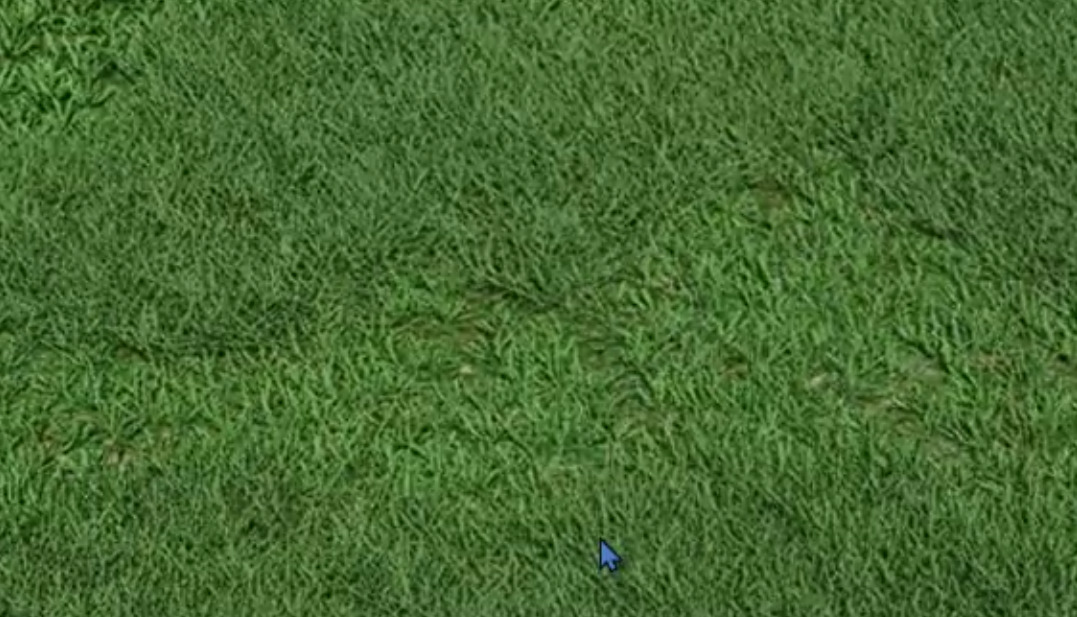
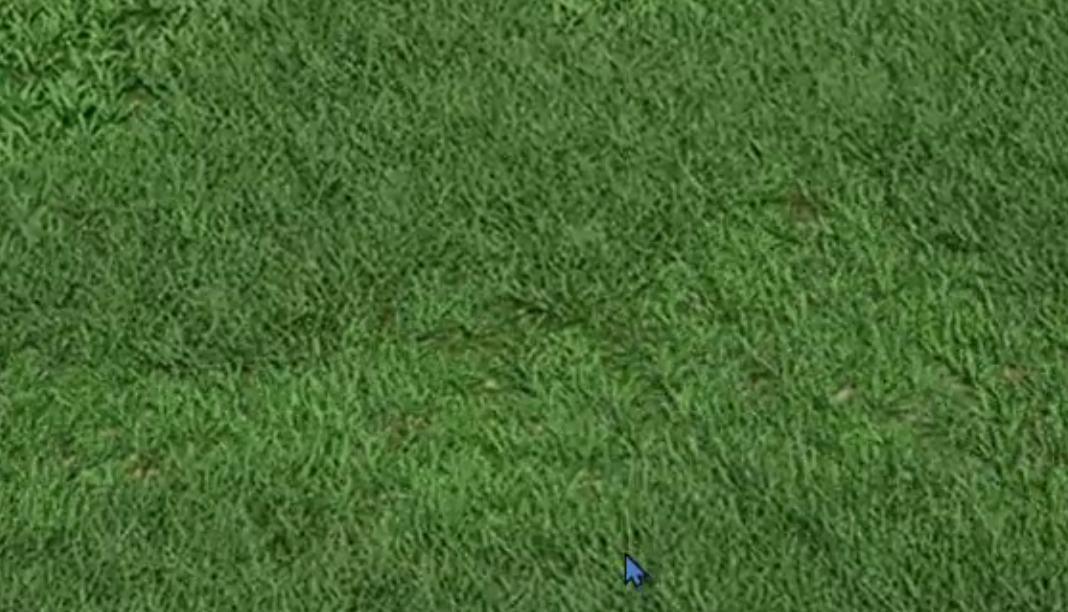
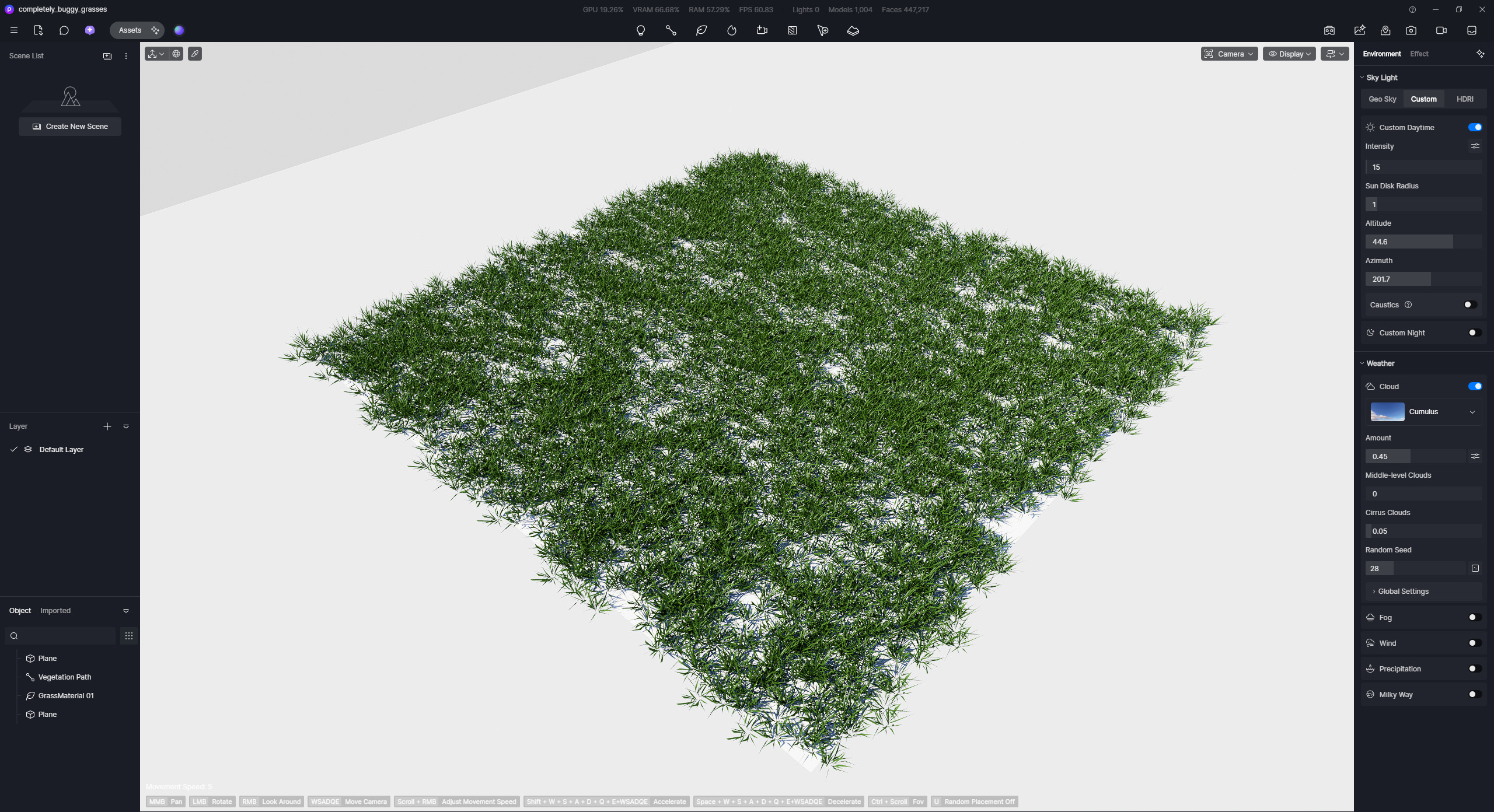
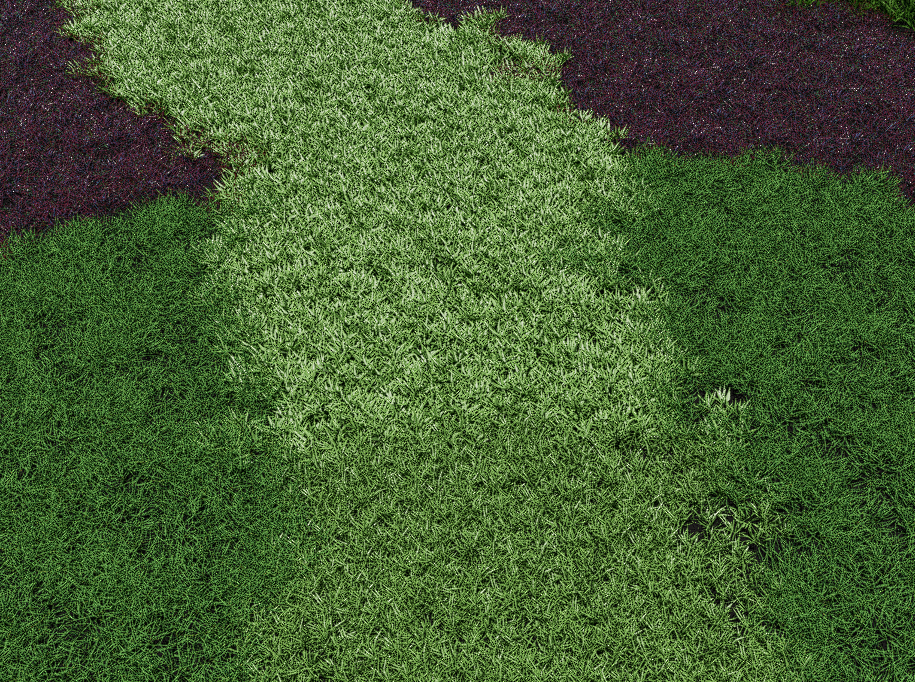
LOD for grass is always turned on even if it is set to off :
lodOFF.zip (2.3 MB)
I’ve tested it on my end. You can try re-recording with a higher resolution (1080p) for it to be noticeable and check if this occurs to your final render.
Hi @Clov you use custom grass object I said about D5 built-in grasses.
I noticed that this issue is related to some grass models like GrassMaterial 11
GrassMaterial 04 the same :
grass material 04 (2).zip (2.3 MB)
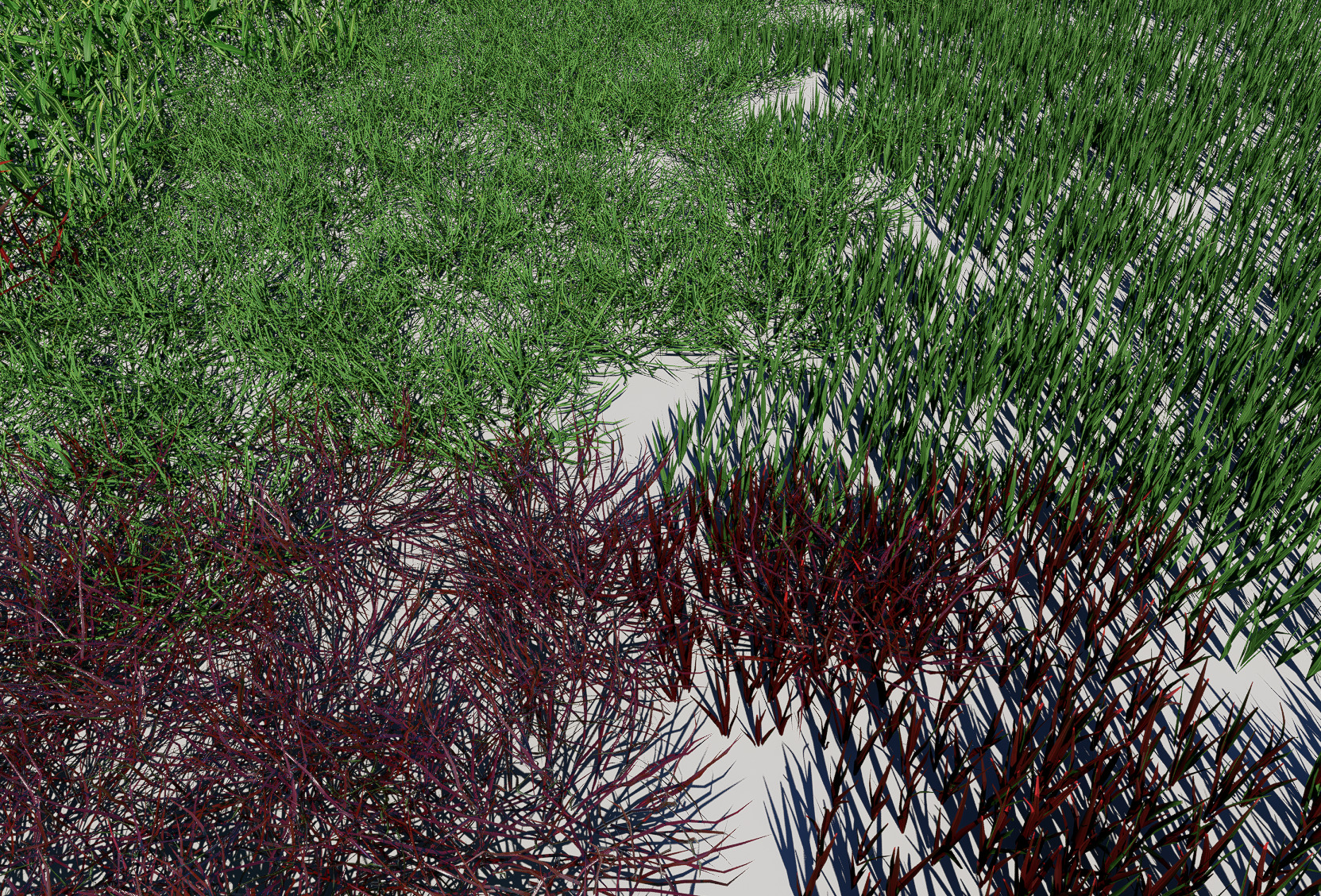
Rendering is fine. This is why my final rendered grass looks different.
It looks like some of the grass objects override viewport LOD settings.
I don’t know what to say about this 
completely_buggy_grasses.zip (127.9 KB)
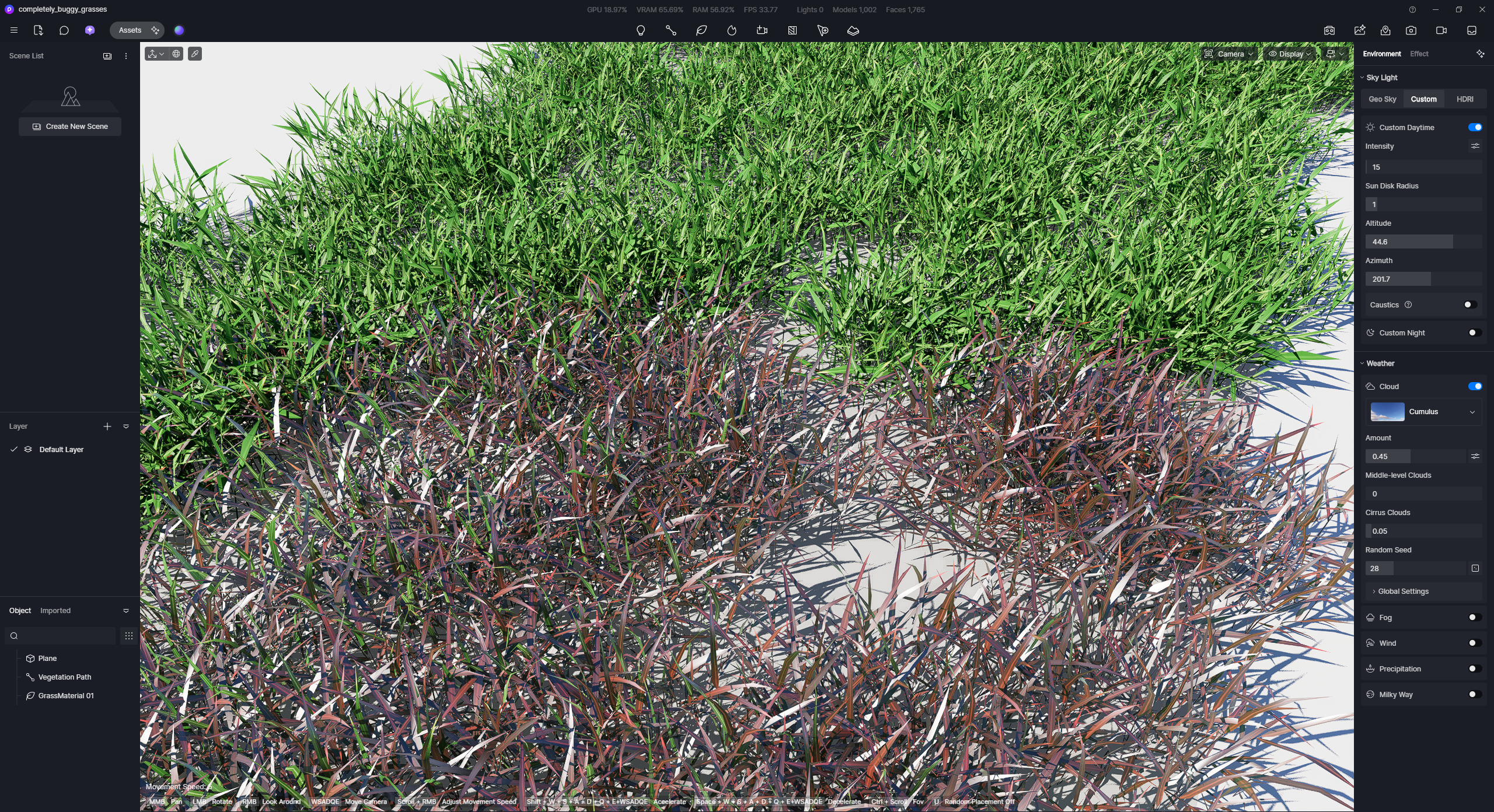
Affected objects ( Material LOD bug ) :
GrassMaterial 01, 02, 03, 04, 06
LOD bug - all of GrassMaterials
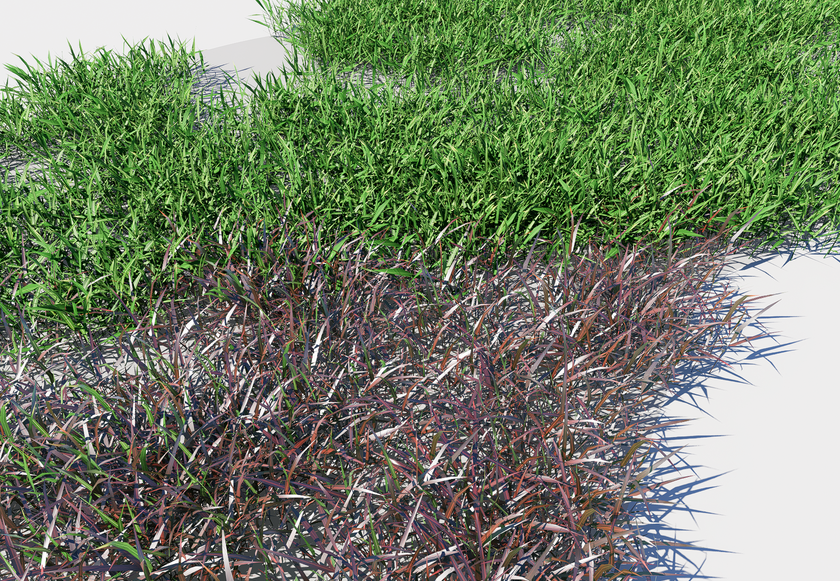
These objects use constant predefined materials on distance >1m. Completely ignore all material custom settings !
GrassMaterial 02 is even wrong rendered on final not only in viewport.
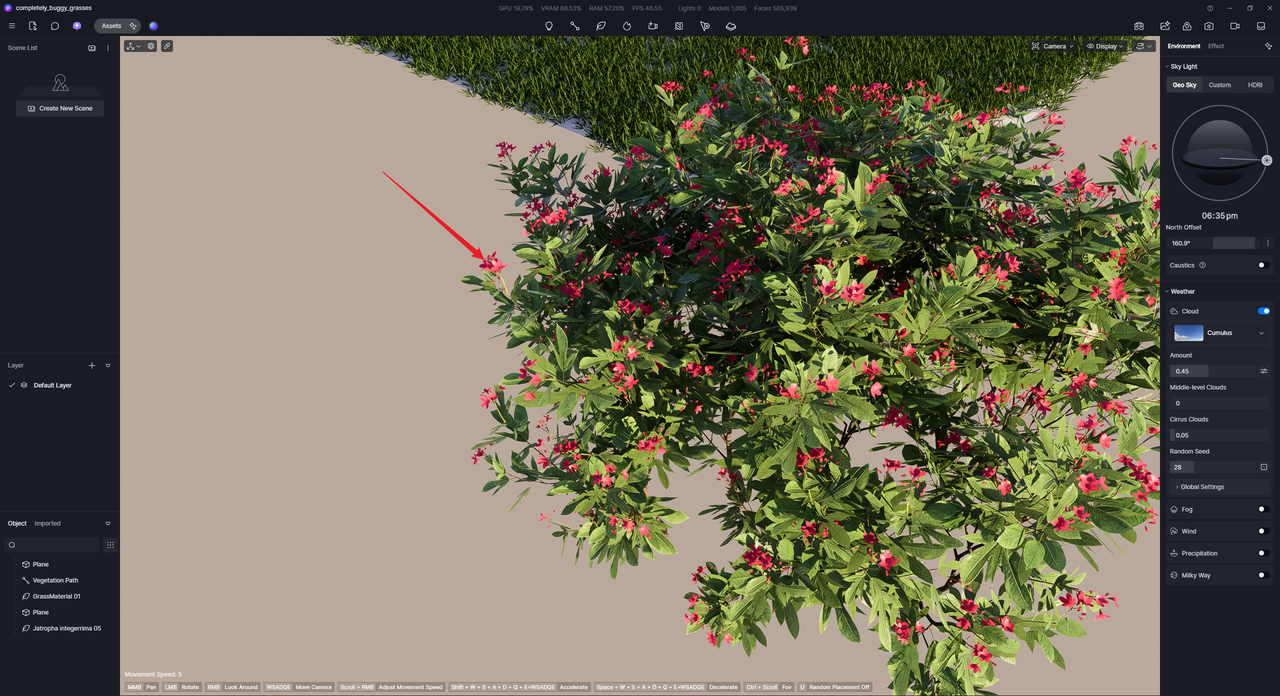
not only related to grass : jatropha integrima 05
jatropha integrima 05 LOD.zip (1.9 MB)
GrassMaterial 11 :
GrassMaterial 11 (2).zip (2.5 MB)
Hi @Smolak
Thanks for this. I just tested the Grass materials that you have mentioned. The only asset with an issue that I can replicate is GrassMaterial 01, which tends to change material color when zoomed in.
As for Jatropha Integrima 05
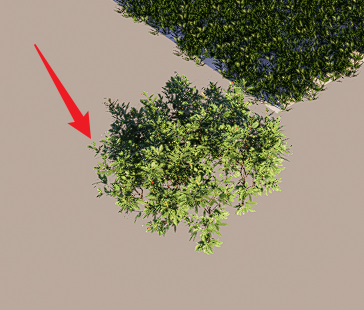
I don’t know how you tested this but as I said near ALL grass materials are affected. Not only geometry LOD but all material settings too - not only color. Specularity too.
grass_LOD.zip (3.1 MB)
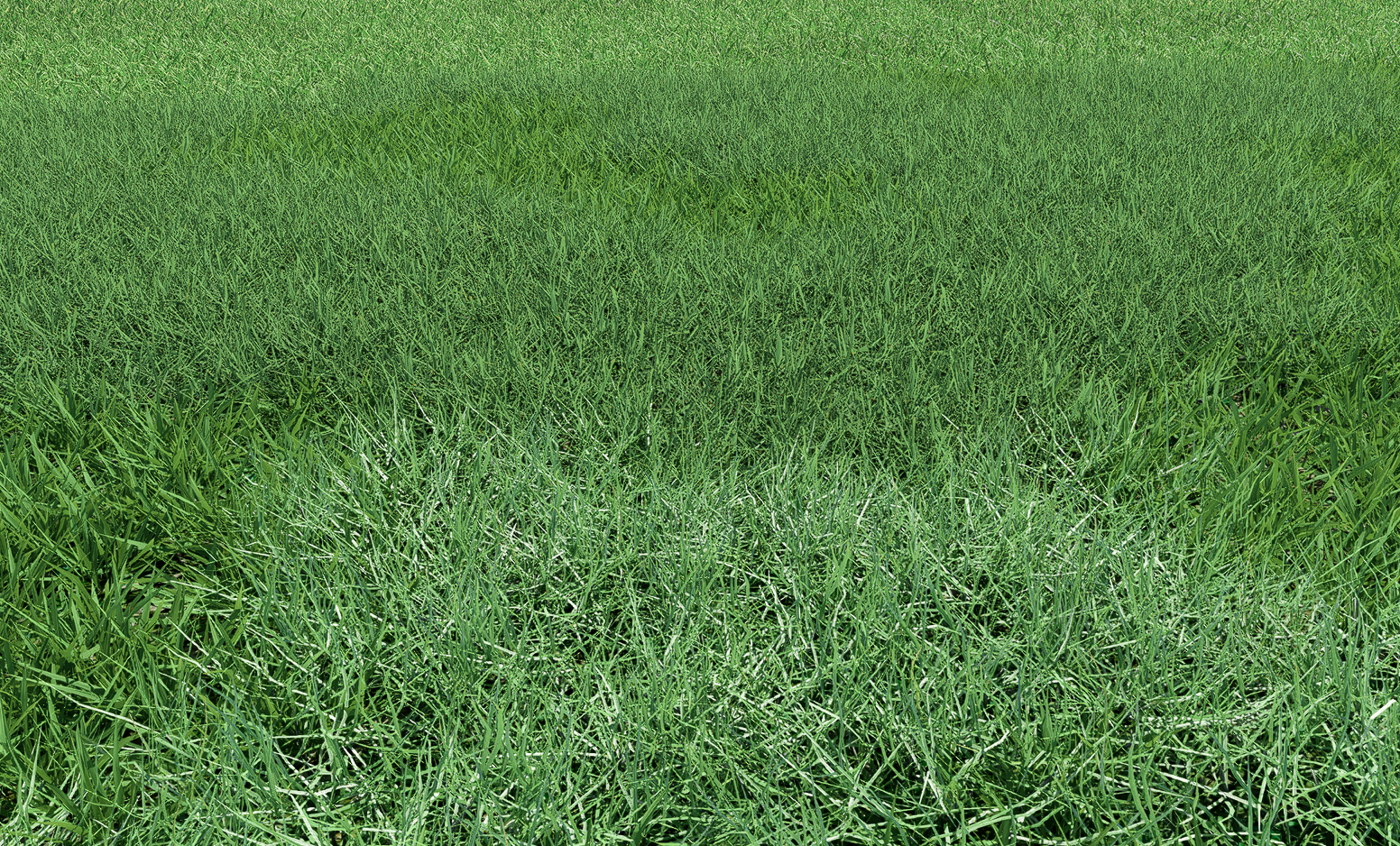
GrassMaterial 11 has geometry LOD issue when you zoom in-out on small distance you will see that grass blades are change a little. This is more noticeable on final render compared to viewport when dense grass 11 is visible from large distance.
GrassMaterial 11 specularity :
GrassMaterial11 (2).zip (4.0 MB)