D5 Render Version:
Graphics Card:
Driver Version:
Issue Description:
Screenshots/Videos Description:
Steps to Reproduce (optional):
Which version of D5 Render are you using? And is this material from our Online Library? If it is, please let me know which material, and if it is not from our Library, please send me a copy of this material.
- You may generate a link containing the image just to ensure that the quality is not compromised.
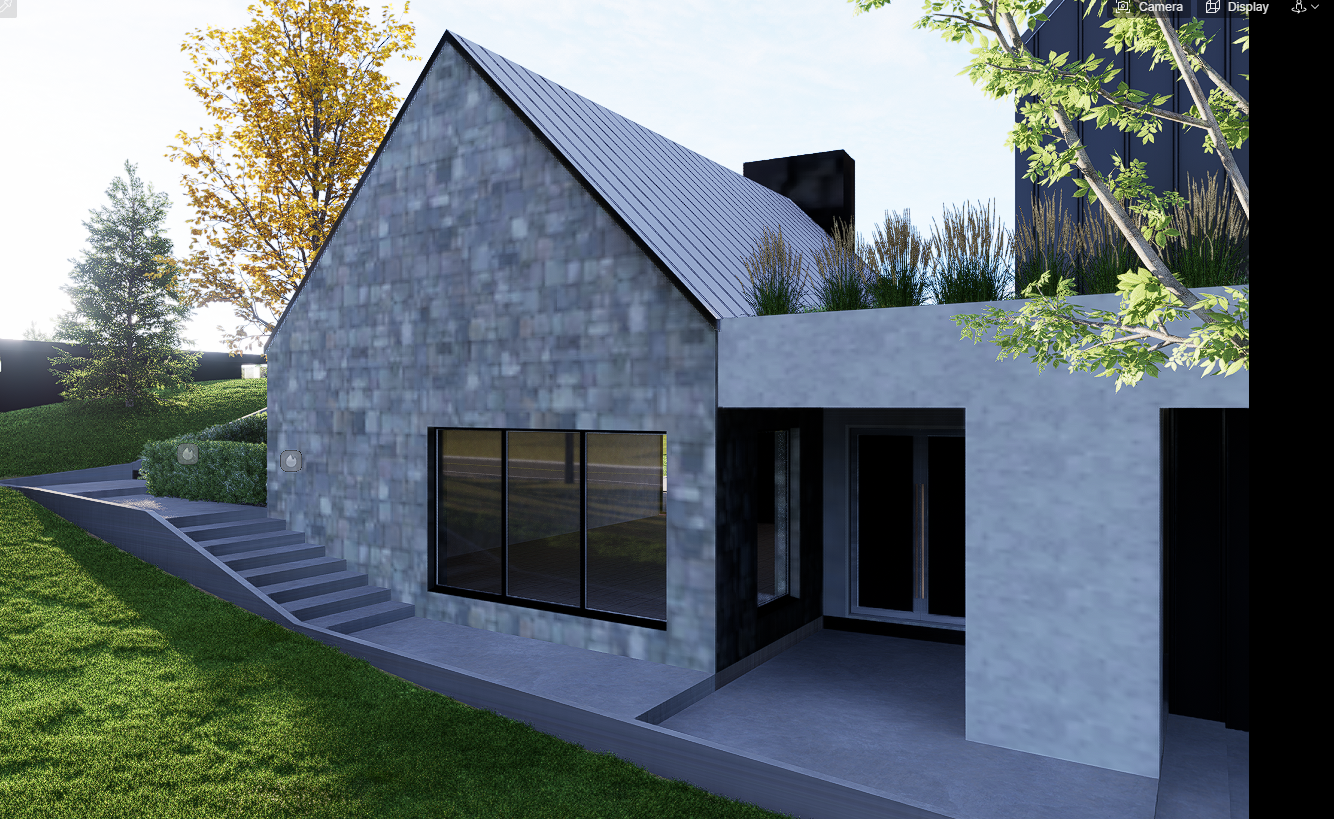
I use version D5 2.11. At first the textures were displayed well, I rendered and everything was fine. But when I opened the file after the weekend I encountered this problem, the materials are all displayed incorrectly, they float, when changing the angle they are displayed differently. And this is already in the second project
What do you mean by “they float”? Can you perhaps send us a screen recording of this specific issue?
- May I also know where these files were stored? Purely Local File Path? Network? Or Cloud Storage?
- Are the materials used from D5’s online Library?
- Have you tried changing the Material Template to custom?
You can also send the problematic file to support@d5techs.com and have it titled 2.11 Clov-Forum Initially the materials displayed well
- Logs
- Scene


Thanks