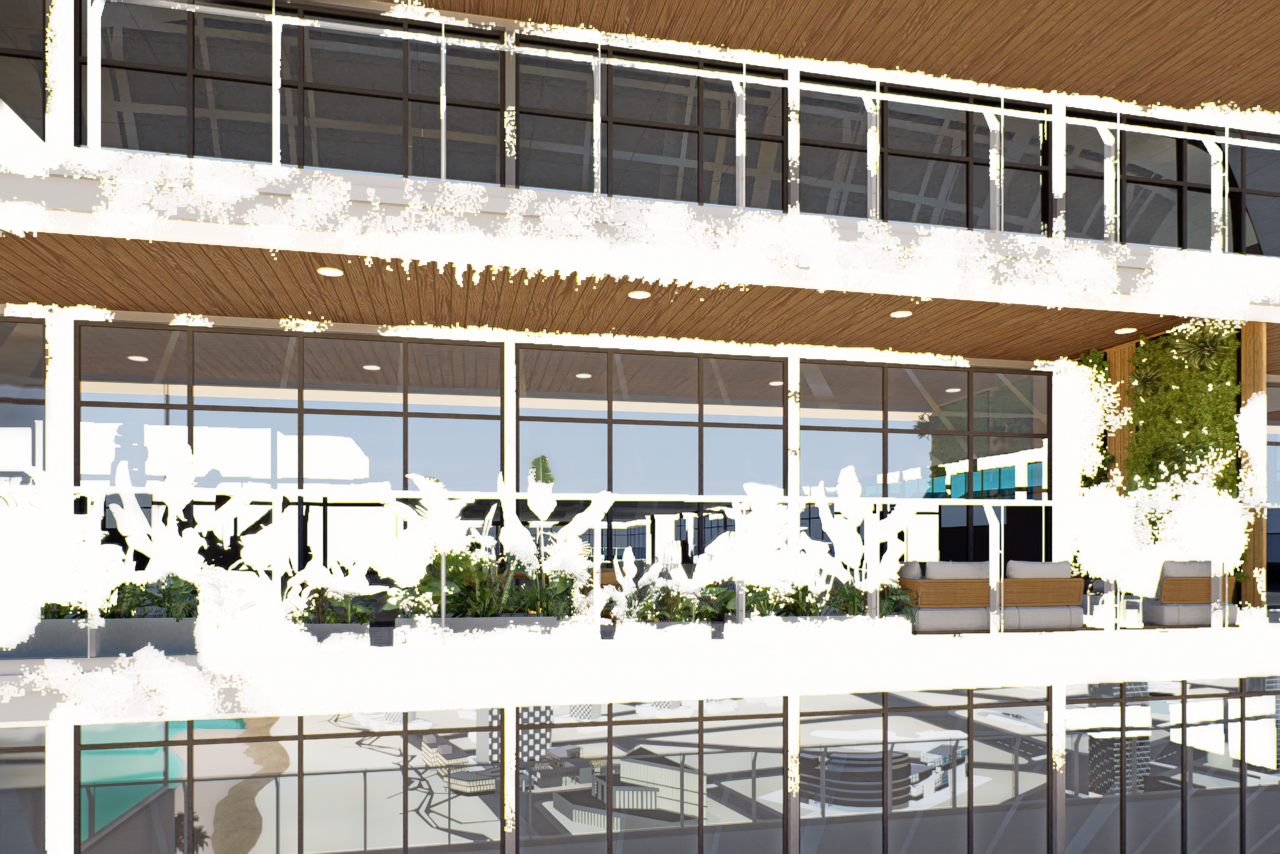
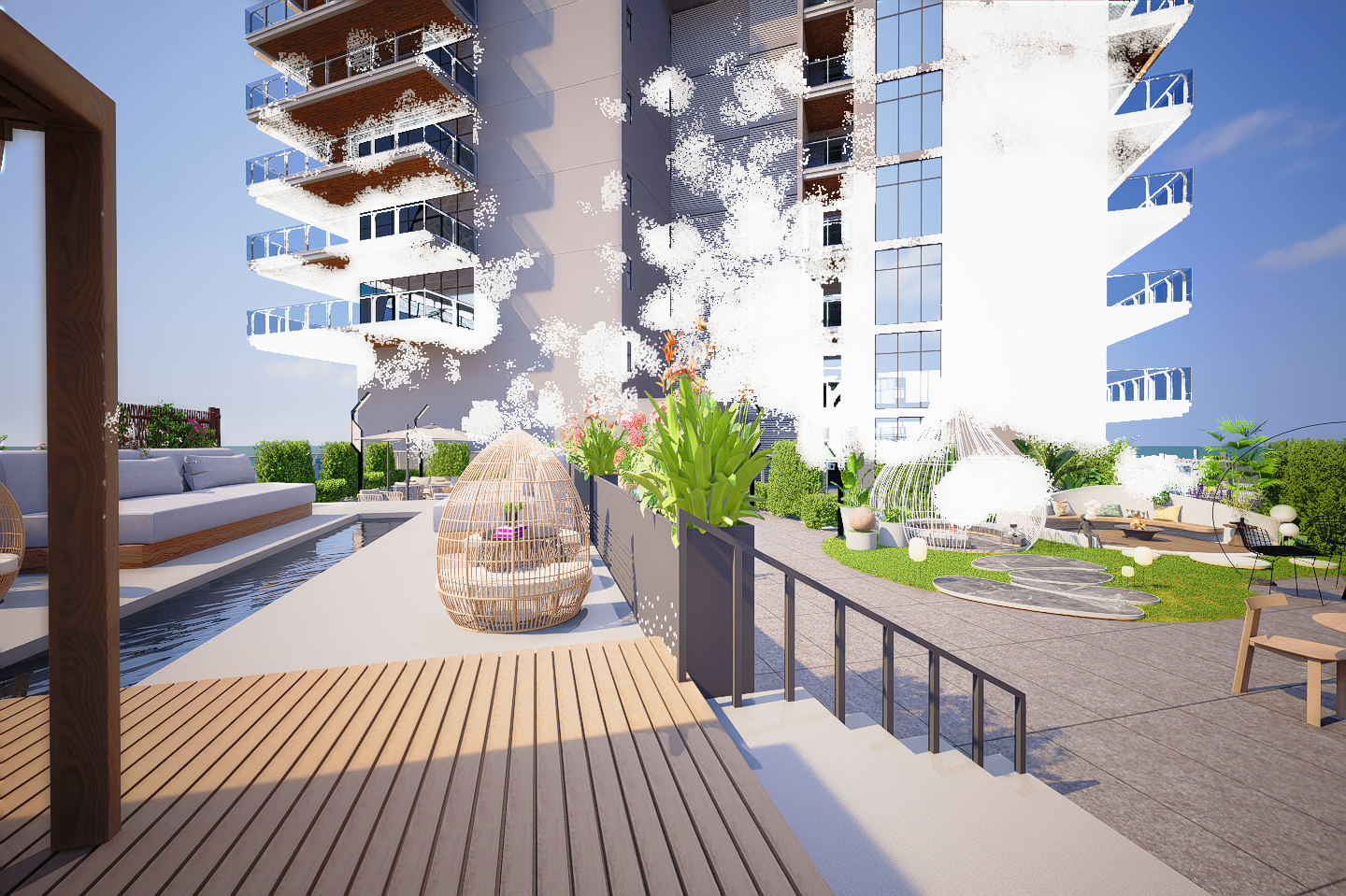
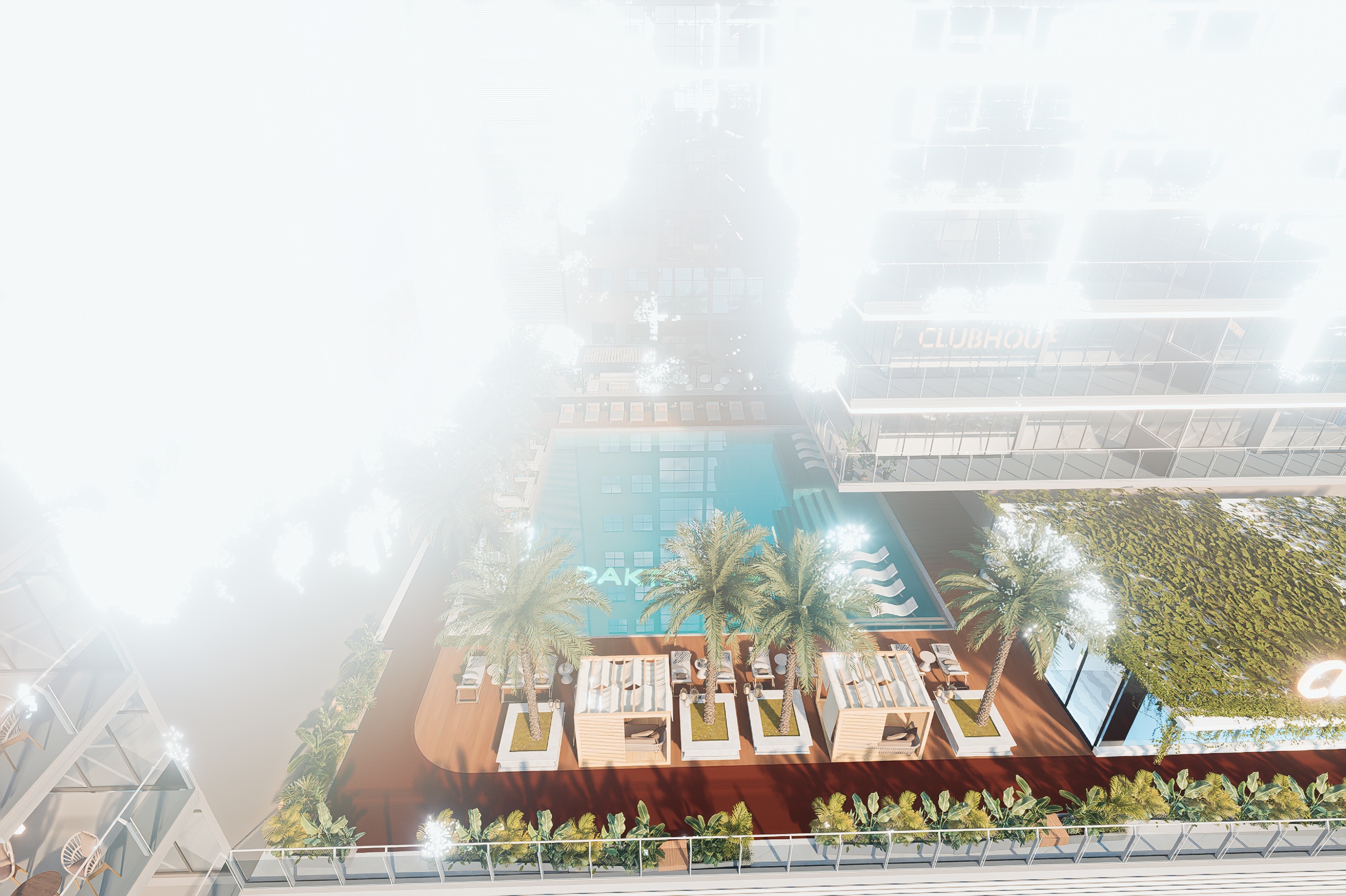
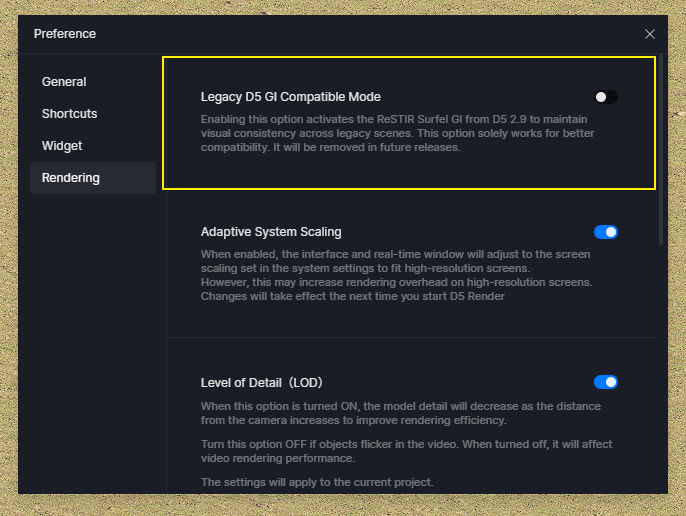
Hello everyone, I’m having a rendering issue in D5 Render after updating to the NVIDIA Studio Driver. My scene suddenly became extremely overexposed: white surfaces and vegetation are completely blown out while some reflections still look normal. Before the driver update everything was working perfectly. I already tried lowering exposure, reducing sun intensity, disabling auto exposure and bloom, but the issue is still there. Has anyone experienced this before or knows how to fix it? Thanks a lot 
D5 Render Version:
**Graphics Card: RTX 5070 Ti
**Driver Version: 3 .0.1
Issue Description:
Screenshots/Videos Description:
Steps to Reproduce (optional):