Problem with water refraction.
D5 v2.6 pro
rtx 3090 and rtx3070
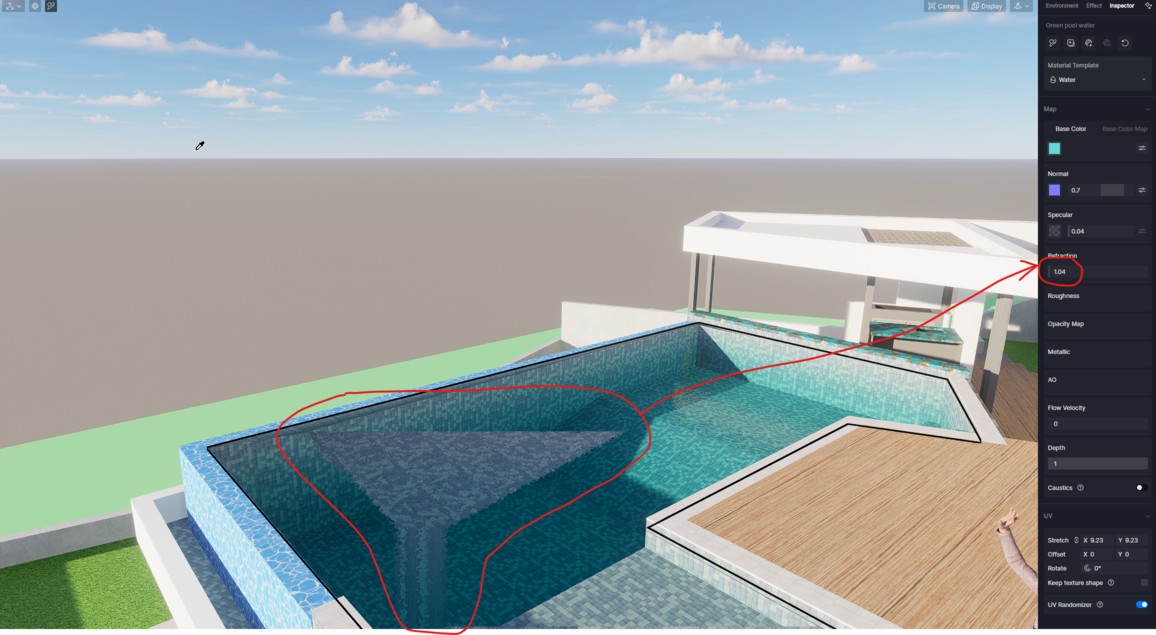
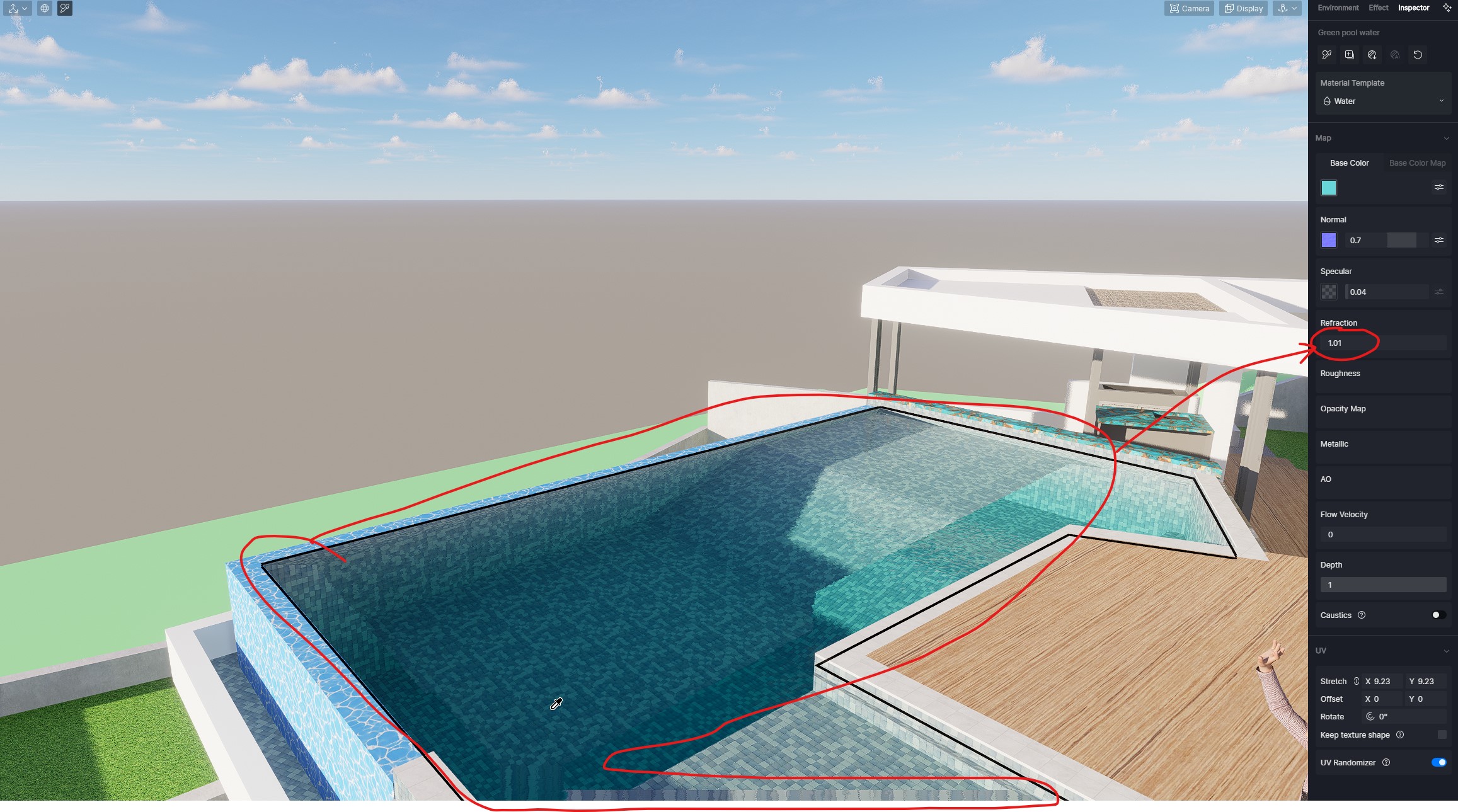
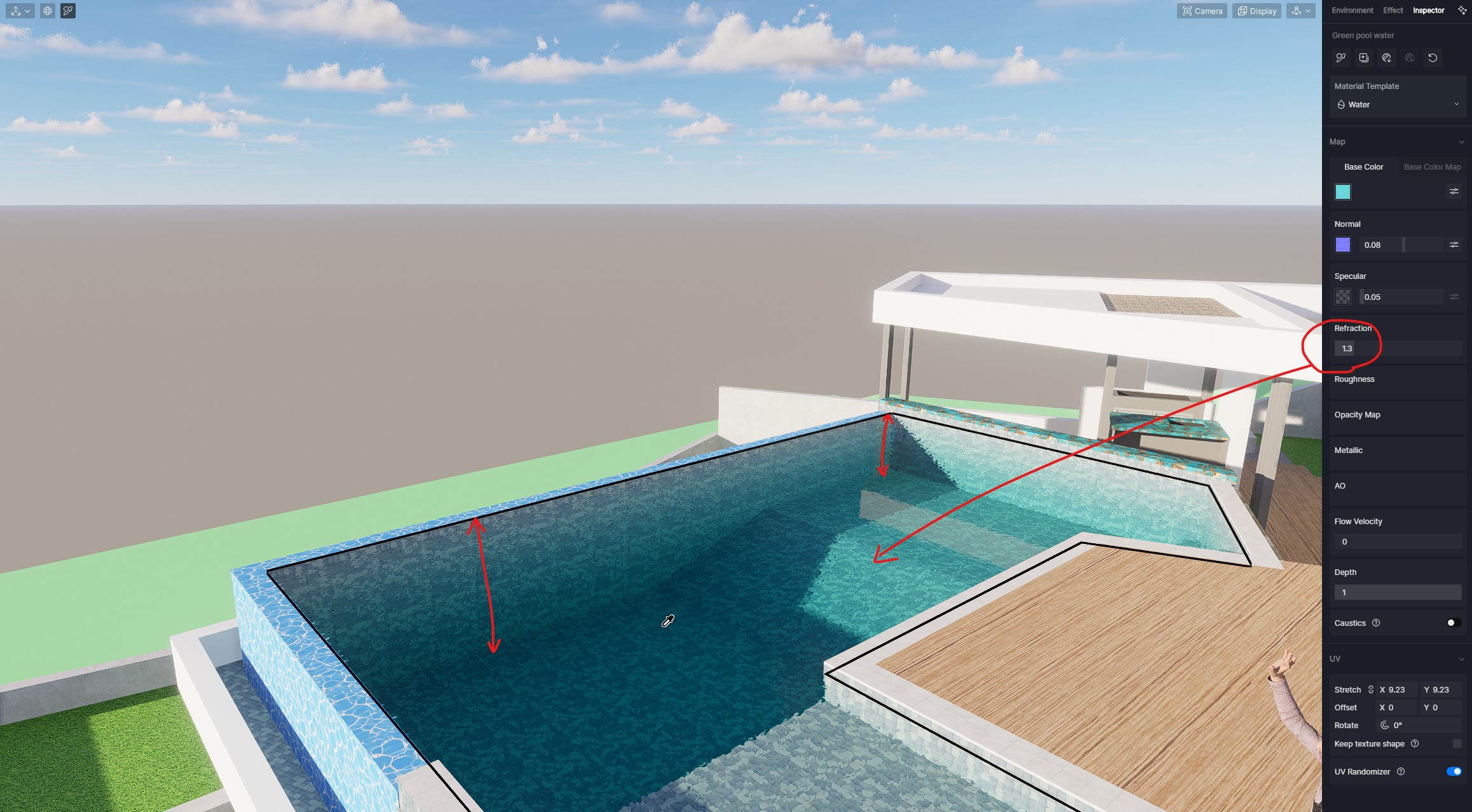
The water refraction does not work correctly. I saw no other mention about this. If I have a pool of water and I look at it at an angle, then the pool should look more shallow. If I flip the geometry normals inside out and use a weird refraction index of 1.02, this effect shows up partially with glitches. otherwise the pool looks like rippled glass. Is there something I can do about this?
1 Like
Same for me, refraction doesn’t work at all for pool water. When I increase the amount if just works like a normal map. If you use glass material instead of water as it works much better although you don’t get the depth of water effect.
programı indirdim fakat sürekli eklenti hatasını veriyor sebebi nedir nasıl çözebilirim
When I turn on D5 in Revit I get a message “please install the latest version of d5, or select instalation folder if it has been installed” program that I downloaded from the page.
1 Like
How did you solve it?
Setting up scene issue:
This problem happened several times, when i try to set up a scene the camera flips to the opposite side (see video below).
D5 version: 2.6.1.0401
GPU: Nvidia GeForce RTX 3090 24gb
BUG BASE COLOR MAP SATURATION -100
Hello!
I found an issue in D5 Render version 2.7.
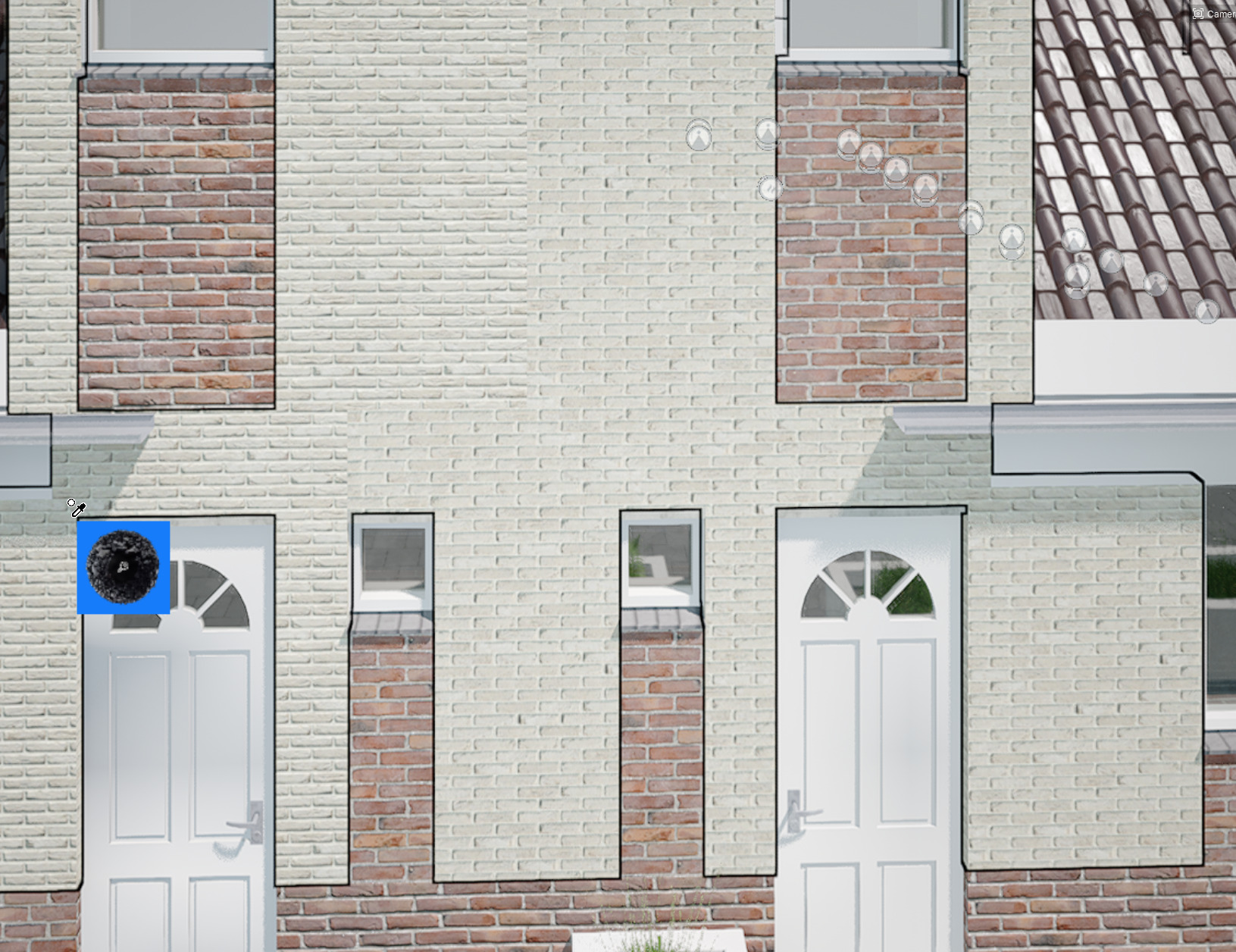
When I open a file where I’ve already worked on, some materials lose their original settings and appear desaturated at -100.
Thanks!
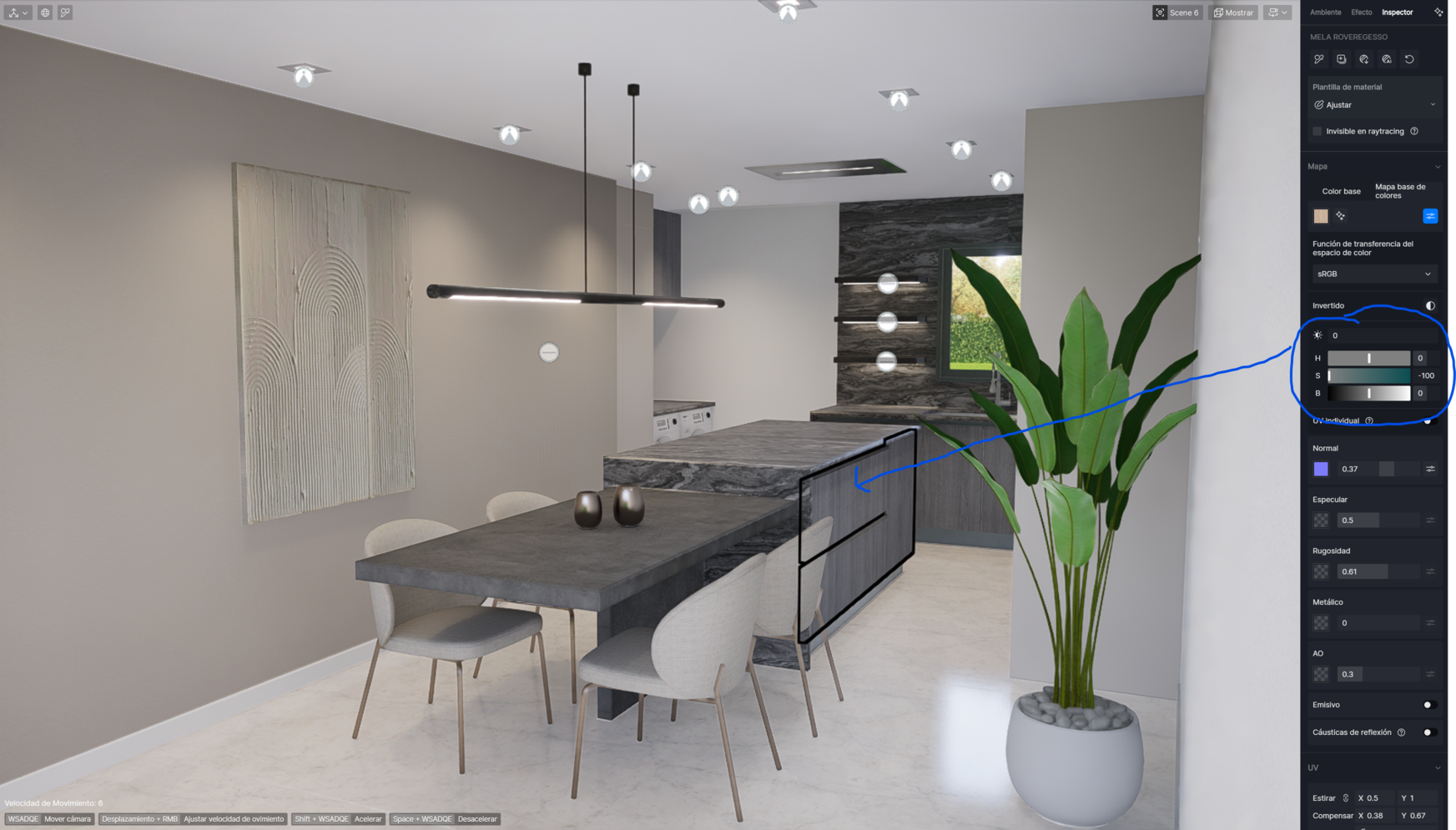
Material used is not for whole model.
You can see it is the same material but some part have corret setting and some not.
i use 2.7
I downloaded yesterday’s (01/16/2024) plugin update for revit, and now whenever I save my project on revit it closes without saving, even if I don’t have D5 open. if I deactivate the plugin the problem stops. My D5 version is 2.7.0.0443
- 어떤 버전의 D5 렌더를 사용하시나요?
2.7
- 그래픽9 보드 모델은 무엇입니까? 어떤 버전의 그래픽9 드라이버를 사용합니까?
intel(R) lirs(R) Xe
Nvidia GeForce RTX 4090 laptop
- 문제를 자세히 설명해 주세요.
The environment settings of different scenes are being changed to the same values.
Uninstalling and reinstalling the program temporarily resolves the issue, but the same problem reoccurs unexpectedly.
How can I resolve this problem?
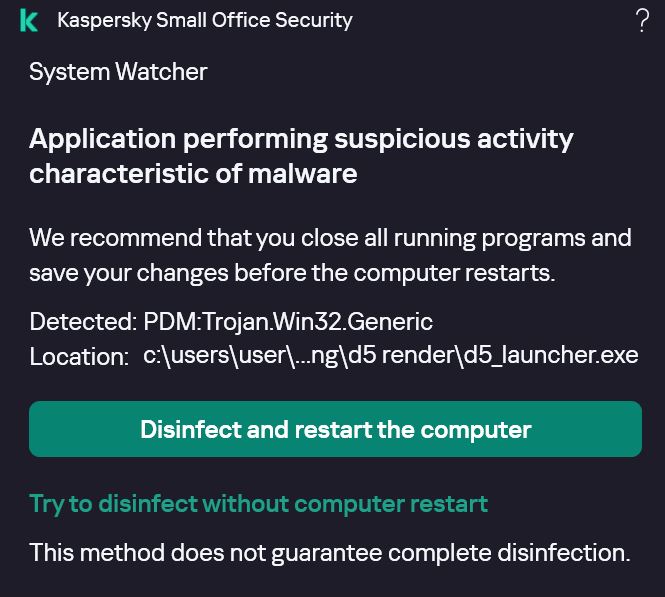
Updated to D5 2.8, using rhino 8. Tried to save to d5 file and it crashed. My antivirus Kapersky detected a virus PMD:Trojan.Win32.Generic
Location: d5 renderer/ d5_launcher.exe
My graphic card is NVIDIA GeForce
My friend had the same thing happen. What can I do?
i have exact same issue, hope D5 Team solve that ASAP please.
1 Like
Hi, i am new here, just installed D5 render ver 2.80.
i am currently using 3ds max ver 2022, i have also installed D5 sync buttons on 3d max.
But everytime i tried to sync my file to D5 render (press the button to connect to d5 from 3dmax), it crashed my 3d max.
any issue that i don’t know? like what i should do with my 3dmax file before sync?
or issue with my computer?
i ever tried exporting (manually) using fbx file, but very slow and some objects are out of place.
what are the proper workflow from 3DS Max to D5 render?
Thanks,
Tommy
PC configuration:
win11pro
intel core i7 14700K, 3400Mhz 20 cores
graphic card Nvidia GeForce RTX 4070 Ti Super
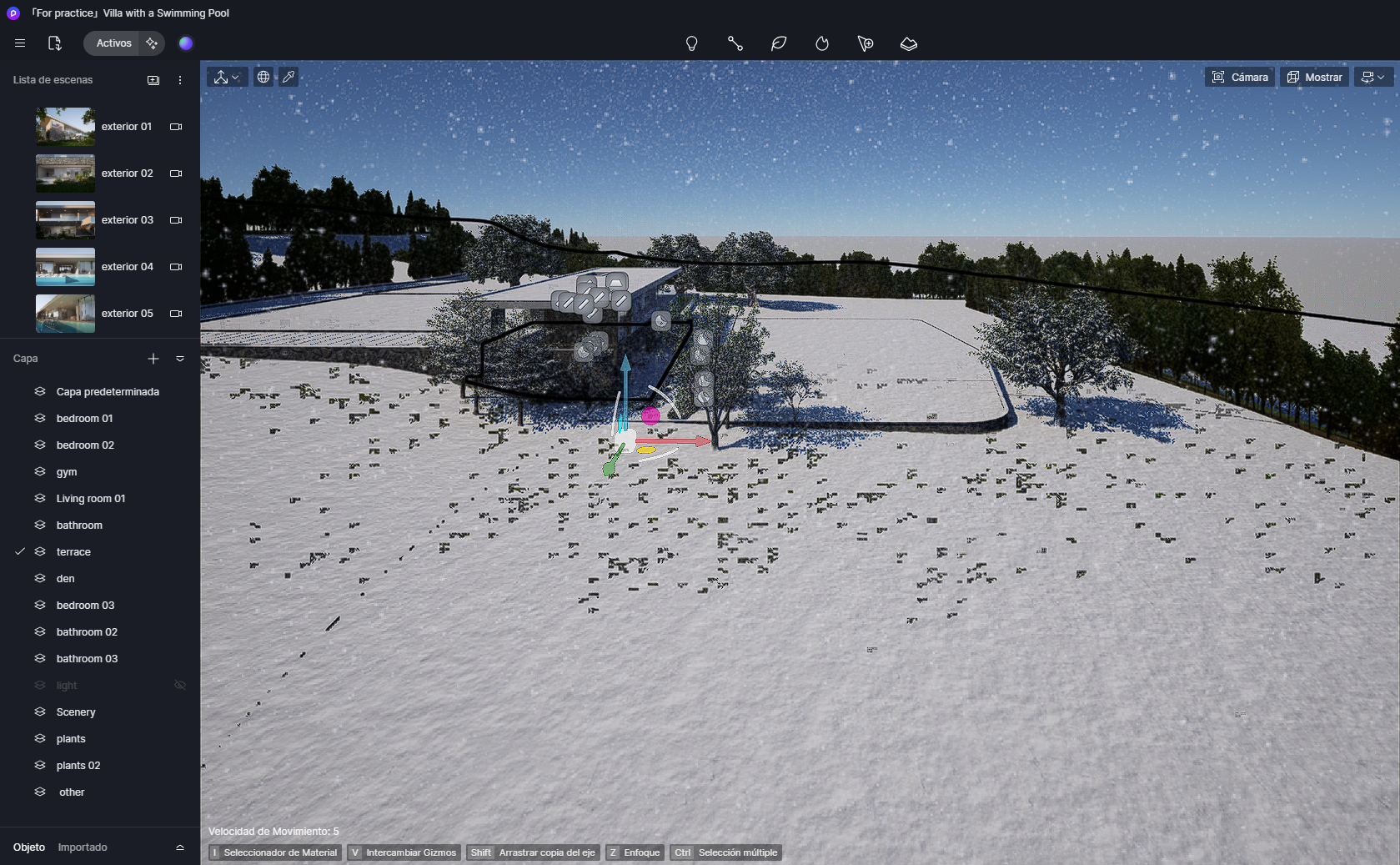
Im making an annimation, but when I reproduce it, it kinda get stuck and then continues, why is that, how can I fix it?
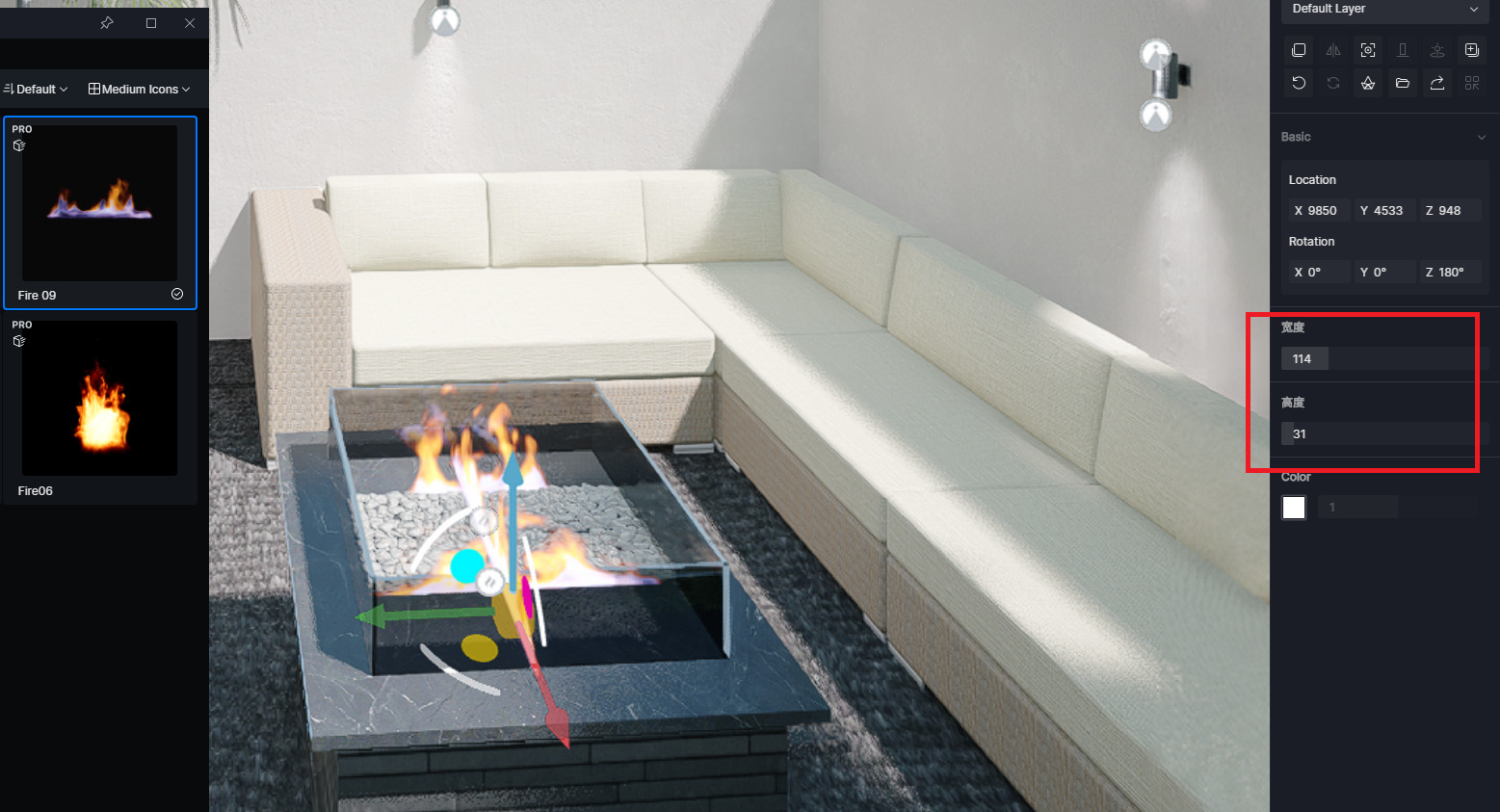
Bug report - Certain assets marked as free have PRO ONLY water mark.
These two assets I have found so far.
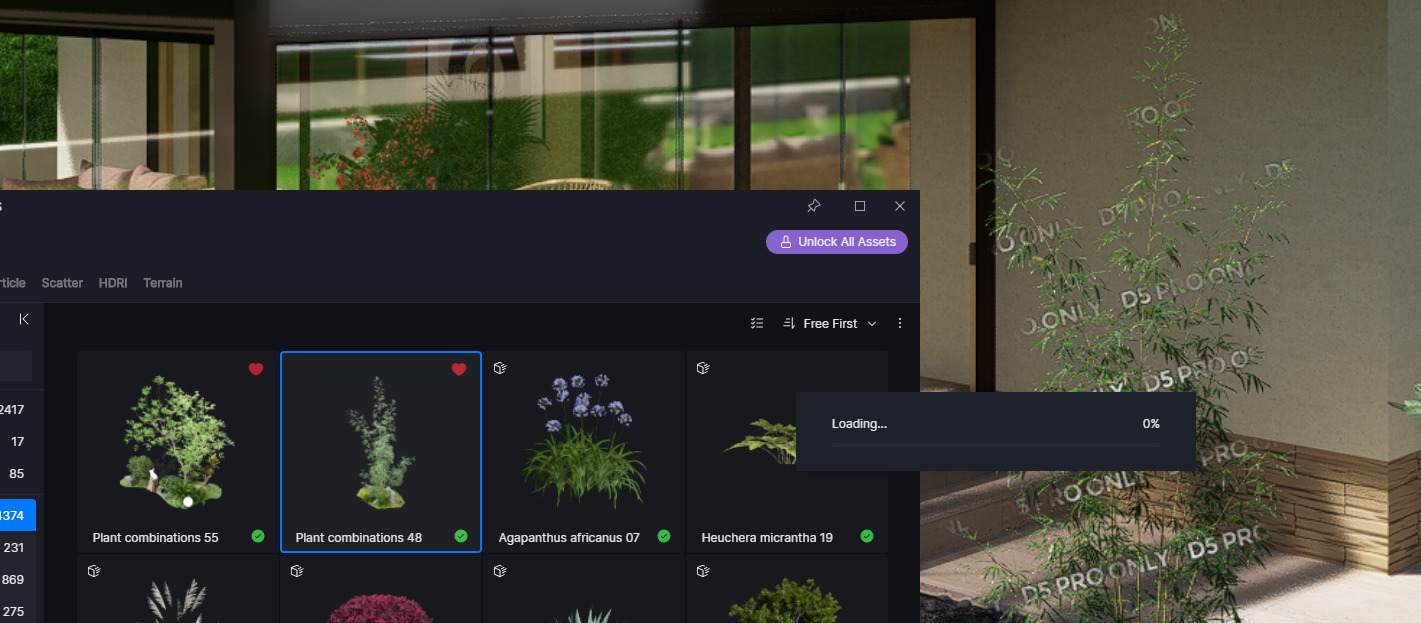
version 2.10.1.0579
salve,
hai trovato una soluzione?
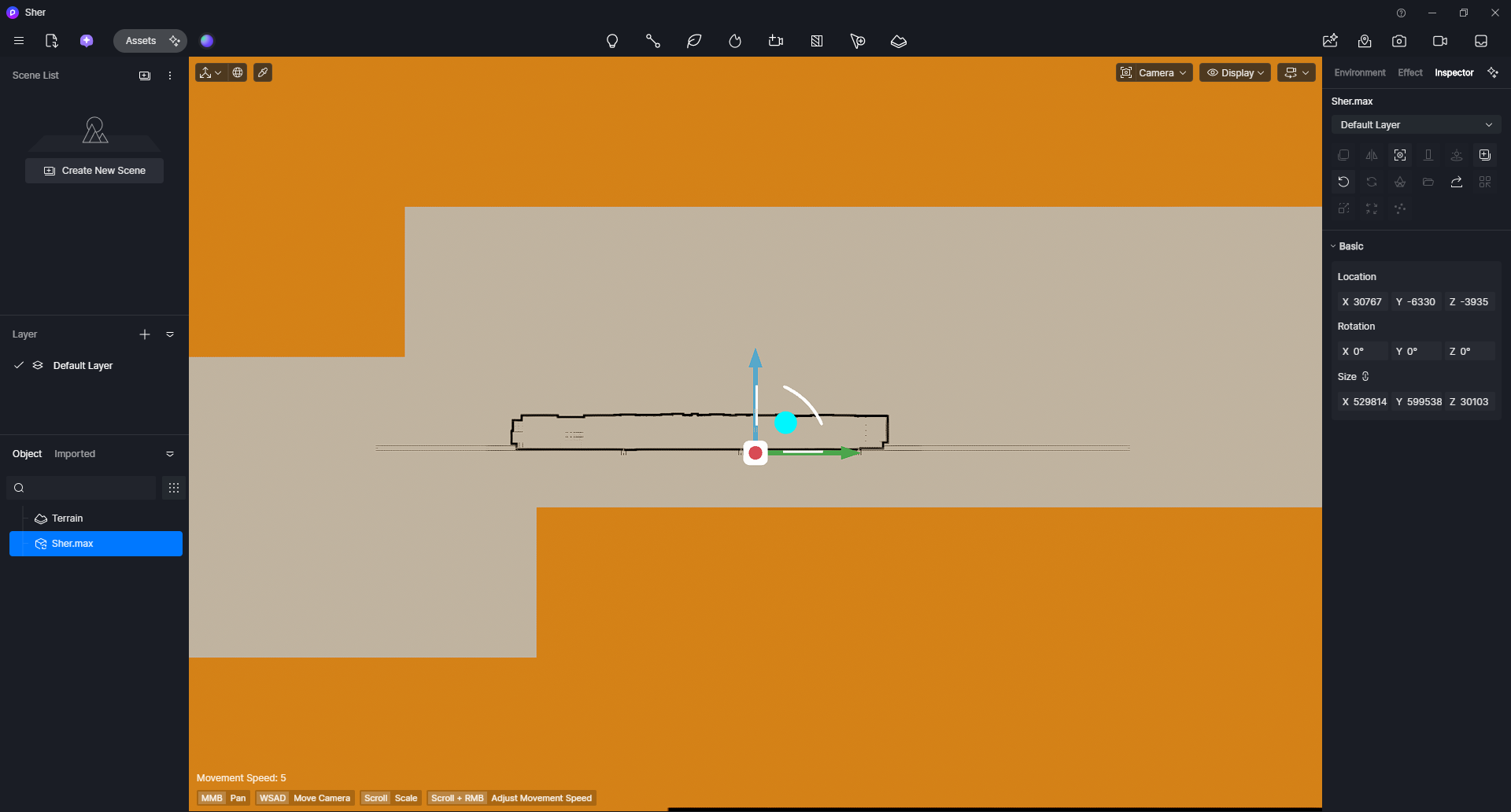
I am experiencing two separate bugs:
Bug 1: 3ds Max LiveSync crashes on connect
When clicking “Connect to D5 Render” in the 3ds Max LiveSync plugin, 3ds Max crashes immediately. The scene contains Corona materials. A simple scene with a single box and no materials syncs without issues, which suggests the crash is related to specific Corona material types. Software versions: 3ds Max 2024, Corona 13 Hotfix 1, D5 LiveSync plugin latest version.
Bug 2: Environment settings reset when switching to Animation tab
Every time I switch from the regular viewport to the Animation tab, all environment settings are completely reset to default. This makes it impossible to maintain a consistent look when setting up animation renders, as the lighting and environment need to be reconfigured every time.
Please let me know if you need any additional information, log files, or screen recordings to reproduce these issues.