Hi @jccjae
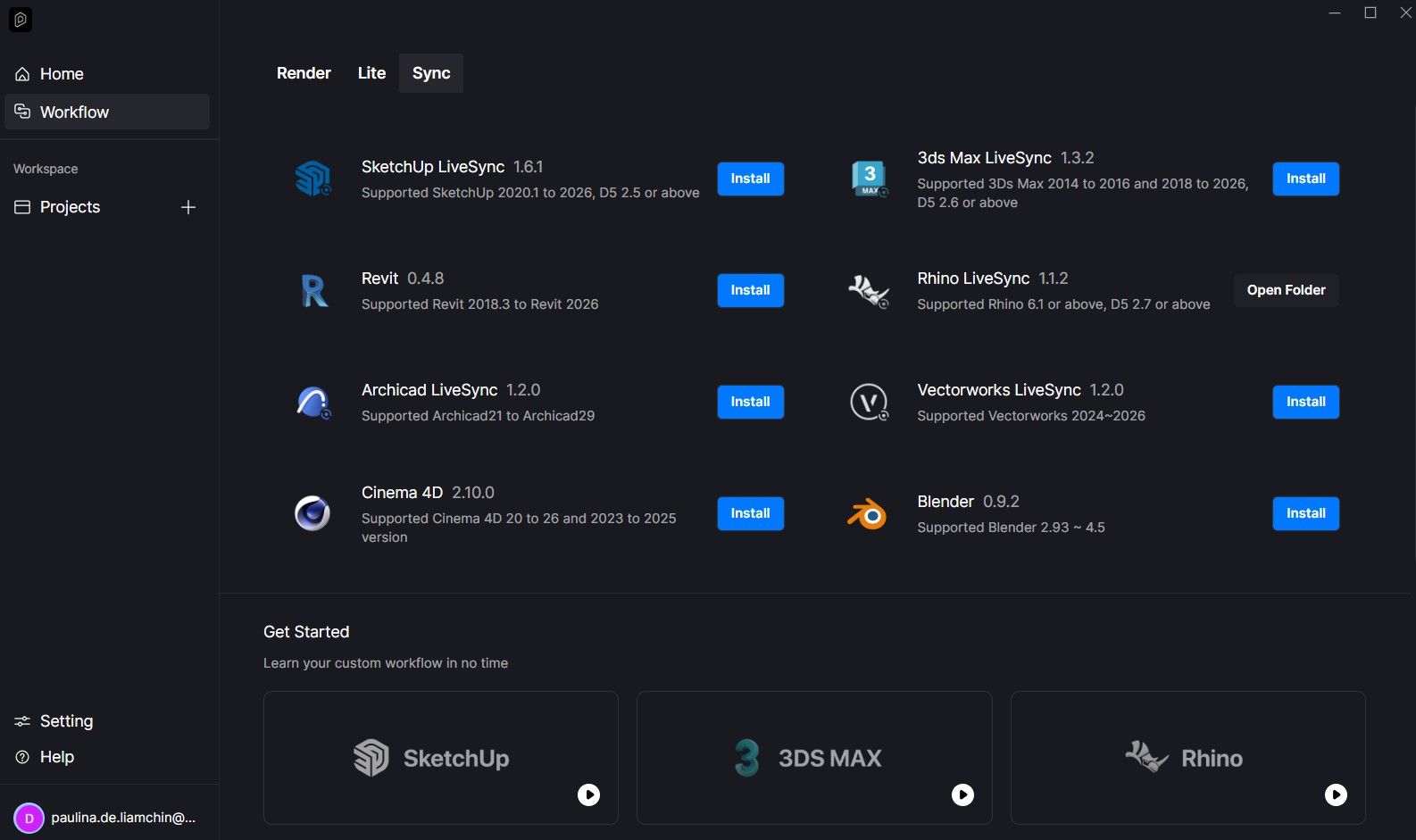
This is a known issue with the LiveSync plugin version 1.1.2.0005. Was the previous version 1.1.0.0002 is also causing crash on your end?
Hi @jccjae
This is a known issue with the LiveSync plugin version 1.1.2.0005. Was the previous version 1.1.0.0002 is also causing crash on your end?
Hi. just wanted to bump this post because both Rhino D5 Livesync v1.1.2.0005 and the newly released 1.1.2.0009 are causing crashes upon performing basically any action in Rhino 8 (moving objects, changing layer materials, etc.). It doesn’t crash upon startup, but this issue persists as long as I have LiveSync enabled.
It’s making it impossible to use either program, and I need help urgently so I can get my project done.
Could you also help me? I’m having the exact same problem, I’m using Rhino 8 and both versions of D5 Livesync v1.1.2.0005 and 1.1.2.0009 are causing instant crashes. I need it to work urgently. Could I just get a link for version 1.1.0.0002? Can’t wait for fixes
Sorry for the inconvenience. Could you please collect your D5 log files using the Support Tool. How to use Support Tool? | User Manual
Please also share your dump files from the version 1.1.2.0009. Here’s a reference on how to gather them. Manually Creating a Memory Dump (DMP File) from an Unresponsive Rhino for Windows [McNeel Wiki]
Once you have everything collected, please upload the files to WeTransfer and send me the link privately. Thank you for your understanding.
After the last update on the Rhino Livesync Rhino is crasshin a lot.
Here is what is happening.
I’m working with adjusts in the rhino file using live sync and also switching to D5 to visualize the changes and then after some tweaks it crashes.
Version 8 SR18
(8.18.25100.11001, 2025-04-10)
Commercial
SN: 6-1800-0101-1-3181-25896-10
GPU RTX 4090
Ram 64gb
Ryzen 9 7950x
Two monitors
D5 Livesync version 1.1.2.0009
Hey!
I am also facing this issue, with the latest livesync. Crashing several times a day, even when performning simple commands in rhino like “Polyline”… Is there a quick fix i can do?
Hi @sos
Sorry for the inconvenience. Could you please collect your dump files? You can find the guide in this this thread. Please upload the zipped folder to WeTransfer and send me the link privately. Thank you so much
Hello, I am having the exact same issue. However, I was able to download the D5 Rhino 8 plugin 1.1.2.0005 (had the 1.1.2.0009) and the error persisted. However I linked the file from D5 directly and it opened.
Is there a way to get the plugin LiveSync to work again?
Problem Description:
We are experiencing a reproducible issue with the D5 Livesync Plugin for Rhino:
Steps to Reproduce:
We can provide the log files and the Rhino file if that would be helpful for the analysis.
Thanks in advance!
Hello! I am a student and just downloaded D5 for my renders and I use Rhino 7. I downloaded the livesync plug in and checked th toolbar in rhino to make sure everything was in place. However, when I go to click the first button to START the sync, my rhino freezes and nothing happens. At the bottom of my screen there is a box that says Run D5 Render 100% but nothing happens ! Anyone know how to fix this ???
Apologies. Could you confirm which version of the Rhino LiveSync plugin you installed? Thanks 
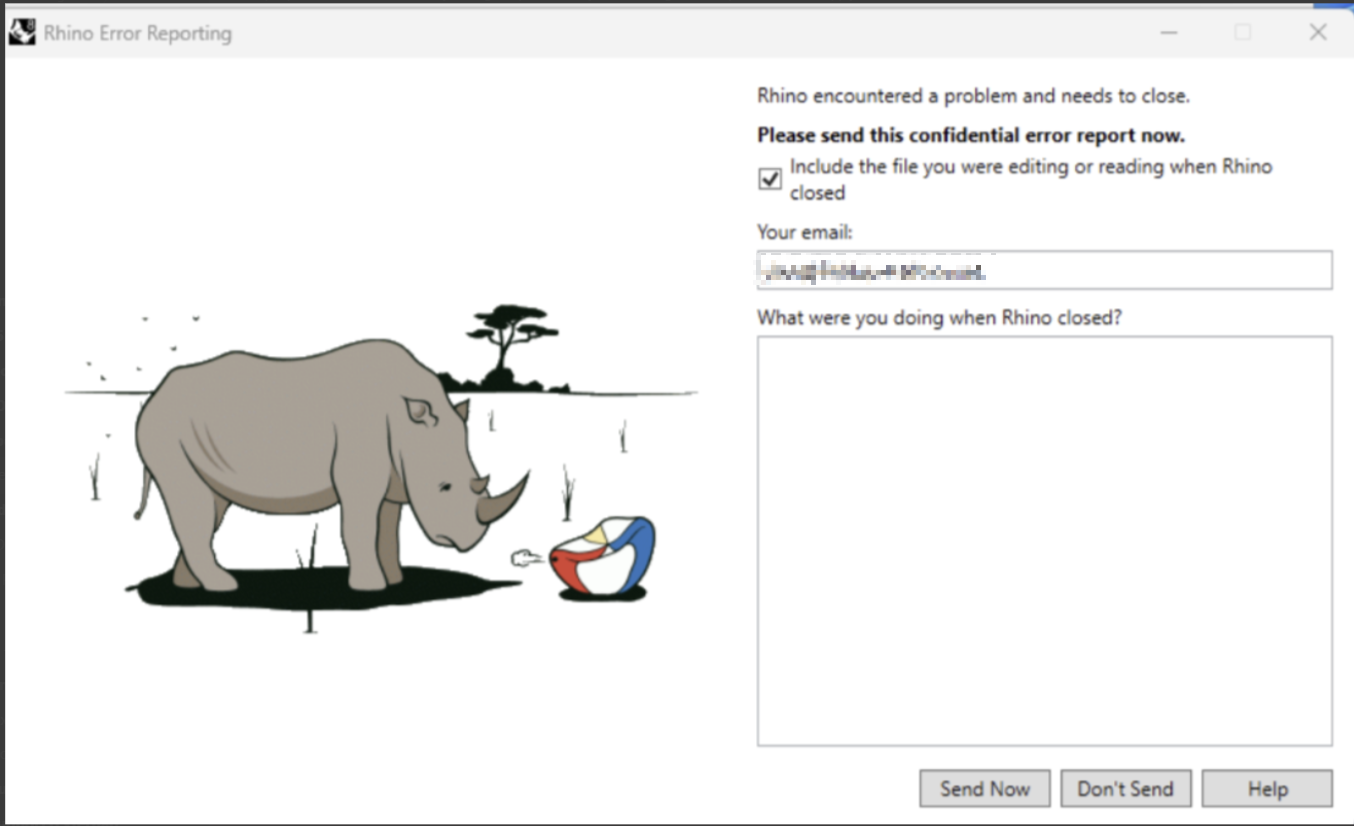
Same issue here. Also got the Rhino Error Report.
Hi everyone, this beta version has been created by our team to address the issue. It is designed to theoretically fix all recent crashes, including loading crashes, first-startup crashes, and crashes triggered by specific file associations.
Please try it out at your earliest convenience, we appreciate your feedback. 
Hello Ela,
Thanks for reply.
I am using the latest version of Rhino (Version 8 SR25
(8.25.25314.11001) and the Live Sync plugin (D5_Live_Sync_Rhino_usa_1.1.2.0005.exe)
However, I have also had a few other problems over the last few days.
First of all, after installing D5 (only for me – option Install directory AppData/roaming), I was unable to “Save files” on my office workstation… Regardless of how large or small a project was.
Reinstalling (for all users – under C:/Program Files) solved the problem.
Previously, both installation types worked.
However, with the D5 Live-Sync plugin, neither the one (only for me – recommended) nor the other installation (for all users) worked.
When I start Rhino, it closes immediately. I am also in contact with the Rhino support team, who are currently experiencing problems with the latest Windows/graphics card updates.
In Rhino safe mode, I have to disable the “RhinoCycles” plugin so that I can at least start Rhino again. However, if I have D5 Live-Sync installed, this solution does not help either and Rhino always closes on its own. In order to use Rhino again, I have to completely uninstall the Live-Sync plugin.