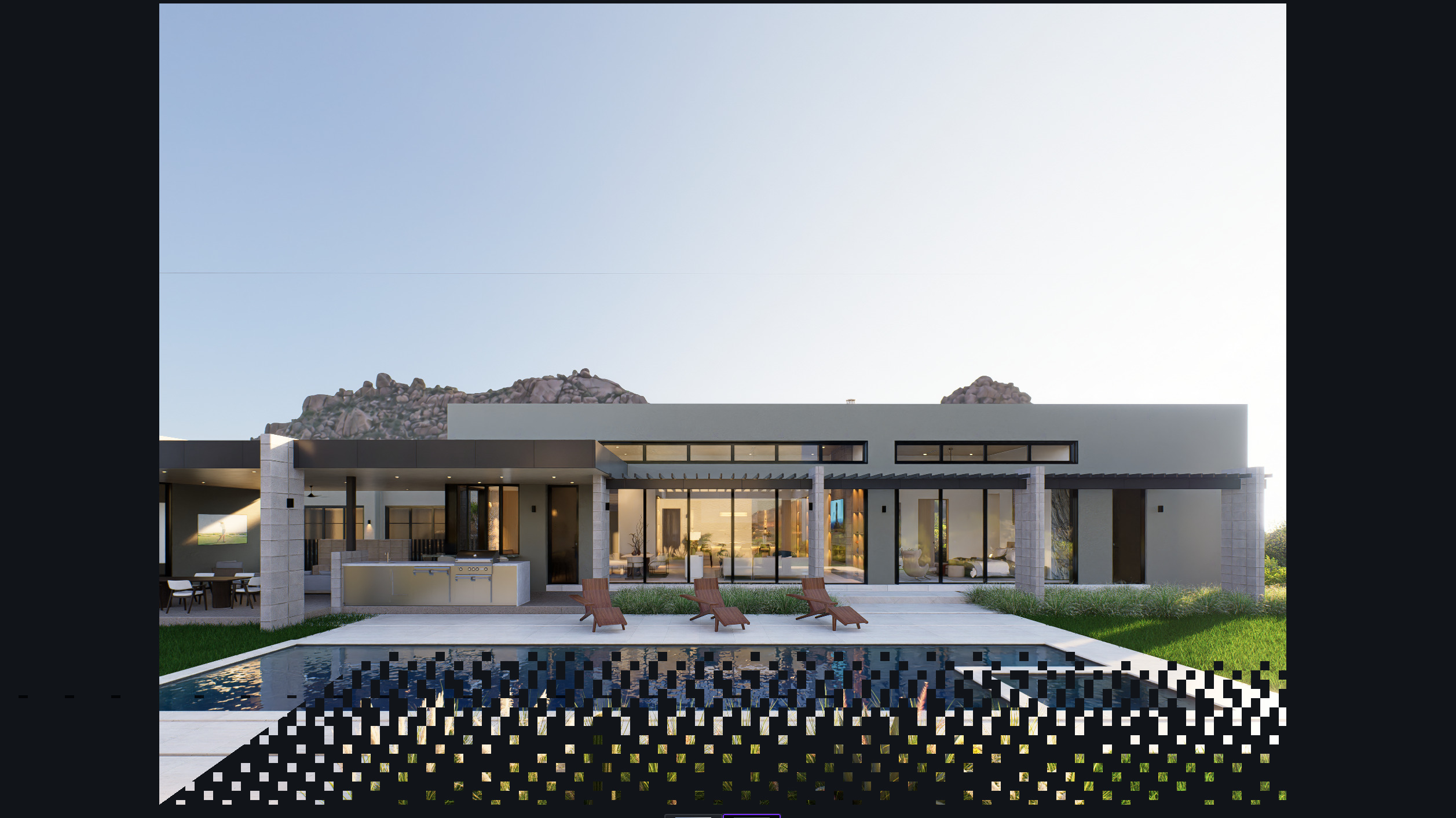
Does anyone else have this problem?
The image flickers during AI Post-Processing?
The process is running, but the symptom is very disturbing…
Please check a video ( below link )
arch.PXL
Does anyone else have this problem?
The image flickers during AI Post-Processing?
The process is running, but the symptom is very disturbing…
Please check a video ( below link )
arch.PXL
hi, try latest nvidia drivers. i do prefer studio drivers for content creation.
I’ll let you know if it helps 
Alright, please do!
Hi, did you manage to fix in any way? I think I’m having the same issue for quite a while now. Seems like you removed the video so I’m not sure if it’s the same thing or not. Would appreciate it if you would tell me how you solved it. Thanks!
after driver updates and installing latest update (hot fix version) still have the filickering issue in AI postprocessing. when is a 3.2 being released to fix this. No issues before 3.1.1 but now this is hindering workflow massively.
on a Asus G16 w/ a 4080 gpu.
Hi @dyseman
There is no exact date for 3.2; it might be best if you revert to version 3.0.1.
so a quick update. since the Nvidia studio driver update was not solving the problem, I ended up going back to the latest update for the gaming driver and that seems to have resolved the issue (for now). will post if anything changes.
might be useful for those still dealing with this after updating with Studio drivers. Try the latest gaming driver instead.
Best,
Hi @dyseman
Can you let us know which specific version was used?
Additionally, did you use the same file to test it?