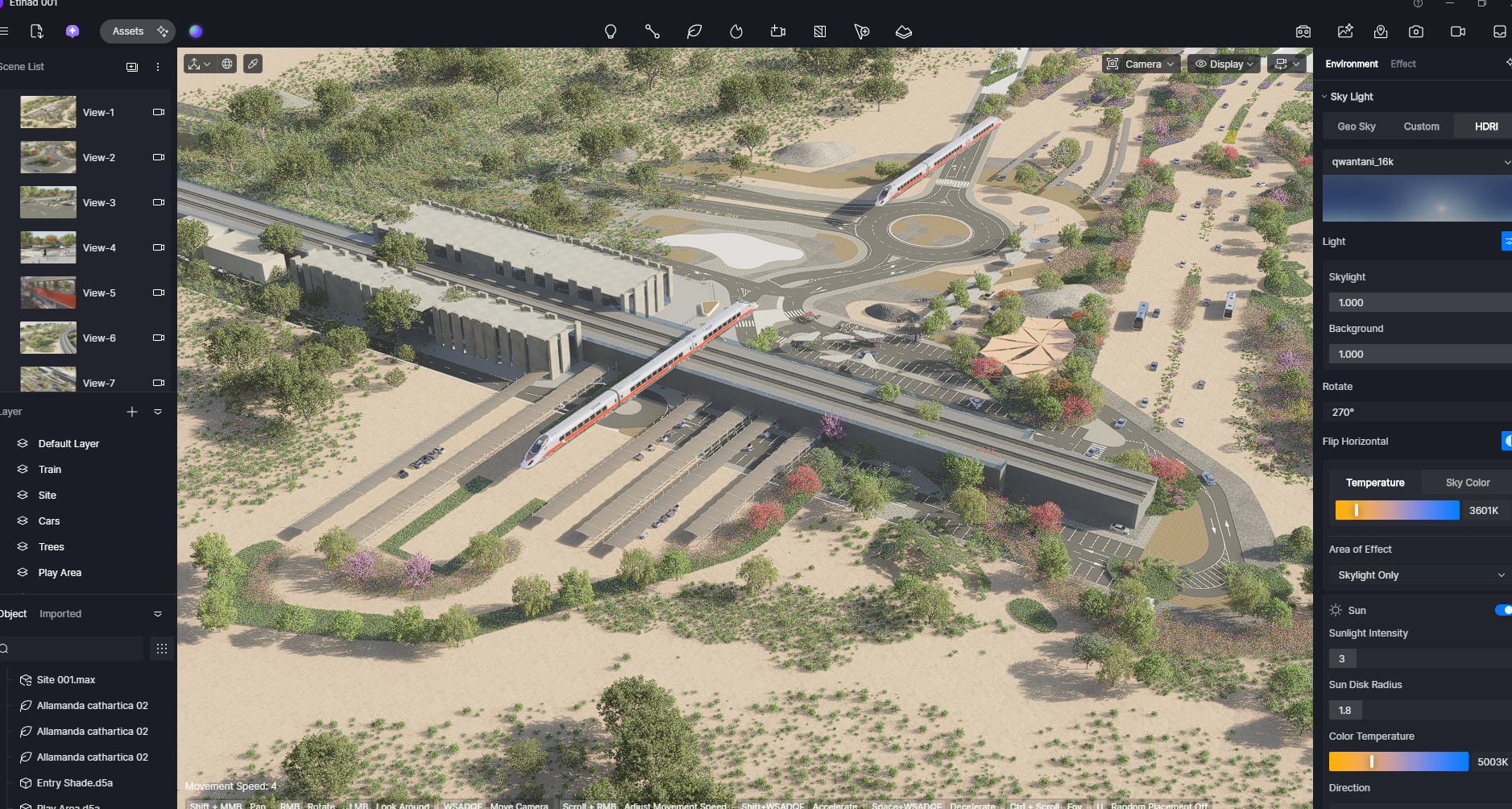
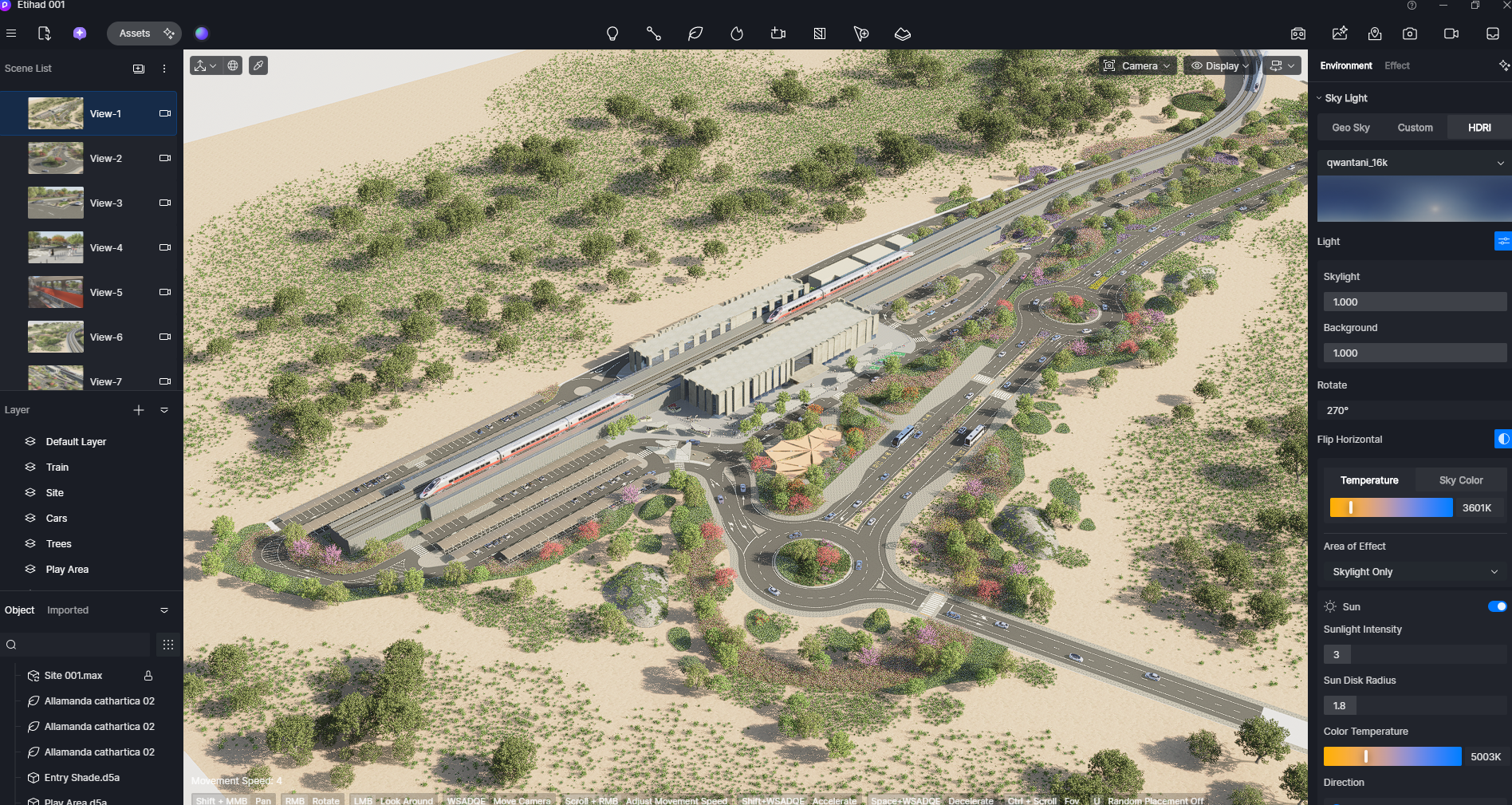
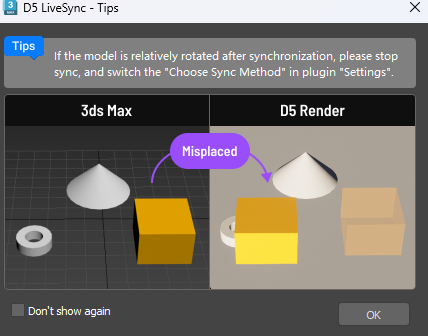
D5 Render Version: 3.01 Graphics Card: Nvidia GeForce RTX 4090 24.0 GB Driver Version: Issue Description: I just updated D5 Live sync with 3ds max. after updating whenever i use live sync from 3dsmax to D5 is misplacing and rotating the whole 3ds max scene in D5 where i already made everything. Screenshots/Videos Description:
Could you confirm your 3ds Max version, and please check if the scene is far from the world origin (0,0,0)
Also, please run a quick test and create a simple new scene (e.g., a single box at the origin), then check whether LiveSync still misplaces or rotates it in D5.
First of all 3ds max version i am usning its 2023.
Scene is not far from origin and it is the same file same placement same oreintation verything is at own place before updating new live sync toolbar. as i update the toolbar while working same file same version of max . didnt do anything just press live sync button and its srotated 90 degree and mispalced from its placement . only assets are there at thier place . you can see in screenshot didnt do anything else … just update toolbar and press live button . and its coming in all the previous files . and this really giving me heart attack . bcz now i cannot edit in any of my previous files of D5 my work is stuck cz of this.
As per your instructions i created a new scene just created a boxes and using live sync.
and after closing and opening files and editing and again using live with the same file same version its working fine but my concern is about all previous files why all files are not properly updating on its same pllace using this tool bar. what to do now.