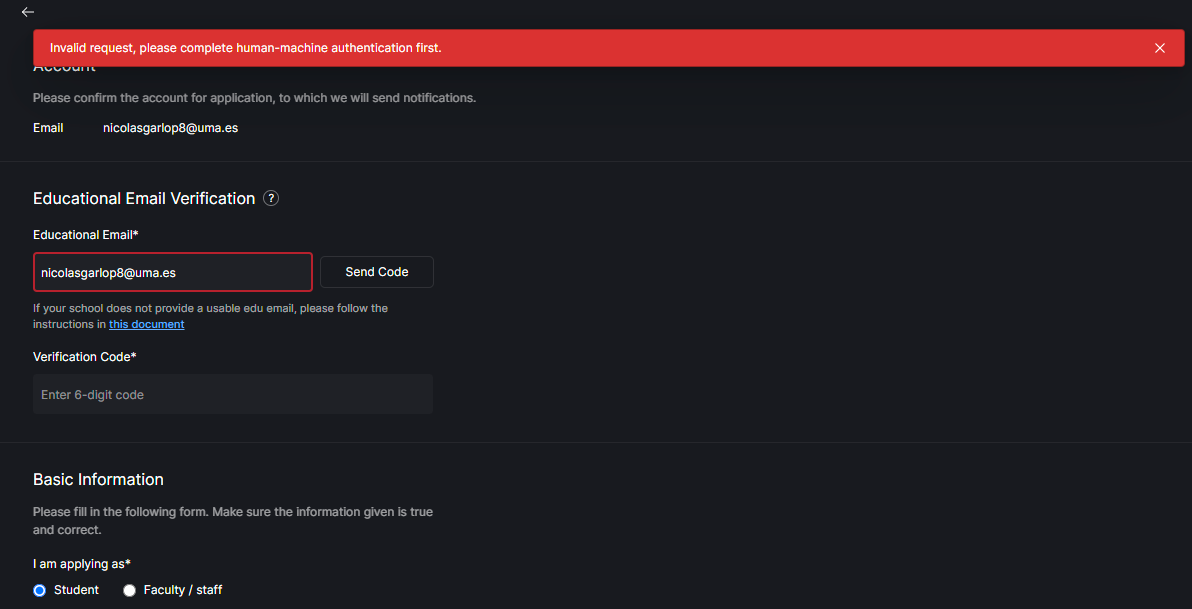
Hi, I have the same problem; I want to get the student version again, but it won’t verify my email even though it is valid.
2 Likes
1 Like
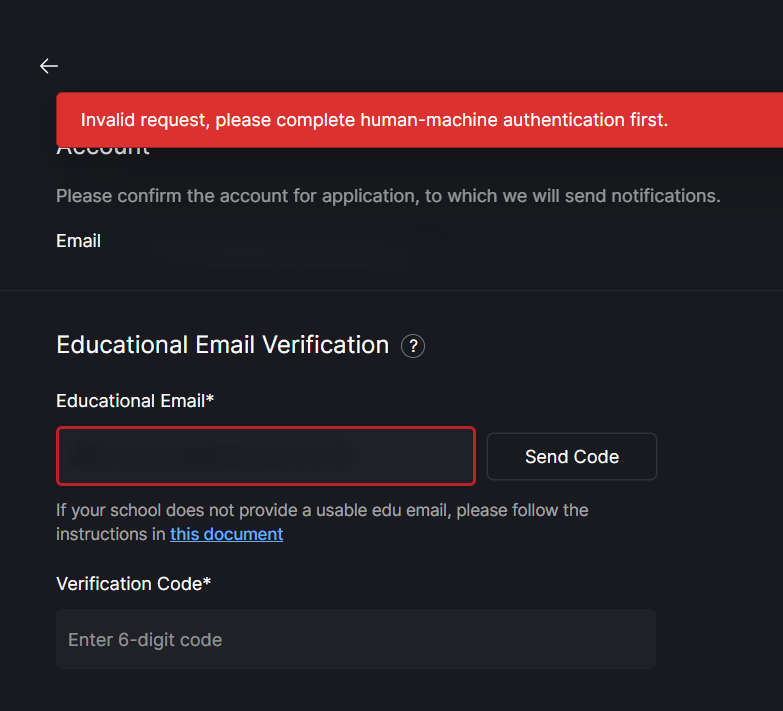
hi, i have the same problem
1 Like
Same problem with me I can’t renew my student version
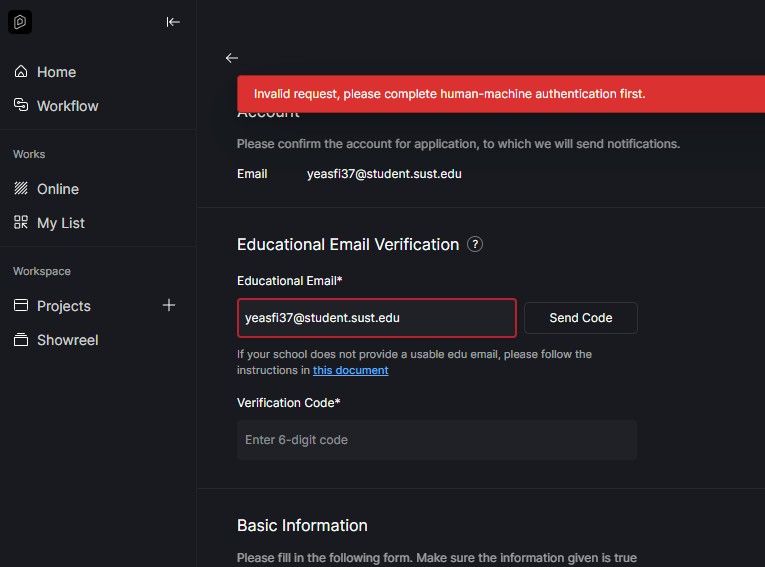
Hi, I’m in the same situation when I try to get again my educational license
Hi @sarkhanisayev.s @2004224 @mrolon @nicolasgarlop8 @yeasfi37 @villarroel28317998
I apologize for the inconvenience. I have confirmed the issue on my end, and we are addressing it promptly.
Uploading: image.png…
我从昨天就一直卡在人机验证这个页面,我也试过重装软件,重启电脑,关闭网络代理,更换vpn节点和更改网络但就就是一直卡在人机验证这个页面,最后实在没招了,我选了Google账号登录,结果谷歌账号登录的时候会报502roway。
I’ve been stuck on the human verification page since yesterday. I’ve tried reinstalling the software, restarting my computer, turning off the network proxy, changing the VPN node and switching networks, but I still keep getting stuck on this page. Finally, I had no choice but to log in with my Google account. However, when I tried to log in with my Google account, it reported a 502 error.
Sure,U25091120459@cityu.edu.mo
Stuck in human verification during login, typically showing an endless loading spinner after completing CAPTCHA is a documented issue, especially in corporate or restricted network environments.
- One of its main causes is network-level blocking of essential domains required for the verification callback.
You’ve mentioned that you have tried changing to another network.
-
Can you please try connecting to your mobile data to see if the issue persists?
-
Please whitelist the following domains:
— google.com
— https://www.google.com/recaptcha/api.js
Hi team,
I am trying to apply for the D5 for Education license using my university email (agusfabrizio@uba.ar), but I am completely stuck on the Educational Email Verification page. Every time I click on “Send Code”, I get the red error banner: “Invalid request, please complete human-machine authentication first.”
The CAPTCHA/Geetest challenge is simply not loading or showing up at all inside the D5 Launcher interface.
I have already tried the following troubleshooting steps based on previous forum posts, but none of them worked:
- Switched my PC connection to my mobile data hotspot.
- Flushed the DNS cache via CMD (
ipconfig /flushdns). - Fully disabled the Windows Defender Firewall.
- Cleared the launcher cache by deleting the
cid.datfile.
I’m try to apply for d5 education in the apply page i cant send a code because it say
“invalid request , please complete human-machine authentication first” .

Hi @sarkhanisayev.s @2004224 @mrolon @nicolasgarlop8 @yeasfi37 @thanradee.n
Please try applying again to see if the issue persists. I checked on my end, and the problem has been fixed.